simple program with custom Indicator
-
Evening Everyone
I have been trying to learn fxDreema, building simple programs and then working up from there. I have a custom indicator that I have been trying to program with but I can not get it to make a trade. The idea is simple, buy when the indicator turns lime green (Buffer 0) and sell when it turns orange (Buffer 1). I tried using condition block with color change, indicator visible and indicator appear. None of these work when I try back testing in MT4, just no trades made.The indicator I am using is this 0_1589335143258_HMA_nrp_alerts__arrows.mq4
What I have for a program is this: 0_1589335181222_HMA autotrader.mq4
I know this is a bit of a remedial problem, Any help is appreciated.
Also, is there any literature about fxDreema anywhere like lessons or instruction manuals I can read? I have not found anything comprehensive.
Thanks for any help!!
-
Could you please share the link of the project instead of the mq4 file? That would be easier to review for everyone.
-
Sorry about that....I am not sure how to link to the project itself. The URL is just /builder. How do you link it?
-
Go to Projects --> Create a shared copy --> click on the 'Get a link' button ---> Click on the link ---> Copy the URL of that new page here.
-
OK, I worked out the link to the project is fxdreema.com/shared/00AdxytBd.
-
Ok. The logic in general isi correct. Please rememberf to connect the 'buy now ' block to the condition block above it. Otherwise no buy will be open ever. Single blocks art not executed.
So apparently the problem is with the custom indicator. Can you please show the screenshot of the indicator in yoor fxDReema account?
-
Sorry about the link, I have been playing with different indicator options and forgot to put it back together before creating shared folder. Below is a link to the fixed program and a shot of the indicator parameters
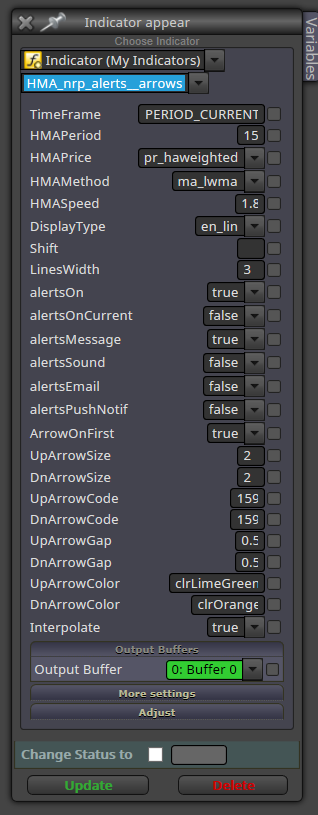
-
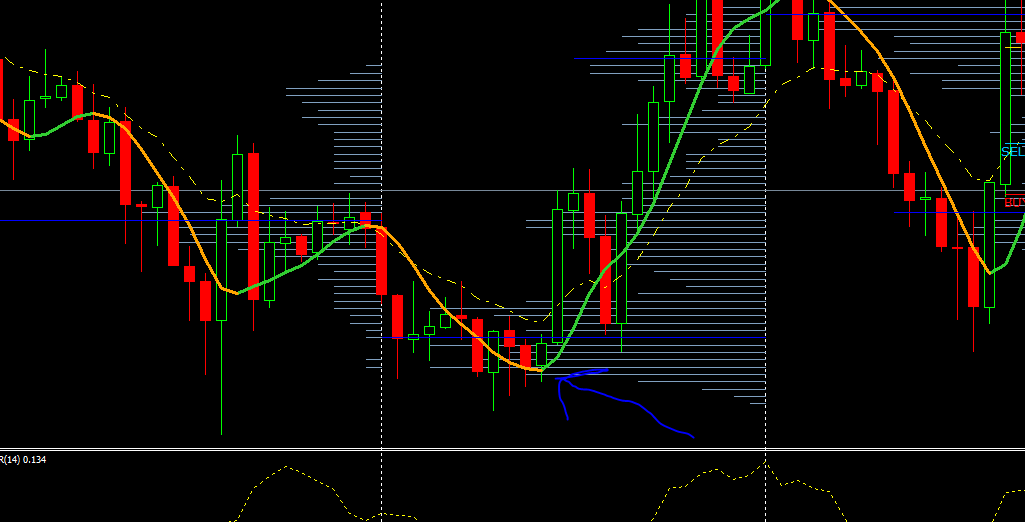
Or were you looking for this?? The indicator is the orange and green "heikan ashi/moving average" line running through the candles.
-
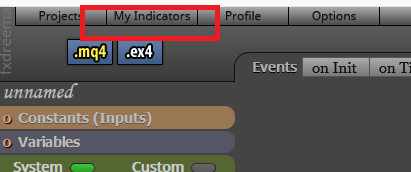
No. I mean what you see when you select it here:
-
It was too big to fit on 1 screen so I tool 3 screen shots and stitched them together.
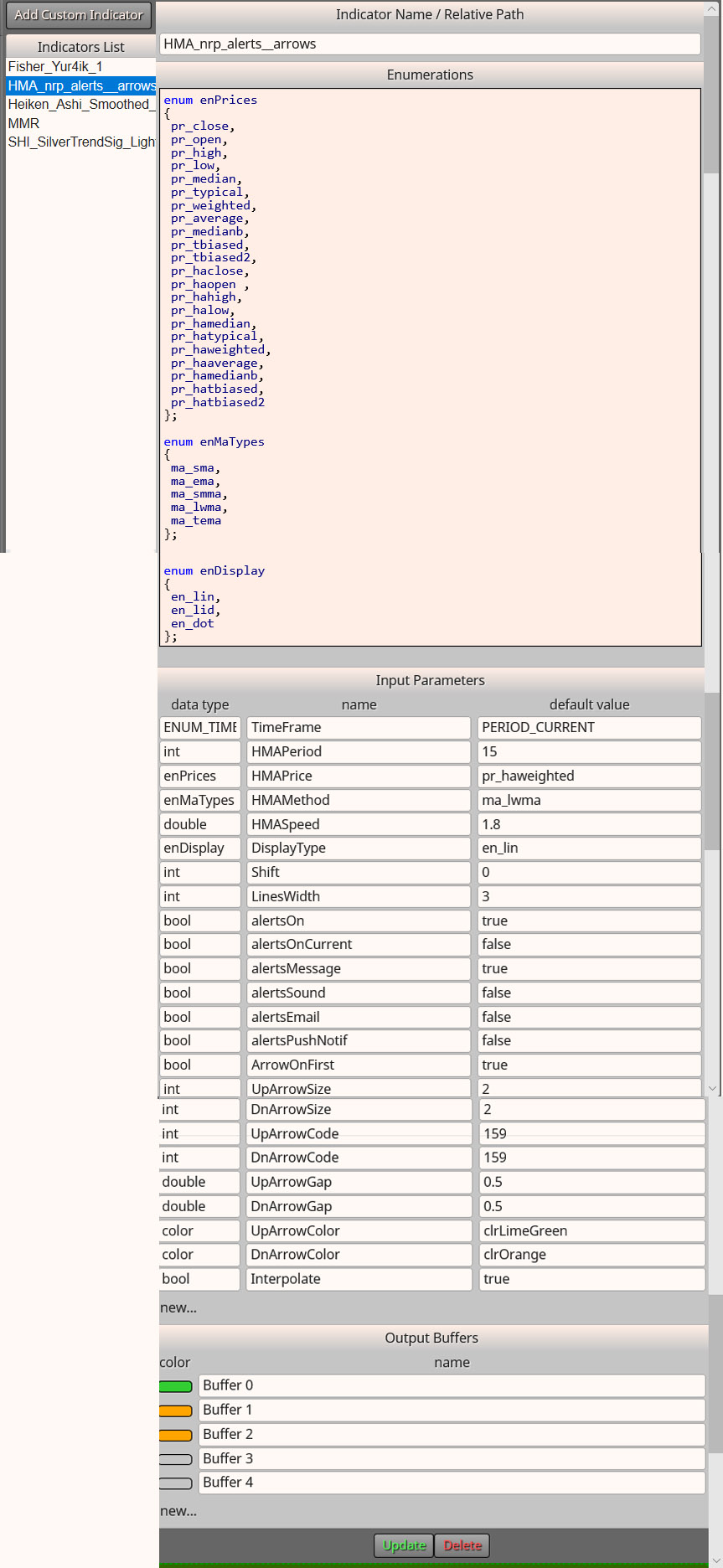
Let me know if this is what you need or you need anything else.
Thanks again for the help!!!
-
Exactly, this is what I wanted. Apparently the indocator is correctly imported. I see two orange buffers. Are you sure buffer 1 is the one you need? Did you try buffer 2?
-
no, I didn't, but I could not get it to buy to begin with, which is Buffer one. But I will try a selling strategy with buffer 2 and see if it works.
Thanks

Online Users