ADDING TO TRADES
-
Hi guys, FXdreema is great but I’m having an issue.
I want to make it so that a trade is placed and then another trade is added (loading up) at a set distance when the previous is secured in profit or trailed.
So for example -
Buy placed 1 pip SL
Moves in profit 1 pip - break even set
Another buy placed 1 pip SL
Secured in break even… and so on
I want to be able to add to trades without risking more so I can only ever lose what I originally risked because the previous is secured, and to be able to adjust distances etc
It seems to just add trades constantly on a loop at every tick and when I change skip trades or every ‘n it doesn’t change it at all, it does the same thing.
Does that make sense? I don’t understand much so please make it really simple for me if you can, any help would be much appreciated!
Thanks

-
@jordanmarvelley If you place a shared link people can see where your at and help a bit easier, you have pink bocks that can place a trade at certain pips, ones that will move stops, blue blocks that break even, on the on trade tab you have purple blocks that do something at a set condition like, sl moved so place order.
-
@jordanmarvelley 1 pip sounds nice, but until you watch how the market gyrates in real time you will see sometimes that it moves up 5 pips and down 5 pips in a single candle before continuing in the expected direction. Now combine that with slippage, spread...its even greater.
-
@jstap It says the file is too big when i take a picture and the url is just plain so not sure how to share
Thanks for the response
-
@jordanmarvelley Go into top right, get shared link, open in web page, copy and paste here.
-
@jstap I'm sorry, i cannot even find get shared link, plus my link url is only fxdreema: https://fxdreema.com/ << that's the link from my url
It's simple anyway what i have, my break even blue bock is above no trade connected by the yellow line as normal which works fine, then i have -
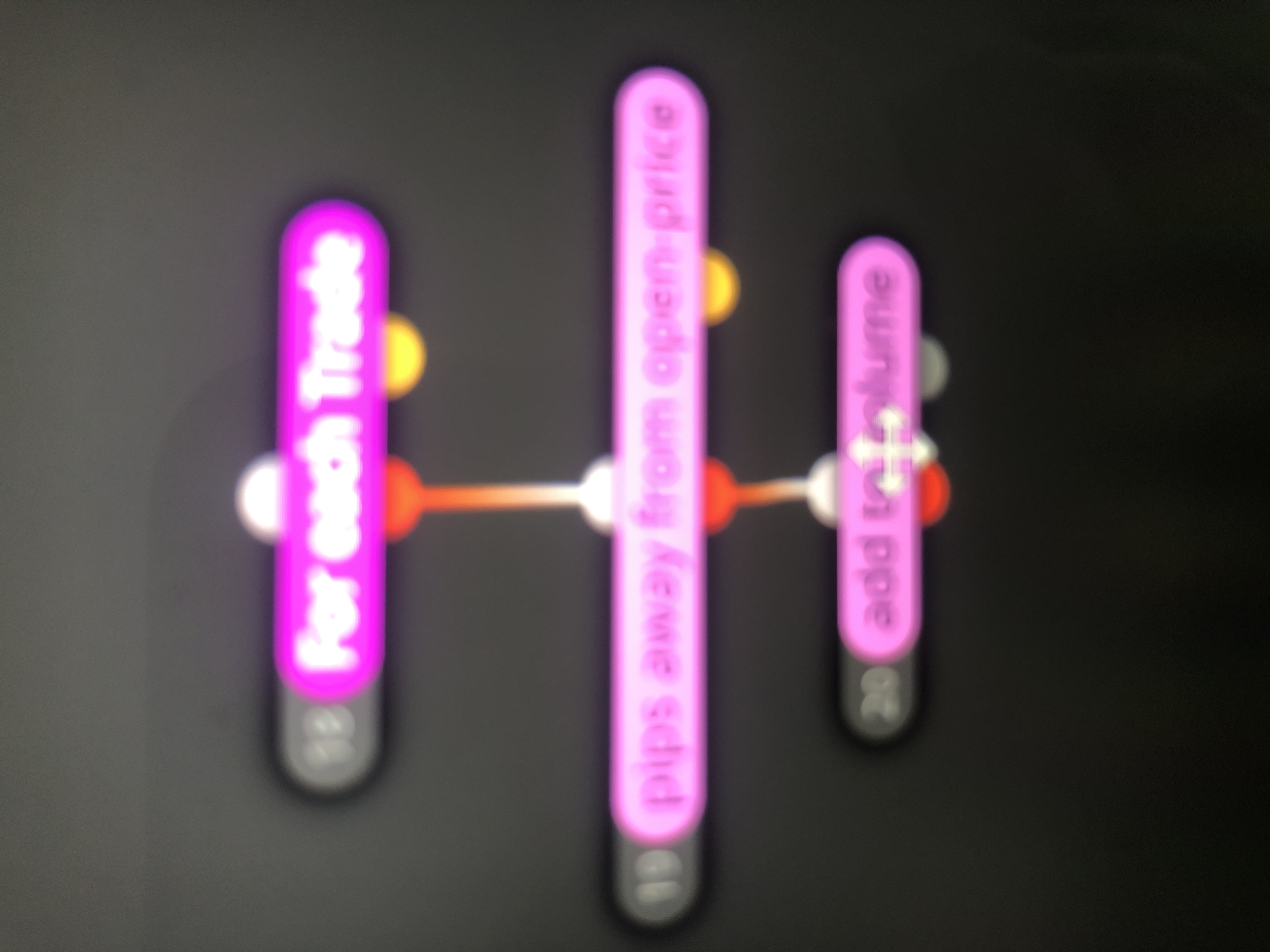
For each trade, pips away from open price and add to volume on the right hand side all pink/purple, they are connected in the order i listed and separate from the rest
That's it, apart from my conditions etc
-
@jordanmarvelley Is in project, get shared link.
-
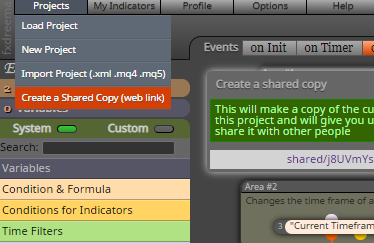
click that link that pops up, it will open a new window with your current project
-
Maybe it's because i have been testing the free version, i do not have that or any of those tabs, what you have posted
-
@jordanmarvelley ah yea, definitely the problem.
-
Ah I see ok no problem, thanks for your help guys
-
-
lol my man with the zoomed in cellphone pic.
SHFT+WIN+S = screenshot. You then click and drag your mouse over the area to copy. Then paste it here with CTRL+V
WIN = Windows key
-
 I done it so the quality was poor bro, it won’t let me upload otherwise
 -
@jordanmarvelley You need to show what it in each block, also is this working from a trade that is already placed?
-
Nothing atm, i've changed it all around and it doesn't change anything, still adds mad amounts at every tick, it secures them in break even but not allowing me to change distance between each added trade, i think it'll be a lot quicker if you just tell me, sorry for the ballache
-
And yeah, so first trade is placed as normal and then i want it to add a trade at the distance i set when the first is secured in break even, i just wanna add to my profitable trades without risking more
-
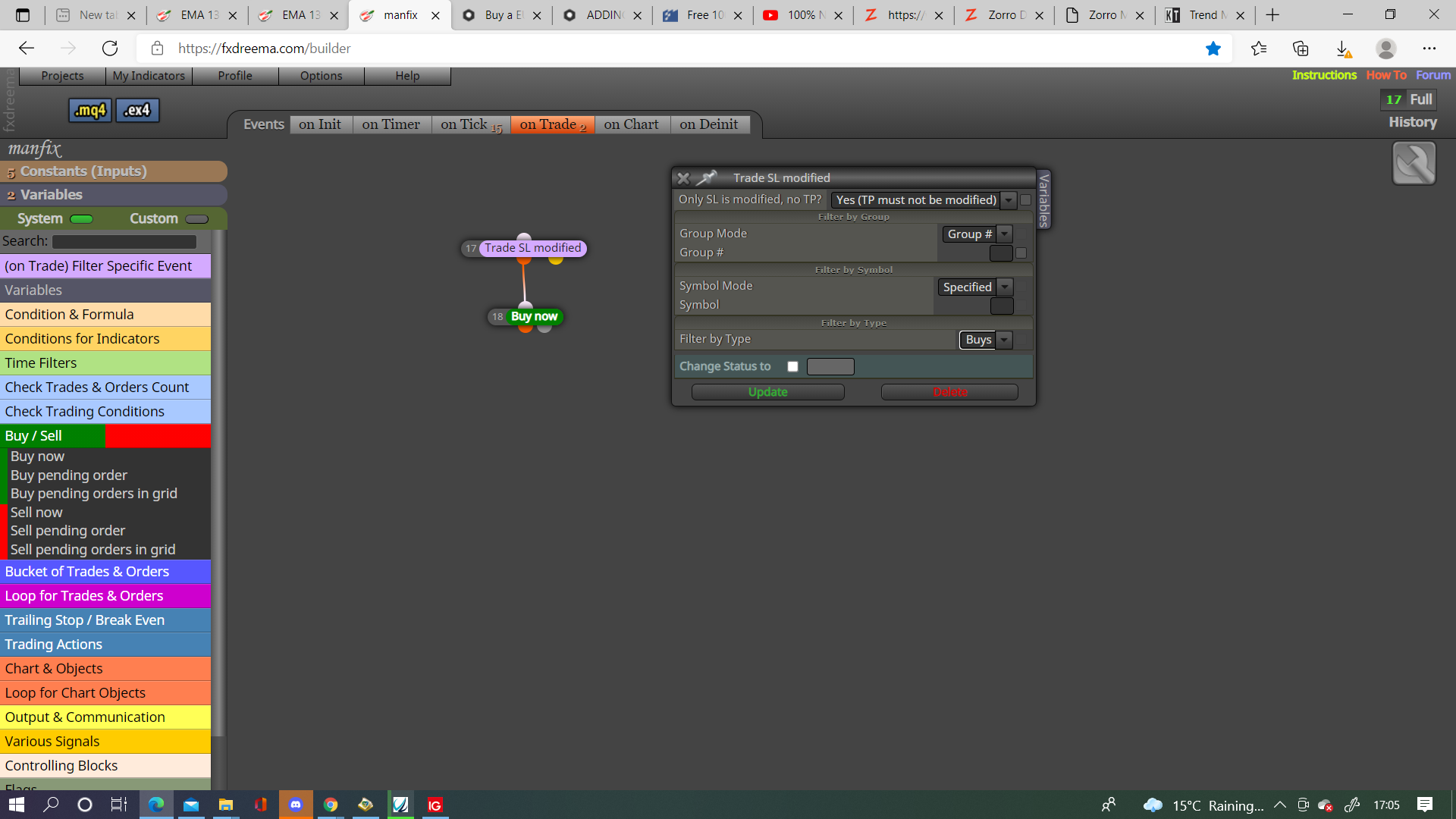
@jordanmarvelley You probably need to use a purple trade closed block on the on trade tab.
I would use this and not pink, this way every time SL is moved to BE a trade will be created.
-
@jstap Thanks ill check it out
I've managed to find how to do it! Watched video on youtube, you use the 'if trade' block instead of 'for each trade'
Now i just need to figure out how to have each new trade having its own stop loss, because it is now adding with the space i set and securing in break even, but if it doesn't get a chance to secure in break even, its holding all the way back to original stop loss.
Do you know how to do that?
Thanks!
-
@jordanmarvelley If you are using the add to position block it will keep the original sl, placing a new order is the easiest way to resolve this, you can also move sl if you prefer.