I want to know how can i used these conditions in fxdreema
-
-
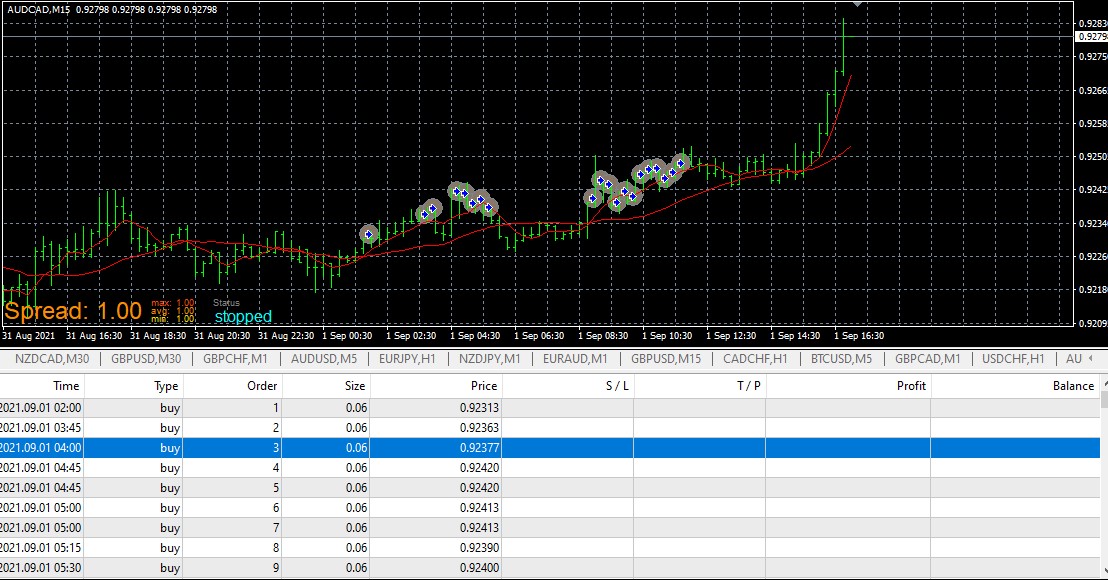
@jstap sir EA is buying above from buy one and also in bulk
i put 5 in pips away constant and see the results
-
@talalkhan Put the no trade at top of tree, is working for me.
-
@jstap same problem buying in bulk and buying above first buy
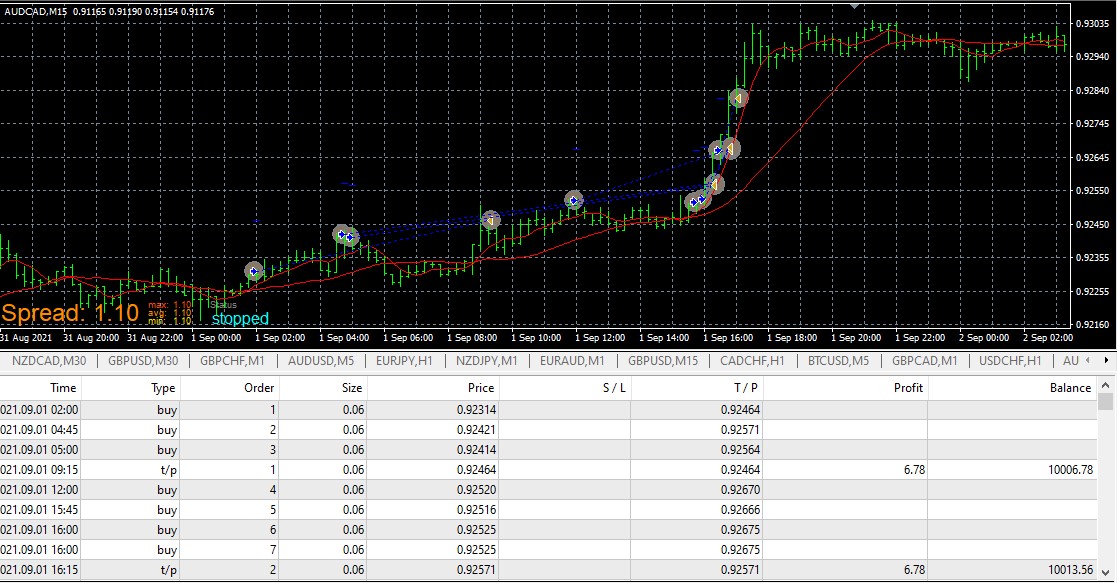
I want buy if buy trade against me X number of pips.
Buy 1: 1.0000 (Condition met)
Buy 2: 1.0950 (5 Pips)
Buy 3: 1.0900 (5 Pips)
Buy 4: 1.0850 (5 Pips)
Means buy after every X pips price down
-
@jstap i will create 10 buy groups and 10 sell group with max trade of each group is 1 will it work? I think it will
But one problem is still there positive constant is not converting in negative variable with your code -
@talalkhanYes this will work, use a blue count trades block before buy/sell. Did you put a value in your constant? Works for me. https://fxdreema.com/shared/cCltnJD8b
-
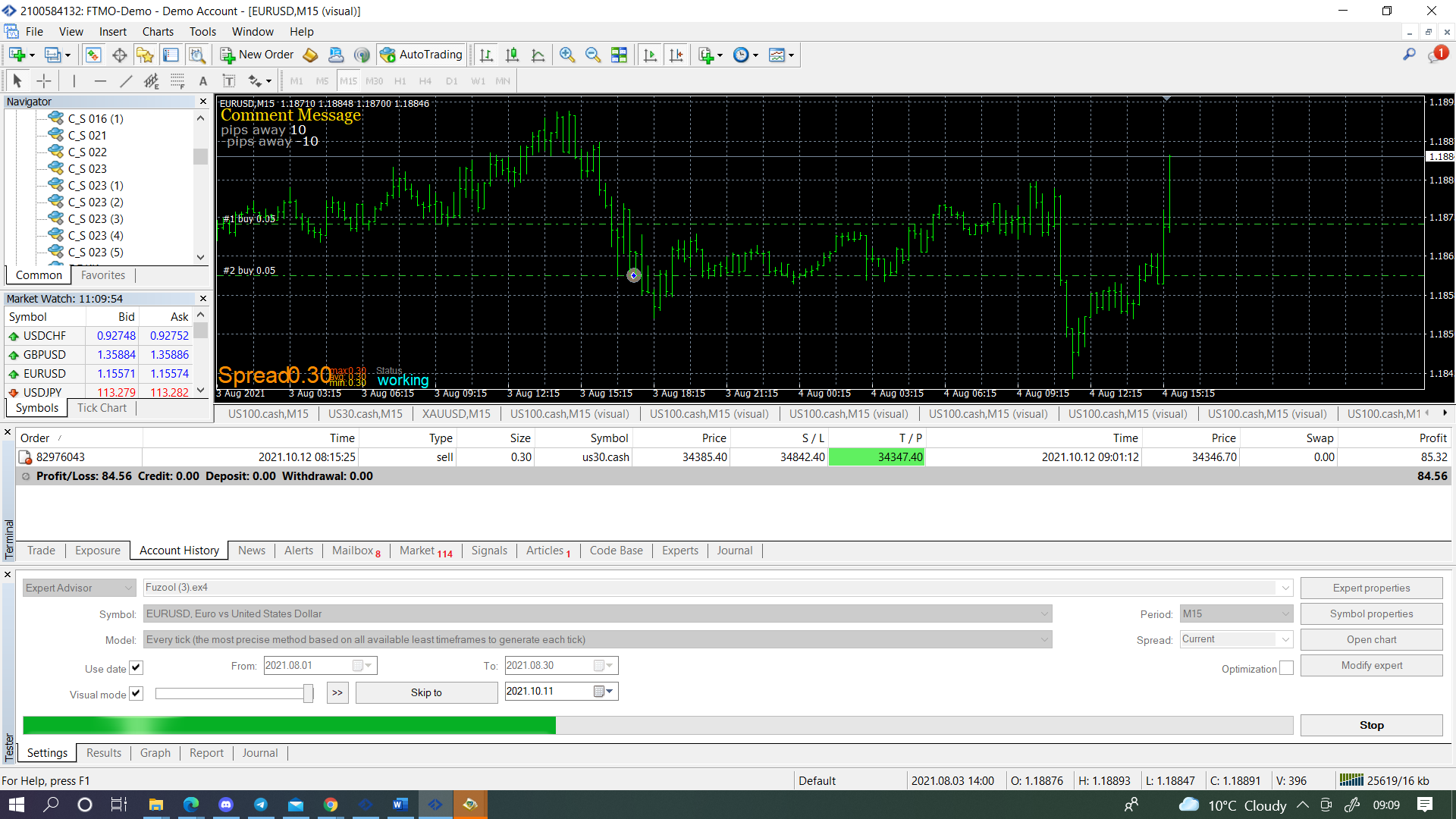
@jstap I deal with all the problems and working fine, check this out.
https://fxdreema.com/shared/0mFhgYl6b
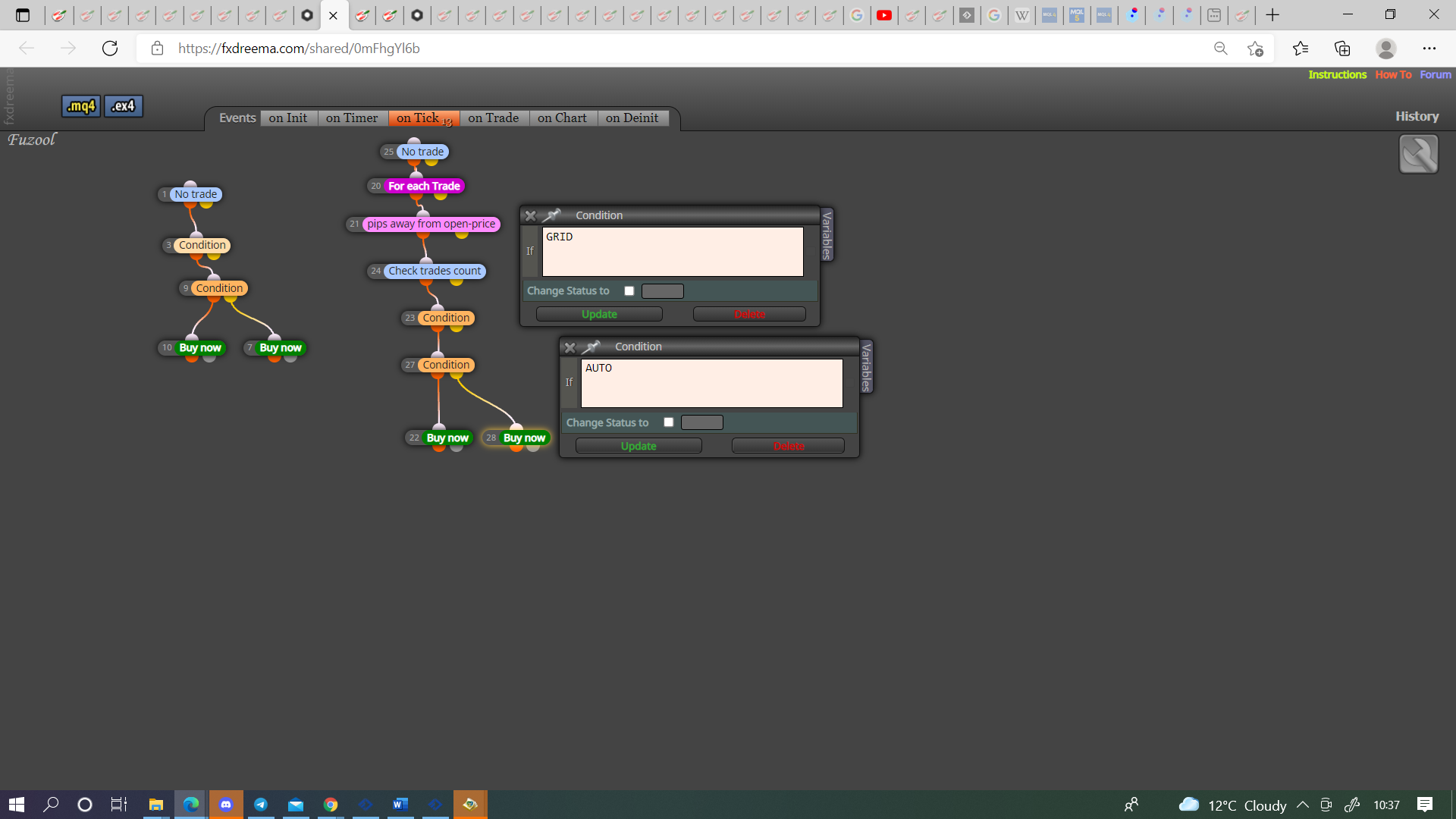
My next question is how can i used 2 buy blocks like i used in no trade group 1, with (If AUTO) condition block 9, i am little confused if i used it with (if grid 23) then grid block true false control the buys. i want to control group 2 buys with (If AUTO) block condition 9. How can it be possible? -
@talalkhan You either have to use an if trade block above, this will stop a group until the first group is active, or you have to create another name for the next group condition so you can switch off/on separately, (the #9 condition can be copied and used elsewhere)
-
@talalkhan describing in further details, if i am open first trade through fixed lot size grid trade also open fixed lot size trade, if i am opening first trade with balance % grid trade also open with a balance percent. i want no disturbance while grid is on or off. Now you can answer in a good way may be.
Please give me live example -
@talalkhan I think you want to do this?
-
@jstap yes thank you i already did this.
Can i control maximum one direction order of both trees in one constant?
Means i am creating 10-12 grid trees but in future my mind changed and i want to changed 10-12 grids to 3-4 from constant. how it can be possible? -
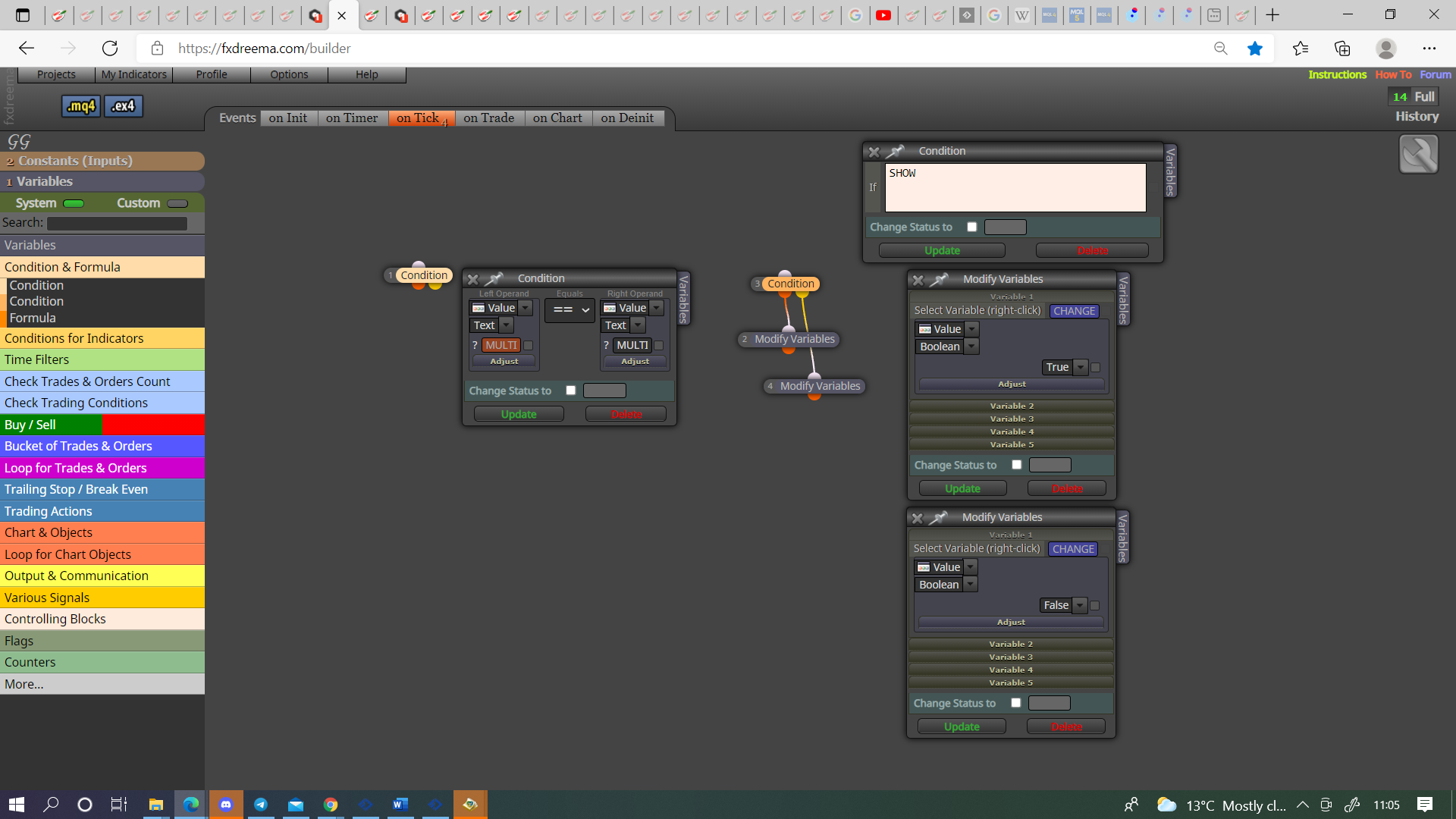
The constant only has two options, hoe you use the dots on condition will change this, you can set a sonstant up as string so what you write in inputs is what works, you can make a condition change a variable so useses a diffront set up.
-
@jstap its look tricky, so from this i can manage maximum orders? Am i right?
-
@talalkhan You need a blue check trades count block for this.
-
@jstap Problem No 5: Closed all trades of one direction buy or sell if sum of all trades is in profit of X pips.
check if i am wrong tell me (Block 61, 62, 63)
https://fxdreema.com/shared/DXCgoFzWc
Working on my side but i want this feature to work if 2 or more trades are open, on single trade simple TP works, when trades are 2 or more than activate this feature -
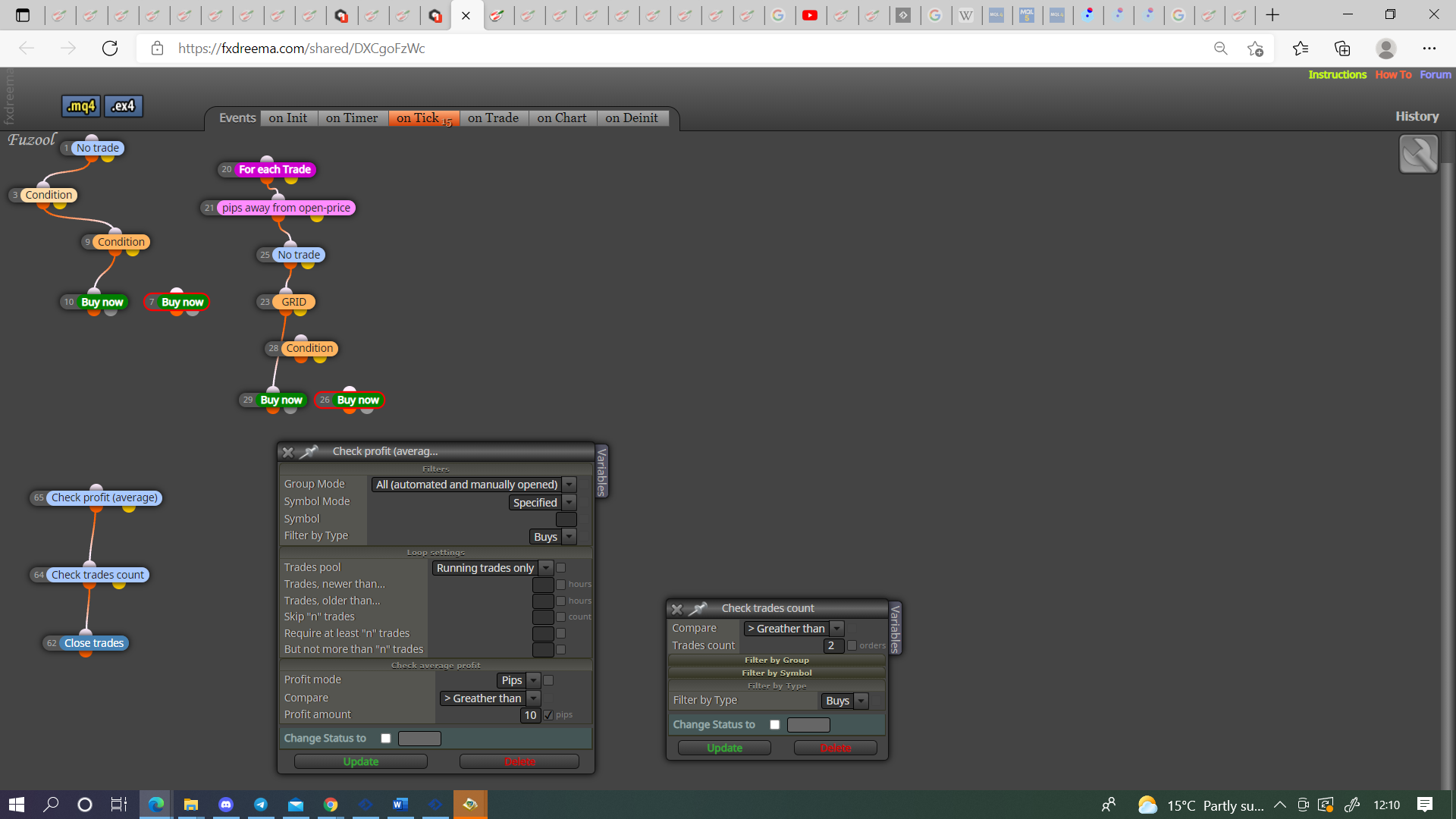
@talalkhan Don't need if trade, you need to check profit average.
-
@jstap Problem solved but put wrong entry on compare box of check trade count. Greater than or equal too is working.
One question is why with check (average) when we can control this from check profit unrealized? Is there any logic behind this or its just you choice -
@jstap After answering the my above question come to the problem no 6.
- I want to closed all trades and orders if equity is 25% down, same for up.
Your Answer: This can be done by taking the balance at a set point in time, /100* the constant percent, if equity matches this number all trades are closed, trading is stopped until it's reset.
I can't understand this answer its looks tricky, can you please give me live example with details?
-
@talalkhan It may have worked, i have only ever used this.
-
