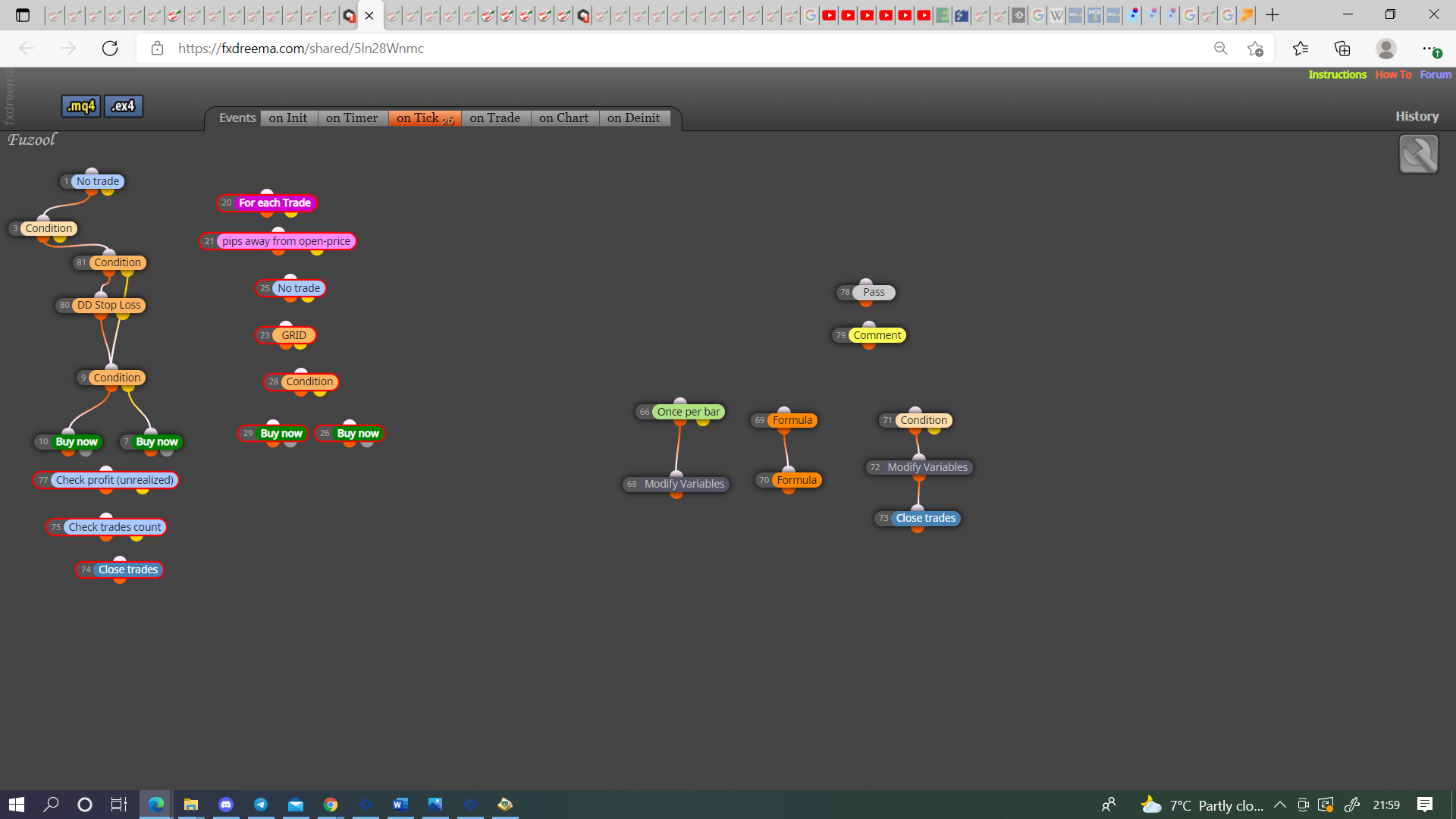
I want to know how can i used these conditions in fxdreema
-
@jstap I don't know any thing about variables, looks like it is equity % stop loss. I will just copy and paste it in my EA. Why you are using day lost percent formula? Lets say i am using 5% equity stop loss, If 2 trades are running from previous day and on current day 2 trades also in loss and account equity is- 5% down. Will my trades closed or not?
I tried same as you told but not working see
https://fxdreema.com/shared/bq3W6PoNbI used EA with 2% of stop loss but see trade is not closed at 9800$
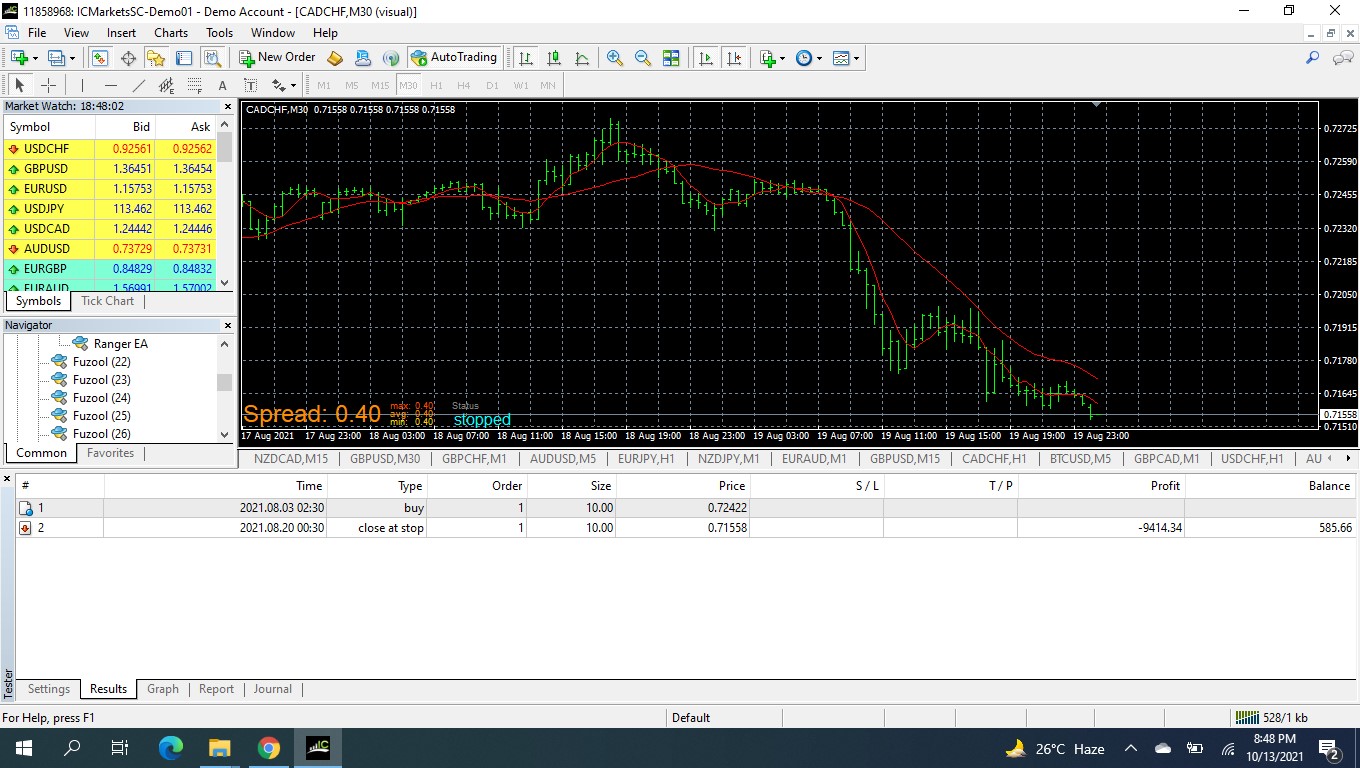
-
@jstap Please Reply When You Are Free
-
@talalkhan Put everything in a comment block so you can visually see what is or isn't working. The trade variable needs a orange condition block in tree to stop the trading, I reset it daily because that is how I use, if you want a diferent configeration then the choice is yours, just use the same logic.
-
@jstap can you give me a live example as i told you i don't know about variables and I also don/t know about comments. We discussed this problem few days back and I failed to do that, so it's a good idea to do it then I will try to understand what you have done.
I want to close all trades if 10k accounts is below 9k. it means 10% drawdowns -
@talalkhan Meant to add trhis yesterday.
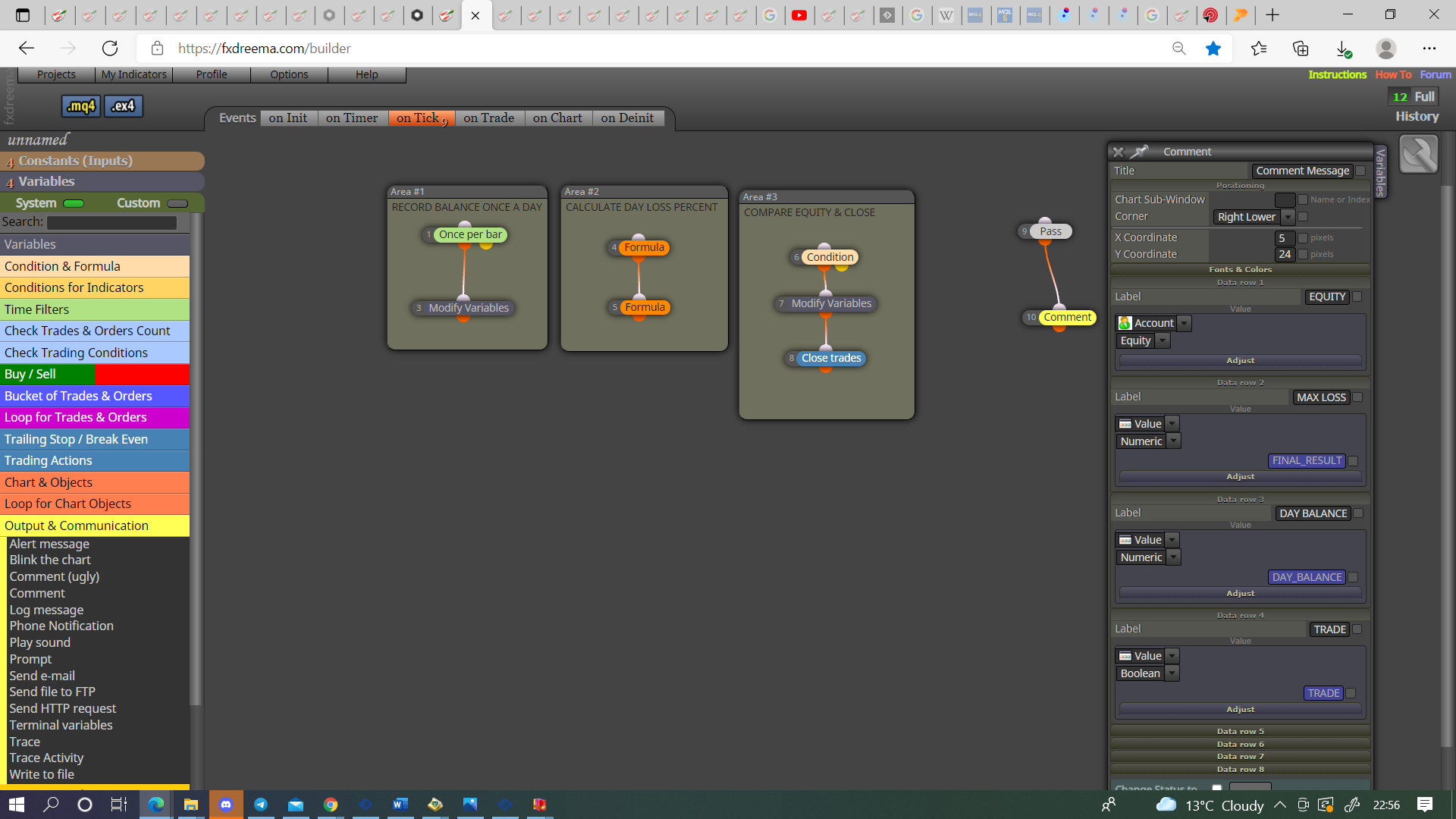
Variables/constants are selected in the top left,
type string = text
type bool = true/false
type int = whole number (integer)
type double = number with decimal point (0.00)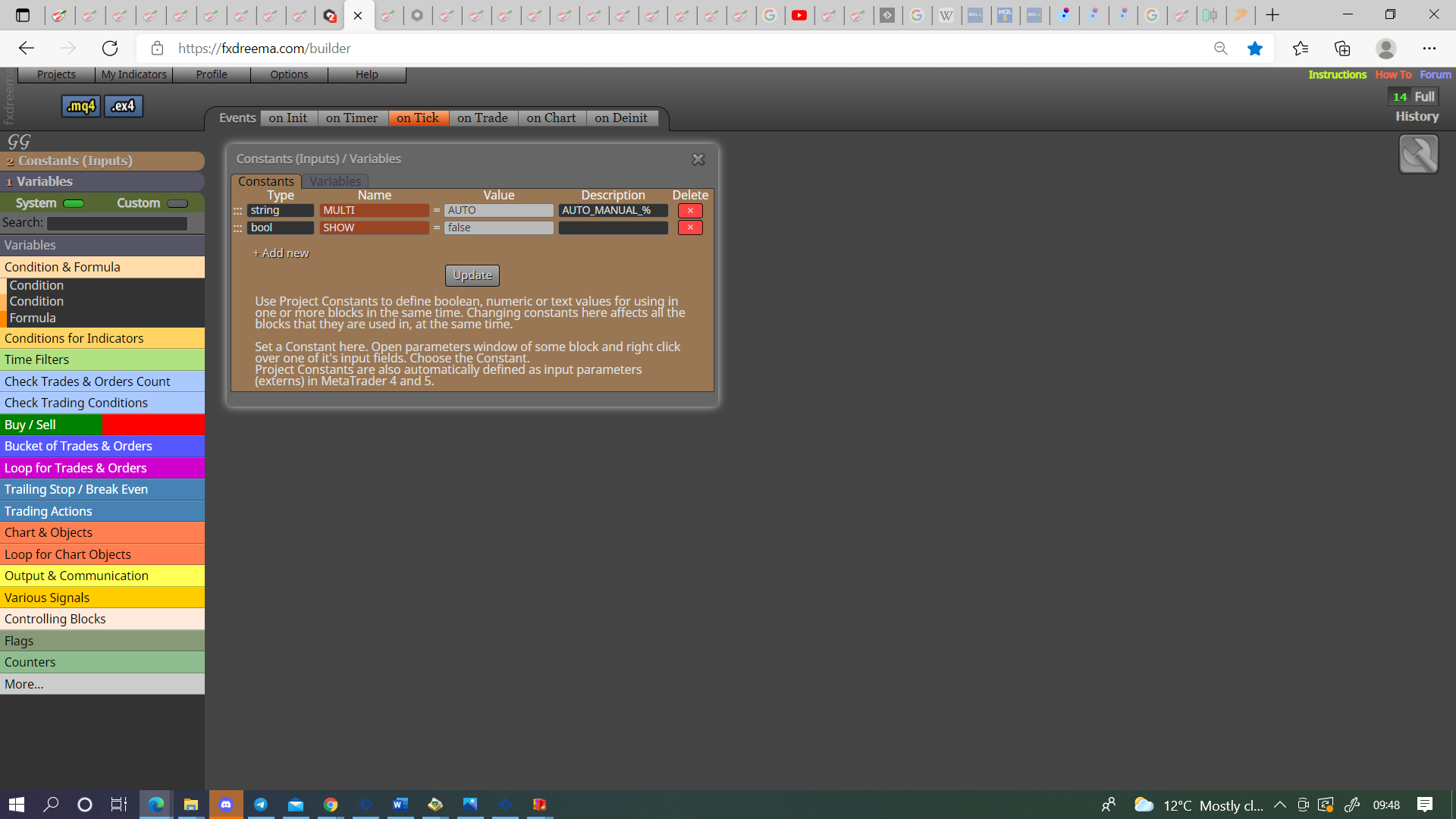
-
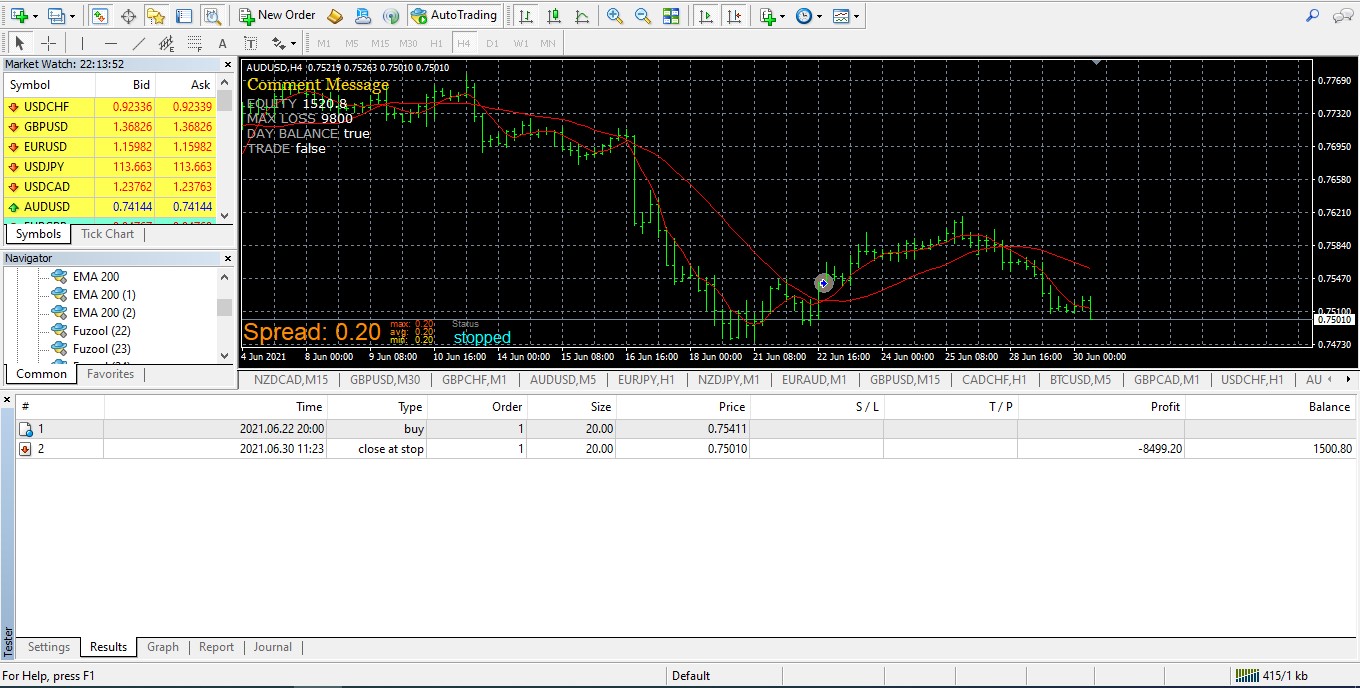
@jstap I do as you told, See its not working
https://fxdreema.com/shared/RpQPq7qVd
-
@jstap Please check?
-
@talalkhan This is not as I said, put all conditions in place, test then put on here if still not working.
-
@jstap which conditions? Sorry i missed. Can you explain?
-
@talalkhan Orange condition block with a bool condition, if this is true then below blocks will activate, if false they wont, this is why once a day the condition is set to true and if loss met it, turned to false to stop trading.
-
@jstap ok sir got it and where to put this true false block, in buy sell tree or at top of tree where closed trade block is used?
-
@talalkhan In the buy/sell tree, the close tree should already be setting variable to false.
-
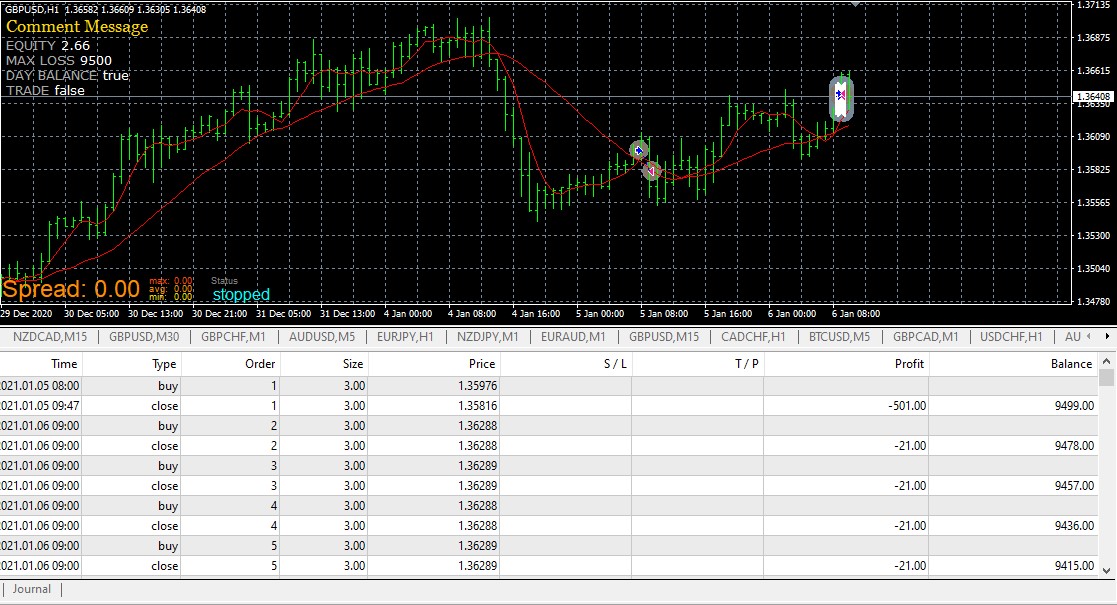
@jstap Thank you boss stop loss is working but now problem is when 2nd time condition met for buys, EA is opening and closing trades in no time. how can i stop trading?
I think i didn't place the orange condition bool block right. because when i set this block to false EA will stop trading when buying condition met
Link: https://fxdreema.com/shared/HZaJiAy8e
-
@talalkhan From looking at your picture you have DAY_BALANCE in as a bool, it should be double, post above says what the type should be for each variable/constant, check all are the right type, this can cause unexpected results.
-
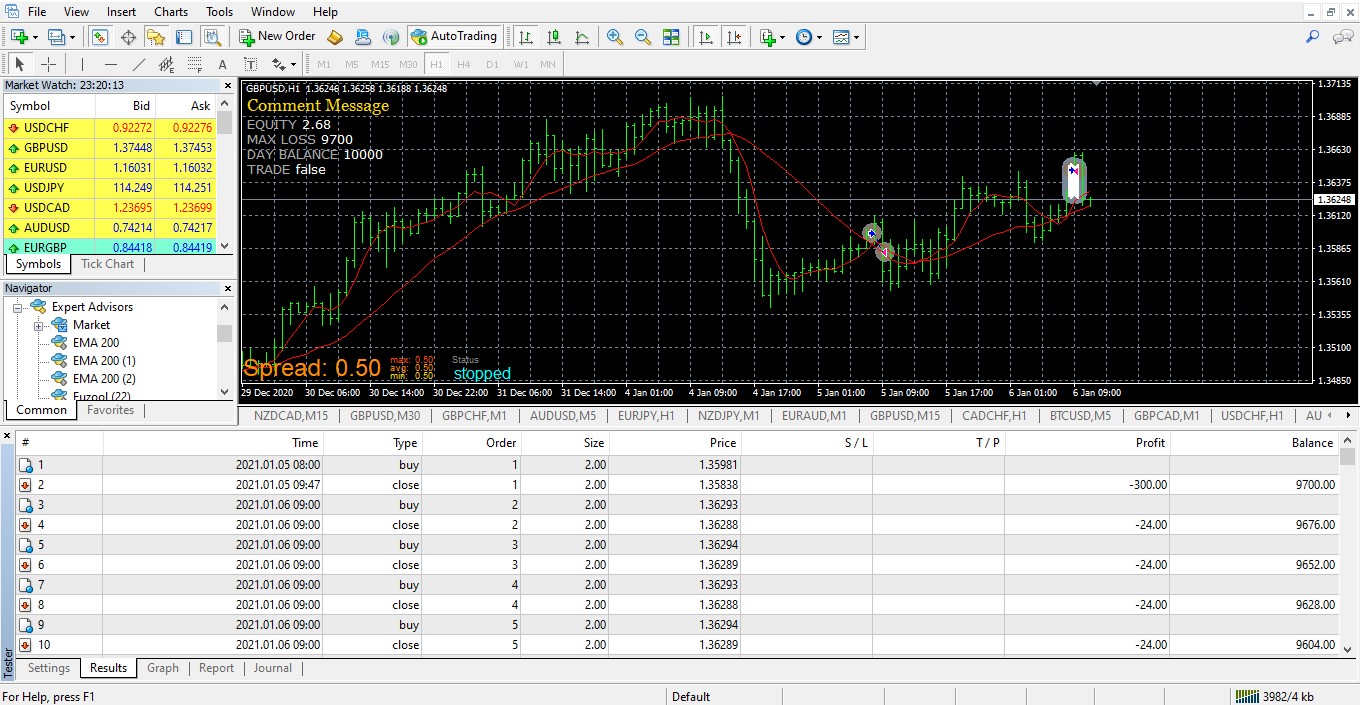
@jstap After changing of type bool to double same results
-
@talalkhan I cant help you, should be working, try and rebuild again and see if this changes the behaviour.
-
@jstap ok if i want to choose 3-4 days trading close period expect 1 if draw down stop loss hit, which settings i need to change?
-
@jstap and if i am setting DD Stop Loss block to false because i don't need stop loss. EA is not taking trades, how can i used this block separately
Means where to use DD Stop Loss block and its connections. I want to use it like, true stop loss works, False no draw down stop loss work but EA should took trades
Check: https://fxdreema.com/shared/5ln28Wnmc -
-
@jstap please share the link i want to see why you add block no 81