Need Help - Buy Order was performed only 1 time.
-
Please kindly help what was wrong im my project because it issued Buy Order only 1 time. I'm a new fxdreema user.
Any recomendations are appeciated.
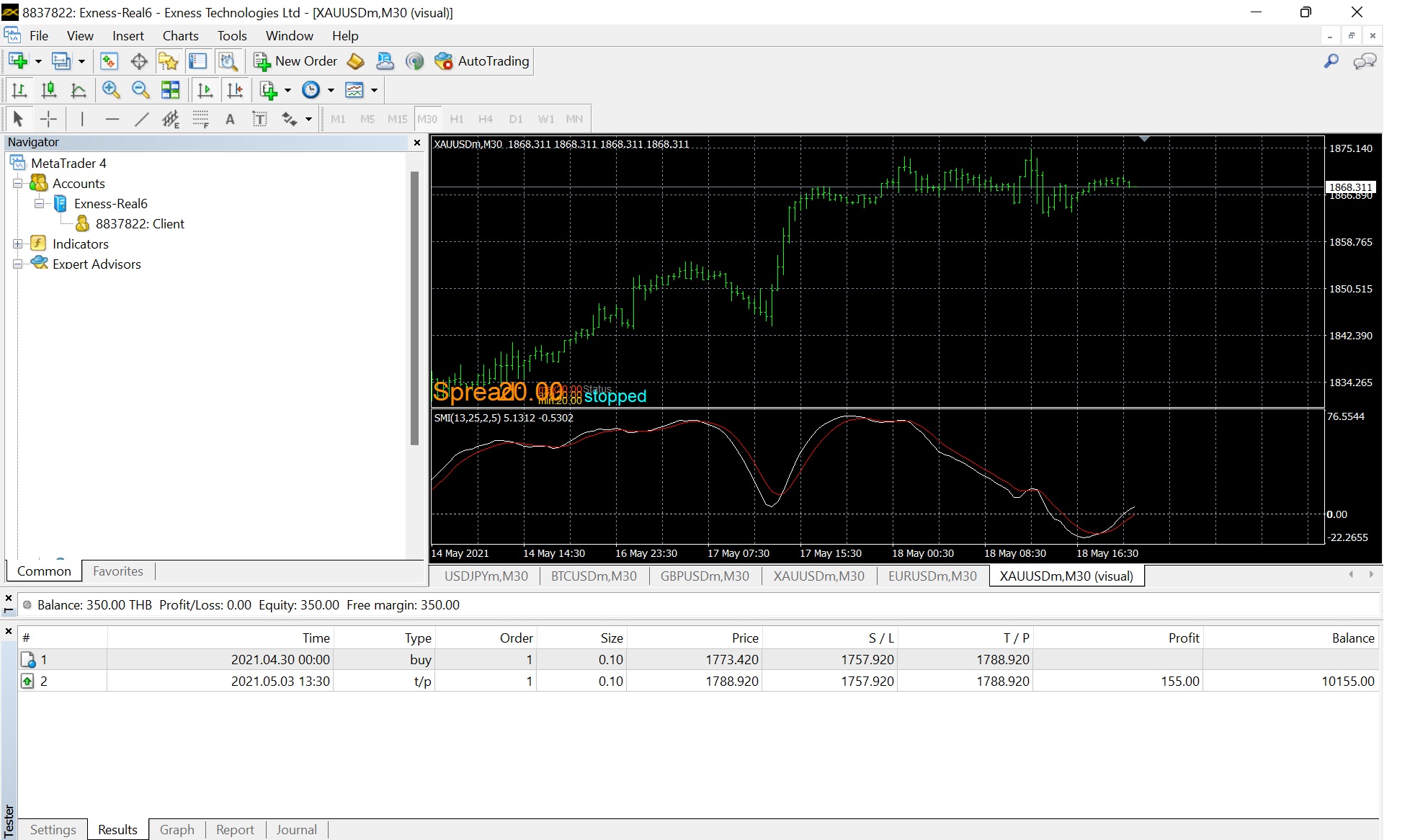
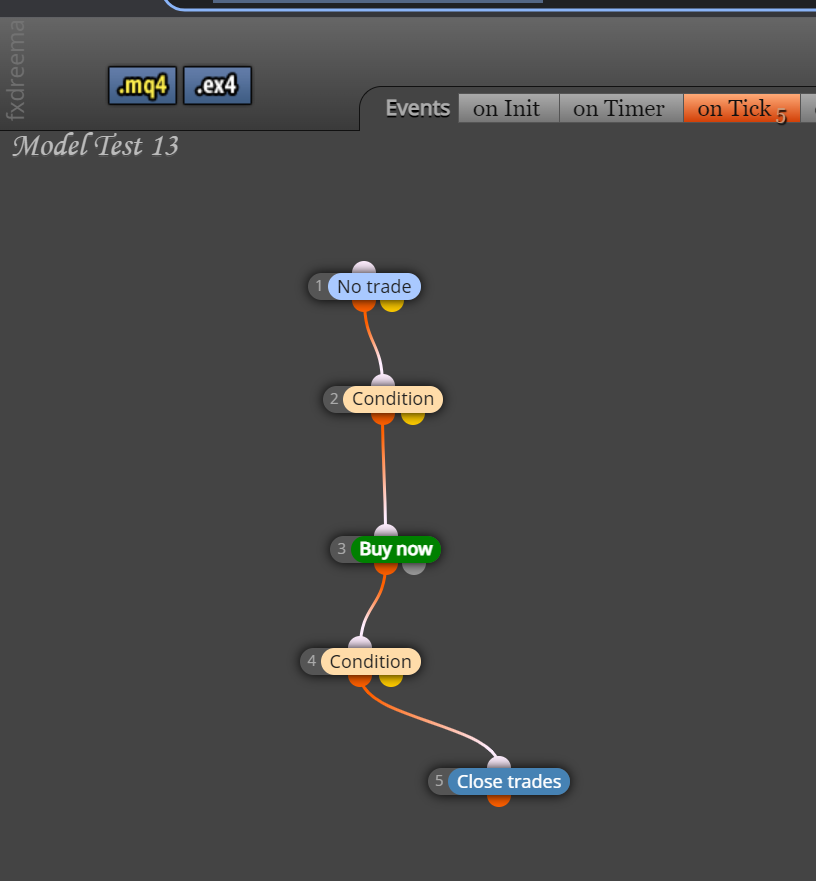
This is the shared link project
https://fxdreema.com/shared/5zMWVpgqe -
Replace No Trade block with Once per bar block.
-
@biztet , Thank you for suggestion. I will try.
-
@biztet , I replaced already but it's still in the same proble. Buy only 1 time.
-
The 2nd block, Condition, change > to x>.
And in the input More Setting, put 1 for all Candle ID.
-
@biztet , I changed already but result is no Order anymore.
Am I correct? -
-
-
Yeah, disconnect 3&4.
In the Once per bar block, use the default Max time to pass = 1. -
@jargonloq The once per block will limit to only a single trade, the close block and condition block should be a separate tree, to have more than 1 trade as said you need a different setup, once per bar will create 1 trade per candle as long as other conditions match, I would move this to under conditions so it checks conditions before the once per bar, decide what you want to allow a new trade and set up logic trees
to allow what you want, any problems put the shared link here and say the problems you're having. -
@rgoo said in Need Help - Buy Order was performed only 1 time.:
Thank you for sharing. Things-not-to-do, I will check.
For your sharing, do I have to something?, after I tested result is not thing. No open trade. -
@jstap said in Need Help - Buy Order was performed only 1 time.:
@jargonloq The once per block will limit to only a single trade, the close block and condition block should be a separate tree, to have more than 1 trade as said you need a different setup, once per bar will create 1 trade per candle as long as other conditions match, I would move this to under conditions so it checks conditions before the once per bar, decide what you want to allow a new trade and set up logic trees
to allow what you want, any problems put the shared link here and say the problems you're having.As suggestions in this post, I changed to be as following but result is NO TRADE anymore.
-
Just take out the group no in If Trade block.
-
@jargonloq
This is then most likely due to your indicator. With the "control counter" you can check if the indicator shows the condition as fulfilled. The counter must increase. However, in order to use your own indicator, you need to know a little more about how to use fxdreema. You should study the fxdreema page carefully beforehand. -
@rgoo
Thank you for suggestions -
@biztet
Thank you for assistance
