Fractal Drawing & Counting
-
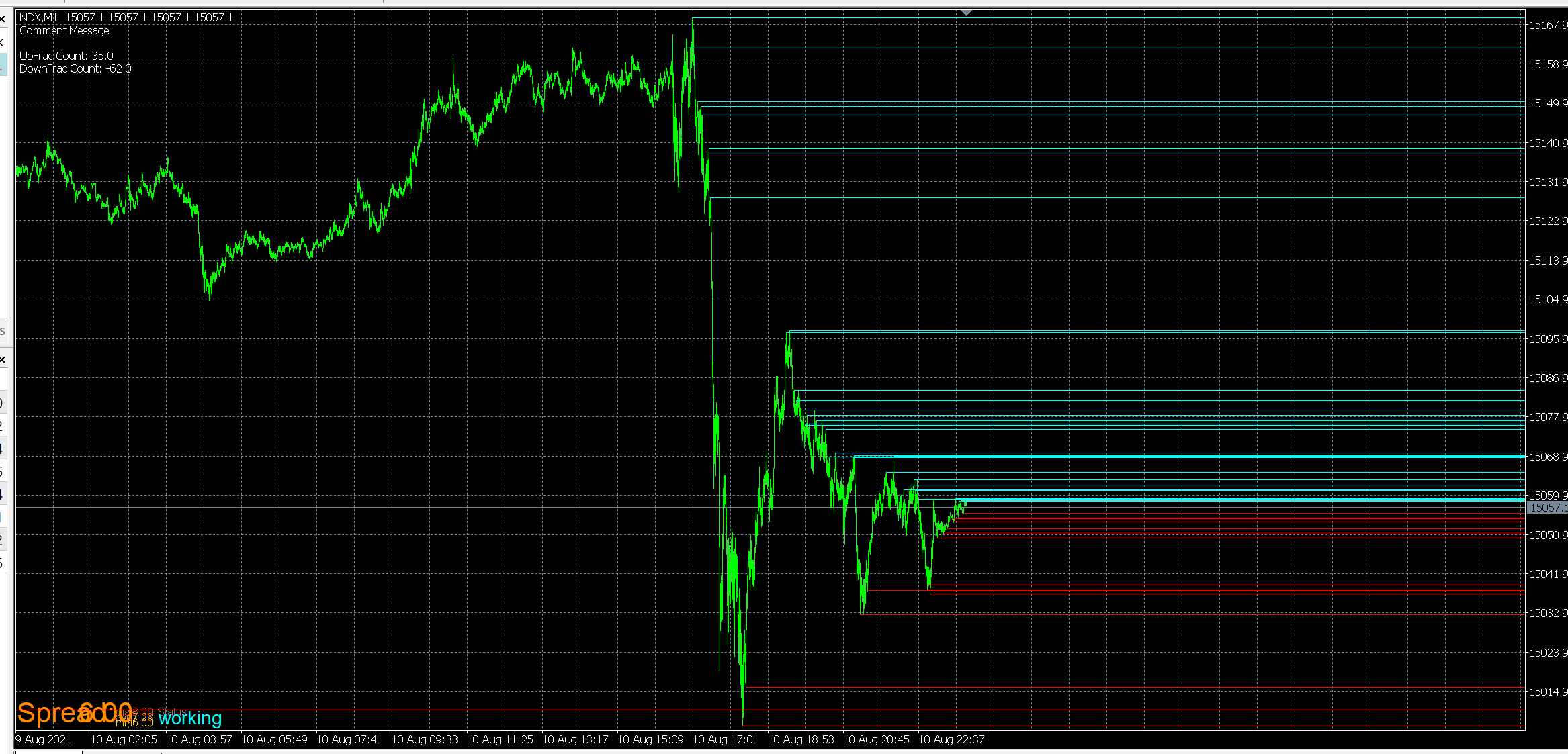
Problem, top left corner of screenshot. you can see there is a negative number there.
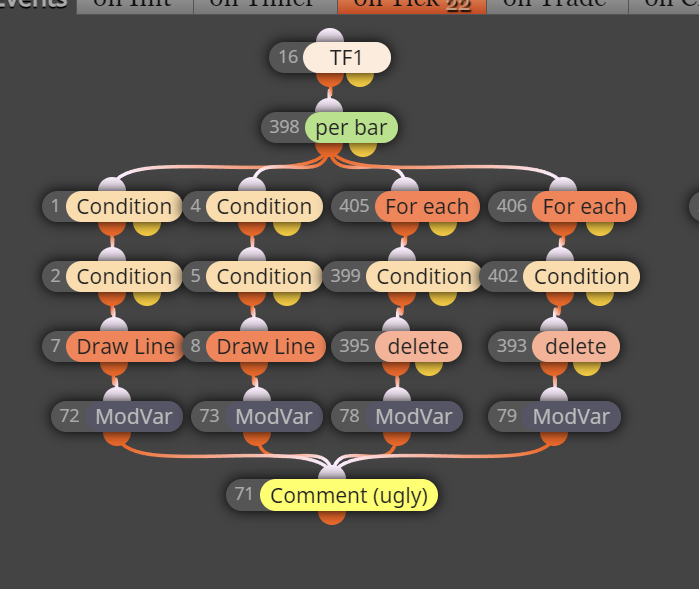
screenshot 2, everything is under once per bar
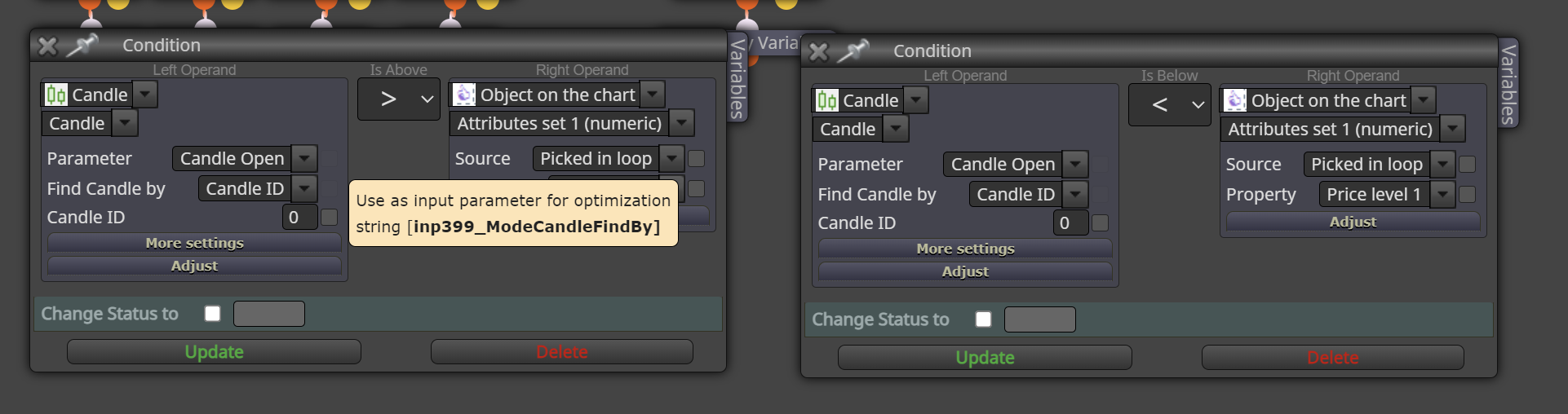
ss 3, what removes the lines
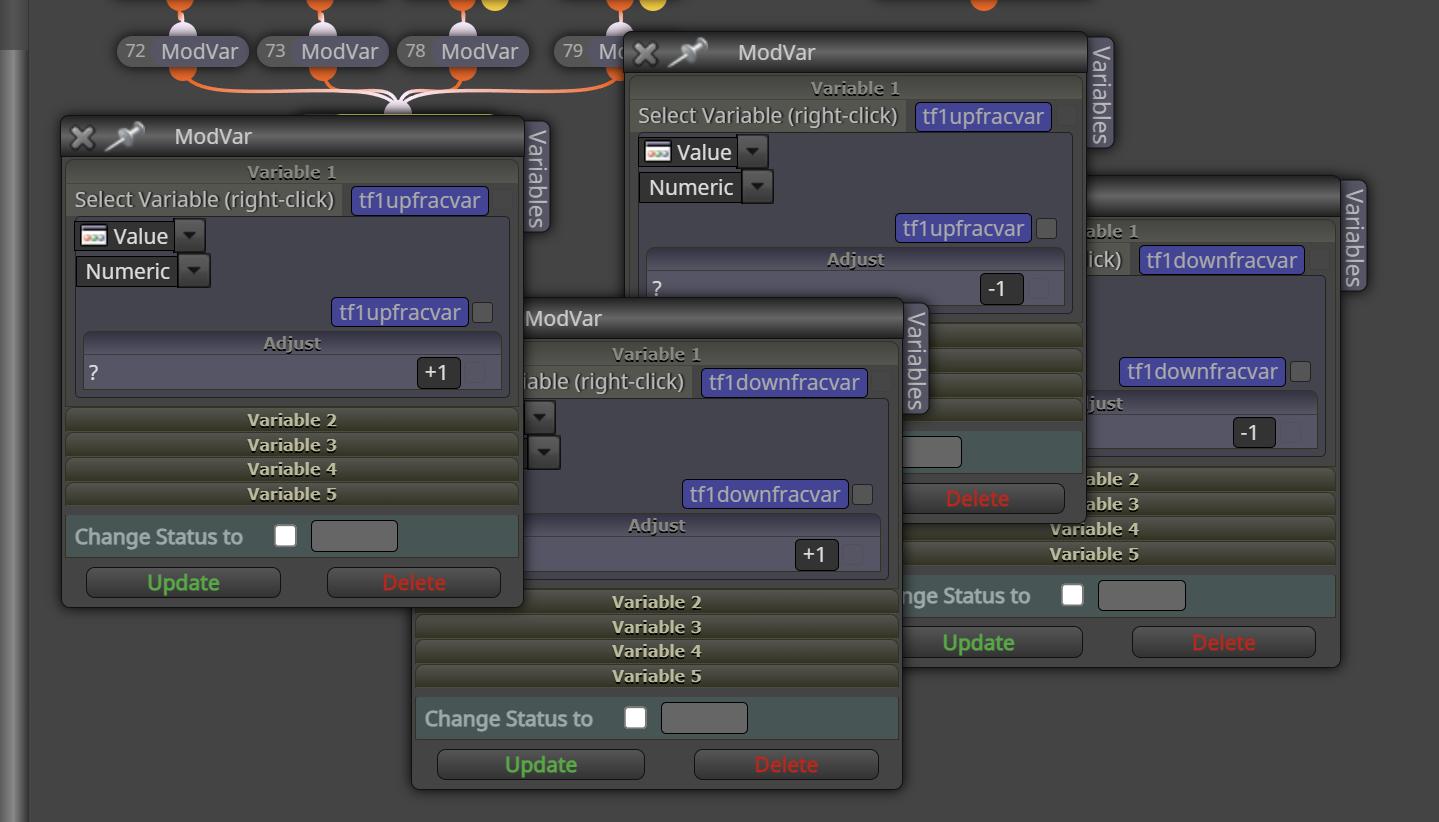
ss4, the math to add and remove them
Anyone able to point to any oversights in my logic that is leading to multiple lines being removed, or single removals being counted twice? I dont even know what the problem is because as long as my brain and eyes let me sit here and count, it works as it should. its only when i throw it on speed testing can I observe it...and it doesnt matter if im on ohlc testing or all ticks. does it for both.
i just tried to move the bar removal and counting to be outside of once per bar, and still no difference
-
-
hah, figured it out. disregard. enjoy
-
https://fxdreema.com/shared/guv1yf5we
while it still doesnt fix it...i was changing frac counter to zero when I want to reset it but wasnt removing the lines. This method removes some of them but not all for whatever dumbass reason. hahhahahaha love it.
-
update
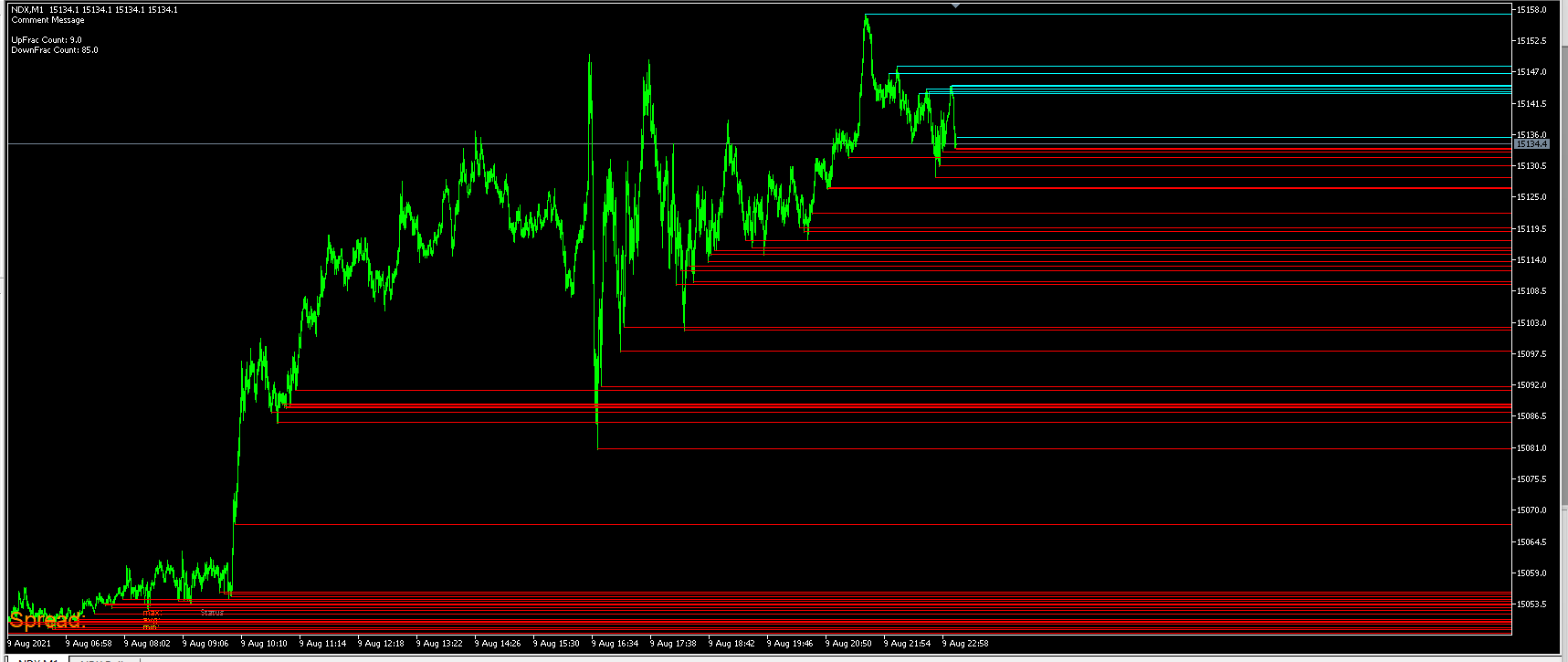
3 seconds later
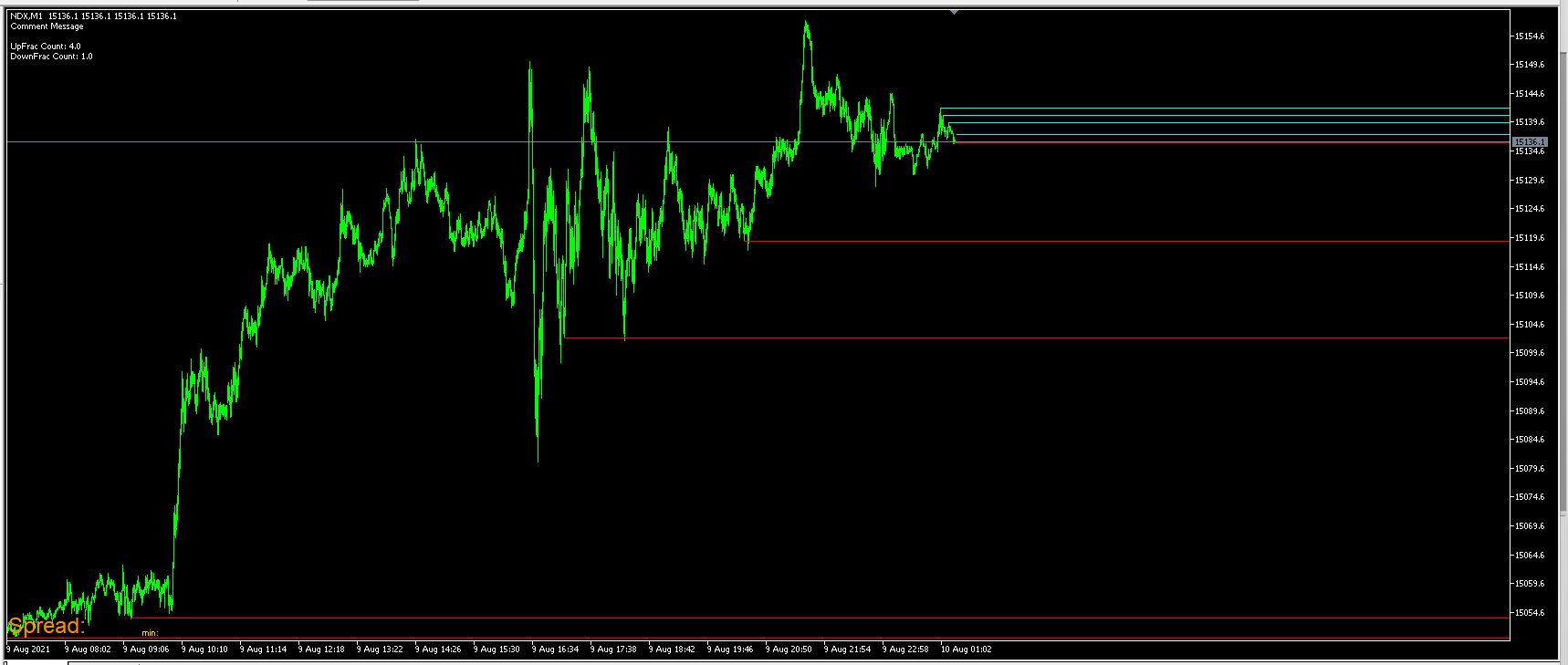
i have removed lines every day by type, by all objects, and by the name of the line, and still cant get all of them removed.
Any tips?
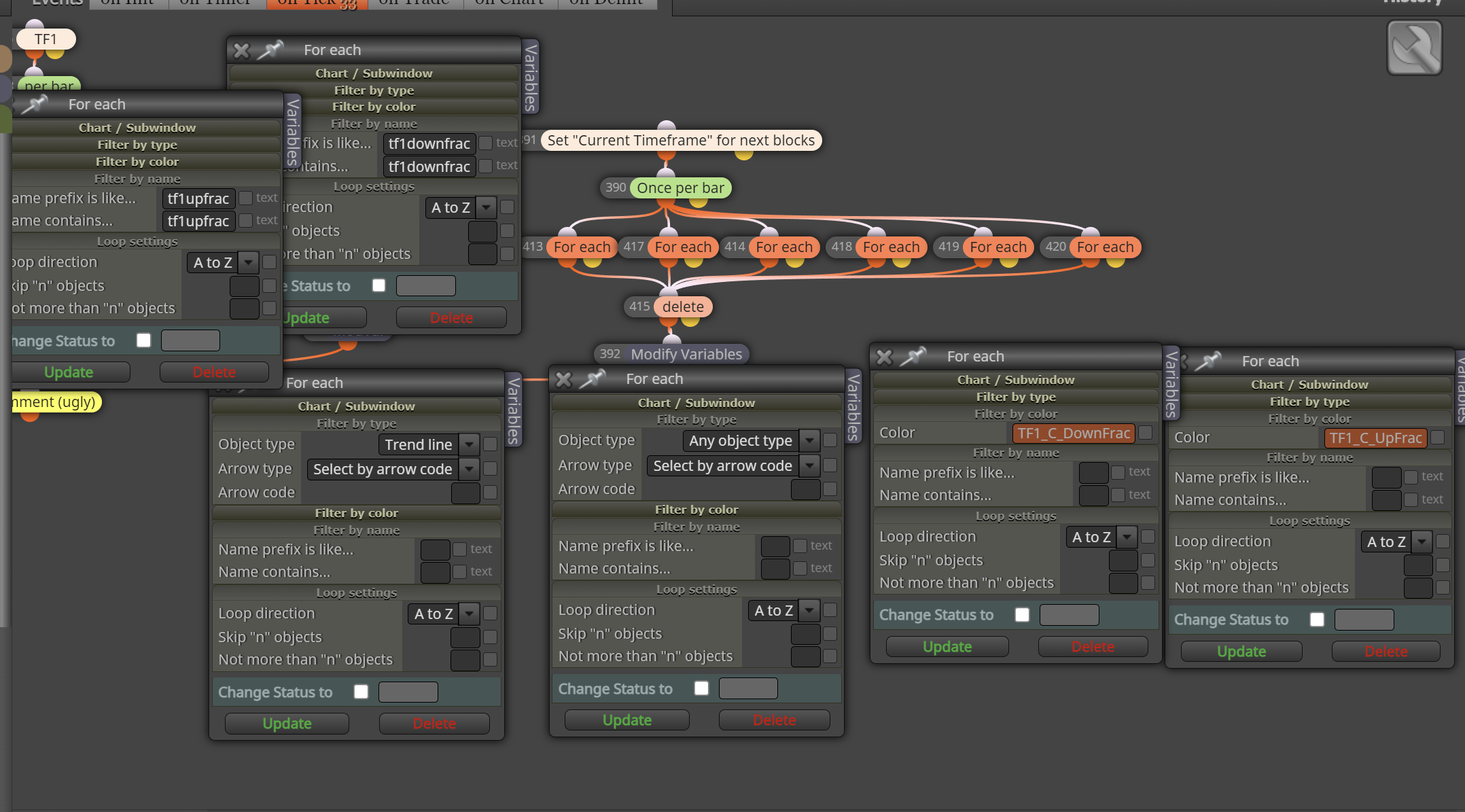
-
Whats really tripping me out and is with all those possibilities, because the counter is being moved to 0, that means its disregarding what its supposed to do before it gets there!! I have removed all individual call outs and am only removing by type or all object, they (just some) still remain...and the counter goes to 0.
-
https://fxdreema.com/shared/LZPlNlxKc
updated link for anyone who wants...still can't get those pesky lines to go away after a new day though.
-
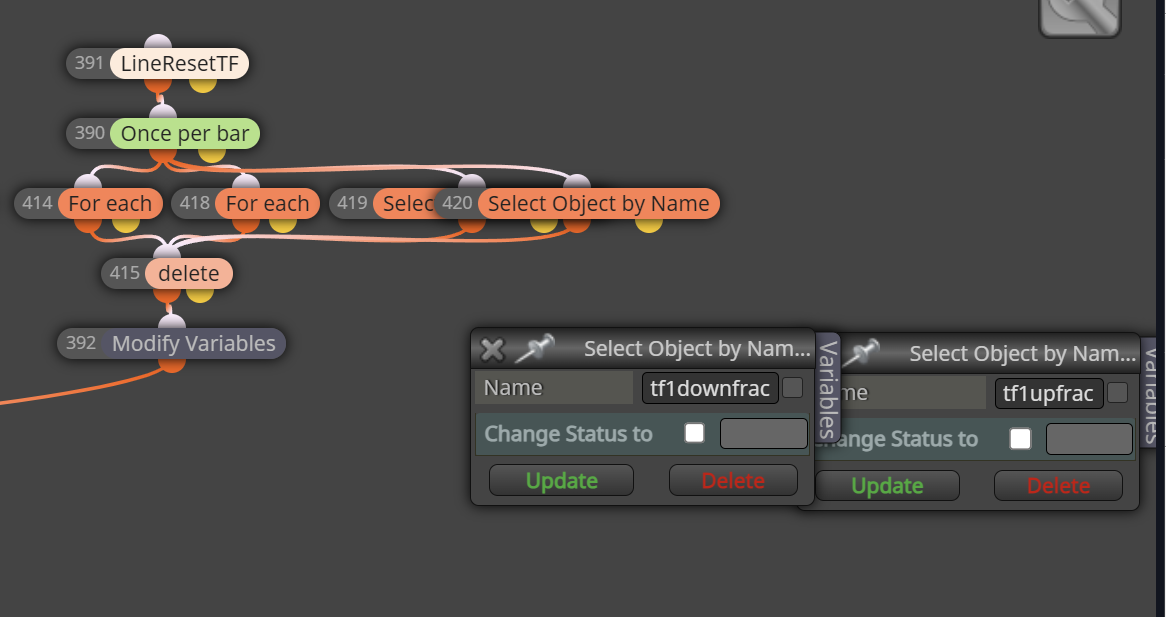
"select object by name" was the only way to find them all. Interesting.
@fxDreema would you happen to know why that would solve it, when the blocks done before should have solved the same problem?
-
It looks like a problem inside some block's code. I'm not a programmer, but I see no reason for the logic not to work as expected.