Delete text objects from EA MT4
-
Hi
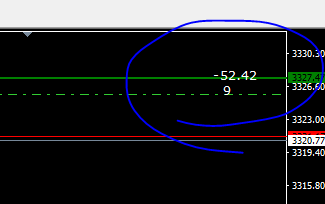
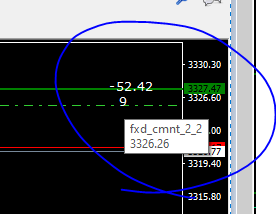
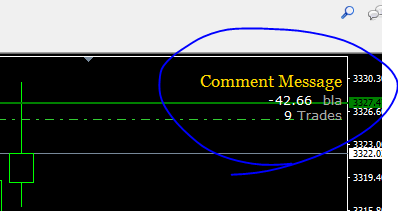
How can i delete the text objects that are created with FXDreema? (after removing the EA from MT4)
See screenshot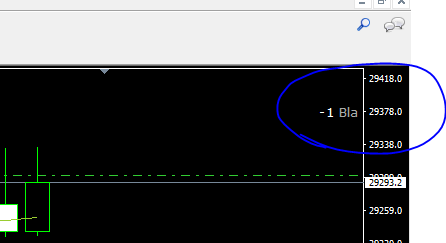
On above pic i can click what i want but it is not selectable
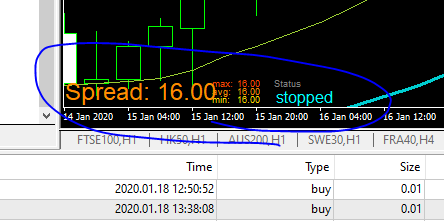
Hoe to delete these also? -
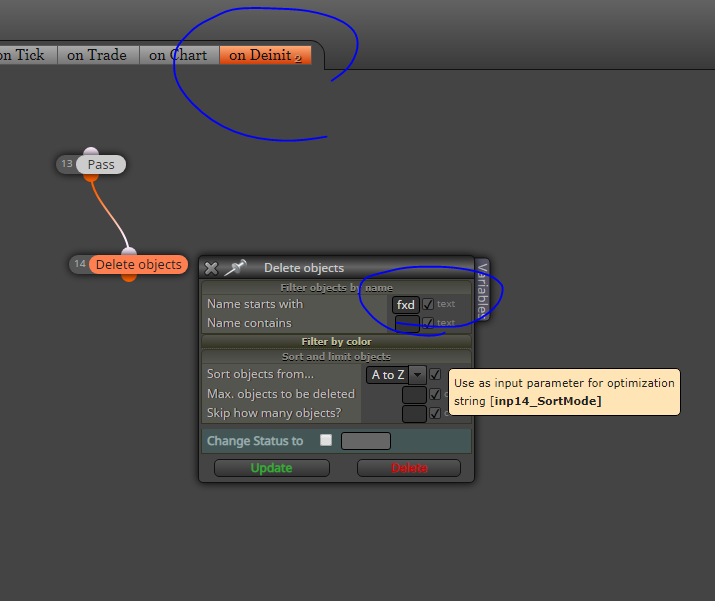
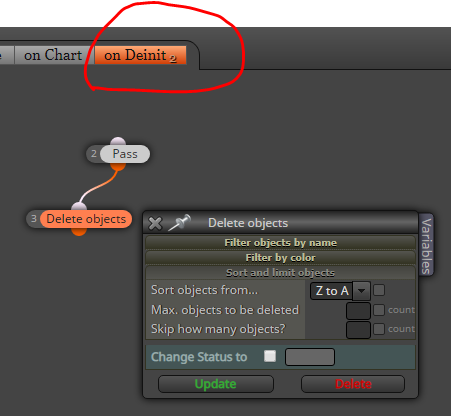
For the first issue you will need to look for the name of that object on your chart and then use these blocks to delete it:
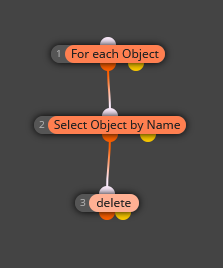
You will have to specify the name of the object on the 2nd block. But be aware when to do it. Will you need it later?
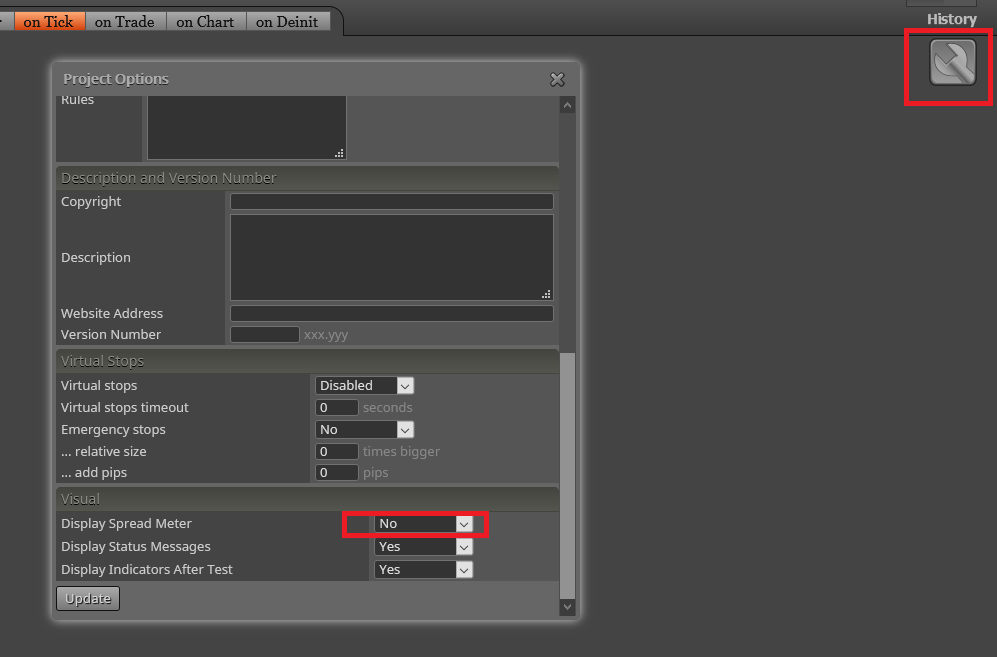
On your second issue, go to Project options (wrench icon on top right) and then:
-
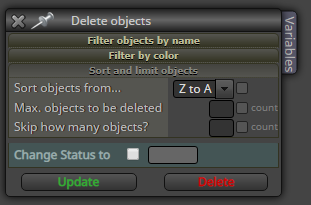
@dgrl l'andorrà is right, if you only want to clean whole chart A to Z after remove the expert:
-
-
as well as
-
-
Fixed it it worked @ambrogio
Thanks @l-andorrà and @ambrogio