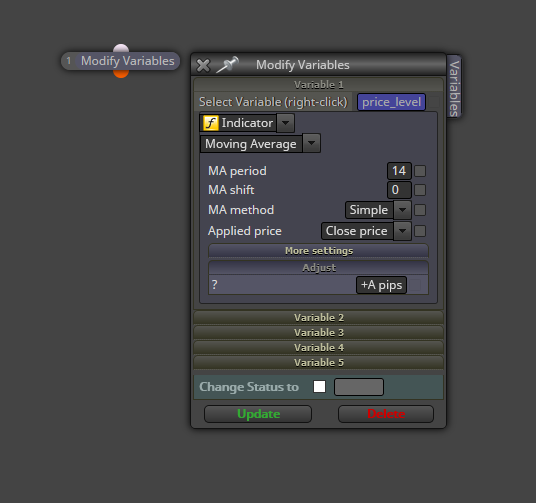
@ituinvests Then there is no need for a variable. Just use this block:
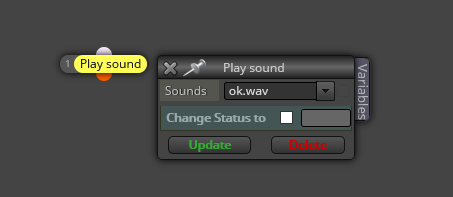

@ituinvests Then there is no need for a variable. Just use this block:
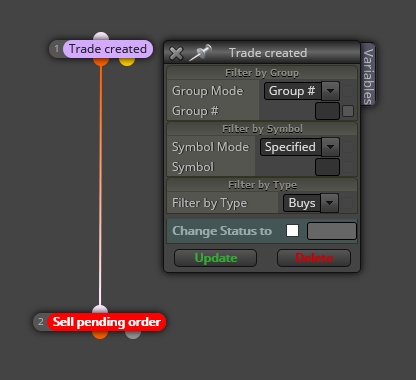
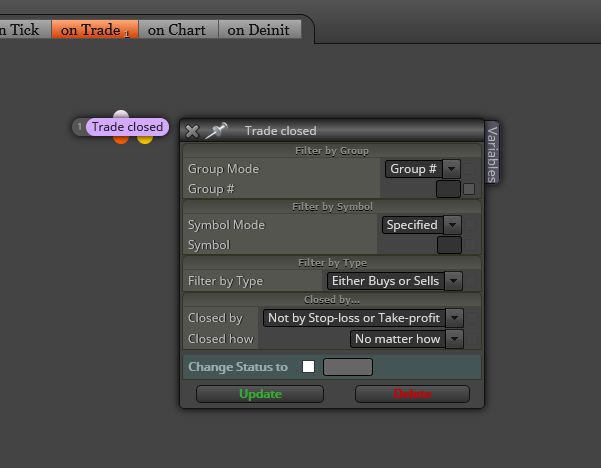
@agitins Imagine you create a buy trade on the 'on tick' tab. Then what you need is doing this on the 'on Trade' tab:
@shedrack Do you mean a maximum number of trades one after the other or an exact number of trades all at once?
@masboy You are using a variable for the % of balance called 'C_Lots_Balance'. Can you please explain how is it calculated?
@subotai Not sure I fully understand you. You opened two buy trades and both have the same SL level, based on the ATR. Then the SL of first one is moved to break even, right? The second still holds its own SL, if I understand it correctly. So what's your issue exactly?
@zereleth Read, read and read more from all forex forums you can. It's exhausting, but you can mine some gold from time to time, IMHO.
@daraseunni Please do this woth your latest project:
@lubolover You can create a boolean variable and connect it below this block on the 'on Trade' tab:
This is the first time I see this error. Are you near here roar or miro?
@ituinvests It depends on the type of information you want to include in the Alert message. What do you want to show?
@jjot Then add this part:
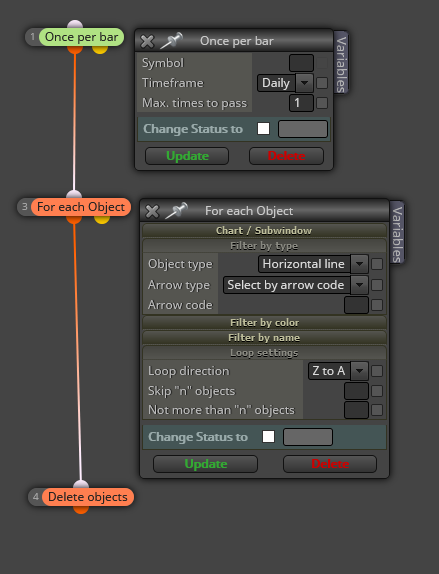
And then change the number of the 'Once per bar' block in my previous image from 1 to 2.
@masboy Then why do you need a partial close? That is not not how martingales work.
@fabiobioware You can create a double constant named 'A', for example. Then you can type this in the adjust field:
+A pips
-A pips
It will work exactly as it is doing right now.
@raiderspaz If the trailing stop block is correctly set, no, that will not happen.
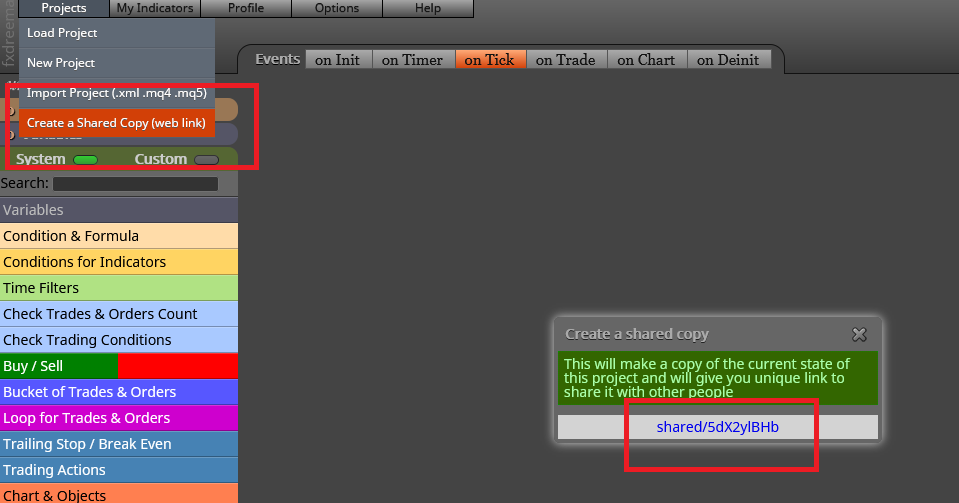
@vijsmart said in How can we place buy stop order with double the lot size after sell stop order triggers by the current market price?:
shared/UNjUDMYTc
All pink blocks need to be connected below a 'For each trade' block. This block should be headint a separate block tree controlng that pips distance you are looking for. On the other hand I don't understand why you chose the 'diffrent from' option in that condition block. What is it supposed to look at exactly?
@daraseunni Your links are still wrong. If you need both conditions to be true at the same time, just link one block to the other.
@t-fah You cannot do that in one condition unless you code your own custom code block. As alfredinho said, more than one condition block is required to do that.
@jjot Try this for daily highs:
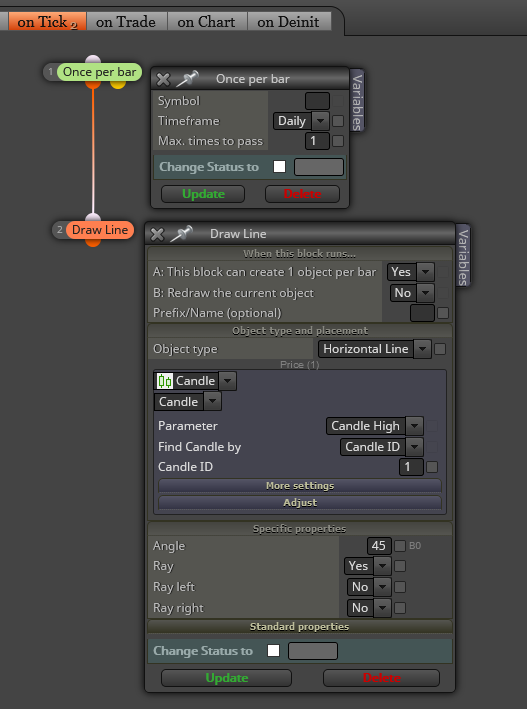
Now add another 'Draw line' for lows. However, I'm not completely sure about the second requirement. Can you please specify a bit more?