L
Posts made by lvang1126
-
Issue with MT4->MT5 using the converterposted in Bug Reports
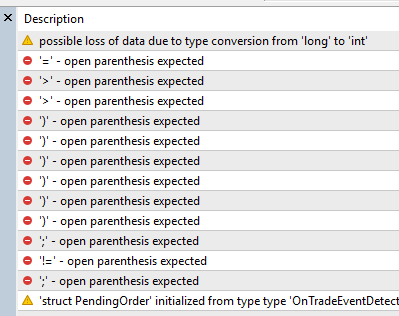
"I was able to download both the .mq4 and .ex4 files for the MT4 version. However, after using the MT4-to-MT5 converter, I received the .mq5 and .ex5 files. When I opened the .mq5 file in MetaEditor and attempted to compile it, I encountered errors."
-
RE: "No Trade" Block condition issue resulting zero divide when "first" added to the Metatrader.posted in Bug Reports
The brokers I tested that were affected by this issue include BlackBullMarket-Demo, FXPig-Demo, and Alpari-ECN Demo. These were all free demo accounts I was able to create. I'm sure there are many others, but these are the ones I've tested so far.
-
RE: "No Trade" Block condition issue resulting zero divide when "first" added to the Metatrader.posted in Bug Reports
I agree. If you replace the "No Trade" block with the "Check Trades Count" block, the trade would execute without any errors. I haven't tested this yet, but I’m wondering—what if, after adding the symbol, you immediately load the history data? Maybe then the trade would execute properly even with the "No Trade" block. Also, when you get the error using the "No Trade" block, re-attaching the EA to the same chart usually clears it. So the error typically only happens on the initial startup.
-
"No Trade" Block condition issue resulting zero divide when "first" added to the Metatrader.posted in Bug Reports
I've identified a potential issue related to the "No Trade" block that seems to cause a divide by zero error under specific conditions:
Steps to Reproduce:
Prerequisite: Ensure auto trading is enabled.-
Launch MetaTrader and add a symbol that is not part of the default startup list.
-
Copy the EA into the MetaTrader Experts folder.
-
Attach the EA to the newly added symbol.
-
Once the condition in the EA is triggered, the divide by zero error may occur.
Workaround:
I resolved the issue by removing the "No Trade" block and replacing it with the "Check Trade Count" block, which prevented the error.EA link: https://fxdreema.com/shared/Nbvs0Q39
-
-
RE: zero divide in '8320-30394.mq4' (12065,31) THIS ERROR CODE MAKES MY EA STOPposted in Bug Reports
Alternatively, you could also store the SL value into a variable and have an if condition when SL != 0, then execute orders. This way, SL will always be something other than 0 in order to execute orders.
-
RE: EA on VPS trade errors in comparison when not using the VPSposted in Questions & Answers
@l-andorrà Thanks for getting back at me. I don't believed I have any time dependent or such. Here's a snip of the layout of my code:
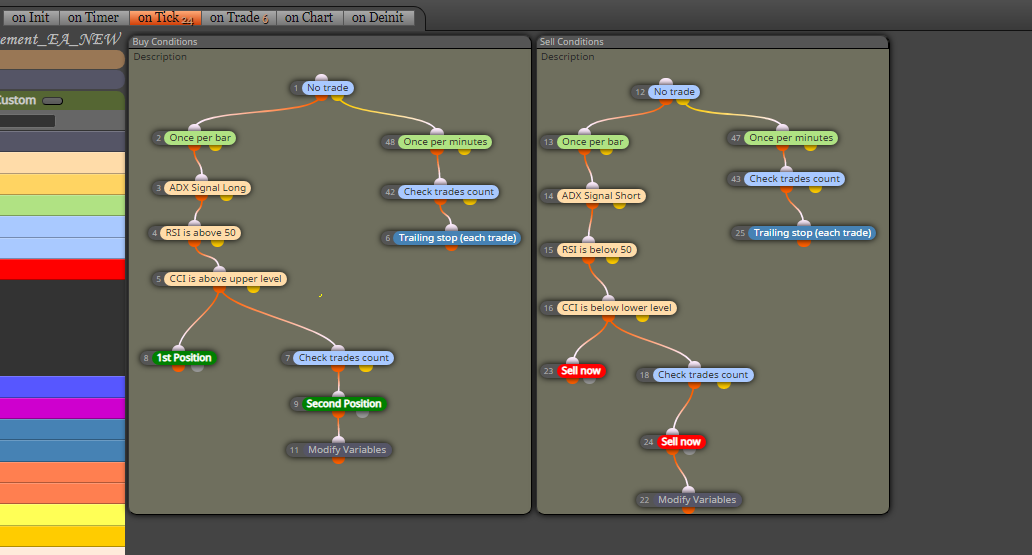
-
EA on VPS trade errors in comparison when not using the VPSposted in Questions & Answers
Hello folks question,
When I ran my EA without using VPS (NY) , my EA executes trades correctly according to its rule. However, when I used my EA under a VPS (London) it executes my trades differently? I don’t think it has to do with my coding. But is this rare for you folks?
Appreciates any feedback and comments,
Thanks
-
TP not get filled and entry price seems to not match based on backtesting and forward testingposted in Questions & Answers
Folks, I'm getting a different reading based on backtesting and forward testing. Any suggestion will helps.
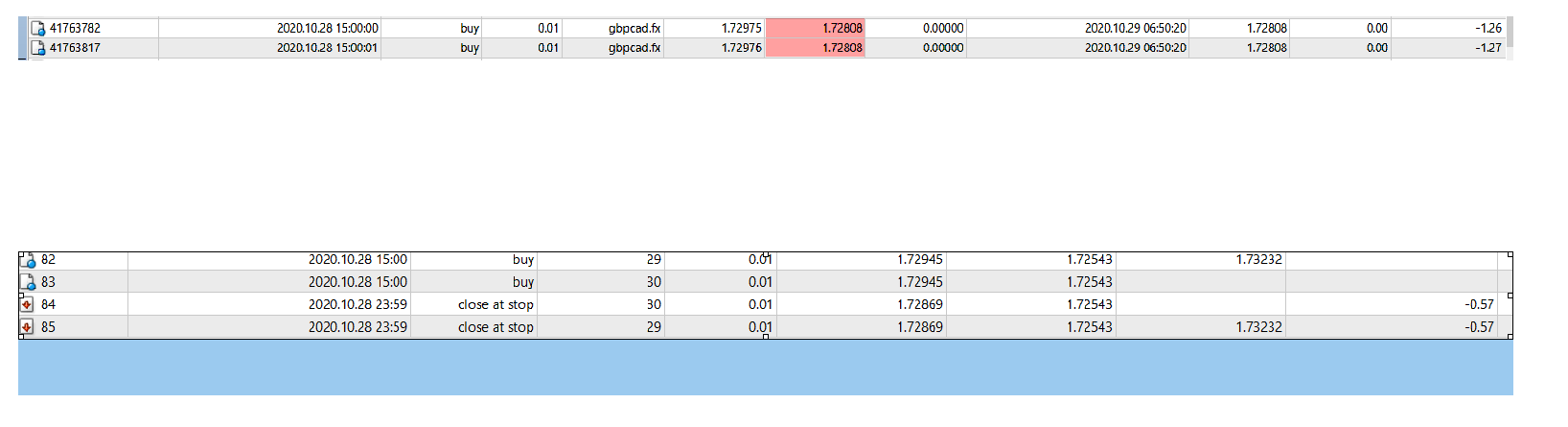
Top is the forward testing and bottom is backtesting.
Here's the buy order conditions:
https://fxdreema.com/shared/ODsG83Wge -
RE: Buy Signal not takenposted in Questions & Answers
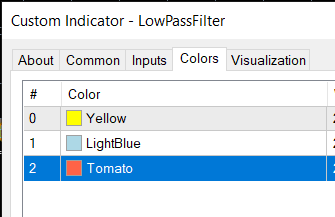
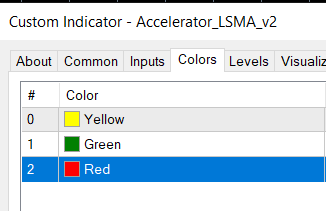
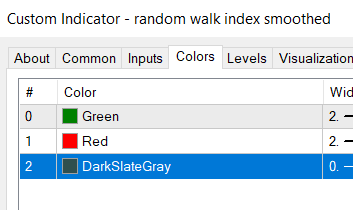
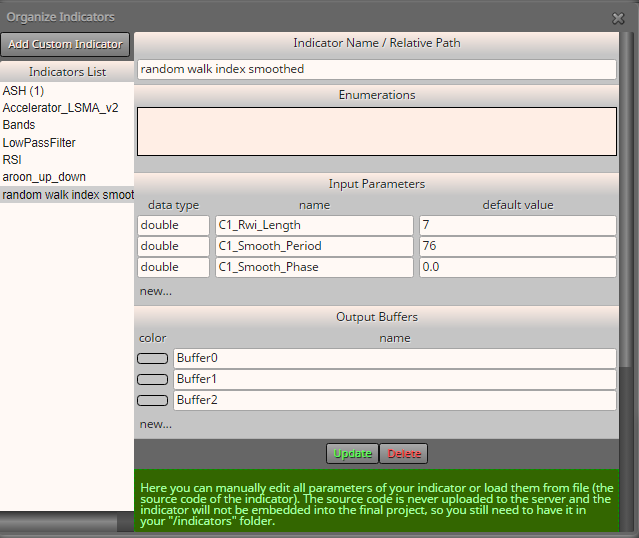
@l-andorrà Sure. See Photos Below in order (Baseline, Zero Cross, 2line cross):
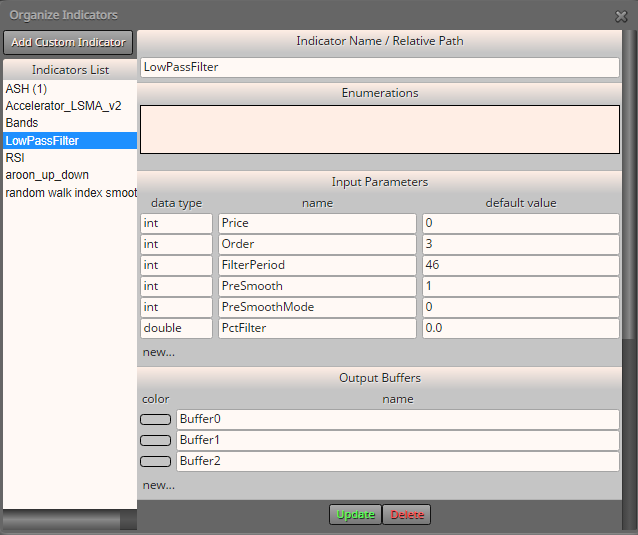
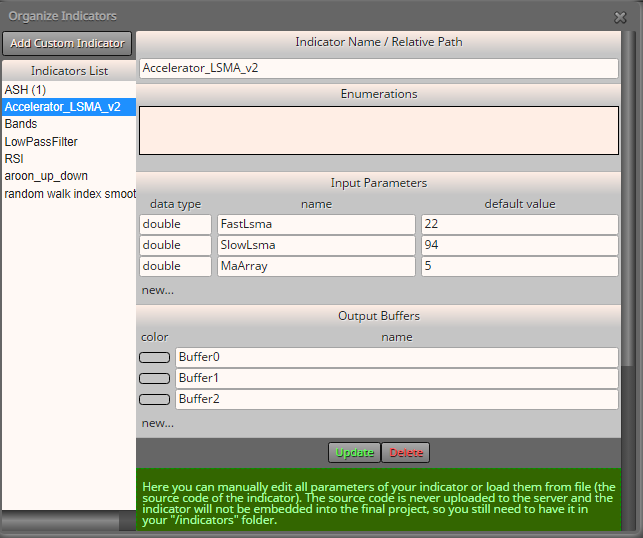
THanks,
-
RE: Buy Signal not takenposted in Questions & Answers
@l-andorrà I believed so. I follow this tut for adding custom indicators and buffers:
https://fxdreema.com/forum/topic/4208/tutorial-06-my-indicators-in-fxdreema/2
I've also run it backtested and the buffer seems to work fine.
Thanks
-
RE: Buy Signal not takenposted in Questions & Answers
Here you go. Let me know if that works.
https://fxdreema.com/shared/jr7EudqHd
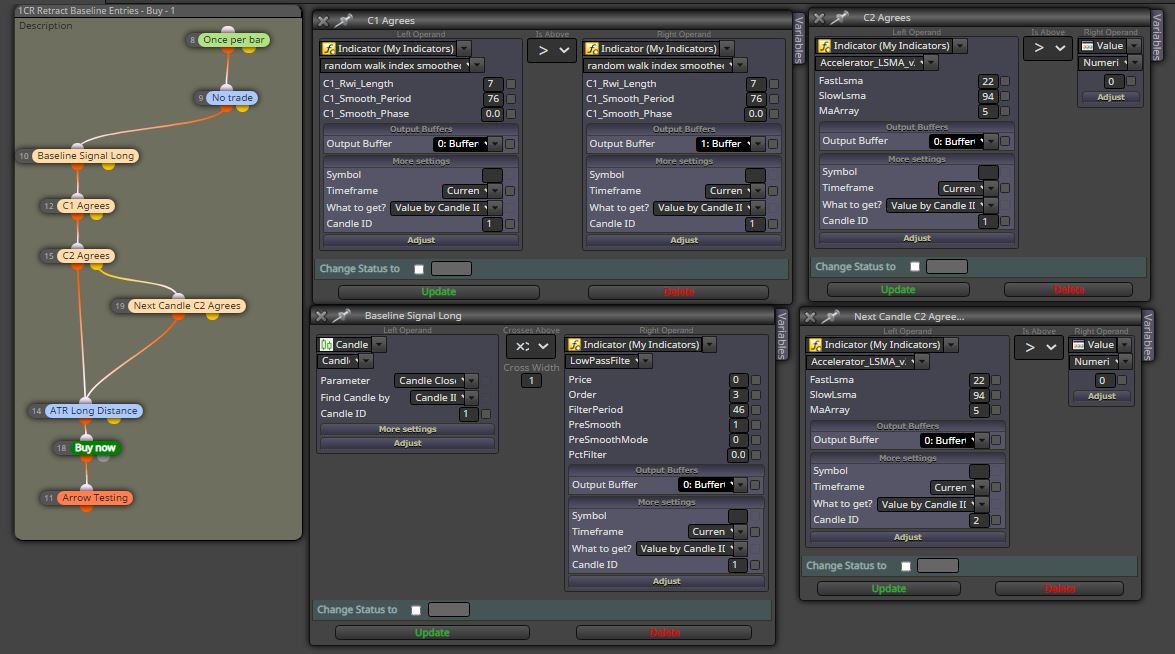
A little bit more clarification, is there a way to look in a range of candle id until the it meet the conditions before execution a buy order?
Thanks,
-
Buy Signal not takenposted in Questions & Answers
Hello,
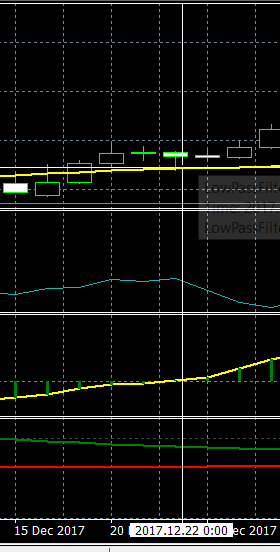
I wanted to take a signal on this candle but not sure if I have it coded correctly. Appreciates any feedback that you guys may have.
Thanks,