I occasionally get the message not enough money 134 whilst running my EA despite having plenty of free margin and whilst being able to manually make trades. Is this a known issue with a fix or a workaround?
Michael
I occasionally get the message not enough money 134 whilst running my EA despite having plenty of free margin and whilst being able to manually make trades. Is this a known issue with a fix or a workaround?
Michael
Hi All.......Serious question, what is the point of trailing pending orders if they just keep moving with the price. I want to move the order with the price one way, but I don't want them to retreat as the price retreats......I want the orders to remain static if the price retreats. Slide order and trailing pending orders move the orders in both directions whereby the price never catches the order.
Hi
I'd like to automatically assign group numbers to one or more trades so I can create profit unrealised blocks relating to some orders but not others. This is easy as long as your trades are ea generated but incorporating some manual trades makes it tricky. Any ideas?
Hi fxdreema
I’d like some help achieving the following outcomes....
A loop checking If buy orders + buy pending orders is greater than sell orders + sell pending orders, execute a sell pending order to make the numbers even.....if reverse this for the opposite conduction.
Every bar slide pending orders towards current price by a percentage (50% would move the pending order half way between the current price and the current pending order open price)
And if you can get these things to happen without creating a pending order open storm, you’re a genius
Michael
Update...I've worked it out. I don't normally have to do this but selecting group mode ALL as opposed to leaving the group blank does the trick. Problem solved.
@fxDreema I took your project, removed the group id from the check average profit and it didnt work.
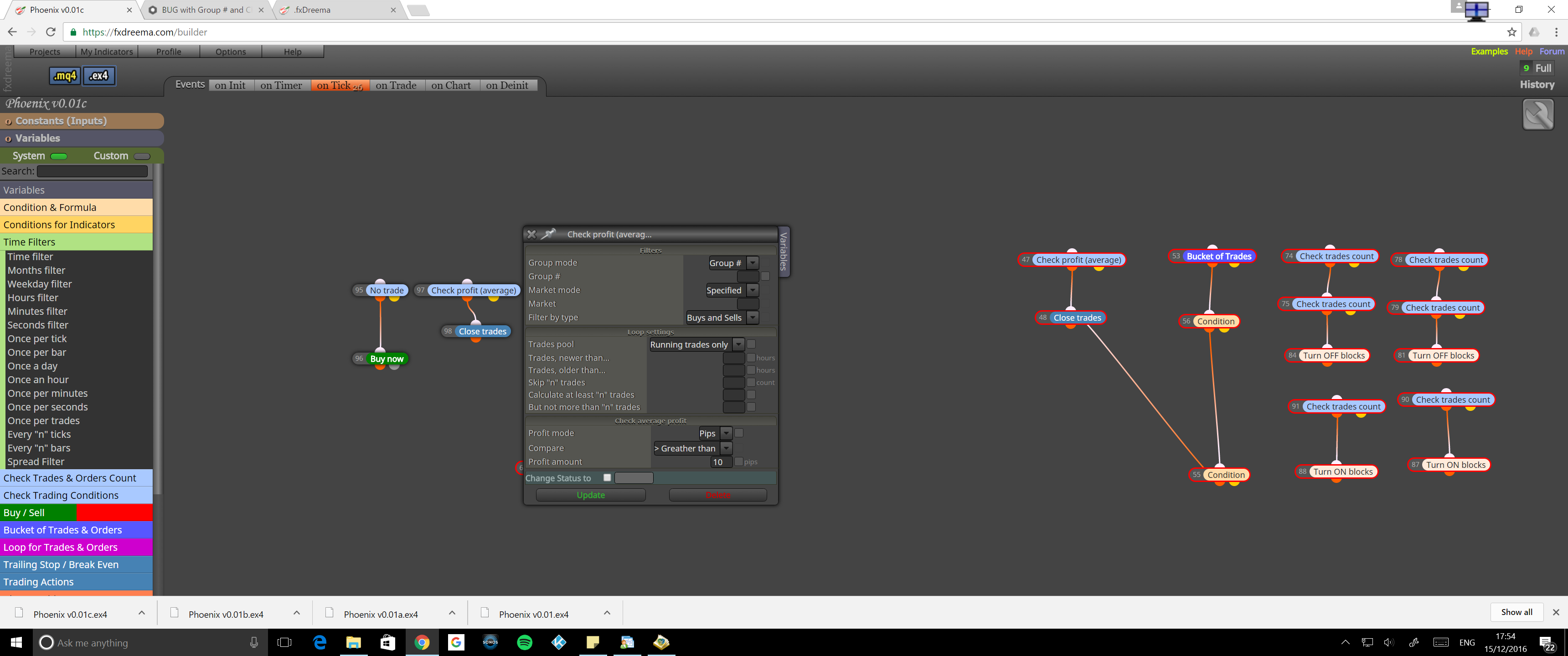
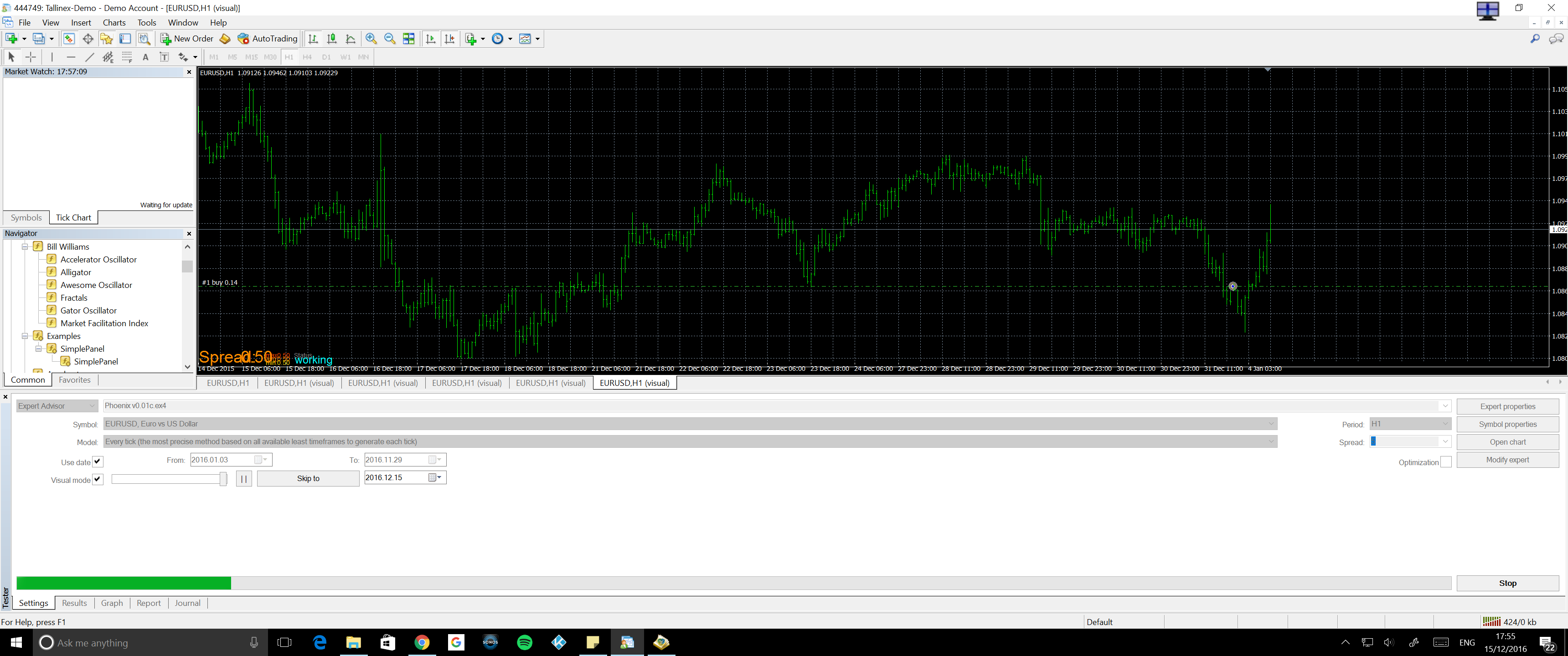
My project has been stripped down because of this issue. It just stopped closing trades as soon as I started using group numbers. If you run my project as it is and put group id 1 in sell/buy, the check profit does not work.....give it a go
Hi
I've noticed that if you define a group number for a set of trades, Check Profit (Average) no longer works, even if you put the same group number within its settings. This also applies to any other Check Profit type function as far as I've tested.
Michael
How can within <> be achieved with two conditions blocks?
The way I see it, you can have one condition whereby candle 2 is compared to candle 1 (higher/lower/crossover etc...or different - god knows what different means btw). However, I can't see any way of coding higher but within x pips or lower but within x pips. The different option might do this but there is no description what 'different' means.
I'm trying to code something to detect resistance levels.....how would you do this?
Michael
Thanks admin. I'm getting the hang of it. Fantastic tool and has saved me and many others lots of money in developers.
Why is there no volume indicator included ? And how best would I include support and resistance levels? Ie, rather than = < or > conditions, could you include <> within certain pips channel. If 2 candle lows are similar and a floor has been hit, I'd like to use that but currently I'd have to code it.