https://fxdreema.com/shared/pIQG0DXvd
I didn't test this, but I think it should work

https://fxdreema.com/shared/pIQG0DXvd
I didn't test this, but I think it should work
Finally got around making the .ex4 version. I hope this will inspire someone to better develop their own systems.
Please be careful if you use this, it is not very sophisticated even though it looks a mess!
https://fxdreema.com/shared/aBHjbJjN
0_1560891000683_Roar v1.1.ex4
@l-andorrà Works fine for me. Try some other browser, maybe thats the problem
@l-andorrà I wish I was a real programmer lol. I don't even know the basics of mql.
I just copy from mql4 articles, try and fail and try again until I get my result.
Thats the beauty of this program, you can teach yourself
Complete running EA? Well here's my 500 best ones, that I have decided to save: 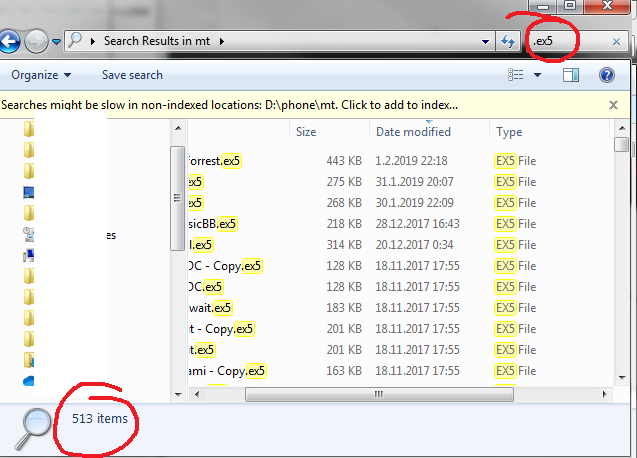
I understand the admin, too, he probably wants something else for his life than just giving 24/7 technical support for years.
In my opinion, if you really need your projects pre-chewed and spoon-fed for you, you lack the skill and passion required to succeed in the first place. I'm sorry.
Nothing on MyFxbook yet
I try to avoid custom indicators, they are a pain, especially with mt5 
Might give Keltner a try some time.
However, I like the standard deviation as it has some fundamental statistical reasoning behind it...
Here's the project, I'm sure there is still some bugs left, but close enough lol:
https://fxdreema.com/shared/Em63v0Sac
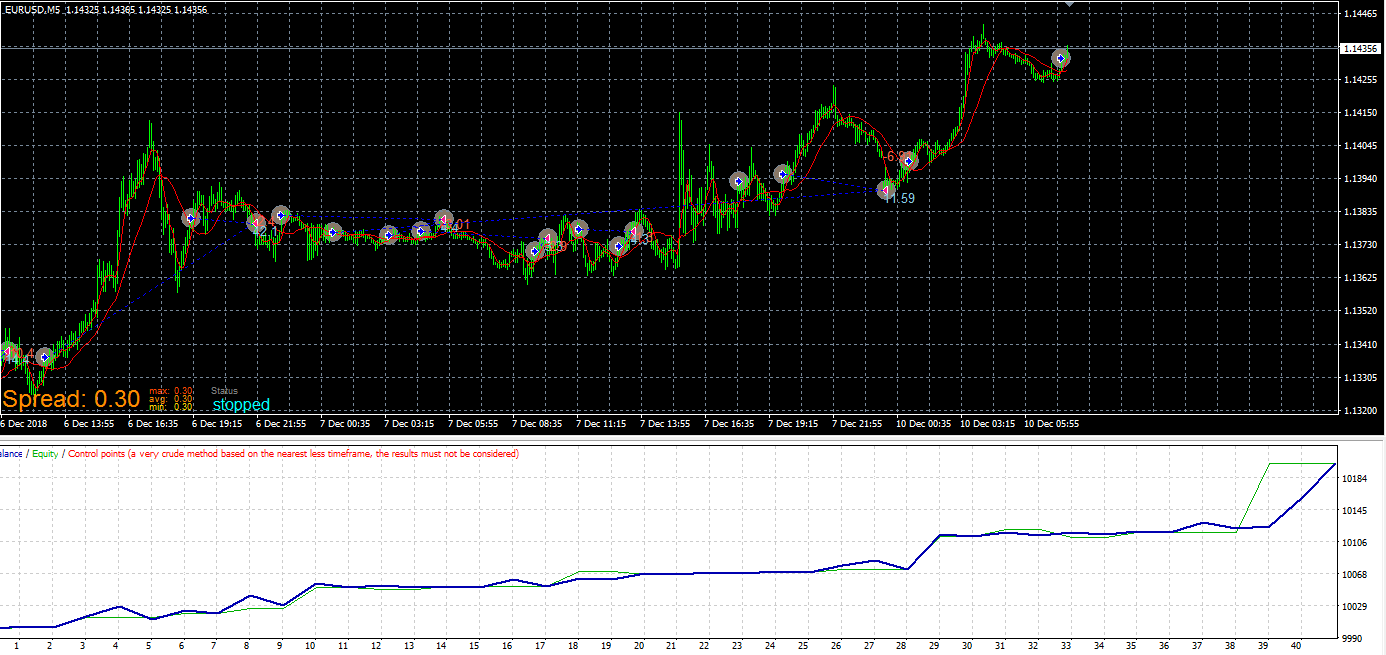
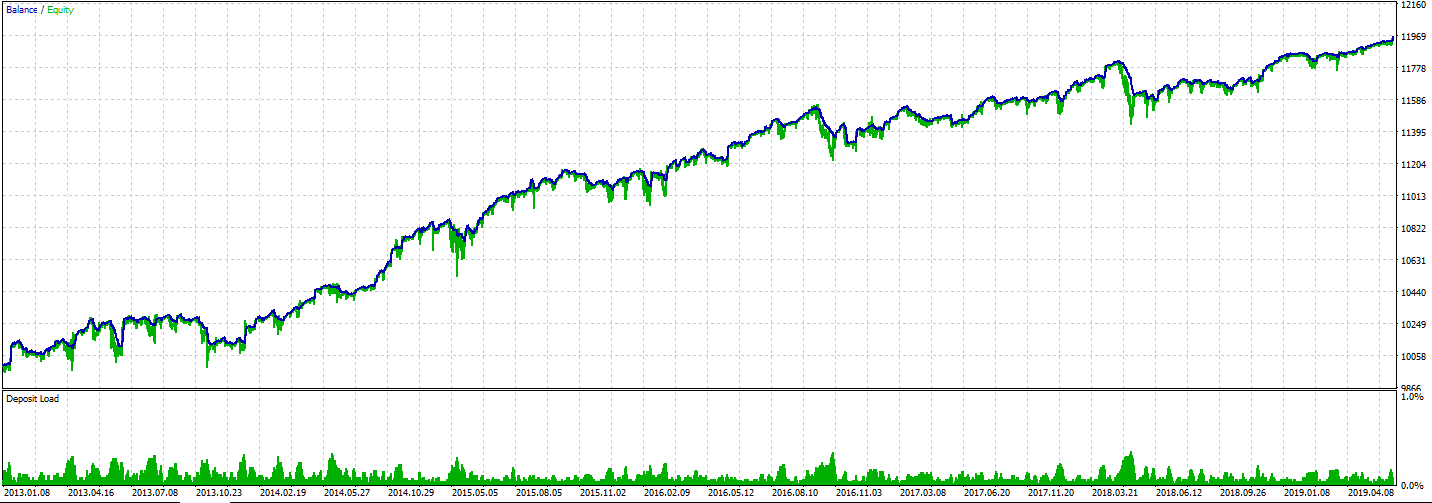
Still working, wtf.
I updated the shared project, found one more mistake in it (buys and sells were not symmetrical).
Also added lots relative to balance, so things can get exponential. Proper risk management is for pussies anyway, right?
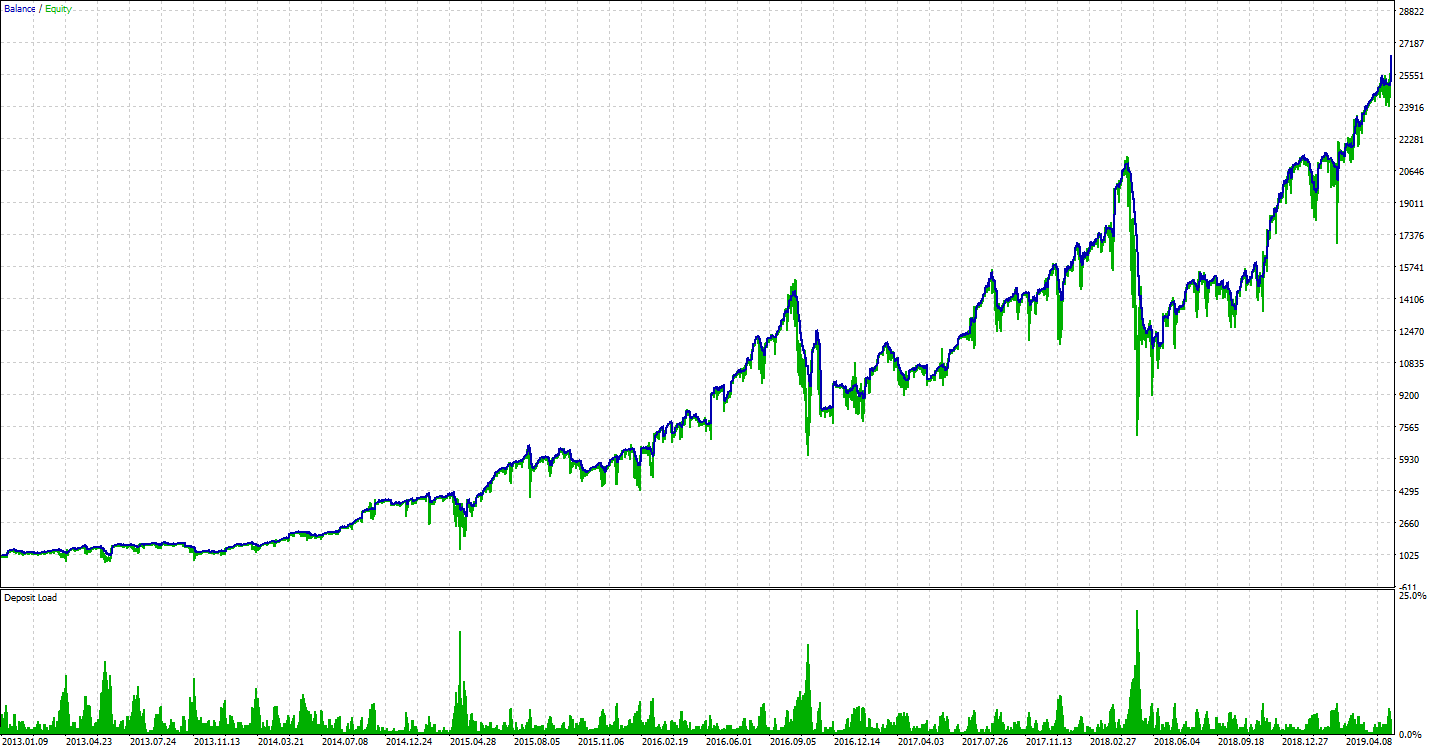
I guess I must give this system some live time...
https://fxdreema.com/shared/pTIbLpWob
Hi!
This simple example should give the basic idea:
https://fxdreema.com/shared/EraTbqmde
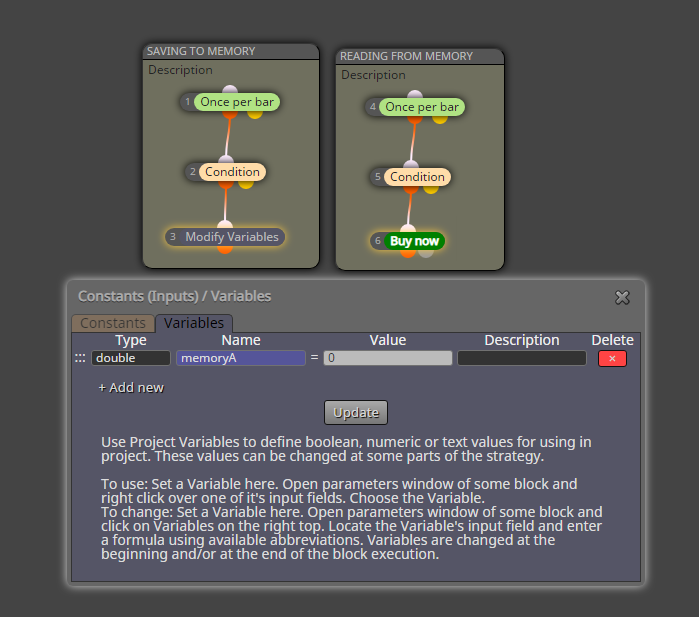
You are using the wrong tab, "on Init"
Use "on Tick", that is meant for the continuous process.
"on Init" only executes the code once, at the start. Its useful for doing some calculations and declarations that don't need to be done again on every new tick, (thats "on Tick").

@7434be
Correct, the block passes immediately.
ID 0 is set by default. It may work in your project as is, but if you start seeing some weird trades, try setting ID 1.
There are many topics in this forum regarding the ID setting, use the search for that 
@7434be
You can use any of the indicators that are posted in the main window: moving average, ichimoku, bollinger bands, envelopes, PSAR, etc.
@7434be
Well, all candles have only 4 points: open, high, low, and close.
Close doesn't necessarily mean history, it is also the most current reading.
In fxdreema we control the time aspect with candle ID.
ID 0 = the current candle, that is constantly changing
ID 1 = the first completed candle
ID 2 = the second completed candle
etc
I have not done it myself, but maybe this will point you in the right direction:
https://fxdreema.com/forum/topic/5866/finally-integration-of-news-filter-mt4-only
@josh01
It's to filter how much "above" or "below" the readings are. For MACD you can put something like 0.00005 to filter out flat periods.
Setting it to 0 means no filtering, I suppose
@vnpython-0
I don't use volume indicators. In my opinion, volume is a bit tricky thing, as you can only see the volume of your broker, not the actual forex market.
AO and Fisher don't take volume into calculation
@7434be
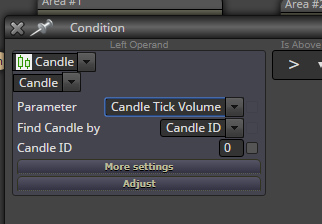
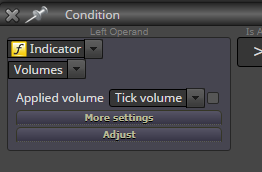
It seems the mt4 version doesn't have volume indicator.
However, you can use the candle data, it has the exact same information: