@l'andorrà
https://fxdreema.com/shared/037xpdHFb
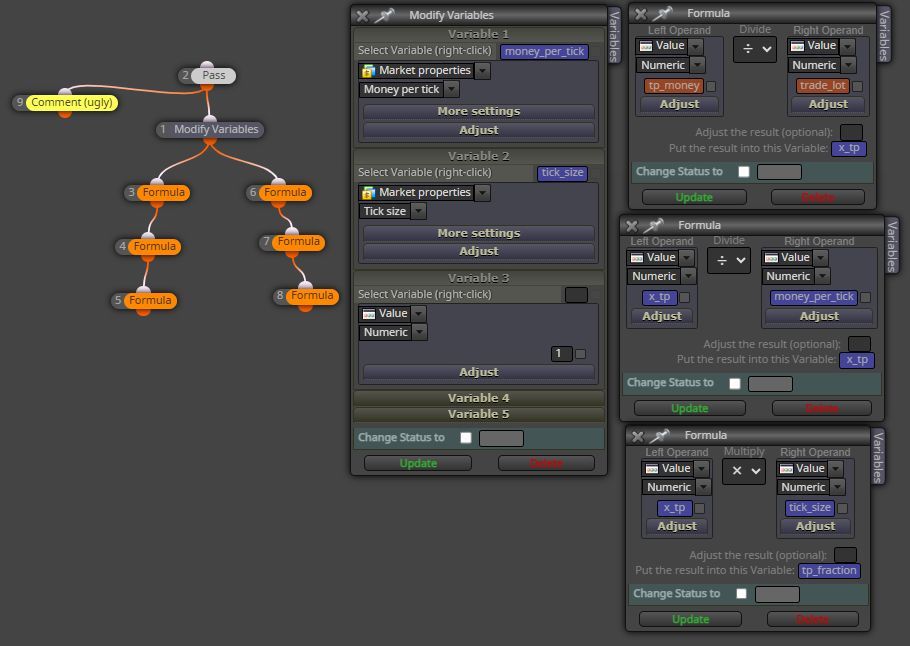
@gooseman
Block 18. Try:
Set variable to Text (you have set it to numeric)
@PrinceErielle902
It also happened to me couples of month ago. Reason unknown.
Better just delete some blocks and rebuild after all
@fxDreema
Everytime you talk about the 1000 blocks, I raise a question to myself: is it a joke?
@ambrogio
You are right. It works well with other blocks. My simple test with MQL code "Print Symbol()" did not give every chart symbol which, however, were printed out correctly if they were given by some other blocks in form of variable.
@roar
Never thought one can DIY a loop with the condition block. You inspired me
Start a small project
condition --> once per bar --> buy/sell
Learn coding is good as you can do your own customized indicator
So you wouldn't waste time on customized indicator with unknown details
A opens trades when no A, B positions
B opens trades when no A, B positions
A closes A, B positions
B closes A, B positions
Result: open less number of trades and close trades earlier
@arezovafaey
You use EA to gamble/trade in the market is one thing. You, as a programmer, write EA for others, that is good, is another thing
If you are talking about being a programmer, no one would discourage you to do so
@SirLuk
You could use the function
iHighest(NULL,0,MODE_CLOSE,X,0)
if a then b=1; if a then b=2; -> b must be 2
if a then b=1 else if a then b=2 -> b must be 1
I am afraid the logic is clear.
In your case, it may need an array to handle the list of TFs
@gooseman
Probably due to retrieval of data from some symbols, as it takes time, in particular if those symbols and TFs were not opened in any other chart window.
Are you reading multiple symbols? Have you tried with only one symbol first and does error still persist?
BTW, CPU speed seems more important nowaday as RAM is often adequate.
I've make some modification to your shared link by adding a time interval just after switching to any other symbol/TF :
https://fxdreema.com/shared/C9f0bjrG
NB: After appending to your own project, you have to check to confirm the item in 27 should still the same as the one in 26. (sure you can change it to any other number)
@gooseman
I think the code by @roar have solved your problem.
Anyway, if you are interested you can try inserting the following blocks above the block "No position"
https://fxdreema.com/shared/htWDZuxqc
Backtest is not reliable