how do you confirm there is no repainting?
Can I ask is my testing EA setup right, to get info.?
or
Is it possible to extract the calculations, from the MQL4 code and put it into a Custom MQL block. ?
how do you confirm there is no repainting?
Can I ask is my testing EA setup right, to get info.?
or
Is it possible to extract the calculations, from the MQL4 code and put it into a Custom MQL block. ?
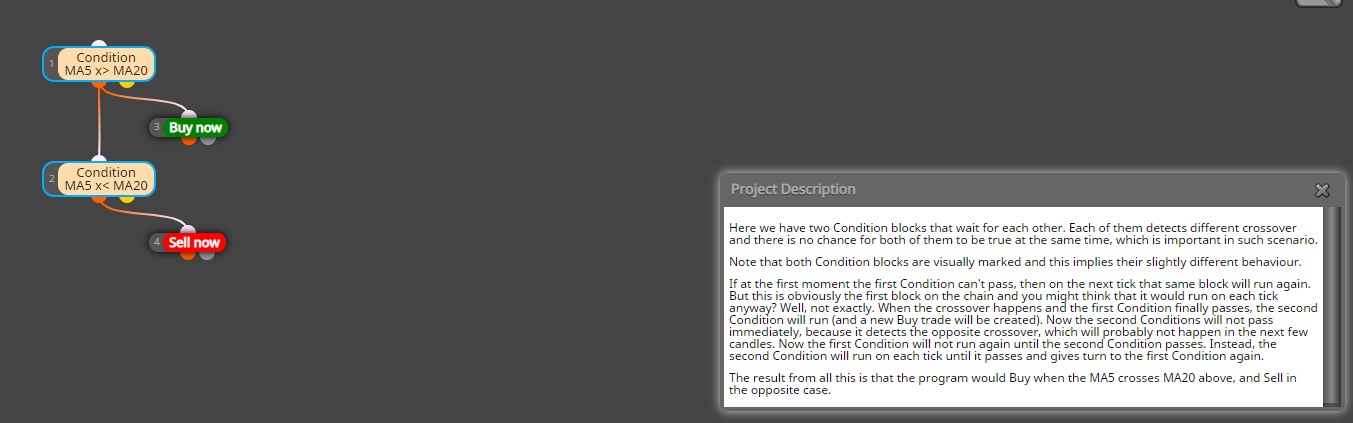
when you say you avoid it. What does this mean. I read this and think that any EA built which daisy changes, there are times that block 1 will not run as it is connected to an other condition, (as in my example1), that's why I changed to example 2 going horizontal (as in example 2), and will move to using flags.
from this page: https://fxdreema.com/howto
from Waiting for blocks to pass: Two crossovers
I got confused with the 3rd paragraph. Last sentence starting with "Now the first condition will not run again...
Thank you for the response,
I have followed the tutorials and found from the Data Window that my buffers correspond to my colours in the custom indicator.
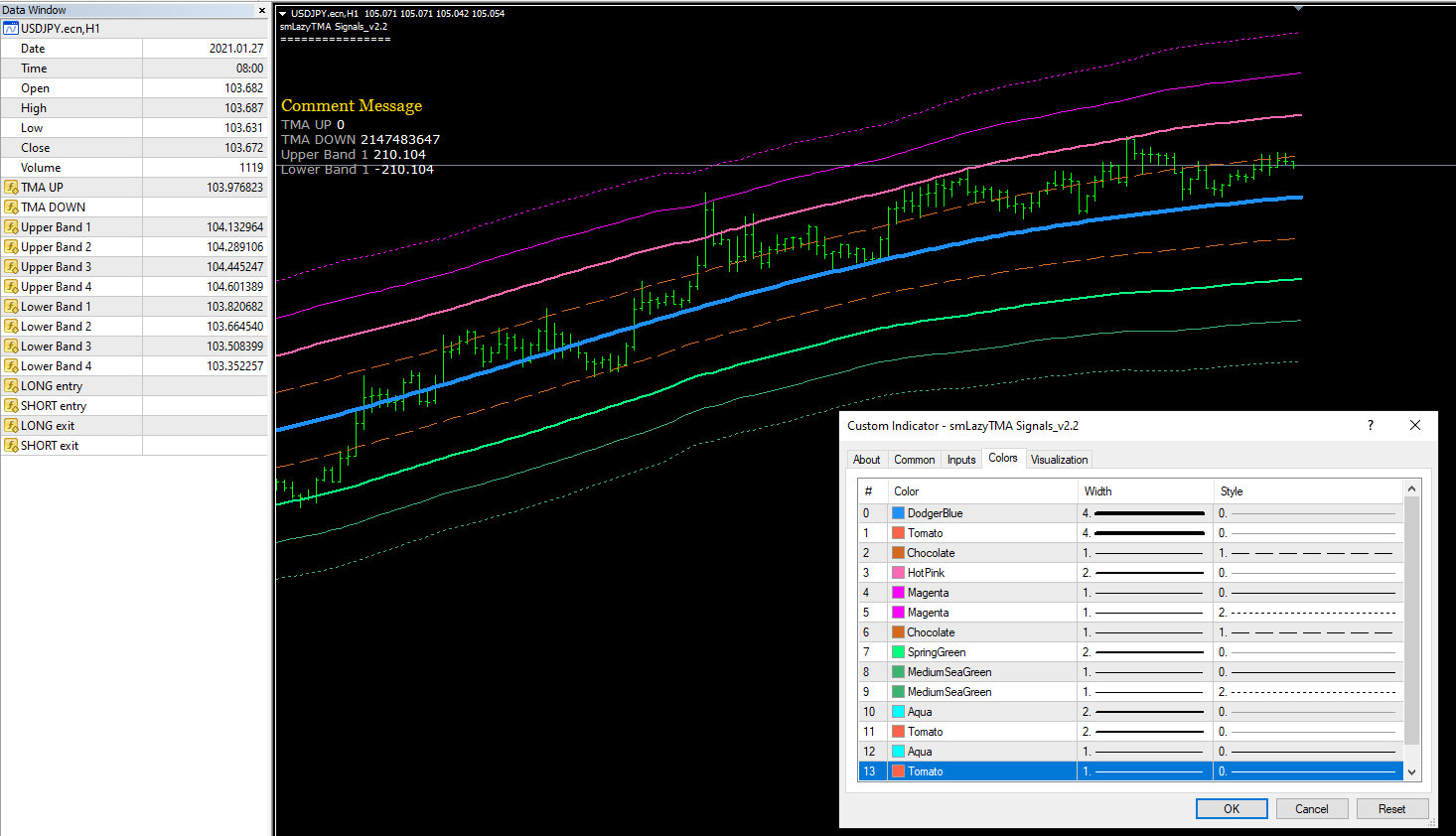
For testing I created the following using "modify variables" and comments, which should match the Data Window (in my opinion). I set the inputs so I could change the candle ID to 1 or 0 for testing, The comment values are not matching the Data Window.
here is the link to my project: https://fxdreema.com/shared/fNaCRQqKb
the interesting part is that not all the inputs are not showing on the EA as when reviewed to the indicator
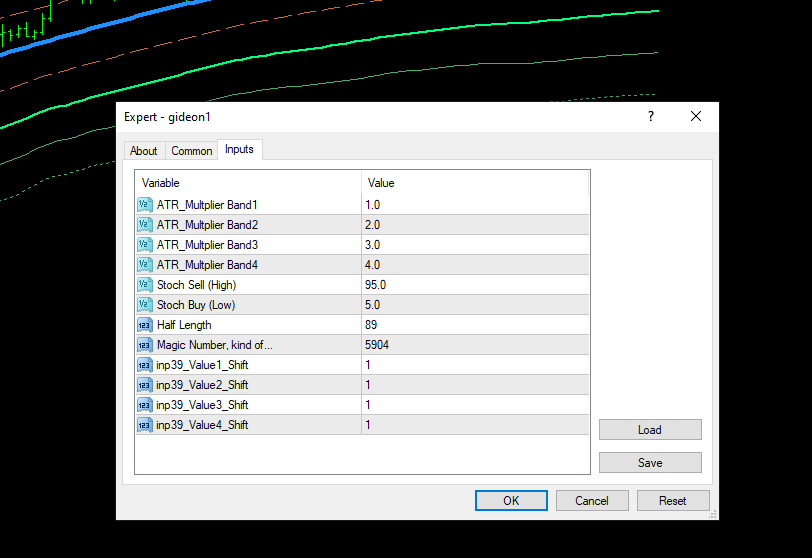
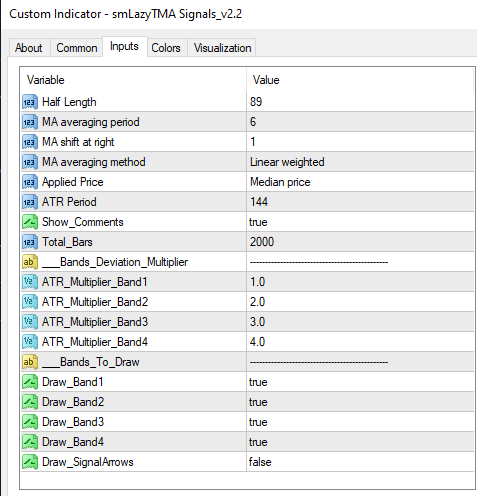
indicator file
0_1612352763696_smLazyTMA Signals_v2.2.mq4
From reading the examples tab, on the above topic , I have confused myself. Please help to untangle me.
Example 1, I believe that block 1 will pass but then will not run again till block 2 passes. So then if the EA is waiting for block 3, what is block 1 doing. as block 2 is in a pass state.
Example 2, Will run on every tick
Example 3, I have not used flags or boolean in an EA, So I think this is a very basic example, on how to use.
Previously on example 1, I had different areas of blocks to run and was turning blocks on and off to ensure that blocks run on every tick. I then changed to example 2 to ensure HTF blocks ran on every tick. Then recently read a post on using booleon over flags.
So for instance you may have a daily time frame with a 3 EMA CROSS to set market direction, and when matched looked at a MACD on a LTF for a signal to buy or sell.
From reading the forums, when price crosses the inbuilt indicators, we can use X<, or X> or like. I have uploaded an indicator using a *.mq4 file. I would like to know if there is a work around to get where price crosses the indicator. I can understand when we just use a .ex4, for appearances/colour change of a buffer. But thought using a .mq4 file it should act like the inbuilt indicators.
shared link: shared/hDo9V7Mvc.
I have read the MQL4 document, but it is like reading Latin to add code, for me (icustom etc)0_1612241240043_smTMA_v3.1a.mq4.
Many thanks
I was looking to see how to store the 2 previous pivot point values and compare. Was looking at different ways to determine sideways markets. But can't work out how to manipulate the variables to allow me to compare these values
look at formula blocks. Have a go and someone will review.
Looking to set up some notifications on fractal breaks.
Setup some pending orders as my base line, which works. I then created some arrows on my conditions. I can't seem to get either of the indicators as per the examples to draw the arrows as expected.
Could someone else have a look over and tell me what I am missing for the price to break the fractal value and draw an arrow.
shared/UM8Tiih9
any ideas on how to move forward to resolve?
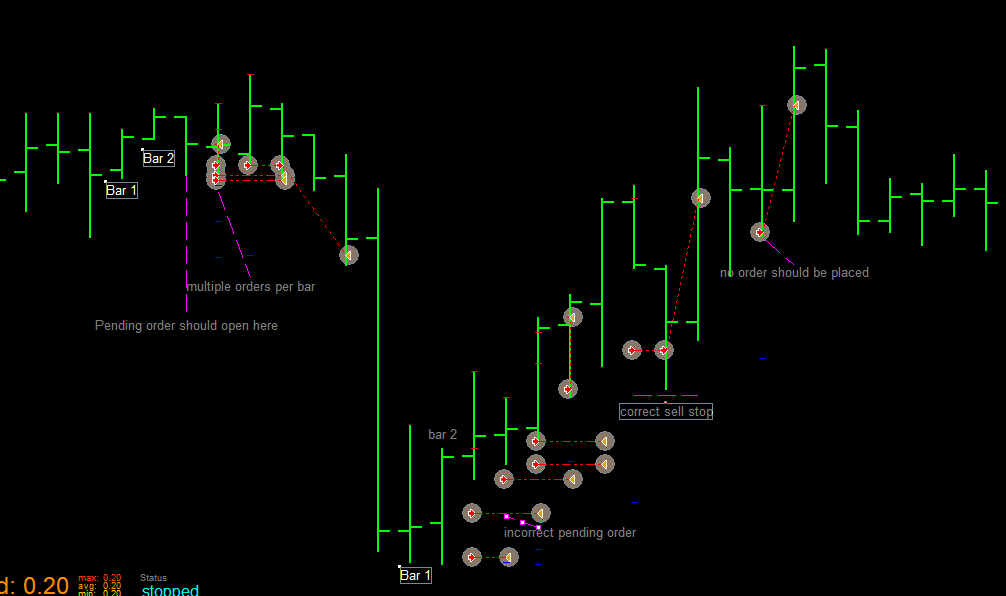
I just took everything out in re, to review the output before proceeding. ie where were the pending trades being positioned.
I note I put the bar numbers around the wrong way.
In reviewing my EA in the tester, I found that pending orders and trades were being created in the wrong area and at wrong levels.
I have assumed the tester is incorrect as it is a simple EA.
Has anyone else had a similar problem, or can advise of a more accurate way of testing
https://fxdreema.com/shared/7qqpsax8
In my opinion the problem is candle 0 on the daily and candle 1 on the 15 don't corelate. I think you need to use a formula to set the value of the daily OPEN and compare this to you 15min bar
Was thinking something like
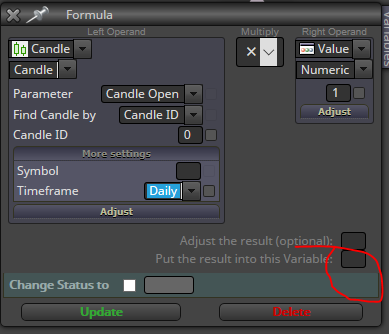 .
.
For this type of EA, look at separating you conditions and use tum blocks on and off to fire when conditions are met and reset when not met. As the EA is checked on every tick. My problem is that I keep thinking that once a condition is met it sits ready at the next. This is not correct, it fires from the top on every tick, and will only follow through if all conditions are met straight away.
pls disregard my, post. mis read your requirements
try changing your candles to 1 and 2. Let them form first,
close trade closes everything, as you have noted. In my opinion you can use under "controlling blocks tab" Set "current market" and use it as a variable for each pair.
When loaded on each pair, you will need to ensure you set the correct pair.
pips and pip give the same result
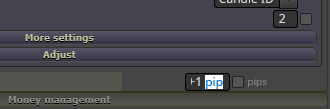
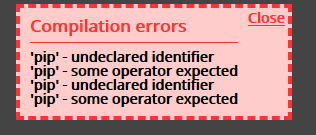
thanks for the prompt reply. I tried what you said and got the same result
https://fxdreema.com/shared/mcZo0enN
With the pending orders I was just trying to set it to place 2 pending orders until they expired or played out.
With the pending orders just want it to expire after 15 min. I see there were some posts on broker having min times, but don't understand why I can set a min time to expire.
Thanks in advance
Could someone have a look at this EA. I can't see why my count (block 110) and expiry blocks (113-116)are not working.
https://fxdreema.com/shared/9V5IV6Bgb
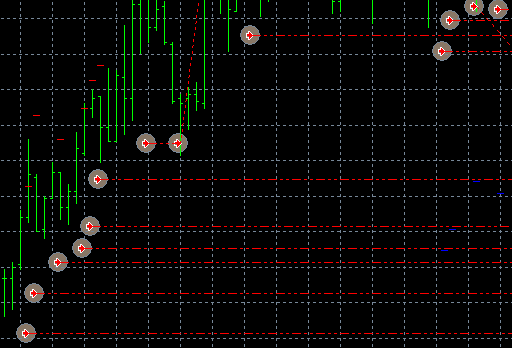
much appreciated.
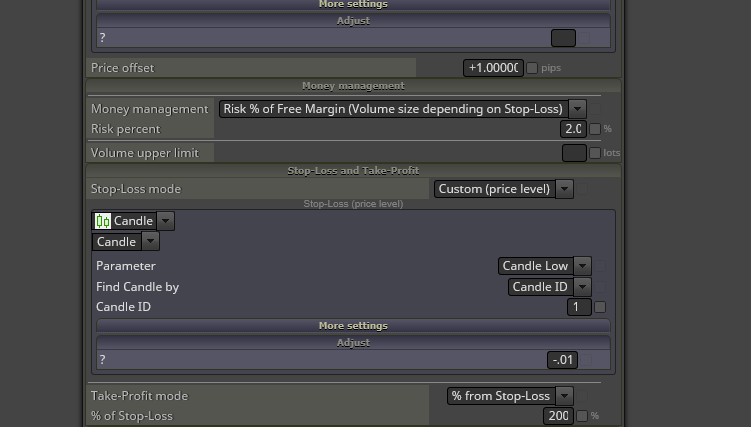
I had added +1 to the pending order under adjust and SL to be -1. Pending open was 100pips above the candle and same with SL
this is the following I used to adjust