Defining time constants
-
Hi there. How do I define variables / constants to be used in time filters that will allow me to optimise down the track. For example, I want to take a trade at a specific hour, is there any way I can run MT4 optimisation to try all hours between 00:00 and 23:00?
-
in fxdreema are these parameters as "string" ...
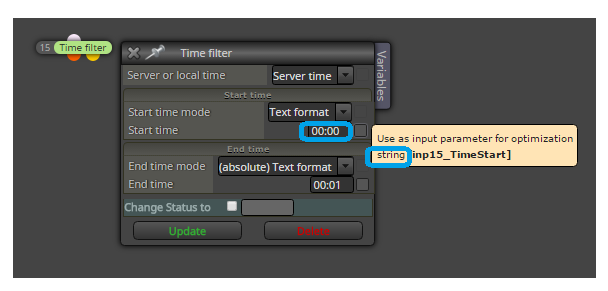
but some can be datetime, if you go through check box by input, popup window tells you what type is used ...
-
Different blocks use different type of parameters. This is mostly because I made these blocks in different times and my ideas were different

-
I'm assuming if the variable is defined as a string then it can't be changed in the MT4 optimiser? Would you set time using the component method if you want to use the optimiser?
-
I don't think strings can be optimized. Yes, you can always use the other method (component) and there you have each value separated and integer (numeric, it can be optimized)
-
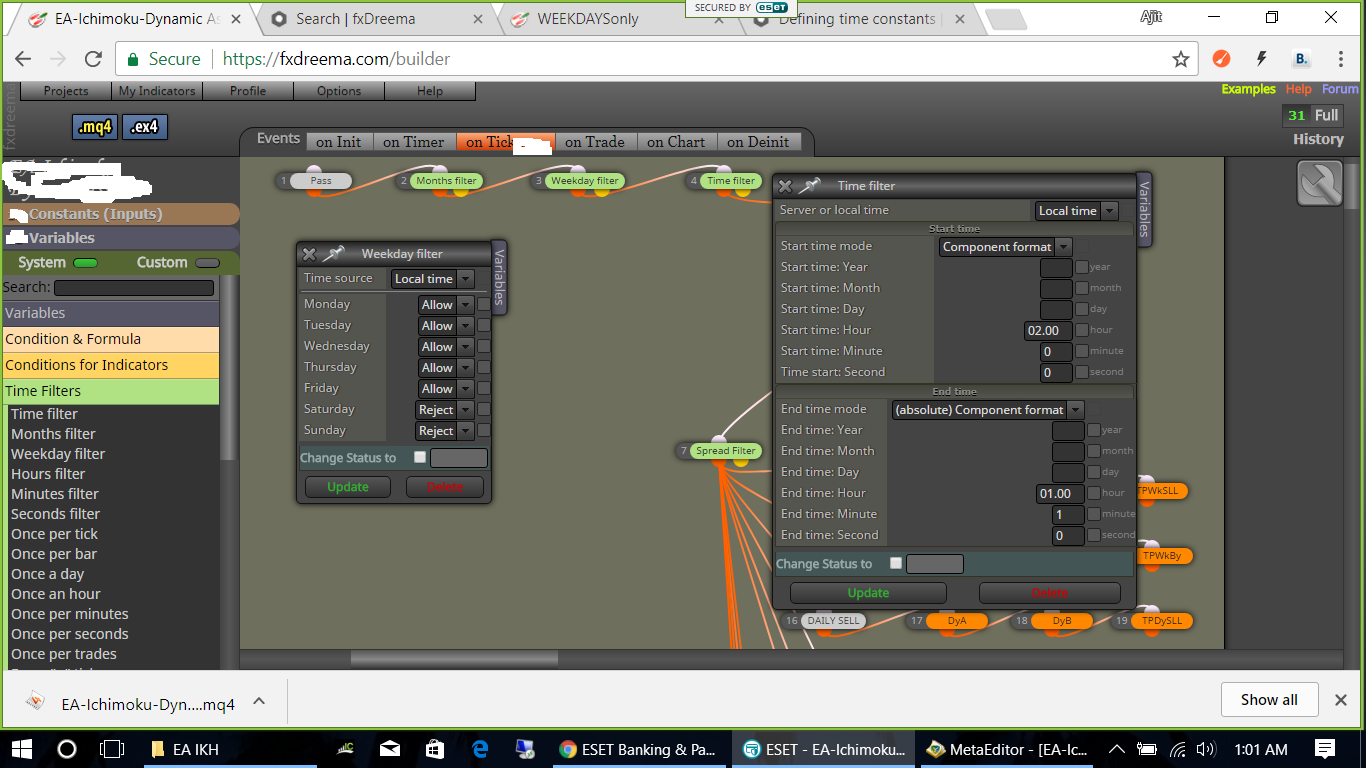
Hi
Iam getting 3 errors--
possible use of uninitialized variable 'time'
day=TimeDay (time); -
possible use of uninitialized variable 'age'
if (compare**(AgeCompare, age, AgeAmount)**) {callback(1);} else {callback(0);} -
possible loss of data due to type conversion
if (time1 == time2) {
shift = time1;
}#property strict is blue now unlike before as inactive.
what shud i do?
thanks
-
-
I will take a look at this. If it works, simply skip these warnings.
Yes, I enabled strict mode, because with the new update I saw less warnings than expected. Before I was Not using strict mode mostly to hide bunch of warnings. But I guess there are still warnings here and there that needs to be cleared.
It's funny that now if you remove the strict mode, you will immediately see fatal error in OnInit(). This is strange
-
yes its true... if #property strict removed oninit error comes...
to my earlier 3 errors asked...........could u look into it?..
thanks
-
Iam actually getting the above 3 as WARNINGS and "0" errors after compilation.
overlooked...
so wht shud i do?...
-
Don't worry about these. I said this again and again and again and again - warnings mean nothing (for you), they are not scary. What is important is for the block to work as expected.
-
@fxDreema
ok . noted.thank you
-
The EA is not working.............and comment section shows messages related to sequential multiple blocks on all currency pairs.
but the same blocks are not giving any problems wen i use the older EA...with other trading conditions.
I think these 3 warnings as i mentioned before shud be the reason.
just stuck in the middle actually iam.
rgds -
Your current EA contains 1342 blocks at the moment. There is no chance for me to check how this EA works, this is tooo much for mu stupid brain
So, if you think that some block doesn't work as explected, which is of course absolutely possible, can you make a simple EA for me that contains 2-3 blocks only and that shows the problem directly? -
@fxDreema
 ok. let me try...
