Pink loops need to go under a dark pink for each trade block@
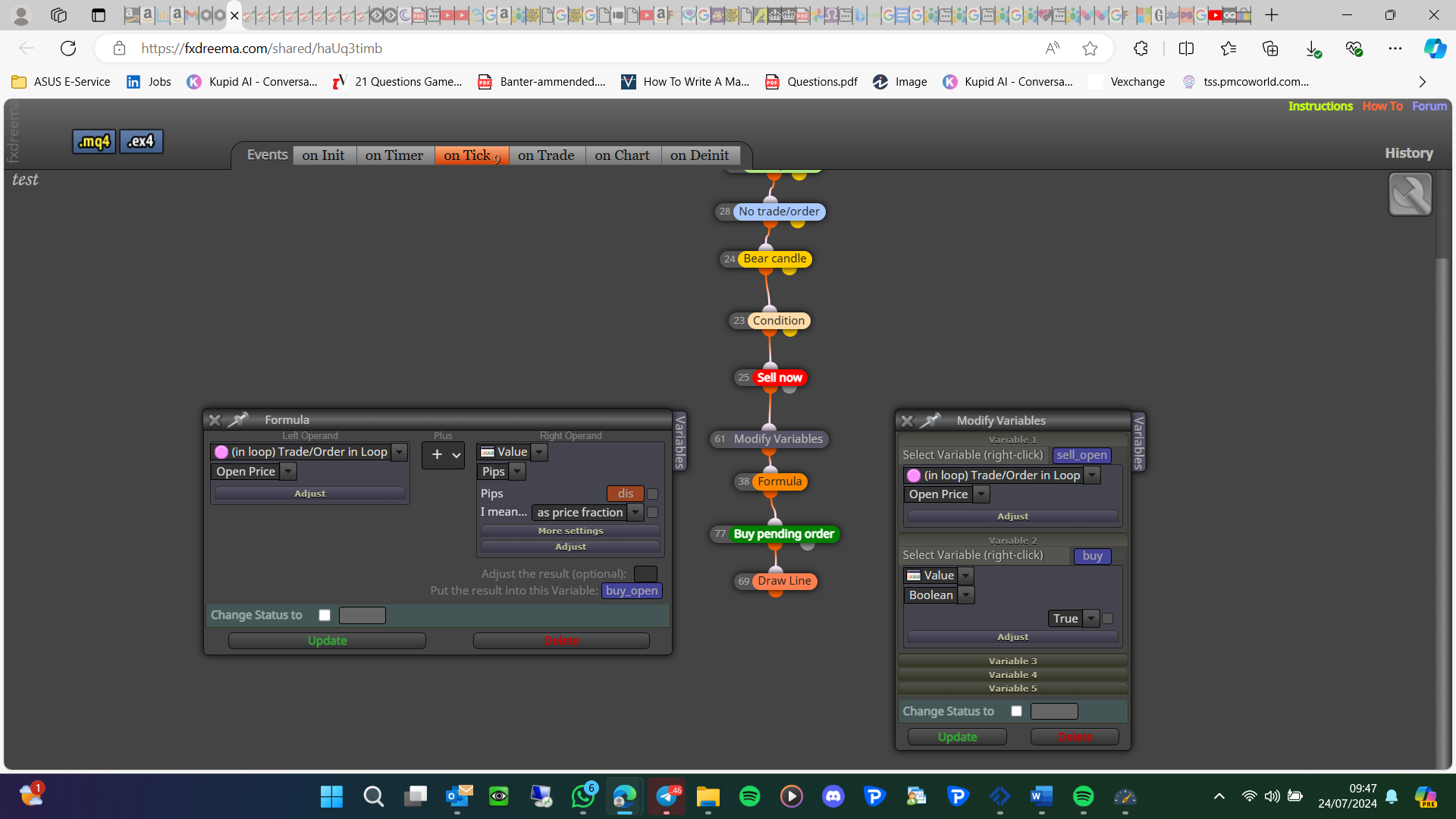

Pink loops need to go under a dark pink for each trade block@
I have to say I don't get the point in a trailing TP unless it is a group of trades so the TP is calculating the value of all trades and setting a combined TP. For me, SL works because it trails behind until price reverses
pass once to draw, then reset before you draw the next day
project page-=projects-create shared link-open link in web page-copy address bar-paste here
pink blocks can be used anywhere, purple blocks are tab specific, and under pink you have a specific reason for using, this can be inside any block or from a light pink block
No do it on the on trade tab, add a shared link rather than a picture
You just need it in a separate tree:
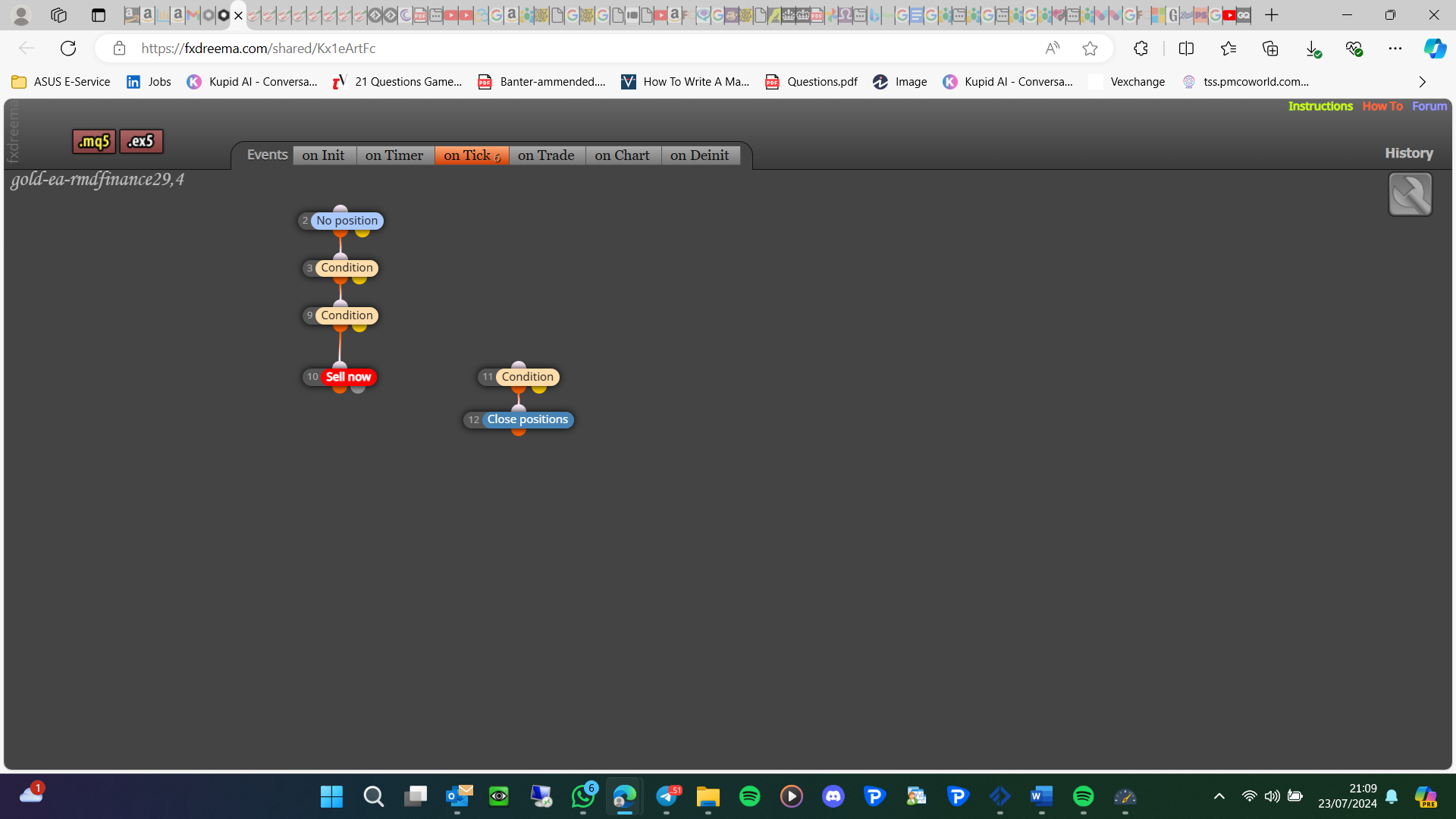
condition candle 0 X< ma - close, once you do this if not working add a shared project link
Link not the MQ,: project screen-projects-create shared link-open in web browser-copy address bar and paste here
Read the instruction pages
Candle close on 0 is the current price so it will be very unlikely for it to match an exact number, light pink blocks only work correctly if under a dark pink for each block.
I think this will do what you want:
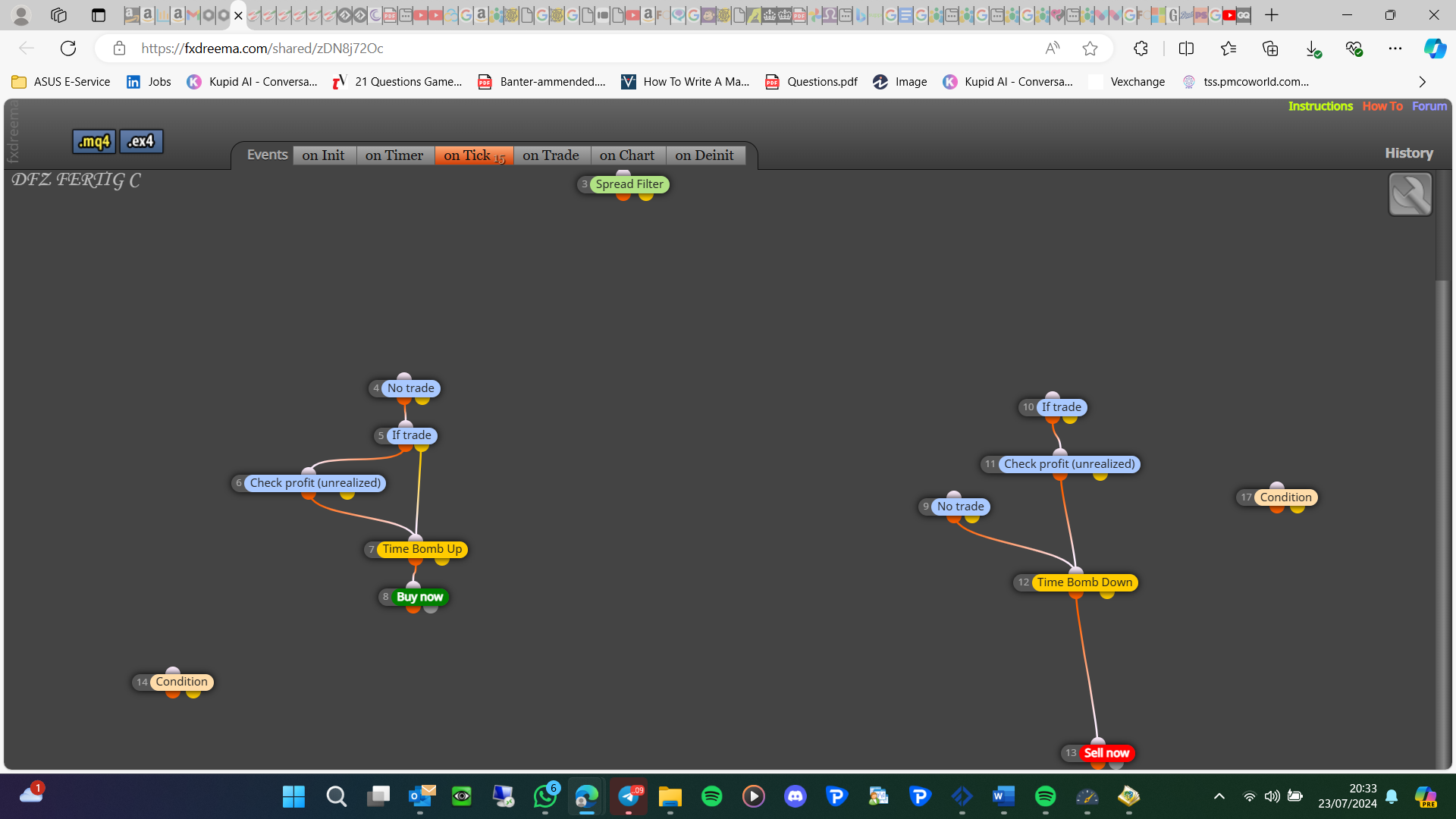
It is deleting but it is instantly re-drawing, as you can see in here: https://fxdreema.com/shared/Z2O0s4zQ if you only allow it to draw once it deletes
I would rather not DM because if the problem is fixed no one else can see how it was done.
Maybe there is a number added to the end, open your object list and see what they are called
You are not adjusting a variable so these blocks probably don't work, is this drawing a line? I didn't try to get this working, I have used this tactic previously though and it does work.
Try using the full name in both, the fact that the same EA using is the one drawing means you can definitely use
Was just an idea, some indicators won't work, but you don't know unless you try