You can mimic similar/same results, but it will always be an EA.

You can mimic similar/same results, but it will always be an EA.
TimeDayOfWeek() returns 0-6 Sunday-Saturday, text code input == 0 would be Sunday
You can add a shared link to look at, but there has always been a lack of getting this line. If this line is created by a trail block you can but otherwise I am unsure.
Move this out of the way for now, then move back when all else is working:
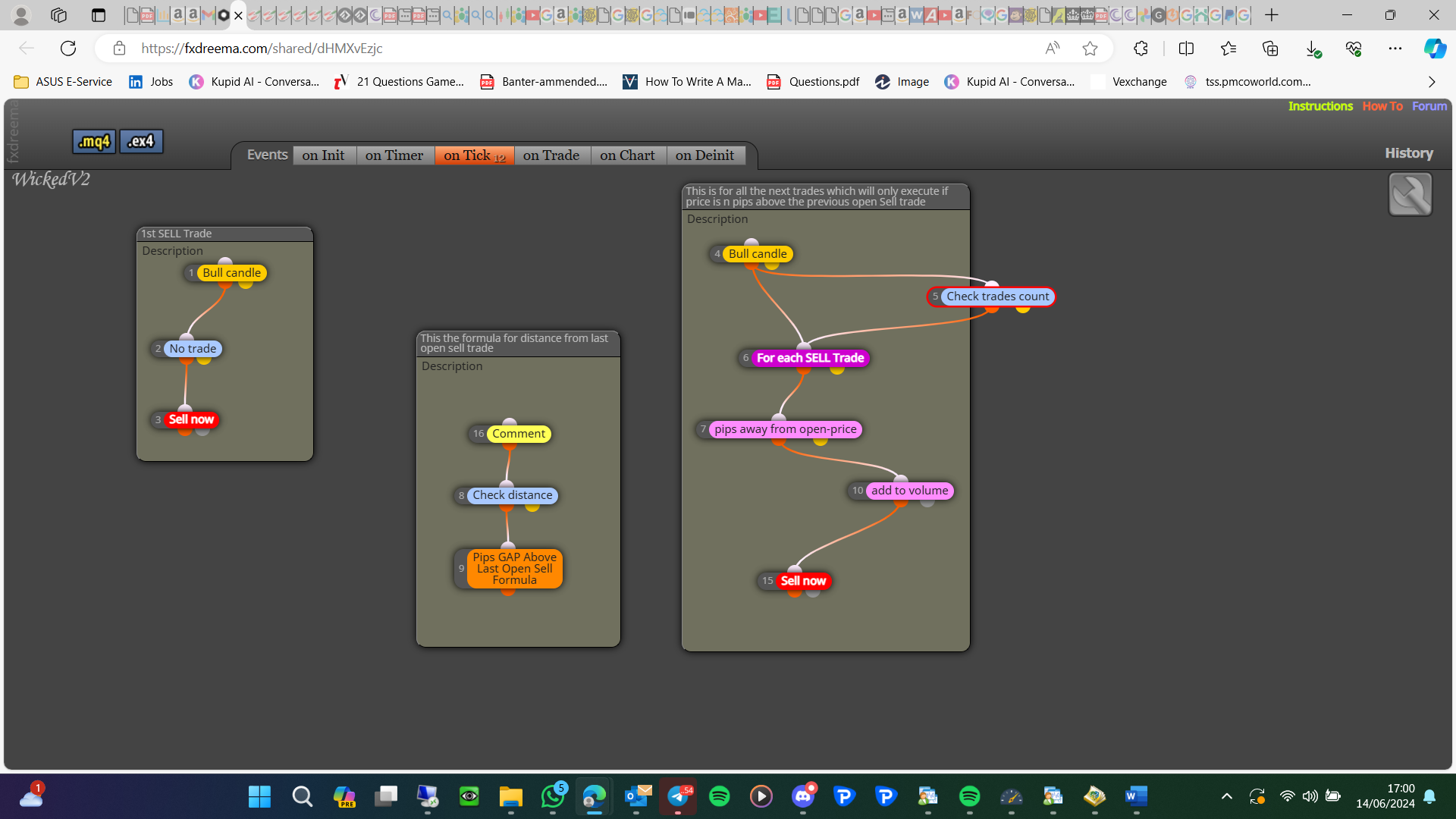
Add this to see the value created:
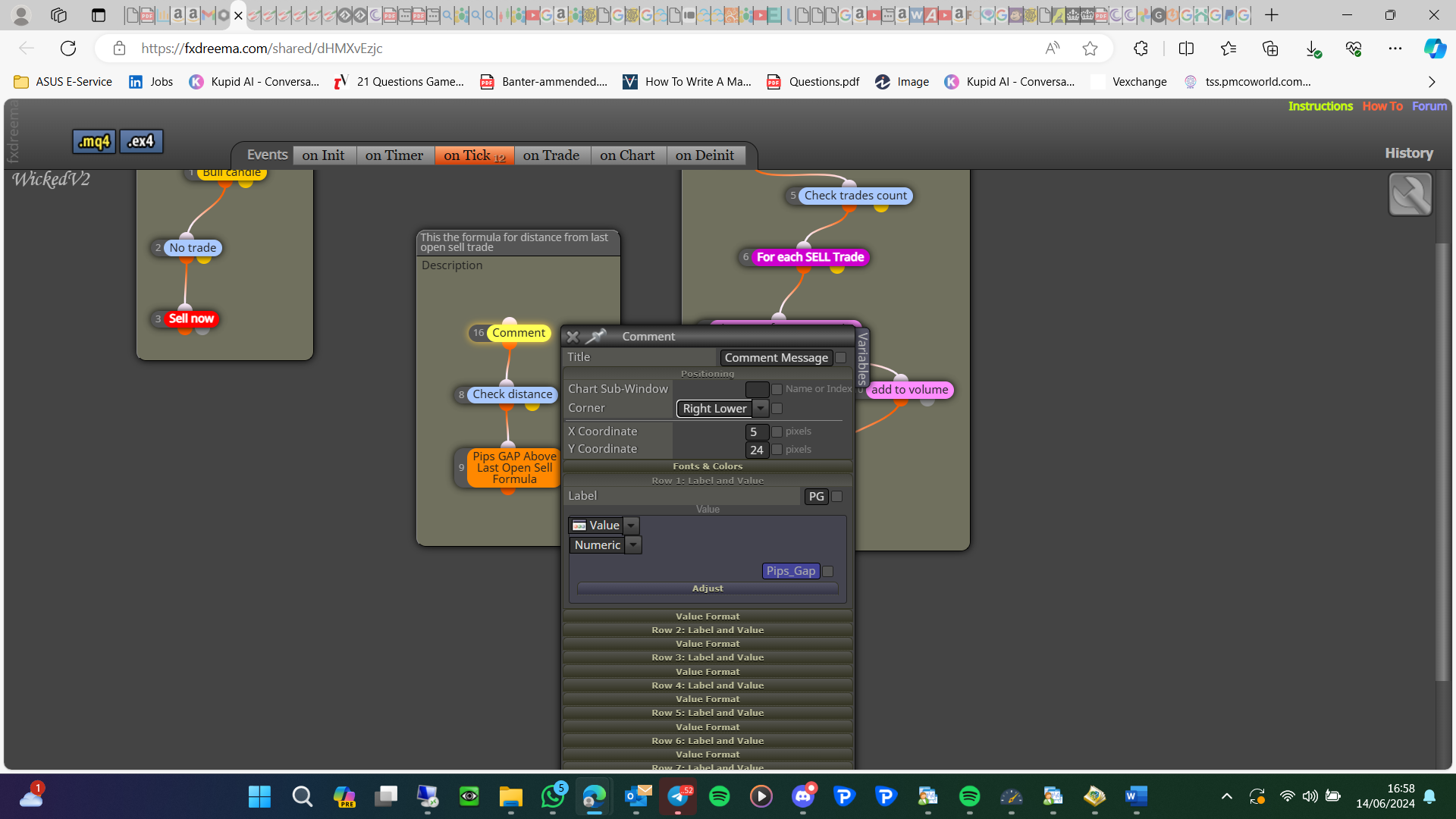
I had this when I first did this, it means you have something wrong, copy and past all you need and it will work
In the pictured block high-low would give you the points gap, put this into a comment to see the returned value.
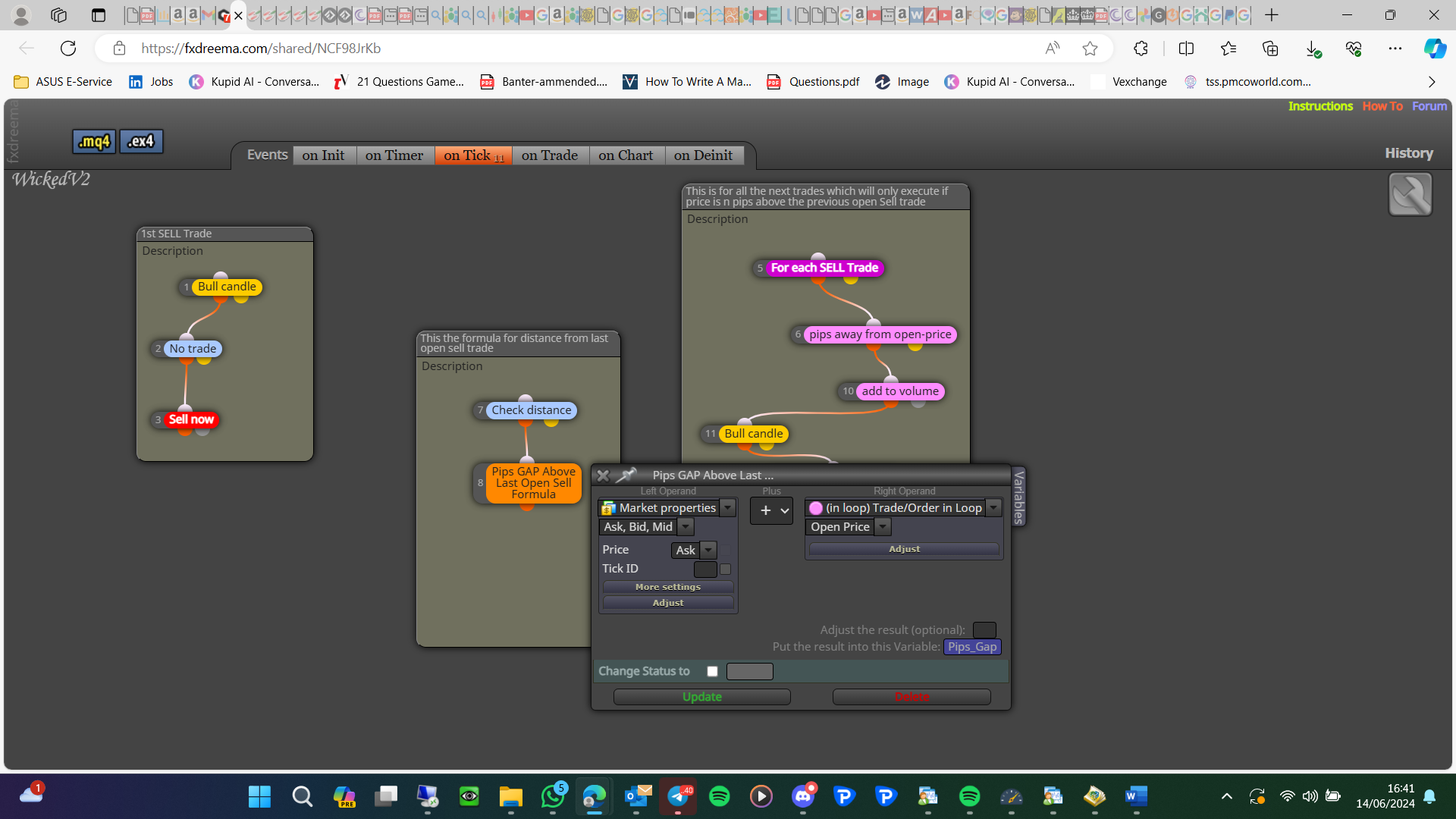
As a general rule get 1 thing working before looking at another
Doing this does this not sKip the 1st order?
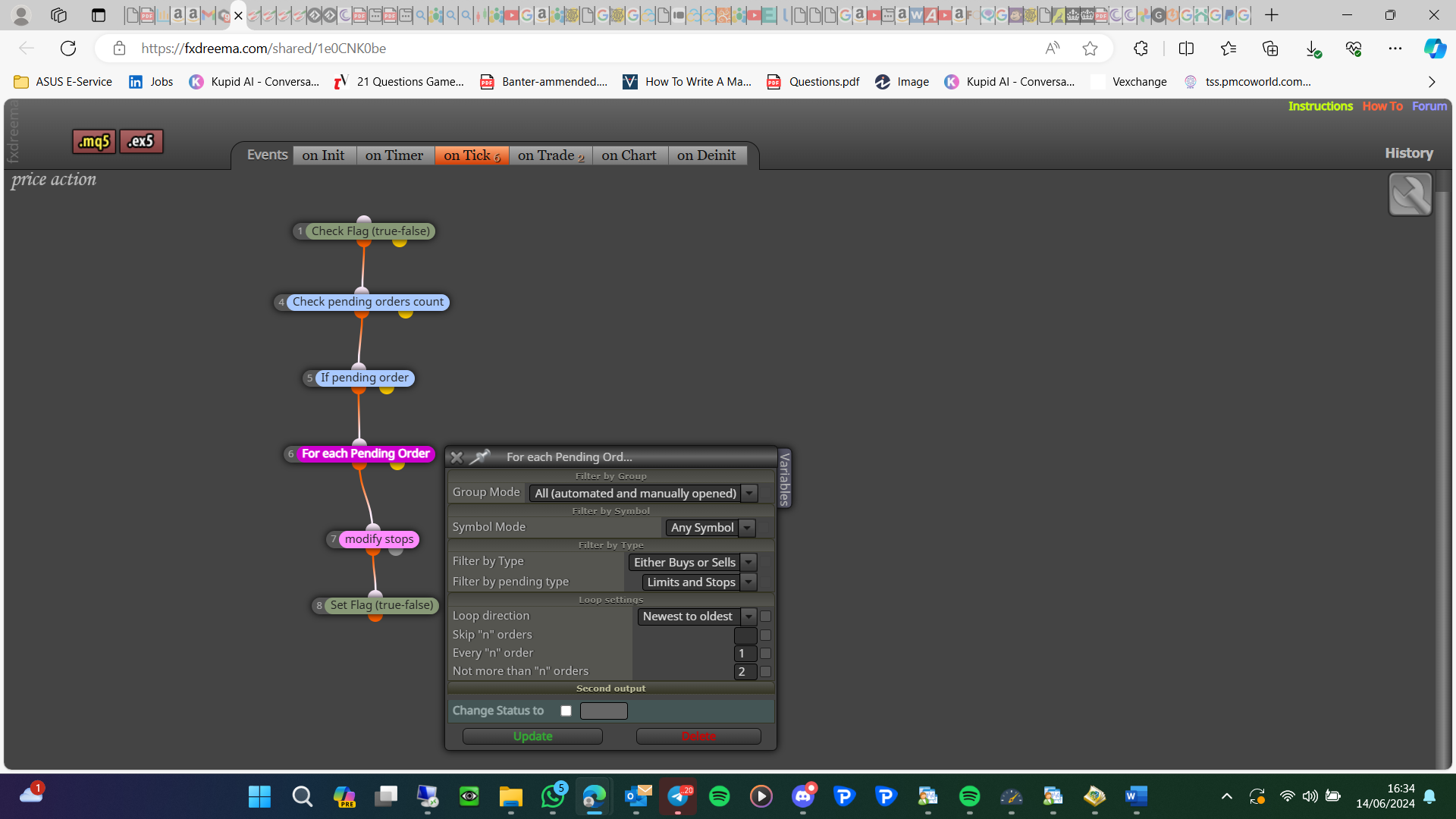
I think you just need this:
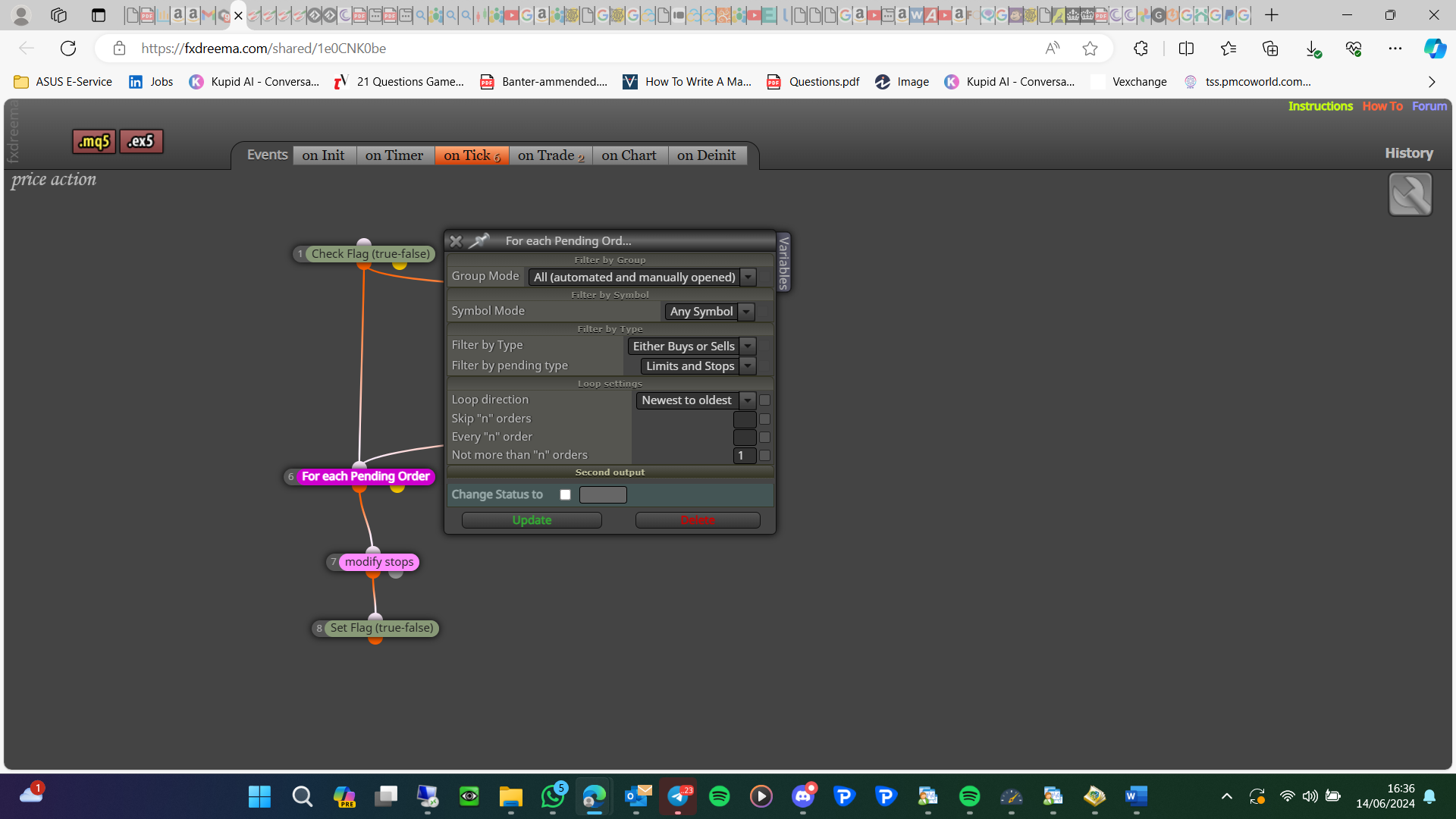
Let me know whether this works
That is not the link, that is the MQ file.... Project page - projects - create project link - open in web browser - copy address bar and paste here
My bad yes it is, does this not only allow the tree to only activate on a child trade?
I must not have added this link, wasn't about my book @reyxv16 is correct, I was showing you this: https://fxdreema.com/forum/topic/19004/help-custom-mql-code?_=1718300737685
Where is block 6, 7? Blocks under ontrade tab trade closed block will happen once, to use time to turn blocks back on you will need to do this ontick
This shows how to turn algo trading off
In options you can set this:
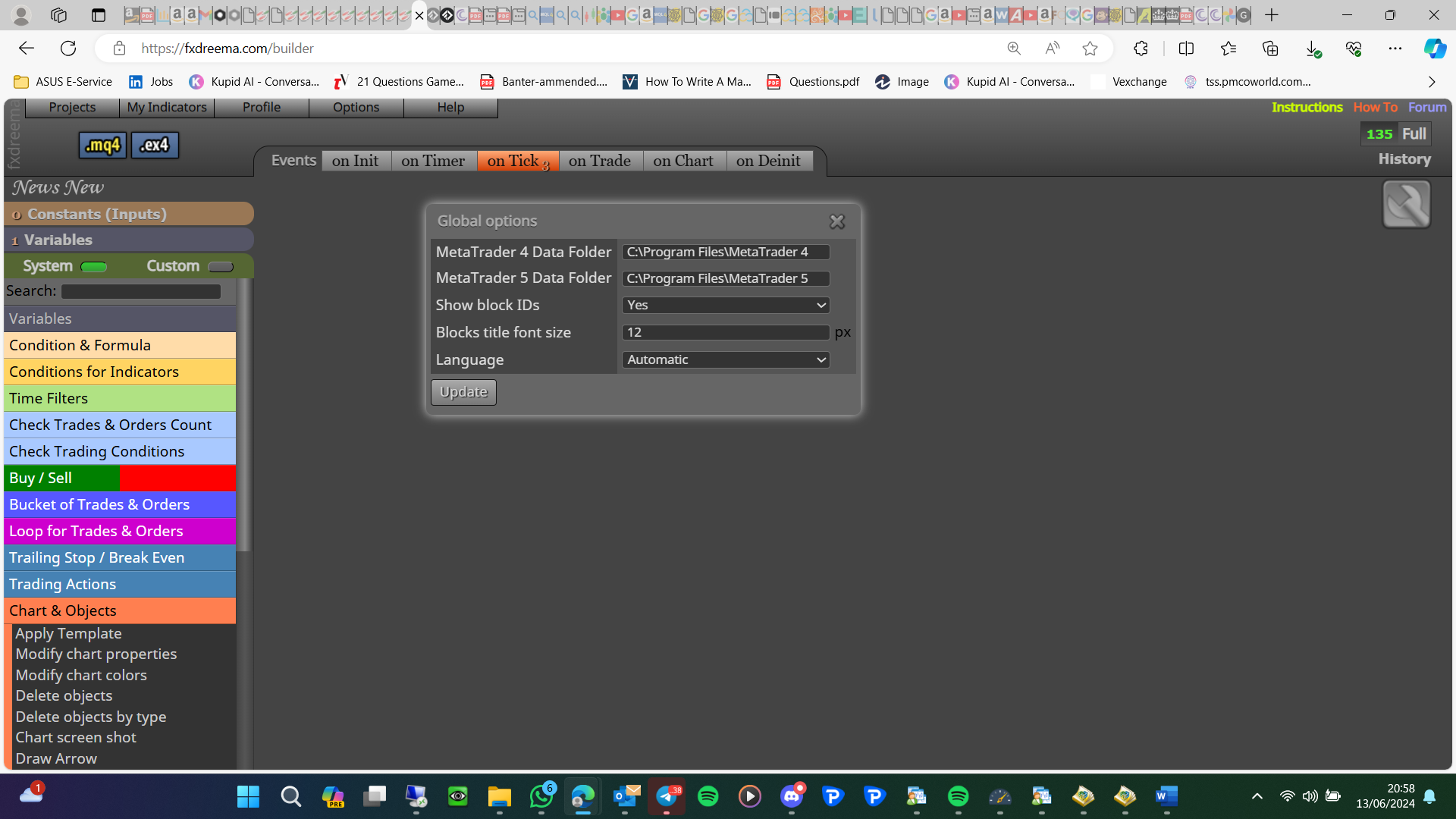
What do you mean? Generally, if something needs to happen first it should have a lower number (The tree should start with a lower number), the link will show the order.
Maybe, the close should be in a separate tree, add a shared link to look at, will show where you are better. Project page - projects - create project link - open in web browser - copy address bar and paste here
That does surprise me, the problem I see with that is you cannot manually move the stop, because the EA will just move back. try this, ontrade turn a flag true if order opened, on tick check the flag if true change only 1 trade newest to oldest and turn the flag back off
