Is awkward when you change a string to int, then work with what the FX block is doing so having to convert again  the link below will do it.
MT5: https://fxdreema.com/shared/sOLiFCdqb
MT4: https://fxdreema.com/shared/DyQKz9f2b

Is awkward when you change a string to int, then work with what the FX block is doing so having to convert again the link below will do it.
MT5: https://fxdreema.com/shared/sOLiFCdqb
MT4: https://fxdreema.com/shared/DyQKz9f2b
Ok so the mid of the range in the day, you can use a formula block to get this:
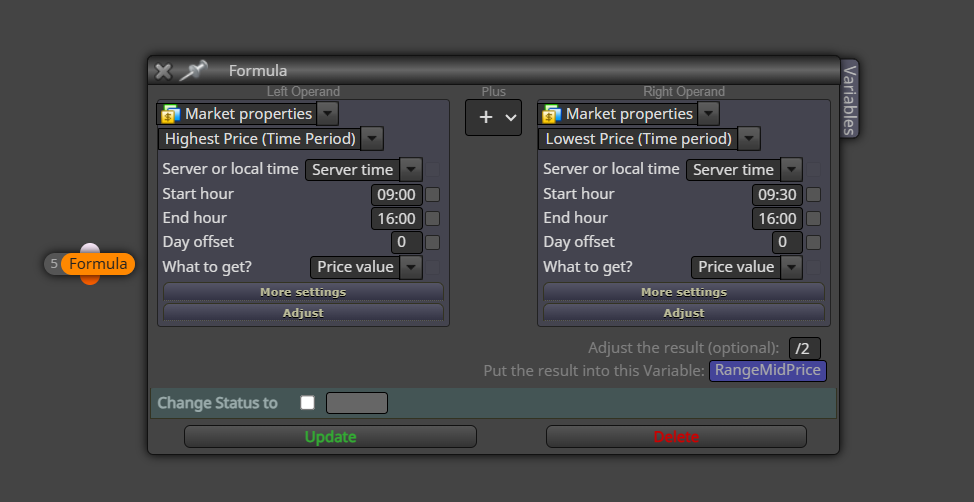
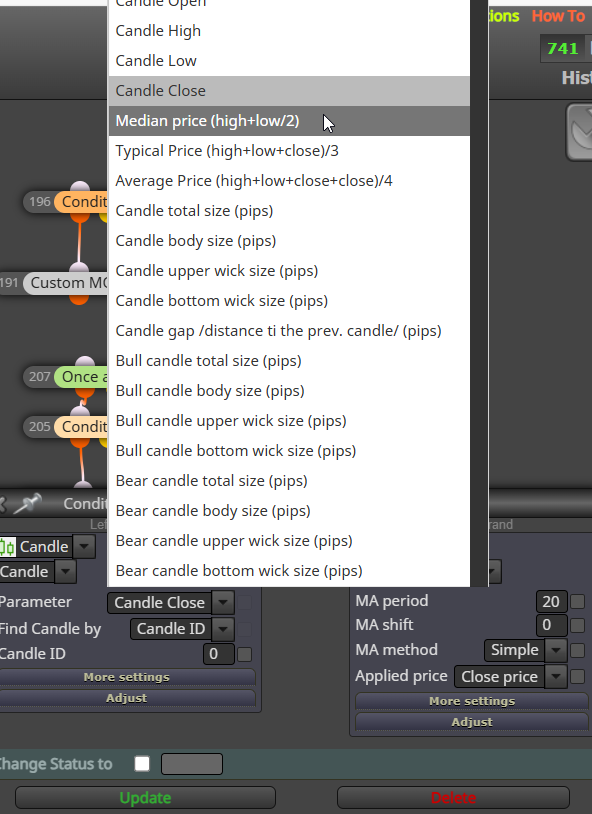
Maybe you are over thinking this? The mid price of the day candle is the 50% value, so may find this the best way to work with it.
Click back to main page above, and ask support. If paid with crypto it can take a few days.
Nott sure what you mean, yes it is start + relative, but this calculation is done within the block
Relitive to start time is already using int numbers, so just use the constants created for making the string time.
Yes, it's the same, just copy the blocks, paste, and mimic the inputs
Comment blocks can be above or below, in fact any block works above or below, you just need to ensure what is above won't affect the block below. If a comment is below a no trade block, it won't work once a trade is placed, but above it will, it will work before the trade is open, and while it's open. Possibly it's 1 tick behind, but this is unnoticeable.
If phone is connected to your pc terminal by getting the number from your phone, that's in the picture. Then your phone can receive notifications. I cant remember exactly because I haven't done so in years, but I think this cam do all you want. 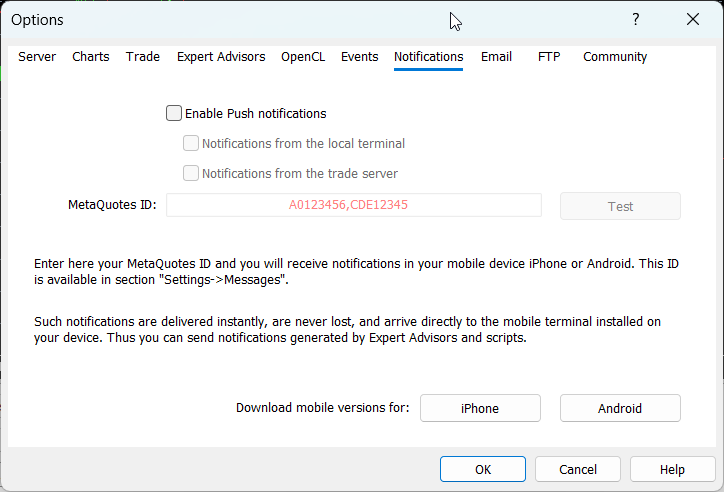
it sets the atr variable to 0, then loops through and add us the value from the last number or candles in the candle range, then it takes this total number, and divides it by the number or candles in the range giving you the average number over the range.
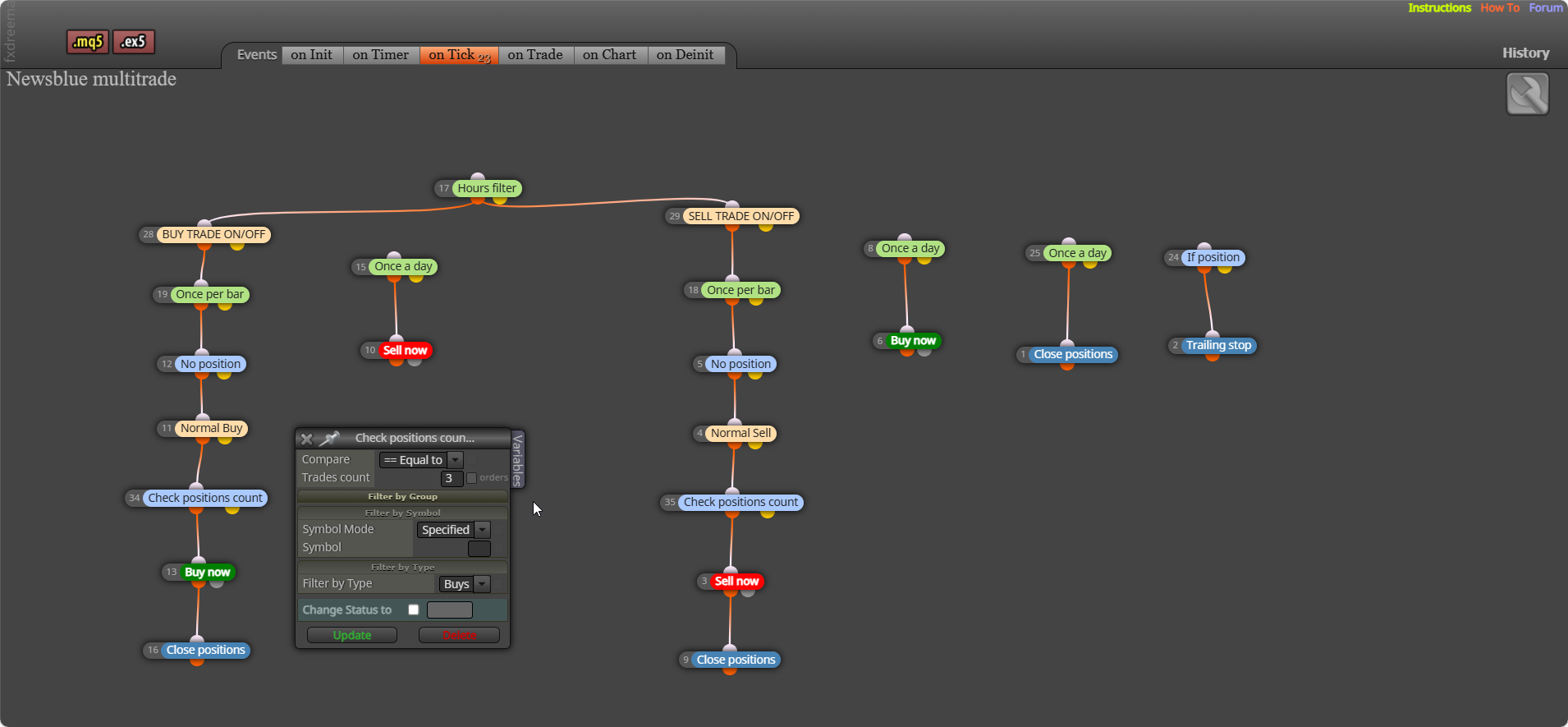
if your check trade count is set to 3, how is it supposed to place the first, let alone 3? for now remove this block, add back in once it's working.
When it comes to creating bots, you are often best to create a small project doing something simple, as it work's as you want, add something else in. Then you will know everything is working as you want.
Sort of, FX has it's own rules set in the background, but I think it does, if I trade the US30 which means no pip rules set, then the pips an EA uses match the pips/points shown when you drag the crosshair across the screen. Set un a test project, one that shows you the distance in pips/points so you know the number to use in blocks.
Did that buy when you clicked the button?, on mt4 backtest you could change the lot size in the edit field and the trade placed would use the selected size, it should work on mt5 live. It wasn't suppose to follow any plan, was just a way you could implement what you needed.
Not too sure exactly what you need, but get the lot size in the standard way via % of SL, then in adjust *2 this should take the calculated lot and double it.
What do you mean by didn't work?
Not sure what happened, this should work: https://fxdreema.com/shared/bD3bTCWbb
This depends on what you want to record, every+ means save the next data, things like AccountNumber() are standard meta trader functions that return your account number, MagicStart is the built in function in FX Dreema that returns your current EA's magic number (the one you see in your inputs), things like "Acc " is just so in the global terminal what things are is shown by the comment.