That is generally how it should work, add a shared to look at.

That is generally how it should work, add a shared to look at.
A no trade will limit to 1 at a time, to prevent a new trade, you need some logic to stop it, if it is in 1 candle, you simply add a once per bar above your buy/sell block.
I have worked out why it did not work as expected, was to do with, on FX sometimes if you save something wrong, it then won't work when correct, so I closed/deleted, and started from fresh. This time all worked, I then recreated and changed a few words to be able to switch Algo Trading back on, I will add this code below.
1 = SetAlgoTradingFo(true);
2=#include <WinUser32.mqh>
#import "user32.dll"
int GetAncestor(int, int);
#define MT4_WMCMD_EXPERTS 33020
#import
(this is the same deactivate)
3= void SetAlgoTradingFo(bool falseTrue) {
//--- getting the current status
bool currentStatus = IsTradeAllowed();
//--- if the current status is equal to input falseTrue then, no need to toggle auto-trading
if(currentStatus != falseTrue) {
//--- Toggle Auto-Trading
int main = GetAncestor(WindowHandle(Symbol(), Period()), 2/GA_ROOT/);
PostMessageA(main, WM_COMMAND, MT4_WMCMD_EXPERTS, 0 );//Toggle Expert Advisor button
}
}
(is slightly different to disable and I called this block a different name)
Create the button on init, use on tick for backtesting, on chart for live, use if testing on tick, when you click the button do what is needed, and redraw the button off.
@willramsey Do you mind having a look at this, and seeing if you can work out why I am getting this error? 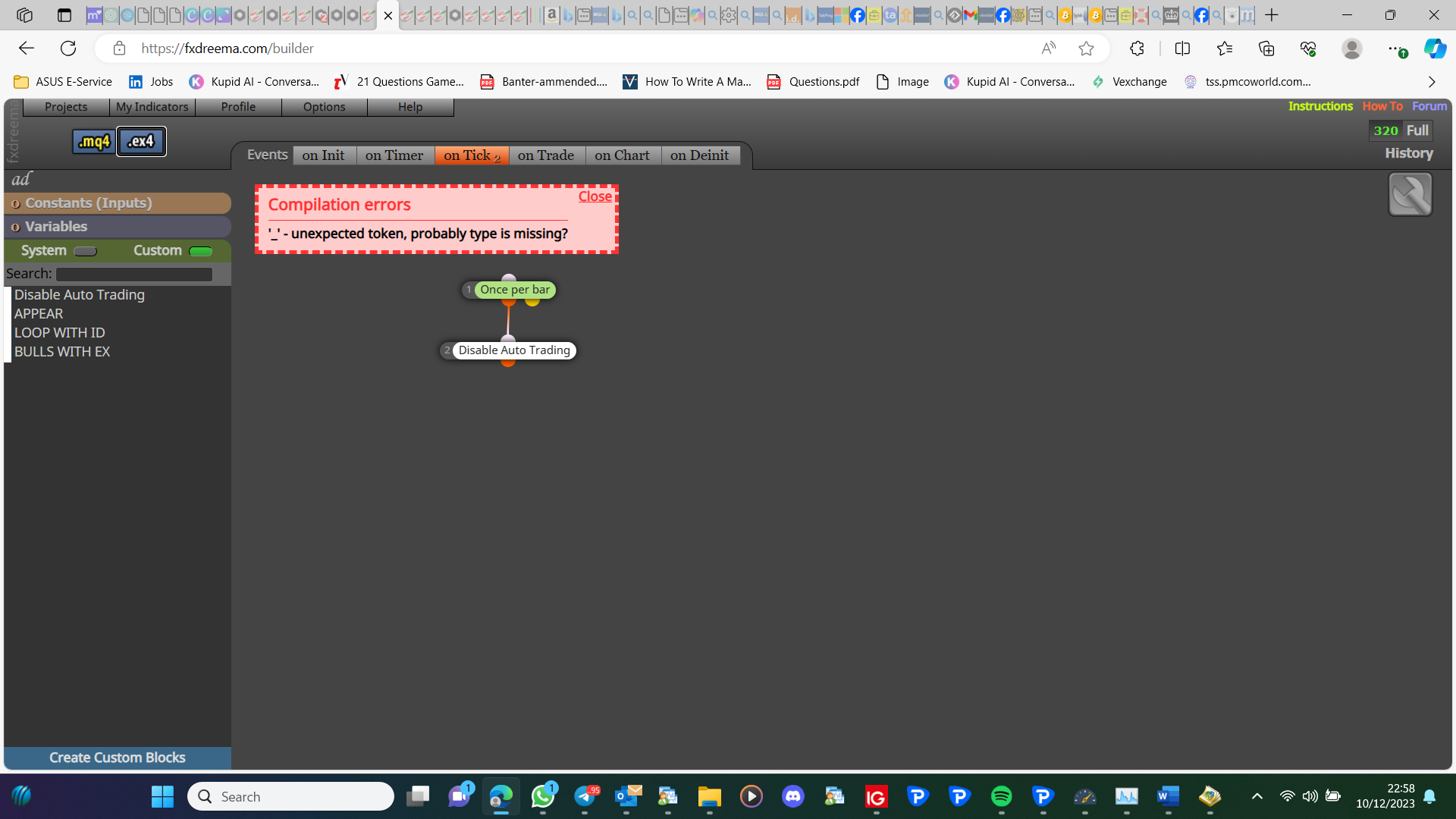
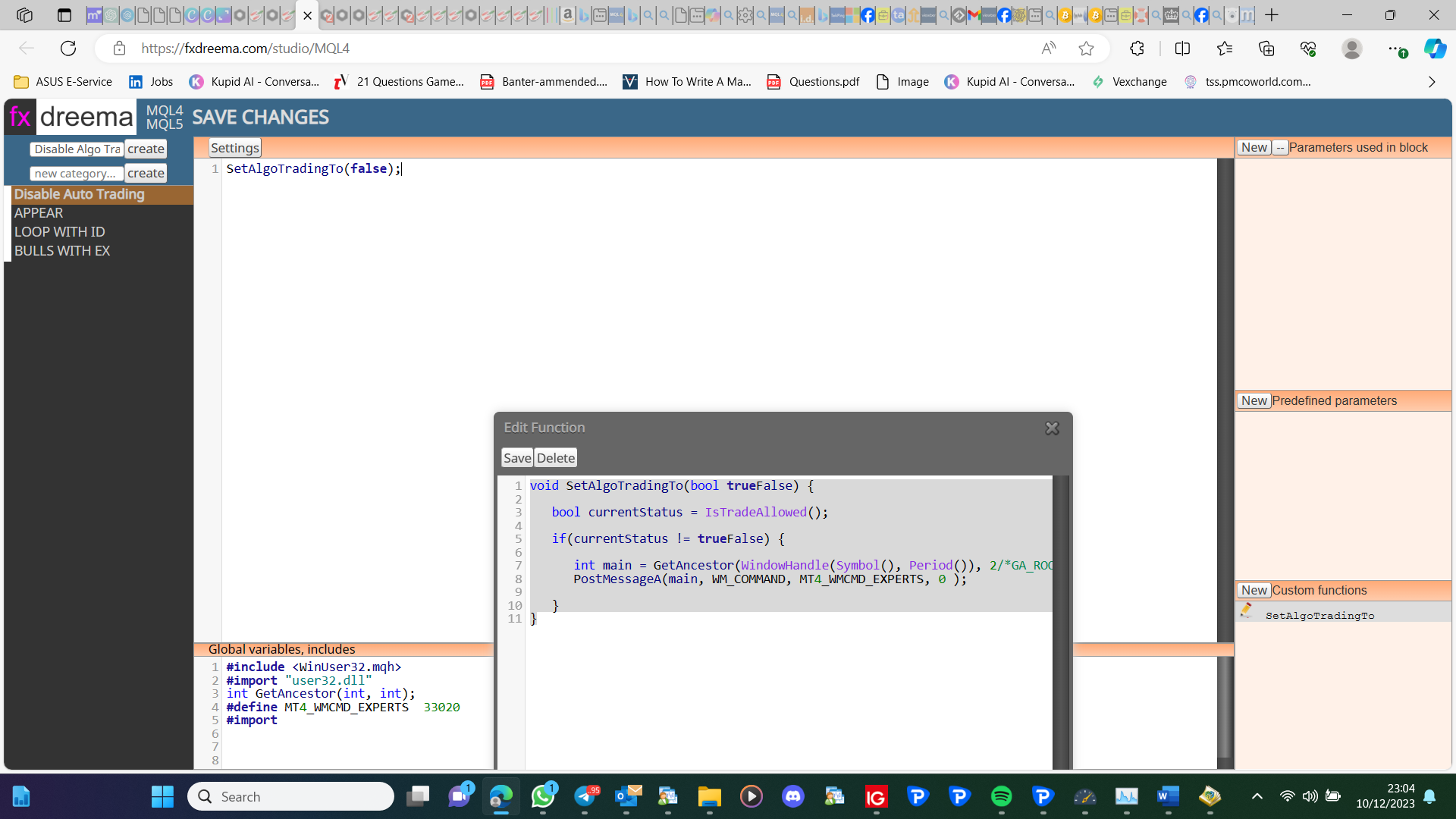
Code used is:
Functions:
void SetAlgoTradingTo(bool trueFalse) {
bool currentStatus = IsTradeAllowed();

if(currentStatus != trueFalse) {

	int main = GetAncestor(WindowHandle(Symbol(), Period()), 2/*GA_ROOT*/);
   PostMessageA(main, WM_COMMAND, MT4_WMCMD_EXPERTS, 0 );

}
}
Global variables:
#include <WinUser32.mqh>
#import "user32.dll"
int GetAncestor(int, int);
#define MT4_WMCMD_EXPERTS 33020
#import
Than you.
Rather than trying to fight through all your blocks, set up a test project so you are only sorting the 6 you are having issues with
you need a no trade/order block, and you need 1 trailing block, connected to yellow of no trade.
Do you mind sharing your project, so what it is in the multiplication can be seen?
It does click the link above, download the MQ5 and watch on your tester. If it does not work you have a problem elsewhere.
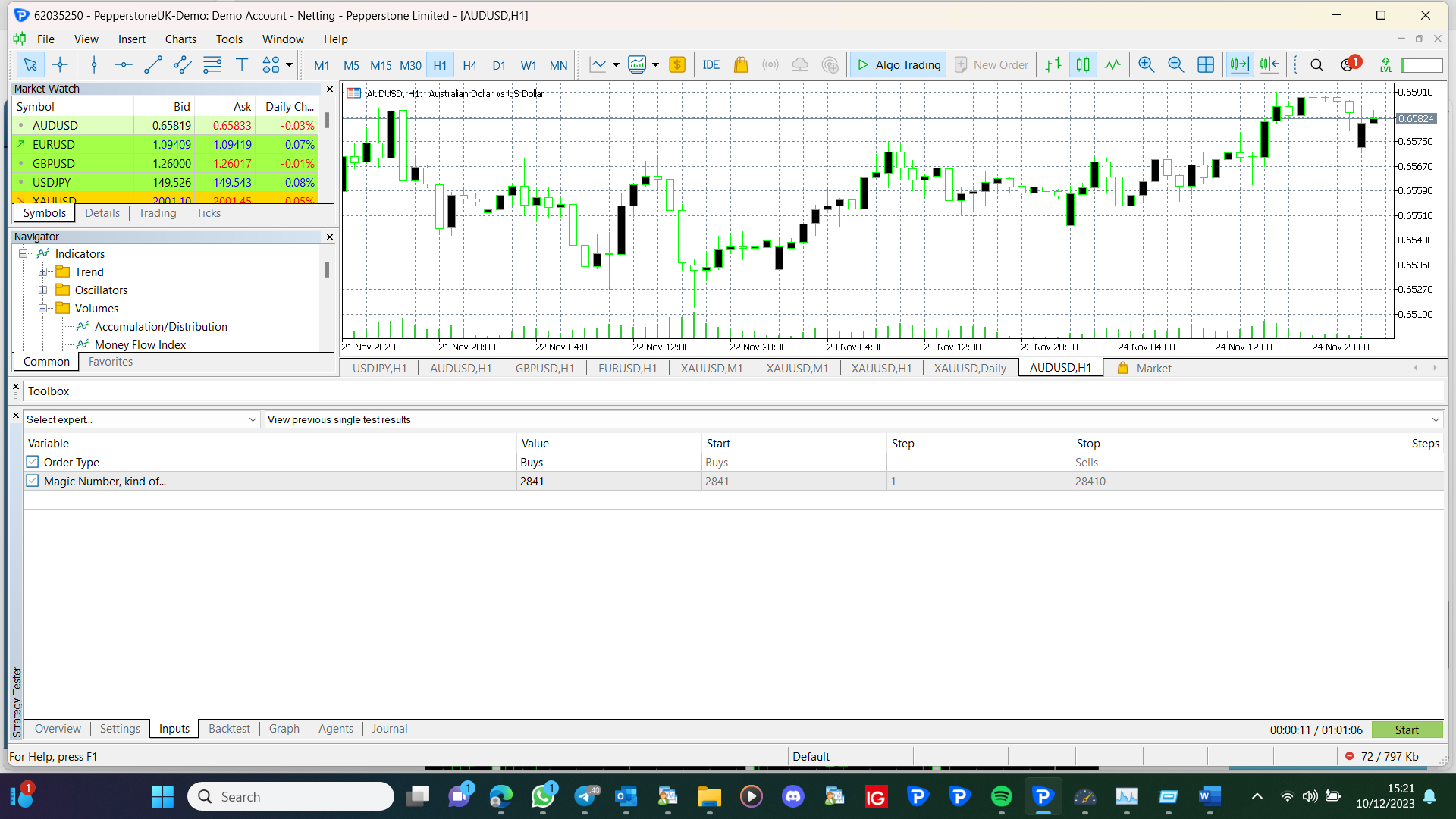
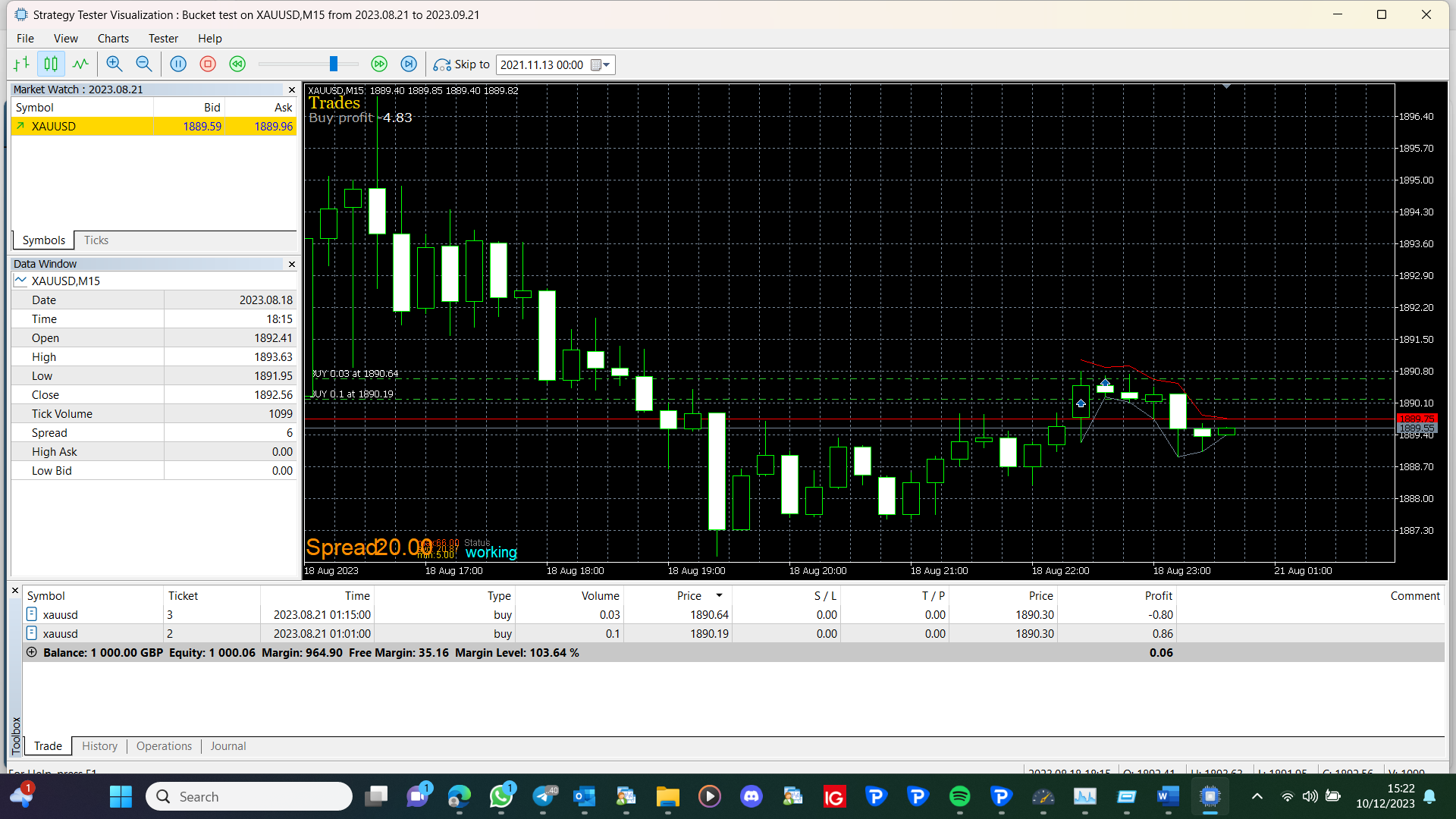
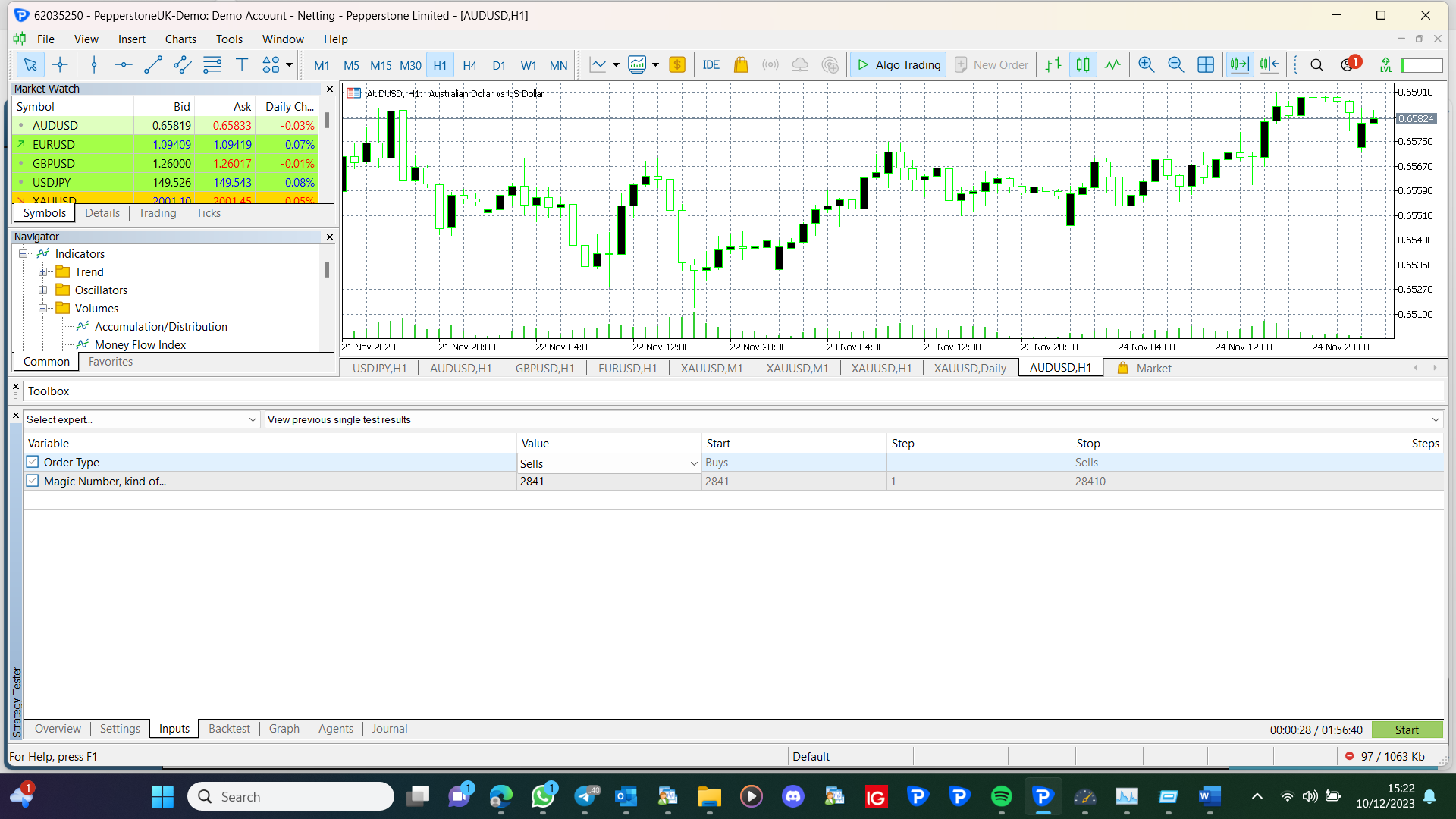
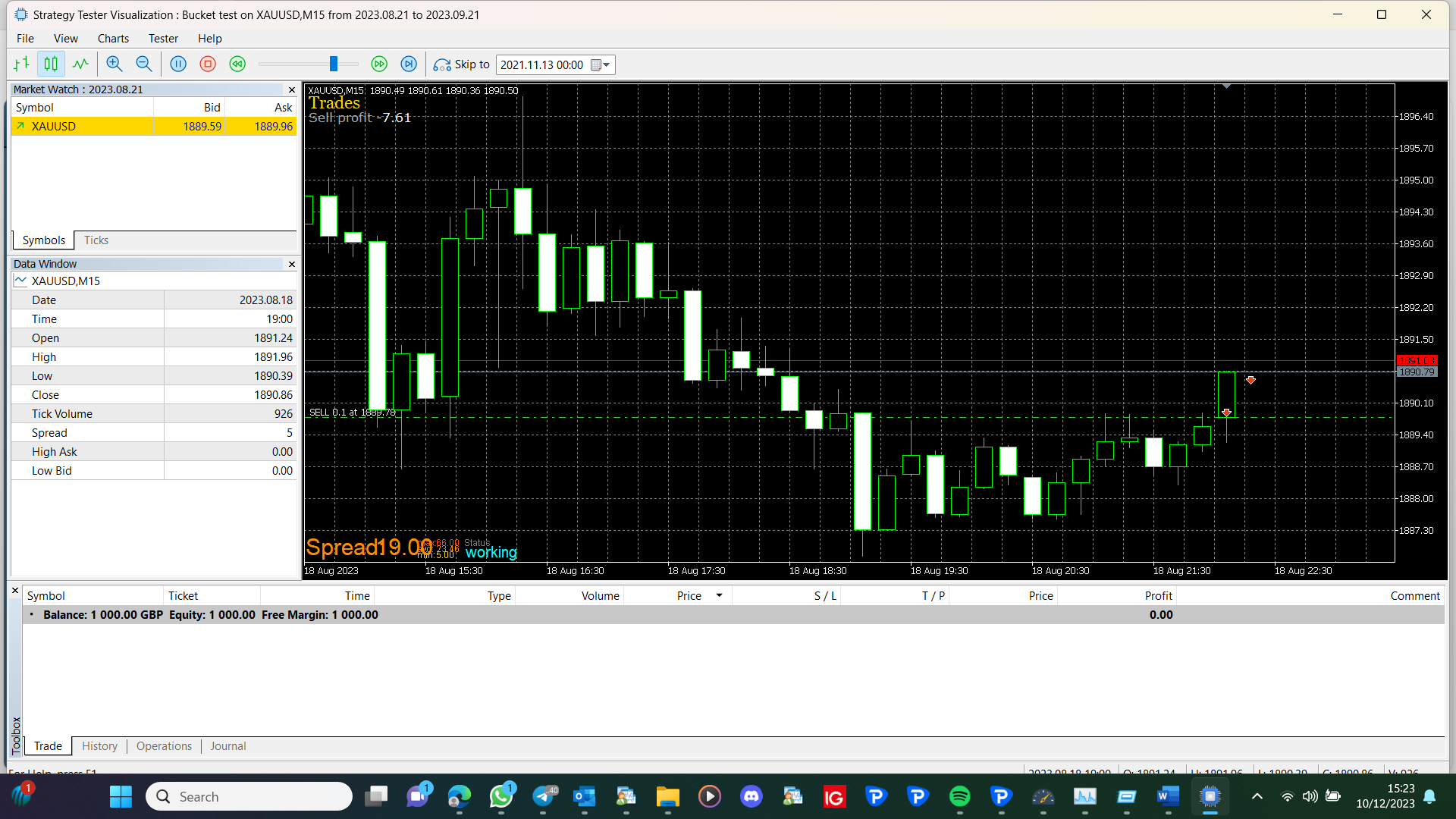
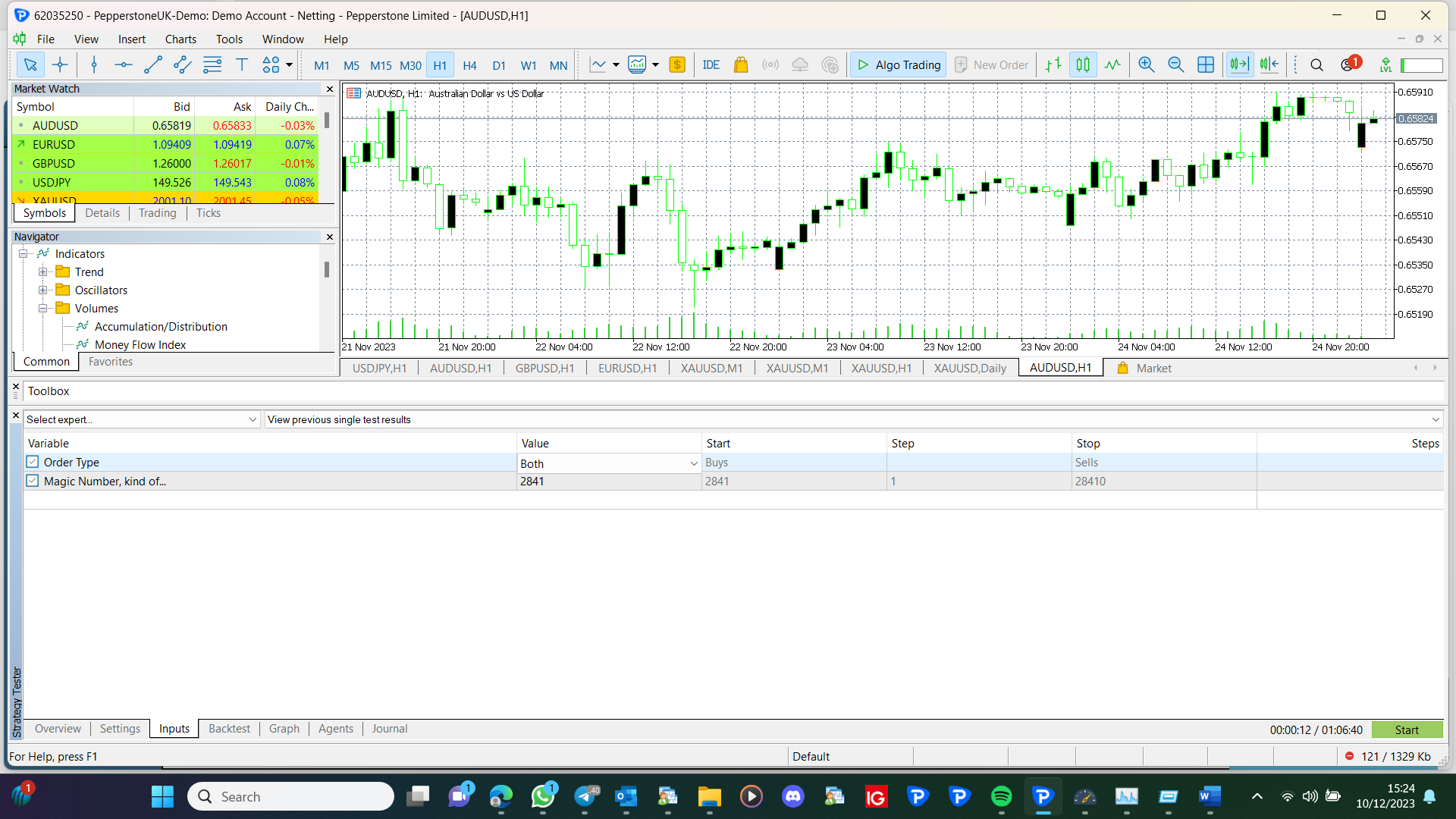
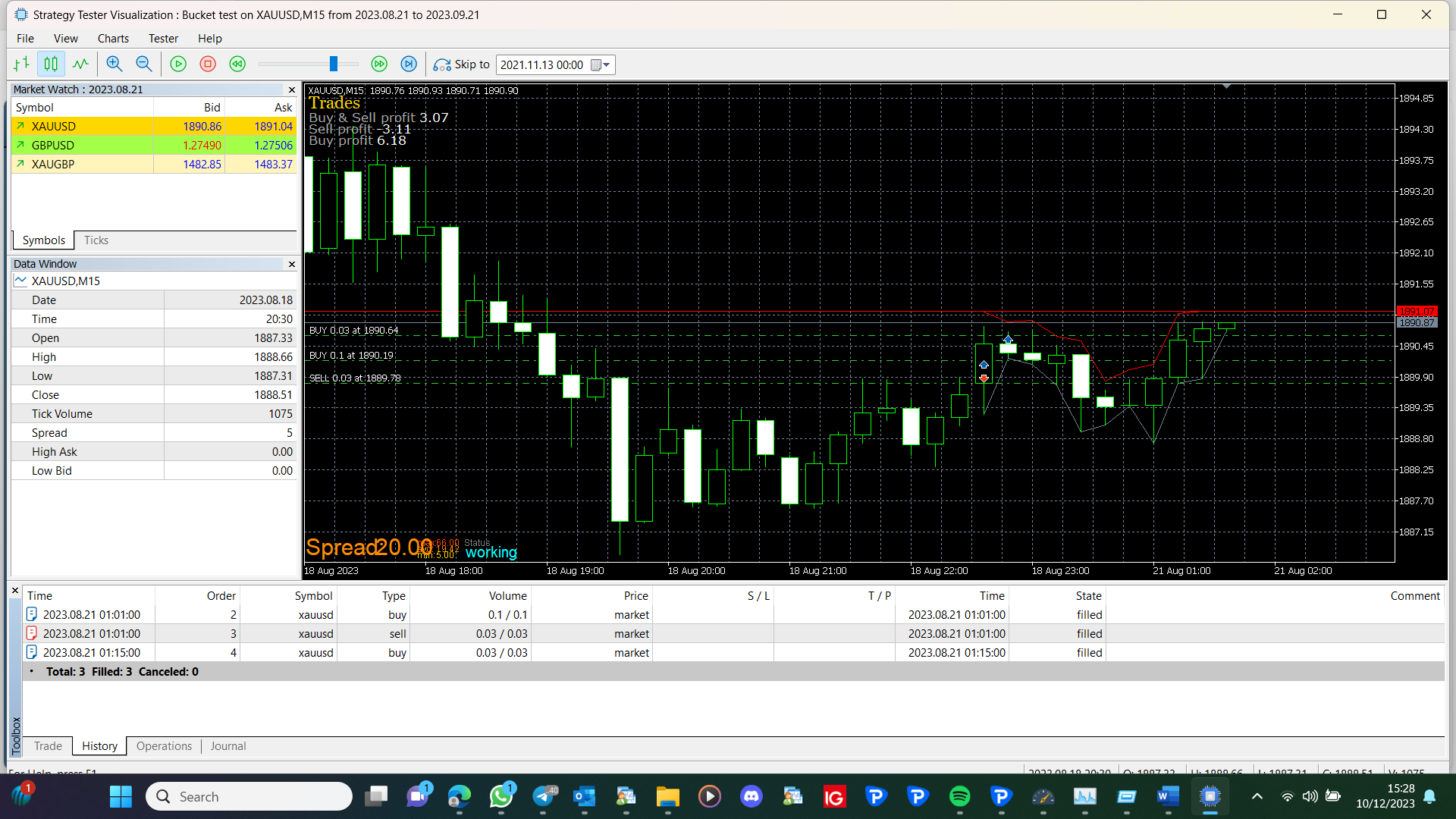
I have just tested this, and if 3 buckets were connected to each other, the bottom bucket wouldn't work, with a pass everything worked on mt5 backtest: https://fxdreema.com/shared/Z9B0OI3cc
Do what I said, remove all blocks that could be causing the problem, add back in 1 at a time, and test.
Not easy, for a start you would need the code for the channel from an administrator.
To find the problem, link out all conditions between once per bar and sell, test, then add back in 1 condition and test, then another, until you find the condition causing the problem.