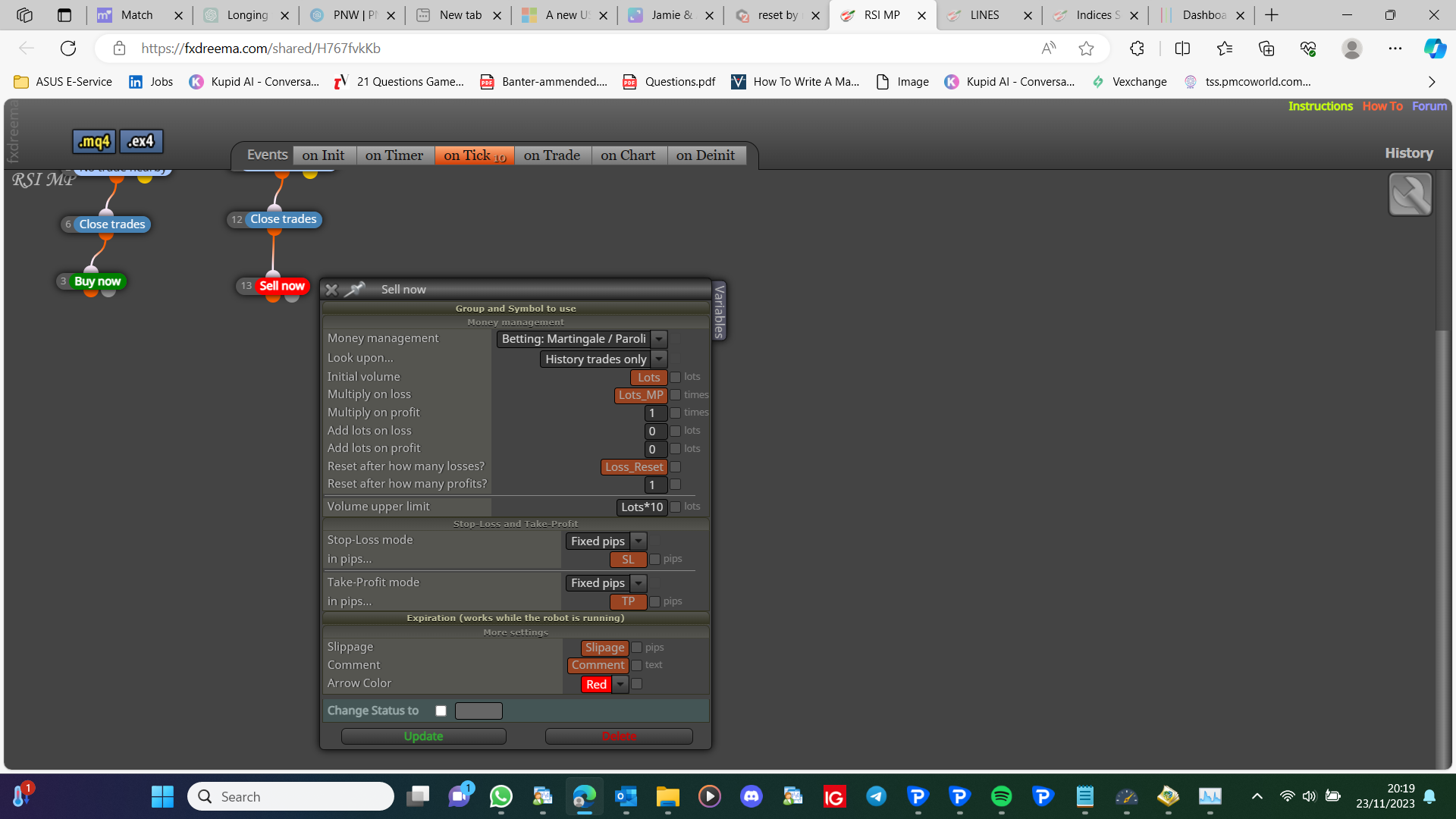
Do you have a button in the sub window? Correct the block ID numbers, unnecessarily high numbers can cause problems, your other problem could be what your tree is doing before it gets to the pink blocks, start a test project with minimum, like place trade, then close 50%, and you can then add to your main project when working. the pink blocks can be in a separate tree, in fact only put the blocks you want to control when they work.

Posts made by jstap
-
RE: partial close blockposted in Questions & Answers
-
RE: partial close blockposted in Questions & Answers
You need to add a shared project to look at, there is a pink block for once per trade.
-
RE: Adx Di crossing systemposted in Questions & Answers
You have too much information in 1 post to decipher, set up a small test project doing 1 thing, test on backtest, then ask here and add a shared link, if not working. This way you can test each part, and then add it into your main project when working.
-
RE: How can i risk free my positions?posted in Questions & Answers
You can also low price + high price /2, this value is halfway between open and now, so if SL is placed there, using something like pips away, you are guaranteeing 1/2 the current profit.
-
RE: when stopp loss active open position in opposite directionposted in Questions & Answers
On trade tab, trade closed by sl, buy/sell, opposite tree for opposite type.
-
RE: How to draw Fibonacciposted in Questions & Answers
The placement is inside the block, but you have to decide what causes it to be placed in what position
-
RE: New support = new stop lostposted in Questions & Answers
Not easy, but you can try to get those values from the ZigZag indicator.
-
RE: reset by max lotsposted in Questions & Answers
You can do it like the picture, the problem is, you need to get the lot of the just created trade, you can get this on the on trade tab, but because this is not linked you have no way of linking. The only way is to create each trade using pink blocks and different groups. A lot harder.

-
RE: modify stop loss of trade with %posted in Questions & Answers
You need a dark pink for each trade block, above light pink. So you're EA knows what trade it's working with.
-
RE: How to configure the "No trade" blockposted in Questions & Answers
Nothing, this block will stop all trading, until there is 0 trades, then all blocks beneath will activate.
-
RE: Stochastic and Moving average EA compilation issuesposted in Questions & Answers
No position will be limited to 1 at a time, I would use < or > rather than X< or X> until everything works. Use a standard condition to check stoc level, for example, main is >80 on id 1, then in the next condition main <81, yellow if not true check for your next condition, opposite tree for 1-20.
-
RE: reset by max lotsposted in Questions & Answers
in max lots put lots initial (constant name)(or the value lots have increased to), *10 in max lots, if your lot is 0.1 then max is 1, generally this will make, the % difference between start and max the same.
-
RE: how sell part of my position?posted in Questions & Answers
If your TP is 100 pips (example number), then at 50 pips, close 50%? If so and you have the TP, pips away from open price is TP/2, close 50%.
-
RE: heikin expert shadow problemsposted in Questions & Answers
For no shadow high or low == open, draw lines on the chart so you can see what each value is doing, and think the standard blocks are now working.
-
RE: Compilation errors when using indicators with Multi Time Frame.posted in Bug Reports
When it comes to indicators all you can do is insert the way it is in the inputs. show a picture of your inputs and one of how it is inserted on FX.
-
RE: Compilation errors when using indicators with Multi Time Frame.posted in Bug Reports
Some indicators will show errors, but most work depending on how they are added.
-
RE: sl issueposted in Questions & Answers
This will be to do with slipage and spread, you have to test and find the settings that work for you.