In here: https://fxdreema.com/shared/csrakExfe
Is how to work out if ZigZag, is on the way up or down, without having to use custom code.

In here: https://fxdreema.com/shared/csrakExfe
Is how to work out if ZigZag, is on the way up or down, without having to use custom code.
Put this into a comment so you can see what happens, I would multiply and save into a variable.
@adentist MA on 0 will almost always be different, close on 0 is current price. as you can see in the picture, this value will be approximately 1% of the value. 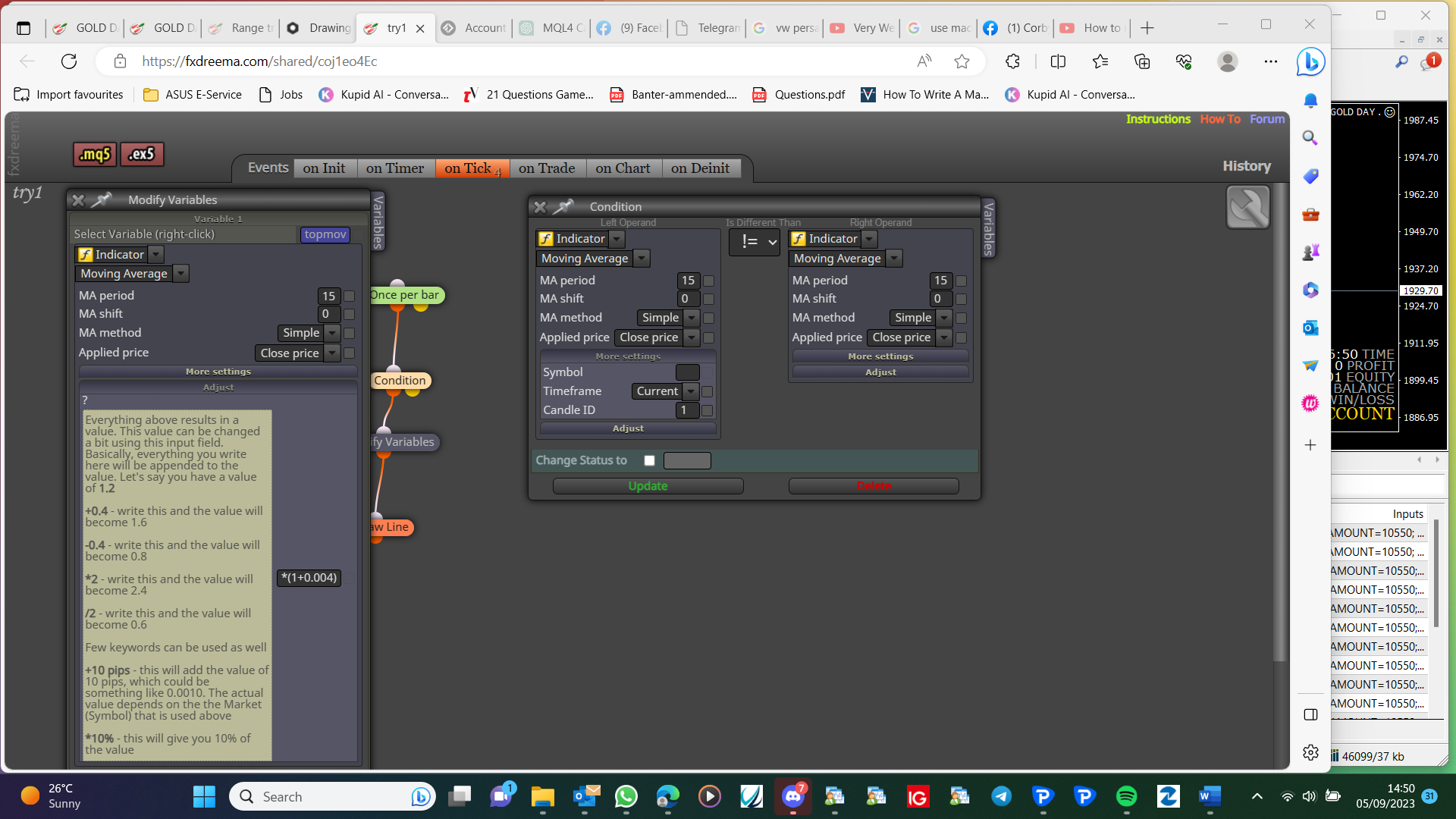
Yes, use a variable to set lot sizes, set up trees to change as needed.
I would delete blocks, down load, then put pack in using history, keep doing this until, I find the problem. Or I would just start from scratch.
These are an individuals preference, back test can be very helpful, but you will also need to test on demo, to check what it would do on a live account.
Yes it's possible, once you have added the indicator, you can right click and add a variable in the used indicator block, other trees can then adjust this.
The one I sent contains all the necessary variables, make sure their in and spelt correctly, in you're project.
Add a shared link so what you have done can be looked at.
@Jim67 This is telling you if order is at candle 1 high, if you use candle 0 close then It will work from current price...
When do you want this added, once trade is placed or some other time?
The comment is just to see what is happening on you're account, the modify variables block is just to change a + into a -, as long as the modify, and check profit are on top, you can add any other, blocks blow you want.
replace once per bar and buy block with all your trade blocks.
Create project-project screen-open project link in web page-copy address bar and past here
Start a project doing this, then add a shared link.