@winsonhttps://fxdreema.com/shared/KL5T9Hx8e

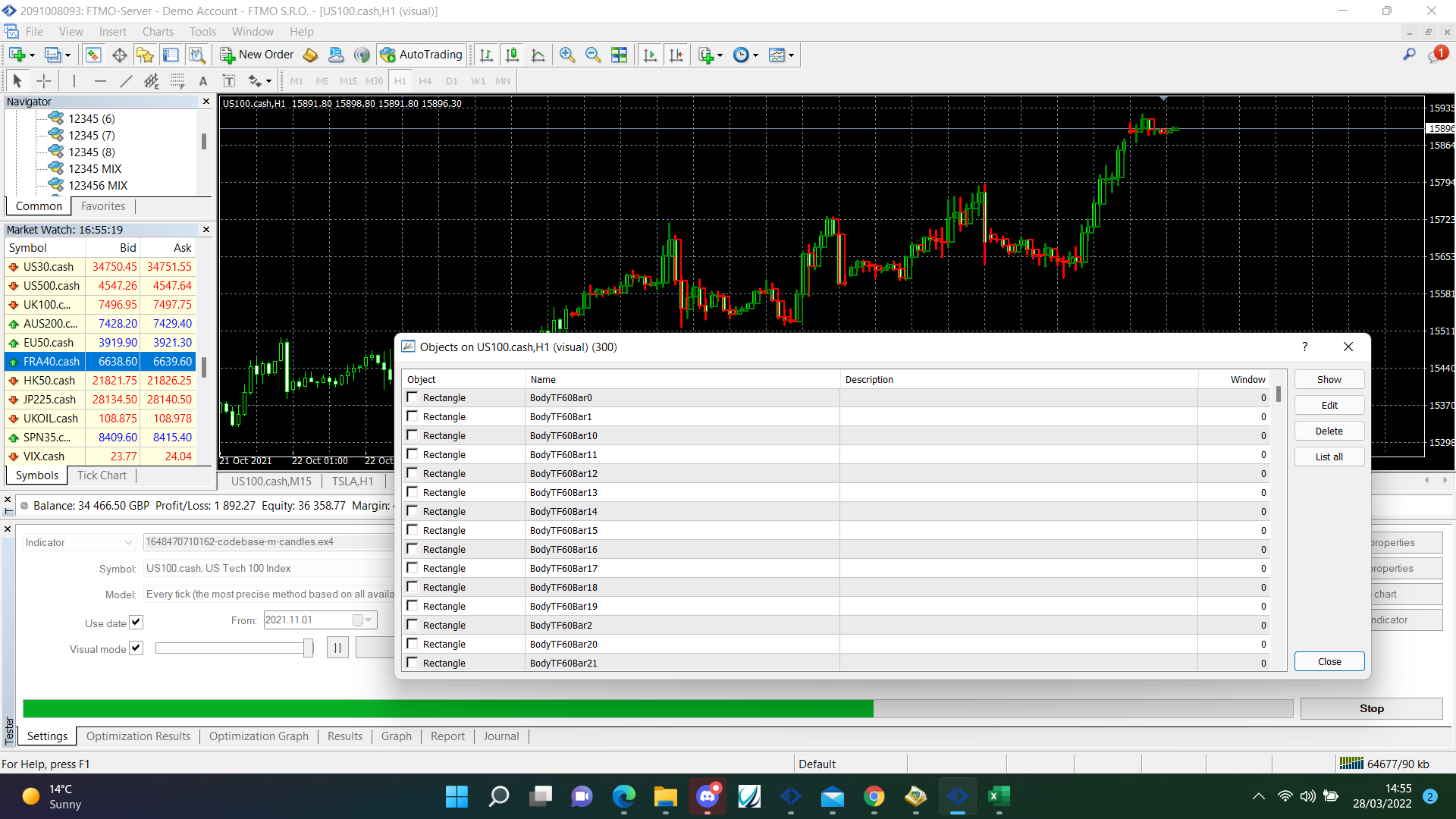
@mr-lenny This indicator shows everything in the object list but, there is nothing in the description, this information is what the EA would use.
@larryh Not my point, get working on back test then transfer to where needed to work on live demo.
@winson Need a dark pink for each trade block above light pink, as is will only open a buy or a sell whatever happens first, put a not trade block above buy's and sells specifying the type for each tree.
@larryh To be honest not sure, on chart doesn't work on back test, on trade does, I use on chart only to transfer what I know works on back test to live/demo.
@plentygrazes Add a condition above, or add a pass once block and reset when needed.
@breeeeen You could add 1 every time a trade is placed, reset when all are closed, use all group numbers in the other blocks like, 1,2,3,4,5,6,7,8,9,10 etc.
@larryh Try using a purple block on the on trade tab, so when 1 group hits TP it does something with the others, when 2 hits TP it does something with the last
@fendy The and block will only pass when all connected to the top pass at the same time.
@breeeeen Don't know how to do without using groups, you do know the group is just added to the magic number?
@fendy Your post makes no sense, if yo mean 2 blocks have to be true at the same time, use the and block.
@fxbam How you have is how to do, mouse clicked will only work on the on chart tab.
@ebony Your example is easy, but most are very similar, condition PSAR> candle high, close block with buys in it.
@biztet This is an example of a loop that counts the candles above and below a MA.
@biztet It all depends on the stratagy.
@biztet Loops can be made using standard blocks where you don't have to connect from bottom back to top, a loop generally completes blocks and then starts the blocks again, maybe from the start, maybe using different parameters, whatever suites the use best.