@joe_fx Is probably this, surly this should be for buys & sells or a separate block for sells.

@joe_fx Is probably this, surly this should be for buys & sells or a separate block for sells.
@andrewfrank X> means when price goes from below and crosses the above a level, you have a choice, use a bool condition when price goes above/below then reset at a chosen level with X> or X< as the trigger or just use X> X< alone,
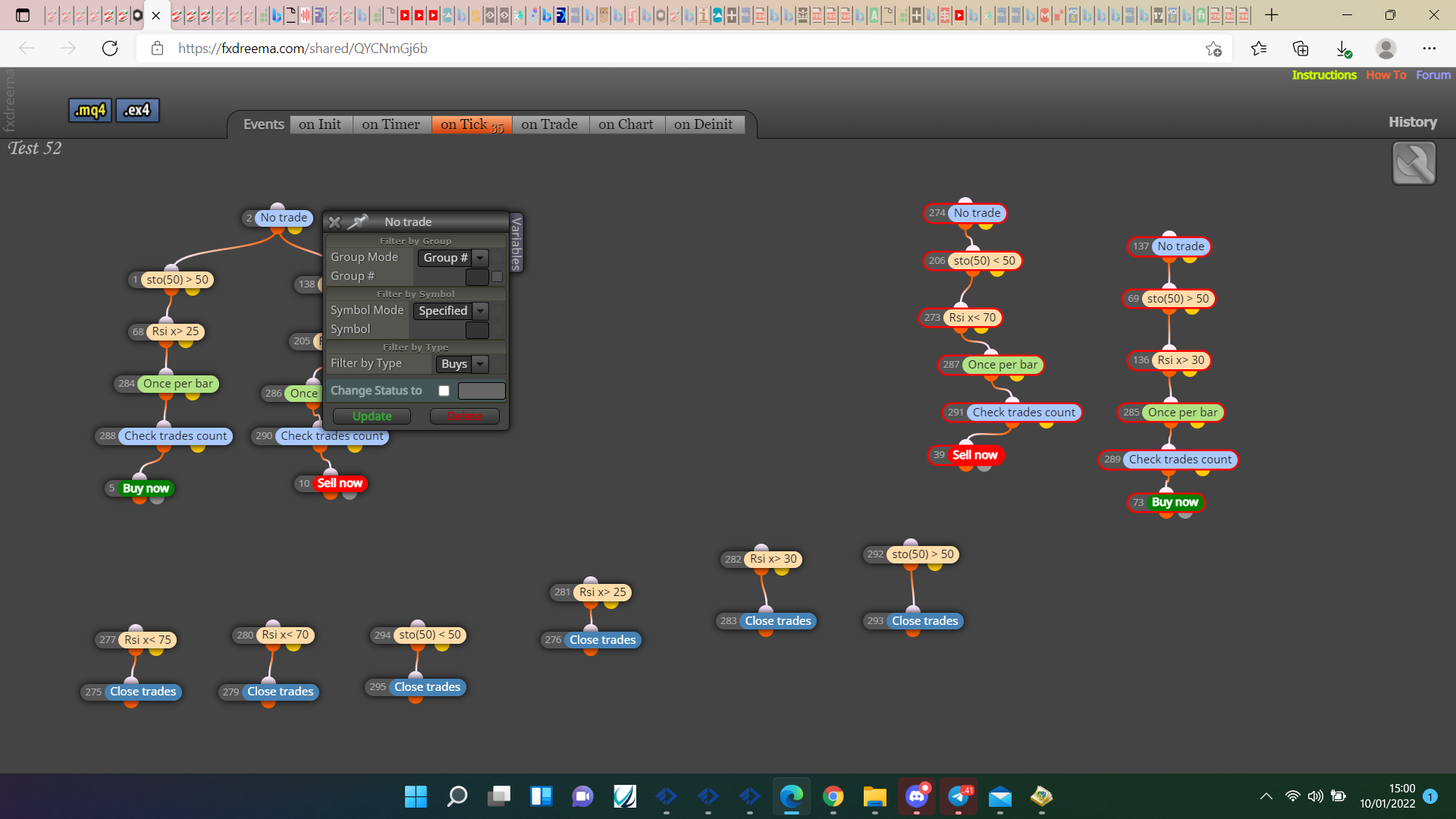
@joe_fx This is how I would do it, for me buy/sell under a no trade block only ever placed single trades.
@wadz91 In this link you'll see how to do for buys, recreate the same but opposite for sells.
@egeunilicem T off to connect your extra buy/sell blacks rather than connect in a row, in the indicator appears block you can select the candle ID, connect in a others in a row, and connect others with the yellow, so if it's not on the candle you want it passes to the yellow to try a different combination, you can then connect via another yellow until all combinations have been tried. As for the pips difference choose what level this counts, use +/-5pips in the adjust box, for example candle 1 low is > candle 2 low + 5pips.
@wadz91 Might be simple but what do you mean by 3 in a raw?
@flockogola T off from your tree and place the extra trades, if you want each trade to be controlled individually use a separate group number for each
@william-1 Put a shared link here of whar you;ve done and I'll have a look.
@gtoat777 Candle 0 doesn't really have a close, as it closes it becomes 1 and a new 0 forms. I have never used mouse click but should work, what are the condition blocks doing? Either remove of fill with required option, maybe use market properties to draw line @ current price?
@gu95ckt8 That indicator is the fractal, probably terminal related not the EA.
@gu95ckt8 https://fxdreema.com/shared/0yZIzf8Xc
Will need to change more if levels of other than last trade are needed.
@luqmaan You can do it like this, just change settings to how you prefer: This shows how to get the MA slope, make a start and ask hoe to resolve any other problems you have.
@gu95ckt8 Not sure what you are asking but I don't think you can, if you want the currently running trade level, TP,SL,open etc use a pink for each trade block connected to modify variables with required level in block, saving to required variable, you can then use this to place line if you want.
@m-moosa Not really but @l-andorrà offers a service to do this, if you make a start and any problems you are having post here.
@gtoat777 This depends on how the line is drawn, if it's an object use object on chart but if you have the value (easier option) use this.
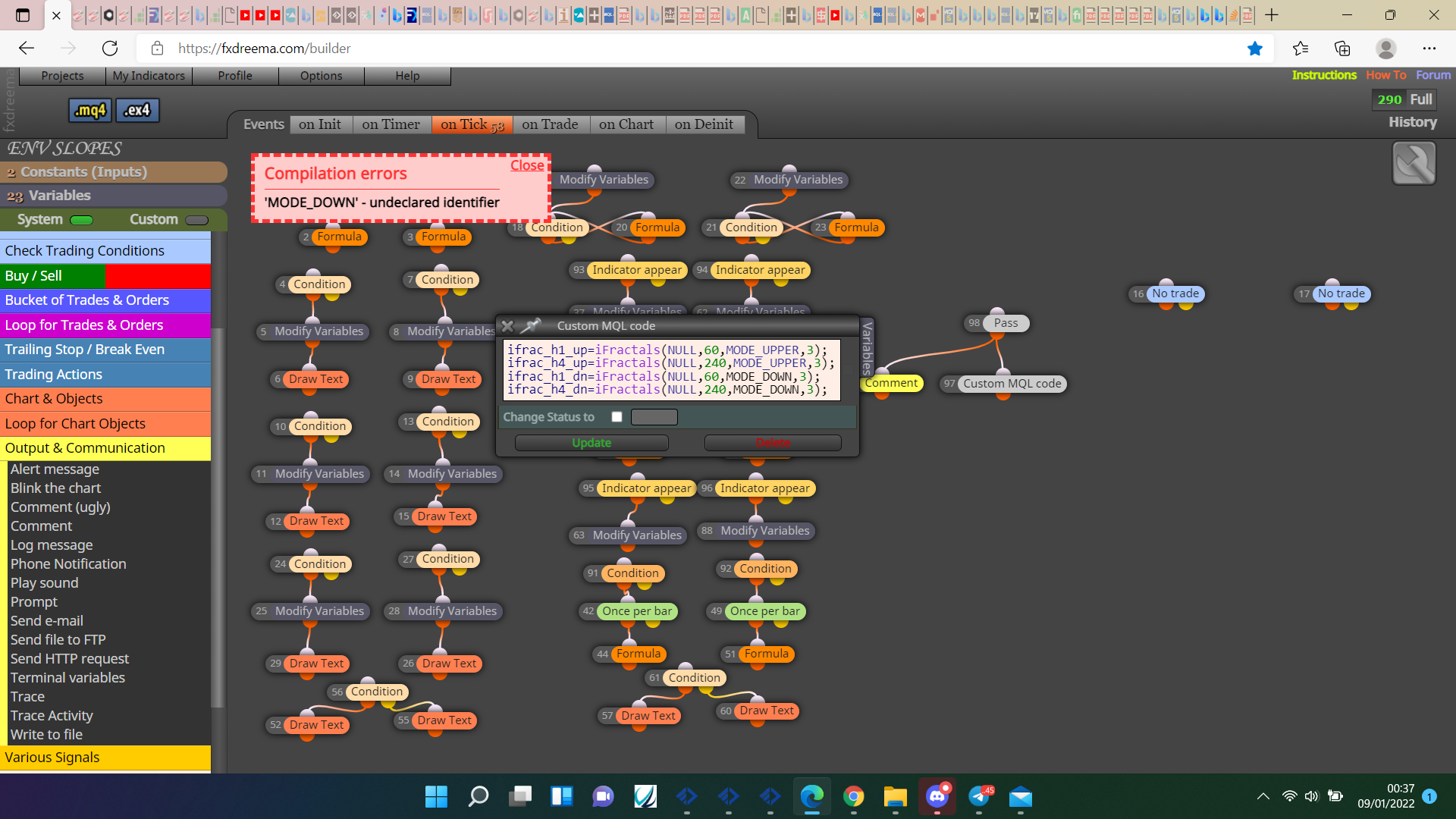
@fxdreema if using ifractal then MODE_UPPER works but MODE_DOWN gives a compilation error, have I done something wrong or can this problem be fixed?