@mmbinvest The link was what I meant by project, @biztet is correct this doesn't seem to give reliable signals, in HERE is a project that I put together so each element can be switched off to check, is quite often correct but not always.

@mmbinvest The link was what I meant by project, @biztet is correct this doesn't seem to give reliable signals, in HERE is a project that I put together so each element can be switched off to check, is quite often correct but not always.
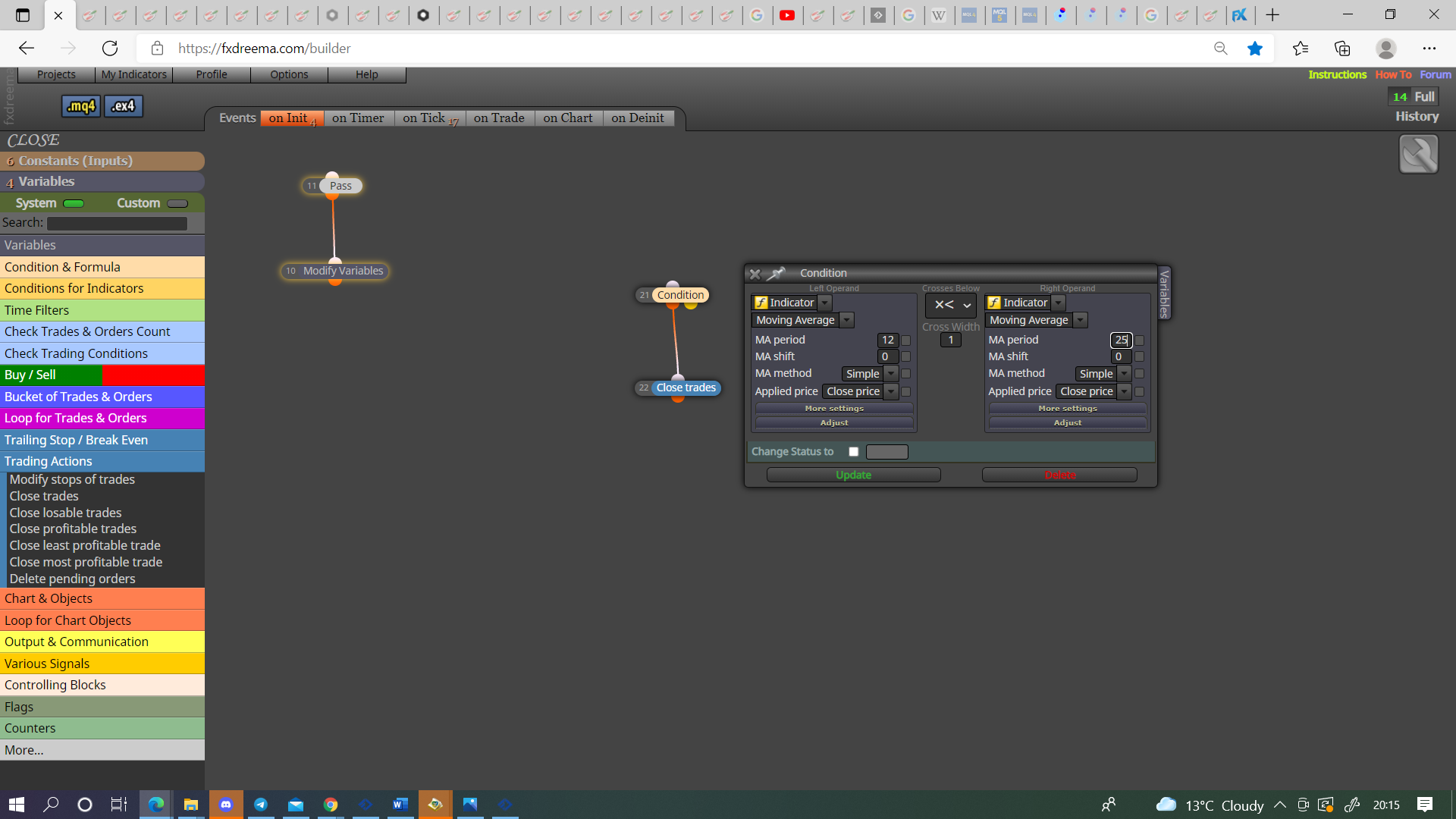
@doudou-7 Move all to the side and test 1 block at a time until you find witch 1 is causing the trouble, you do not need once per tick as no trade block will restrict to 1 (I have never used), it is likely the hours filter because to me the time is 00:00 to 00:00, I personally would use 00:01 to 23:59 as 2 minutes in a day doesn't matter to me.
@tsepodube You only need the blue no trade if working with groups is needed.
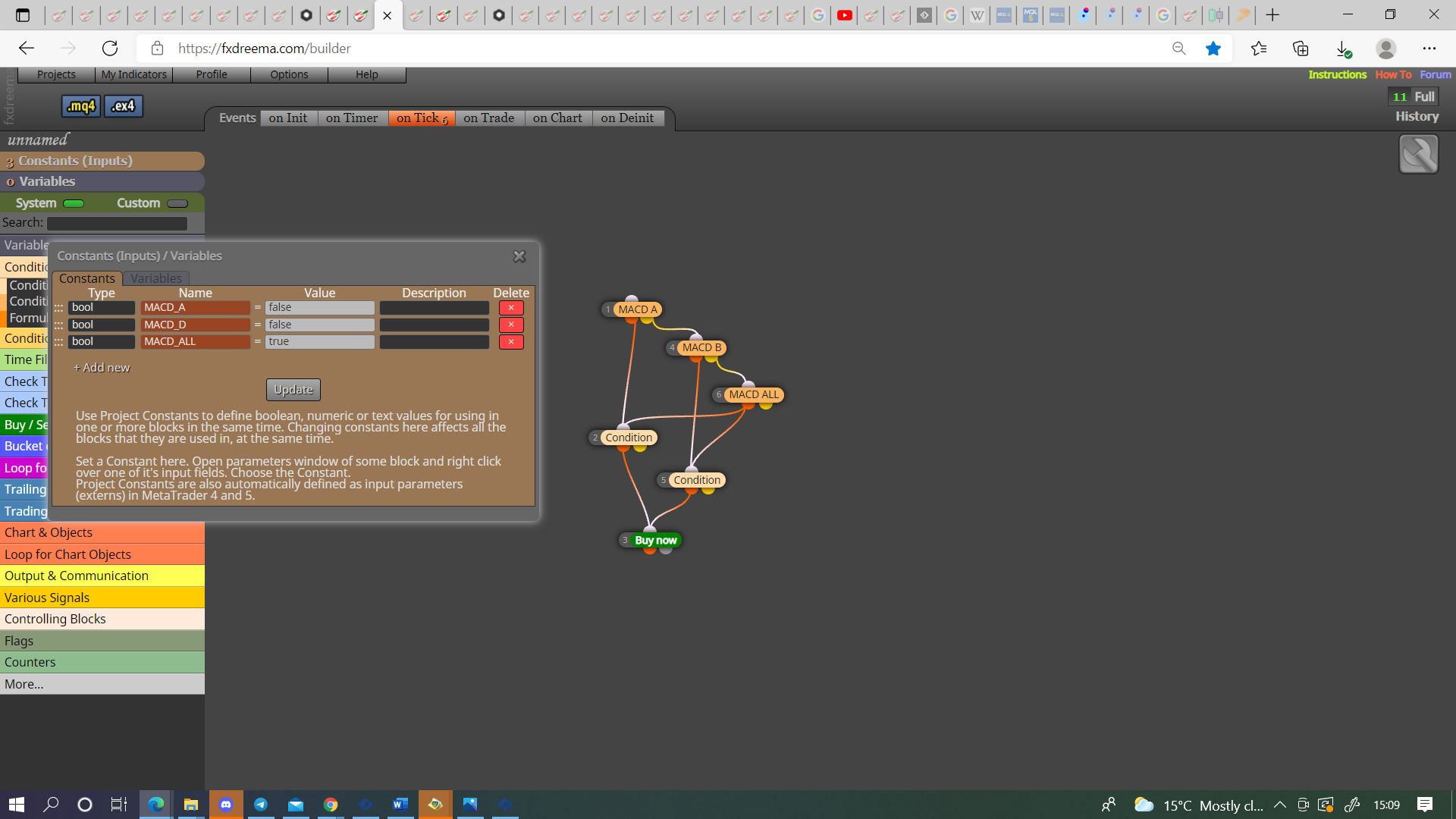
@andrewfrank If you want this selected in inputs you can do something like this.
@andrewfrank This is how to do 1.
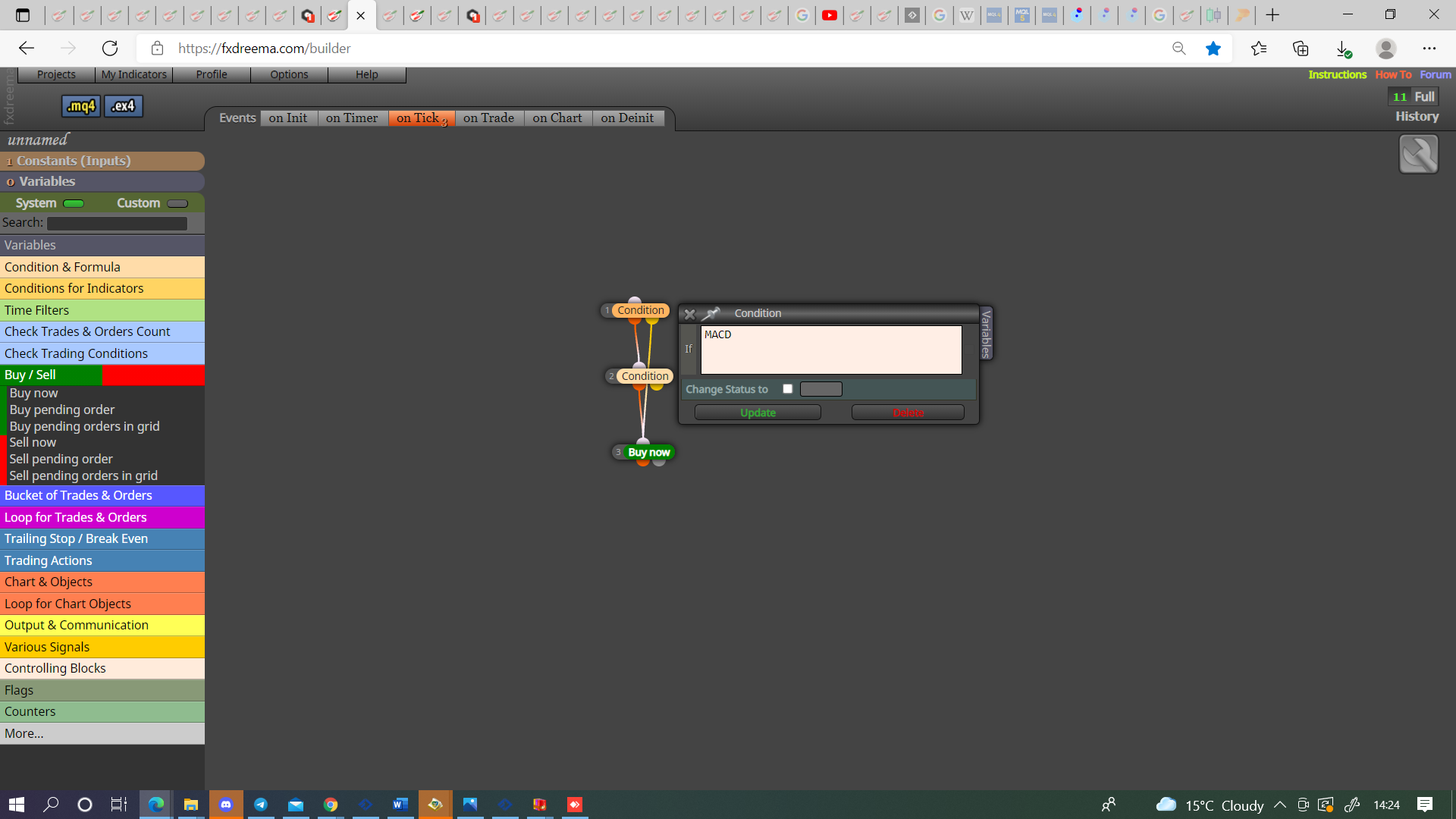
Do you mind explaining what you want for 2?
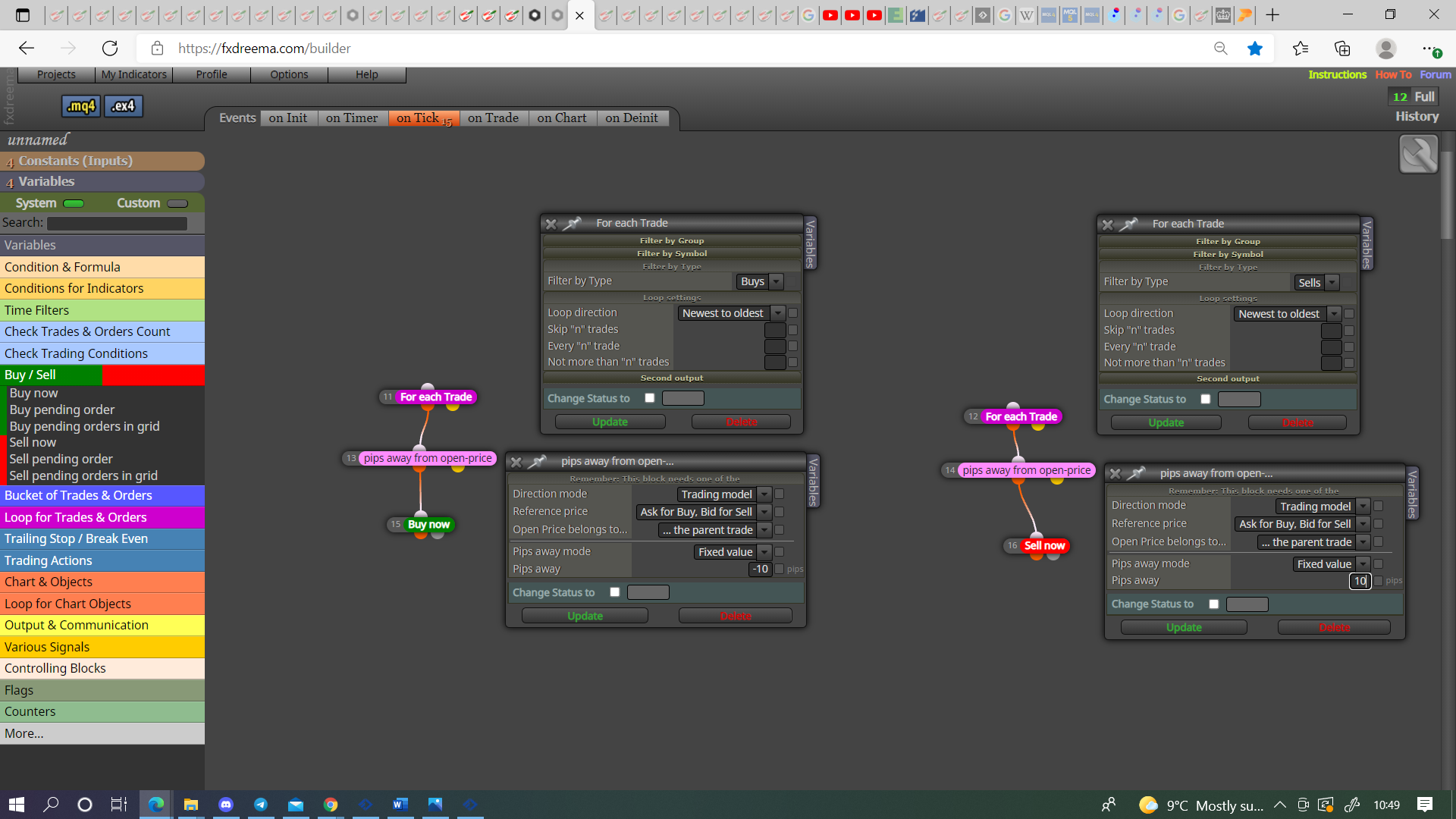
@basmustrich-0 You just need a different condition to open 2nd position, pinck blocks whth somthing like pips away would do it, any other condition will do it but you will need a no trade block with a different group to manage the trades separately.
@talalkhan Meant to add trhis yesterday.
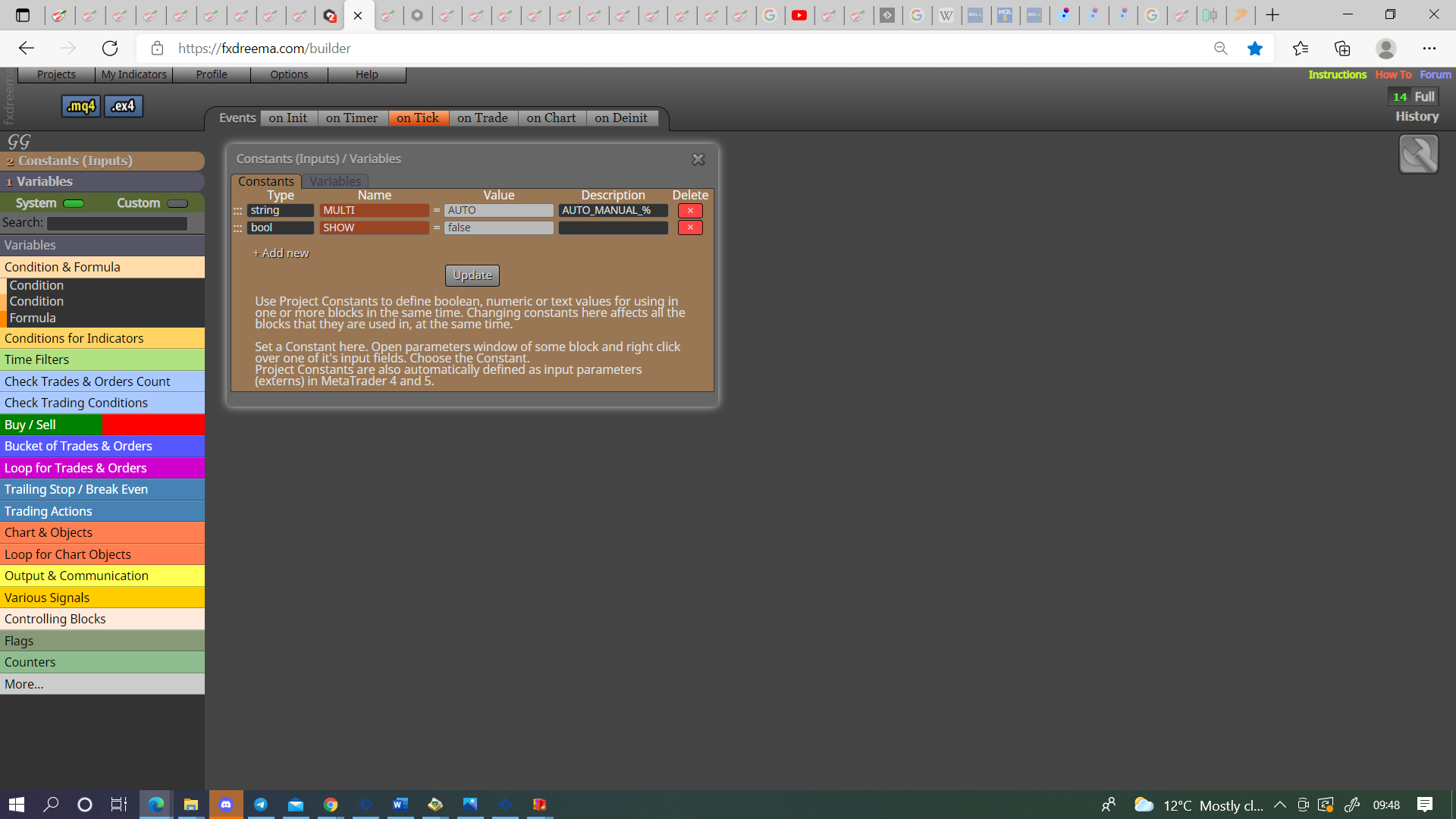
Variables/constants are selected in the top left,
type string = text
type bool = true/false
type int = whole number (integer)
type double = number with decimal point (0.00)
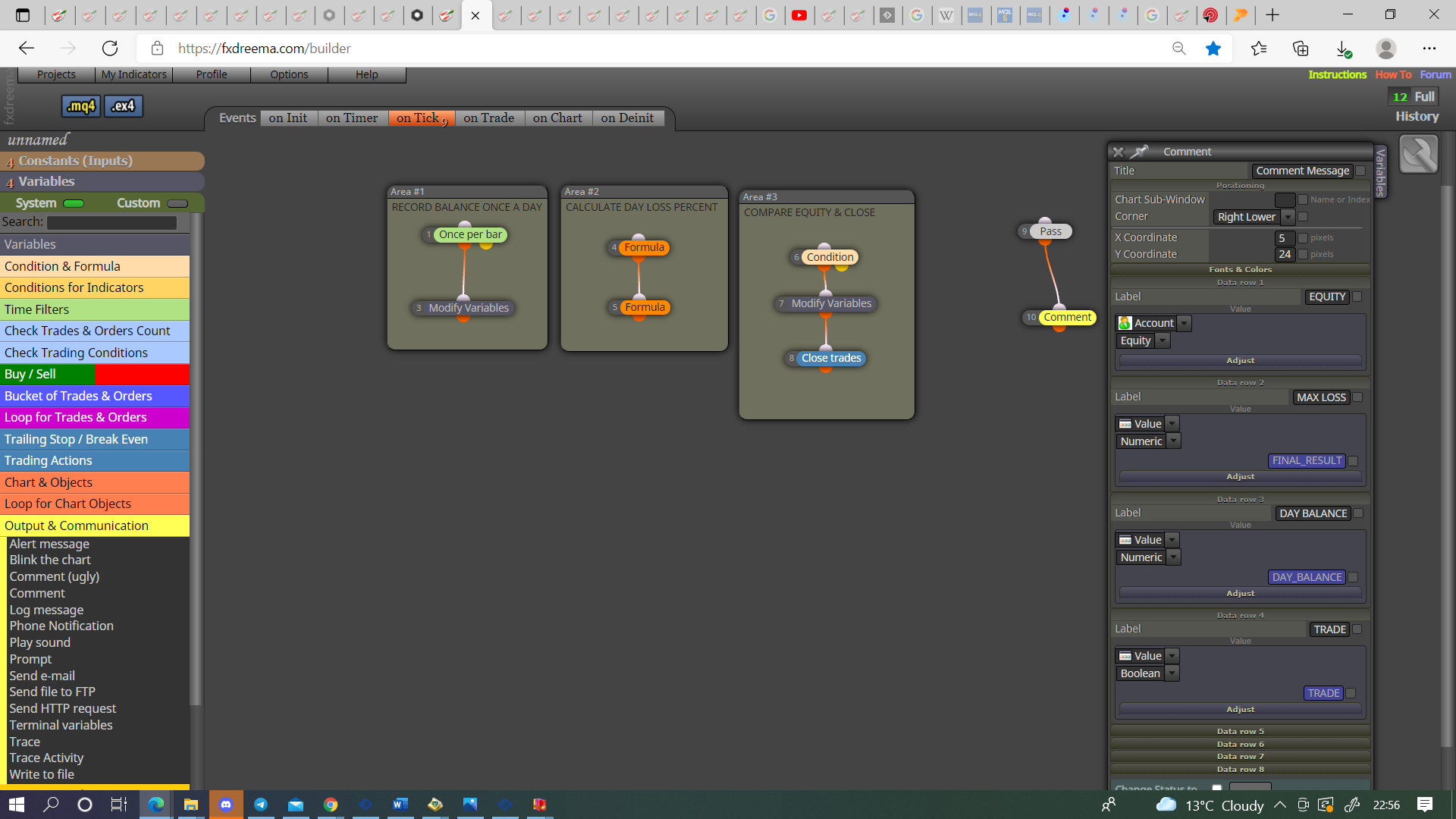
@talalkhan Put everything in a comment block so you can visually see what is or isn't working. The trade variable needs a orange condition block in tree to stop the trading, I reset it daily because that is how I use, if you want a diferent configeration then the choice is yours, just use the same logic.
@haoglueck It's or, if condition 1 is true then this will activate 3, if condition 2 is true then this will activate 3, whichever happens 1st.
@andrewfrank Not sure what you are asking? The names are in as a string, this will allow text to be put in as a value.
@tsepodube A seperate tree, pink for each trade block, pink pips away block, buy/sell block. Will need a minus number for buys and a positive number for sells.
@mmbinvest Put you project here and the indicator, can't tell from a picture what is happening when, I'll have a look.
@mmbinvest I have not used HGI before, were all these arrows drawn after the EA was started? Quite offten an indicator will draw pro a point in time before EA has started, EA needs to be able to see the change in number from the indicator buffer.
@andrewfrank This is likly because there is an int (123) as a string 1 (Hour), if not put on via the MQ file these need to be anumber, either 1 or likely 60.
@mmbinvest The object on chart only works when the screen is active. The picture you have put shows that you can use indicator appear block because it's counting every time, now that you see this working use the count to double check the buffers and then use the same logic in EA to make it work as you like. For me back testing has always done the same as live chart.