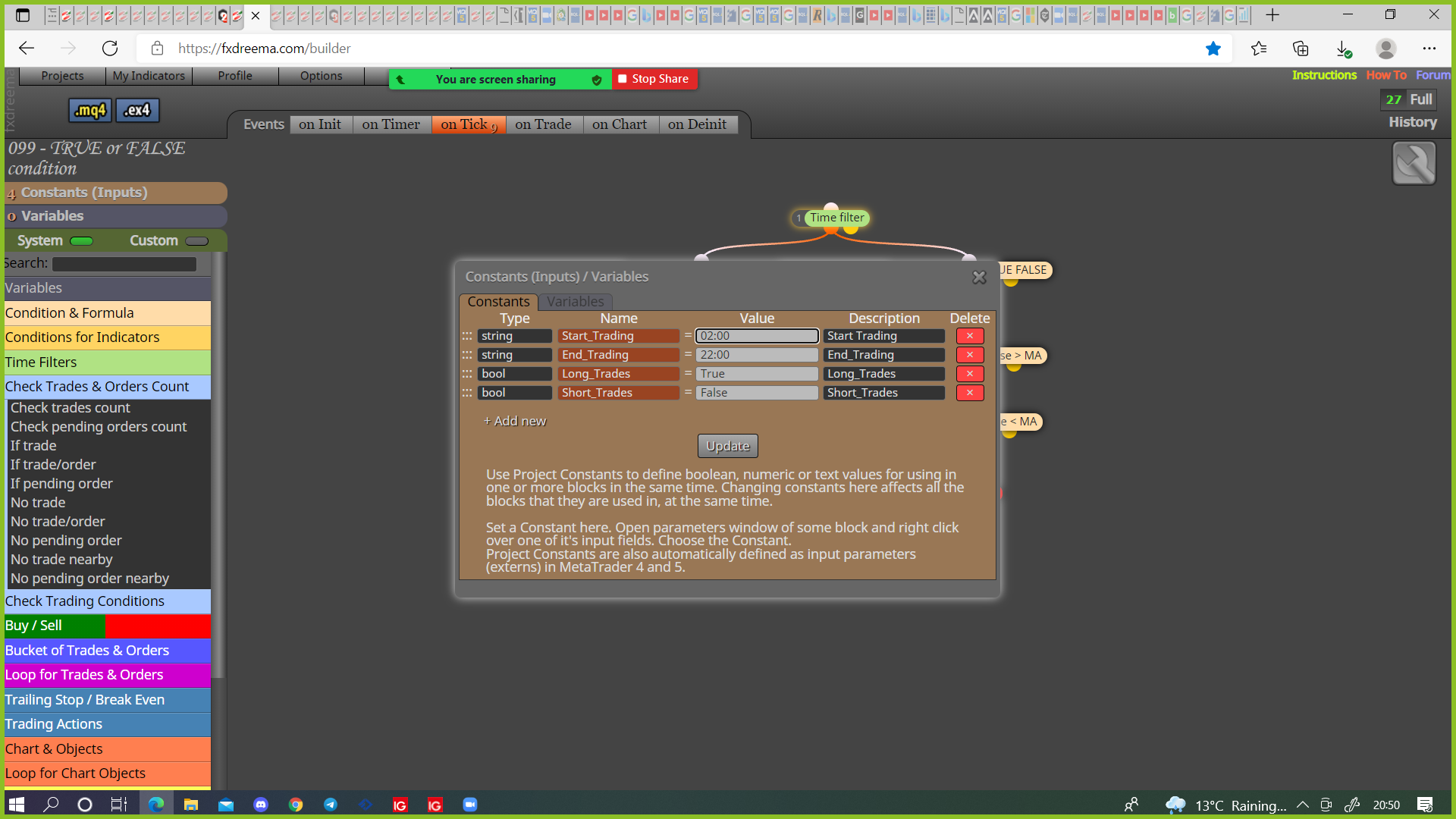
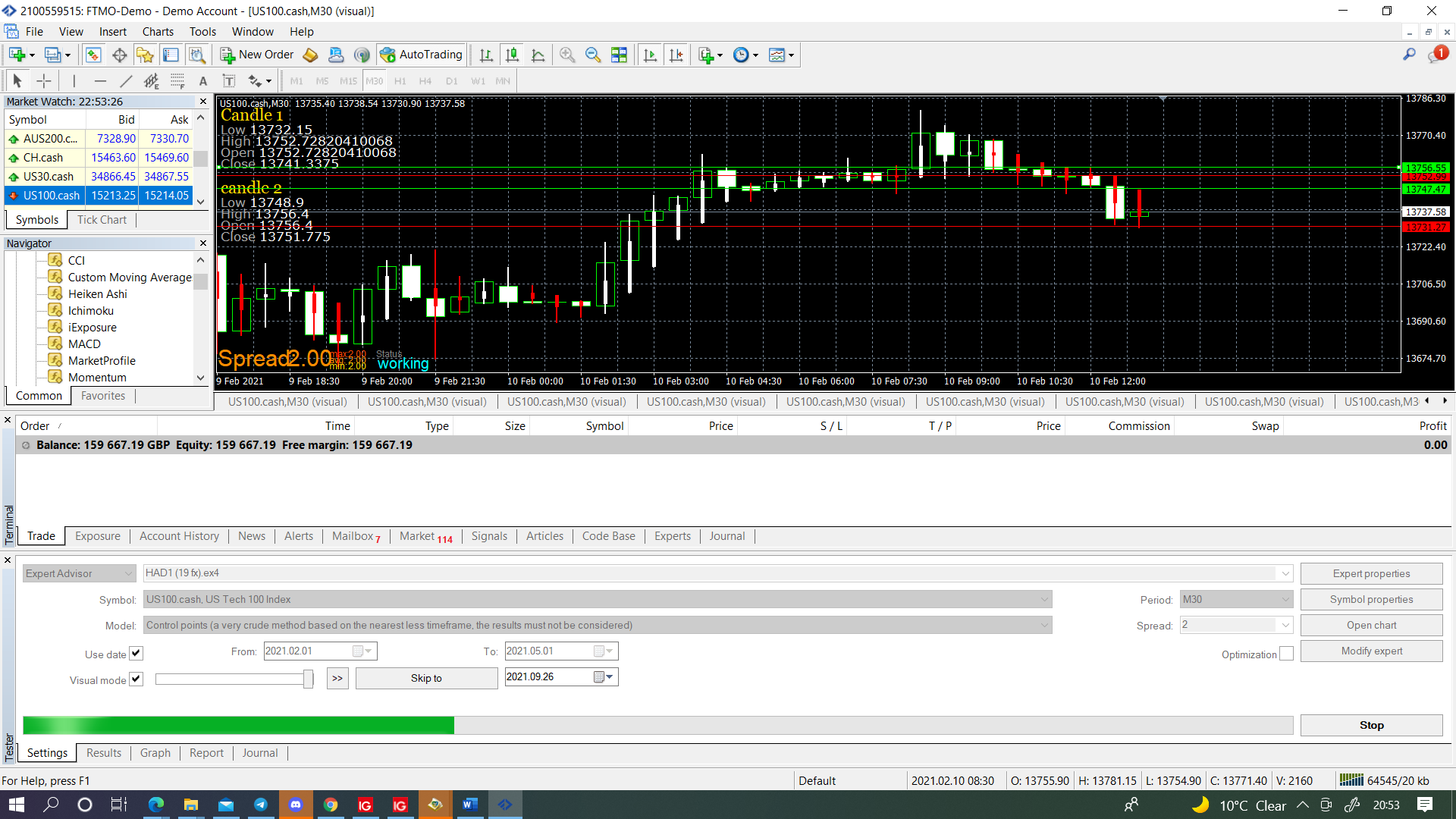
@forextoddler This may be because of using candle 0, have only ever done a cross on 1, if each buy/sell section has it's own close you need to use groups otherwise all will close from any condition, Get this working with 1 set of conditions then copy to create the rest with individual groups. To test you can highlight right click and switch blocks off to check if works.

Posts made by jstap
-
RE: My EA won't place tradesposted in Bug Reports
-
RE: Moving Averages Crossing by a Number of Pipsposted in Questions & Answers
@neo_me Yes negative is below positive is above.
Not sure if you can use the adjust for this although moving MA price up/dn 4pips would technical cause the cross to happen 4pips higher/lower, this may because of using candle 0, you could record the price into a variable and then use pink pips away to do something at the 4pips price but would think you can do this in the standard condition block.
Another thing you could do is use a loop to count the candles from the cross, when enough counted get EA to react.
-
RE: Protect my EAposted in Questions & Answers
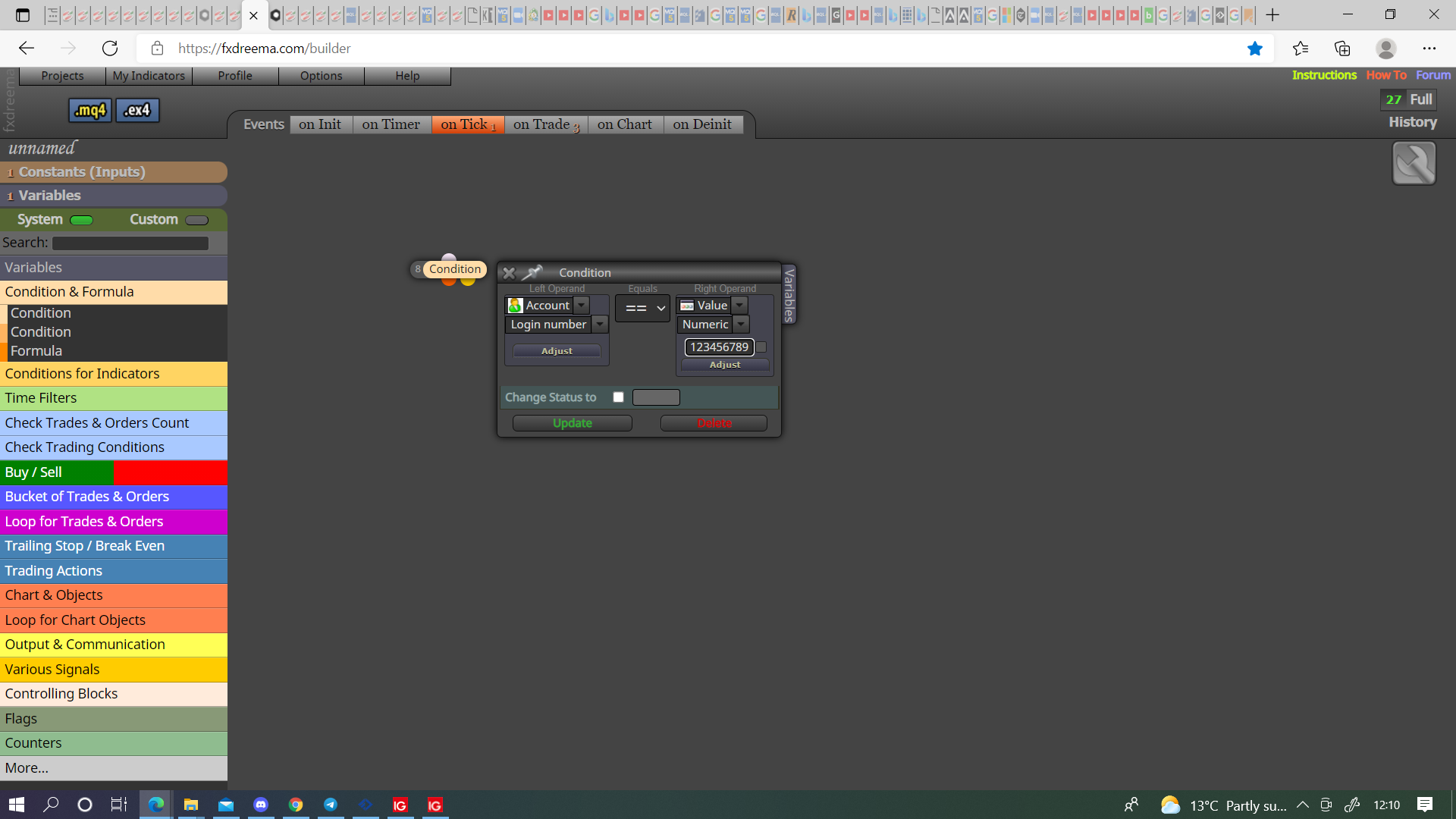
@bagheria You can do it like this, I never have though so test to make sure, just wright his log in number, and only give out the EX file, this should limit to only 1 account.

-
RE: how to open multiple orders in my EA?posted in Questions & Answers
@joe_fx This is likely because of the 3rd buy/sell tree, probably opening when no need to? put the 2nd and 3rd tree together, this way logically thinking EA can only open trades when conditions are met. If you still struggle put the latest project shared link here and I'll have a look.
-
RE: Check distanceposted in Questions & Answers
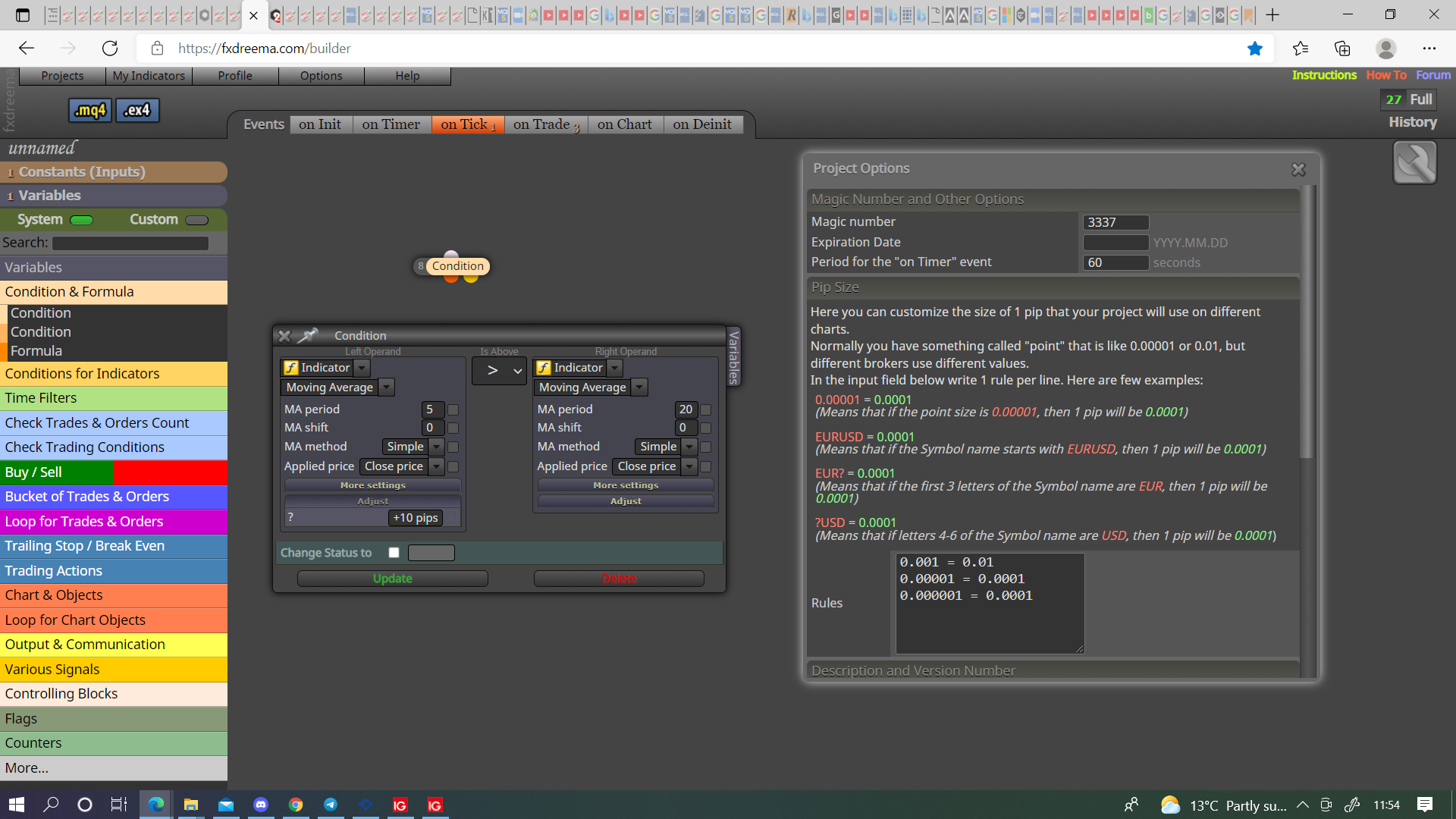
@mario-c Like this, if you haven't set the pip rules it will likely only work for forex pairs.

-
RE: Trade copier (open and close my manual trades on the same platform)posted in Questions & Answers
@guym Groups need to be a number, it gets added to the magic number, if your magic is 1000 and your group is 2 magic becomes 1002.
-
RE: Why am I getting warning "Expression is always false"posted in Questions & Answers
@traxis Remove the speech marks from the strings.

-
RE: Why am I getting warning "Expression is always false"posted in Questions & Answers
@traxis Your condition is always true, set a variable/constant to check against, put something beneath so something happens if condition is true.
-
RE: EA opening and closing multiple positions at the same spotposted in Bug Reports
@marked-up Not a bug, something that quite often happens, probably because you don't have a no trade block above your tree, if you can't resolve put a shared link here and problems can be assessed.
-
RE: how to open multiple orders in my EA?posted in Questions & Answers
@joe_fx Put a shared link here and I'll show you.
-
RE: how to open multiple orders in my EA?posted in Questions & Answers
@joe_fx Make the no trade block separate so you have 1 for buys and one for sells, copy your buy & sell blocks, past in a new tree, above place a check trades block, and put your condition blocks above. You can put an if trade above all for buy & and sell if you want, no trade will prevent any trades if one is already running.
-
RE: CONNECTING LAST BLOCK TO FIRST BLOCKposted in Questions & Answers
@musa-5 You probably need a separate no trade block for buy's and sell's, as is once in any trade it won't activate any blocks beneath, yellow just activates when condition is not true. This is why I said maybe a separate tree for closing, this way closing works independently to buy/sell.
-
RE: I Want To Correction In My Zigzag EAposted in Questions & Answers
@muneeb00 Add a variable, in the modify variables block adjust like I did before, use this in a condition block and you can create whatever condition you like.
-
RE: I Want To Correction In My Zigzag EAposted in Questions & Answers
@muneeb00 As I said the engulf is basic, it's looking if candle before L0/H0 is smaller, may need to be +1 so candle after engulfs.
-
RE: Heiken Ashi values don't match MT4 valuesposted in Bug Reports
@rickial All is working as should, are you sure your not confusing the candle numbers?

-
RE: I Want To Correction In My Zigzag EAposted in Questions & Answers
@jstap This is working, you will need to decide weather engulfing should occur -1 or +1, also engulf is basic so probably need ti improve.
-
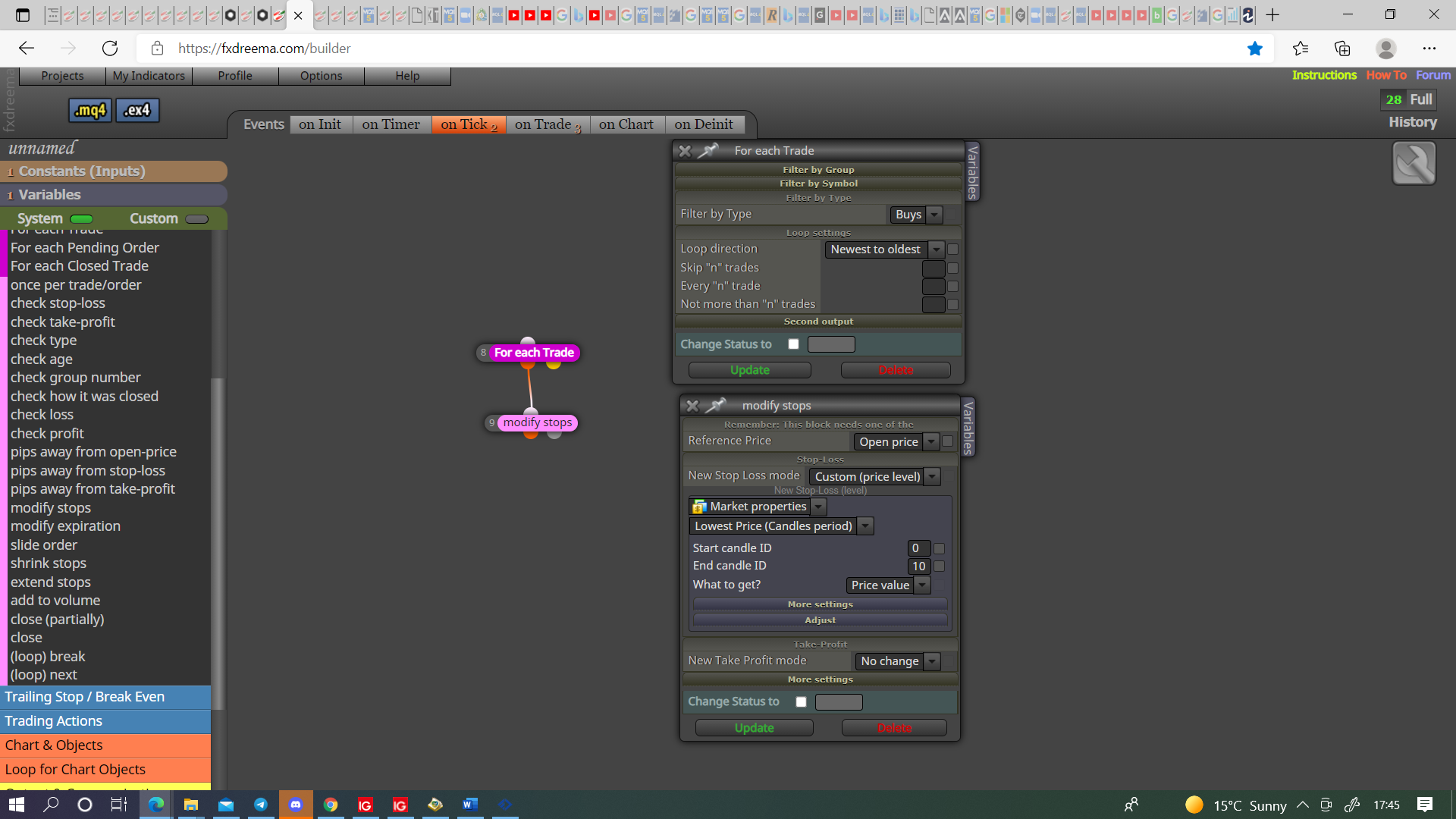
RE: Trailing stop following lowest/highest candlesposted in Questions & Answers
@alex81 You need to use pink blocks

-
RE: SuperTrend (Non Repainting). Higher time frame Colour Change as macro signal to lower timeframeposted in Questions & Answers
@edify-1984 It shouldn't be that difficult, if you get stuck just ask.