Add a shared link to see where you want to add, and what particular way would you like to place the trade?

Add a shared link to see where you want to add, and what particular way would you like to place the trade?
Ask Chat GBP what's causing it, and tell it what you have in each section. It will give you an idea of what's wrong (it might take a couple of attempts). settings should end with something like ~next
I think you need to decide how to place the second trade, you can use pink blocks Pips Away to place another trade, or place a pending trade?
It is on the on trade tab, move it to the on tick tab
Need more information, where do you want the information sent?
Like this, using count would be separate but likely work the same: https://fxdreema.com/shared/2uu5eFkLc
Do you mean to place a pending trade above or below? What blocks don't seem to be doing as required?
What I mean is on trade purple block for the tree start, with any blocks under that you want to do something, to act on the purple block action to commit any other block actions underneath
Template doesn't work on backtest, but on MT4 if you save the template on your terminal with the same name as the EA it will automatically load on backtest. I am not sure about MT5
On the on trade tab you can use purple blocks to start an action.
You can use pink blocks, det variable to 0 at the top-pink for each trade (if you want to count running trades)-formula block with a loop set to trade count saving into the variable. Compare this in a condition block, and if needed show it in a comment block
Alternatively, there are blue blocks that will check this.
Above the trade have a no trade block to limit to 1, check a flag to make sure it is true, and under the trade block turn the flag false. In a separate tree use once per daily bar to turn the flag true
To be honest I am not sure of where you want it but you would use it something like this picture:
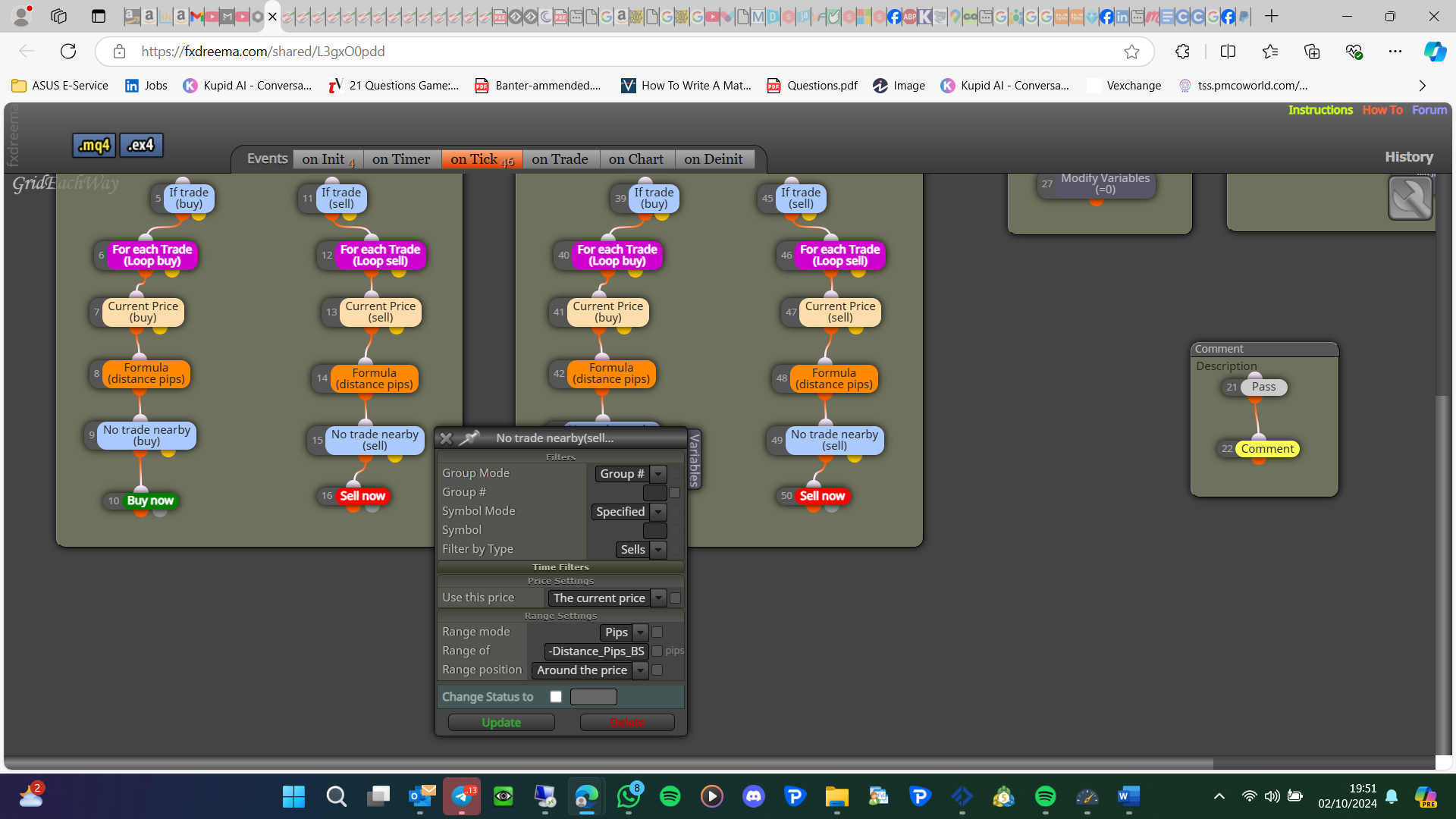
You can do it separately but instead of right clicking and adding a content/variable write the name instead, like -variable, if you add a shared link everything can be seen without needing pictures
I think you need a - in front of the value this will turn a positive into a negative, or a negative into a positive
