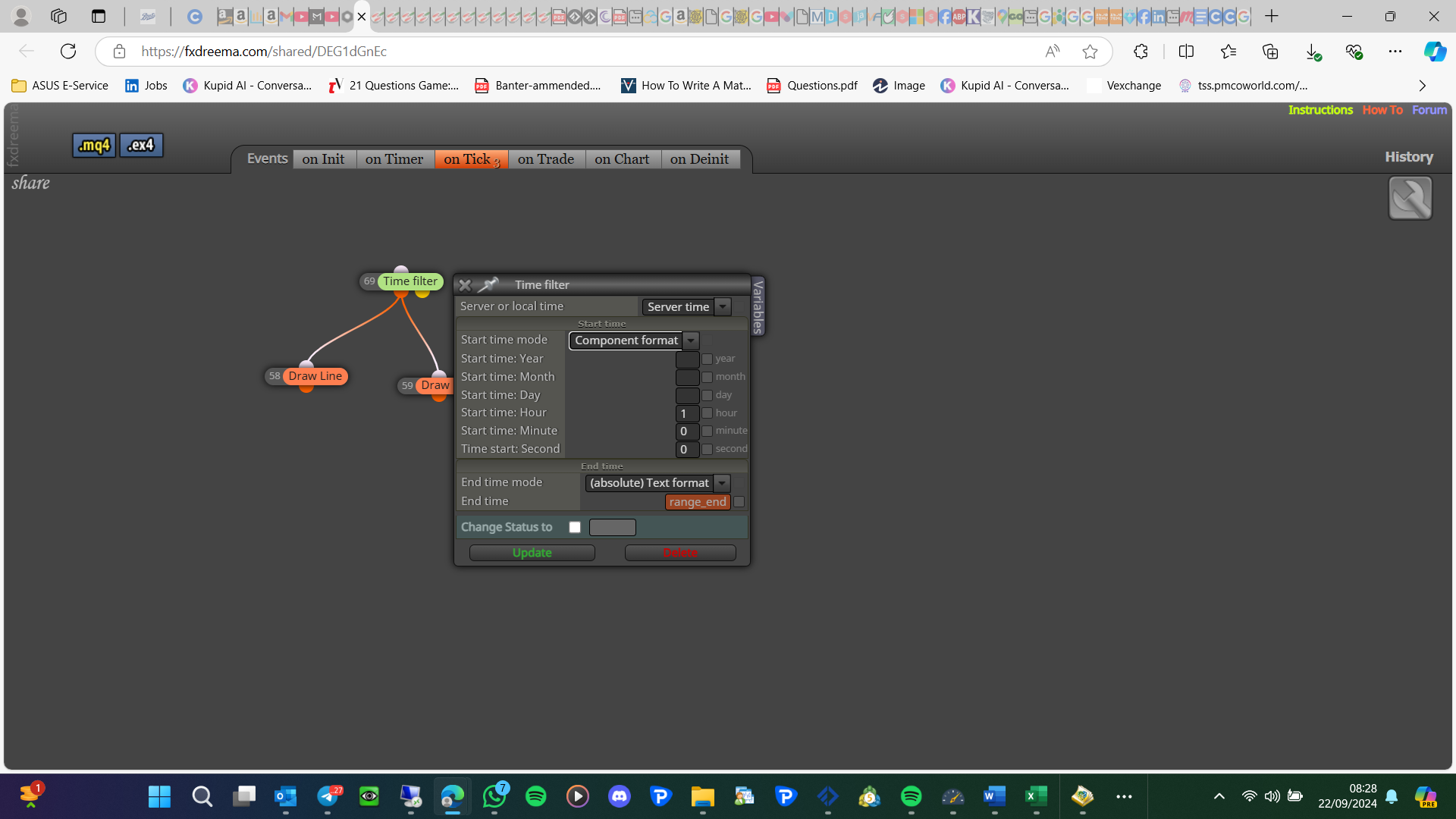
I have never used but it is probably the once-per-trade block
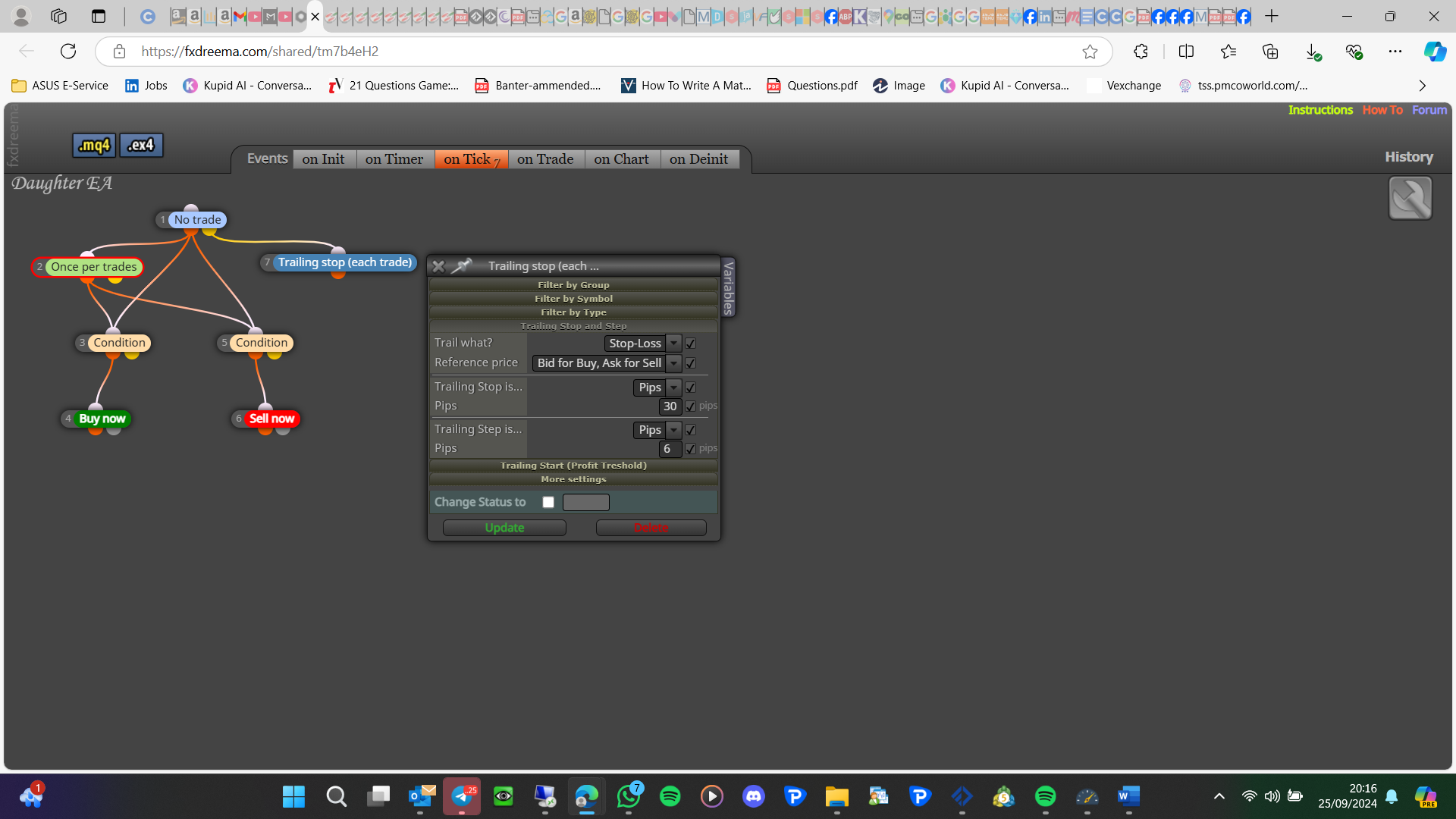

I have never used but it is probably the once-per-trade block
project screen - projects - create a shared link - open in web page - copy address bar and paste here
that's the builder page mate, not your project
You need to name the indicator, Check your data window, for appear the number should change as the indicator appears.
Move the once per bar under the conditions (so you have 2, 1 for each branch), if above the conditions are checked after the once per bar activates, it needs to activate after the condition is checked.
I don't think you can, you could create each line using trend lines.
To do this you would need to use multiple blocks, set 1st trade at 1% of the balance, and then change the lot from that or the running trade to what you want for the new trade
Ok so that code will work but it needs to know the original number to be able to work out the round number, add a shared link with a block set to get the number.
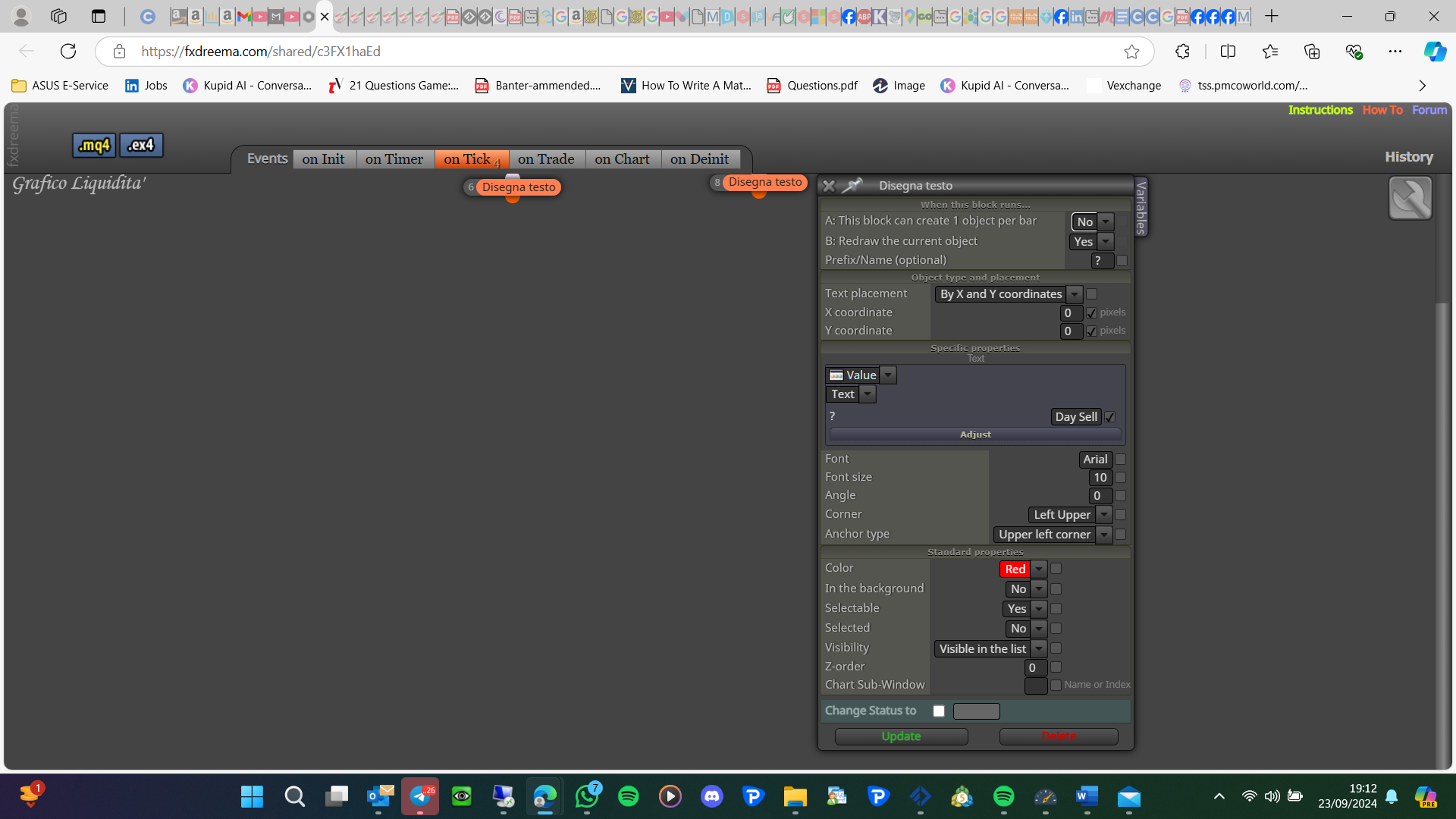
Change the name and how many objects can be created, make the name match in each block:
This is quite difficult to work out, but I think your candle ID is 1 for both which means you are expecting a candle to be both a bull and a bear. Link blocks out until you find the one that's causing trouble
A share link may show a problem
Yes but where is your original number coming from?
@behrouz1354 This is someone else thread, but VPS work the same as a home PC so if there is a problem it will likely be the VPS server.
Maths round will change a number to the nearest whole number, here's an example:
double num = 5.67;
int roundedNum = MathRound(num);
Print("Rounded number: ", roundedNum);
I use a VPS daily and it works the same for me.
draw text block under the reason for drawing, if needed delete or redraw as necessary
Is this now doing as you want? You can also save a value in a variable and use in a corresponding block
Use component time so you can select 1 for the day before: