It is a lot easier to use a fixed number -10 to -8 is +2, do you need a %?

It is a lot easier to use a fixed number -10 to -8 is +2, do you need a %?
Need more information, how many trades per layer, does each layer interfere with trades placed on the previous layer?
The way I do this is like Roar has said, but I ask Chat GPT to tell me what to add, I will add an example:
I say this is an example of what I add to sections to create a maximise screen in my MT4 code.
in the on tick section I use this:
// Example usage: maximize the window
SetWindowState(SW_SHOWMAXIMIZED);
~next~
In the custom function section I use this:
void SetWindowState(int desiredState) {
int hWnd = WindowHandle(Symbol(), Period());
int parent = GetParent(hWnd);
// Check current state using WinUser32.mqh functions
bool isMaximized = IsZoomed(parent);
bool isMinimized = IsIconic(parent);

if (desiredState == SW_SHOWMAXIMIZED && !isMaximized) {
    ShowWindow(parent, SW_SHOWMAXIMIZED);
} else if (desiredState == SW_SHOWMINIMIZED && !isMinimized) {
    ShowWindow(parent, SW_SHOWMINIMIZED);
} else if (desiredState == SW_RESTORE && (isMaximized || isMinimized)) {
    ShowWindow(parent, SW_RESTORE);
}
}
In the global variables section I use this:
#include <WinUser32.mqh>
#import "user32.dll"
int GetParent(int);
int ShowWindow(int, int);
#define SW_SHOWMAXIMIZED 3
#define SW_SHOWMINIMIZED 6
#define SW_RESTORE 9
#import
Use this set-up and create a code that does this "Choose what you would like to create". It may take a few corrections but using this you can create blocks doing what you like...
There is how to use Fibonacci in here: https://fxdreema.com/forum/topic/19269/using-fibonacci Hope you find it useful
So you open a trade at a set time, then if within 3 hours, it has moved enough to win and the price crosses something you want to close and not place another trade until the next day?
points(pips) = distance up or down
ticks = a price change
Depends on how you have your EA set up, add a shared link and say what you are trying to do.
You can use flags or variables to stop EA from doing something until your conditions say taking a trade is viable.
You can't copy them, you can copy a section and create another with the same words, alternatively download the MQ file, import it back into FX, and you will have an exact copy including all constants.
That is how I copy and place blocs in the same project and onto others
Highlight - right click - copy - right click - paste where you want
I think expecting 300 pips in a tick is too much, so for now try with blocks that do not contain ticks, test and see if it works, then you know if it is using ticks that are stopping it from working
That would have only worked for MT5, not tested but this should do it: https://fxdreema.com/shared/crazi6ffc
According to ChatGPT this should do it, I haven't tested though: https://fxdreema.com/shared/CKLA9iHCb
do both arrows appear at the same time?
I have tried to draw a line on this time but I could not get it to: https://fxdreema.com/shared/Mq8H5ofpc
Are you saying you would like to look at a time days in the past, not just the same day?
The biggest problem you have here is that the first tick on every candle is 0 (I don't know if FX uses the day candle for this), so it might be trying to use the wrong tick. I would link out certain blocks to see which ones are stopping trades.
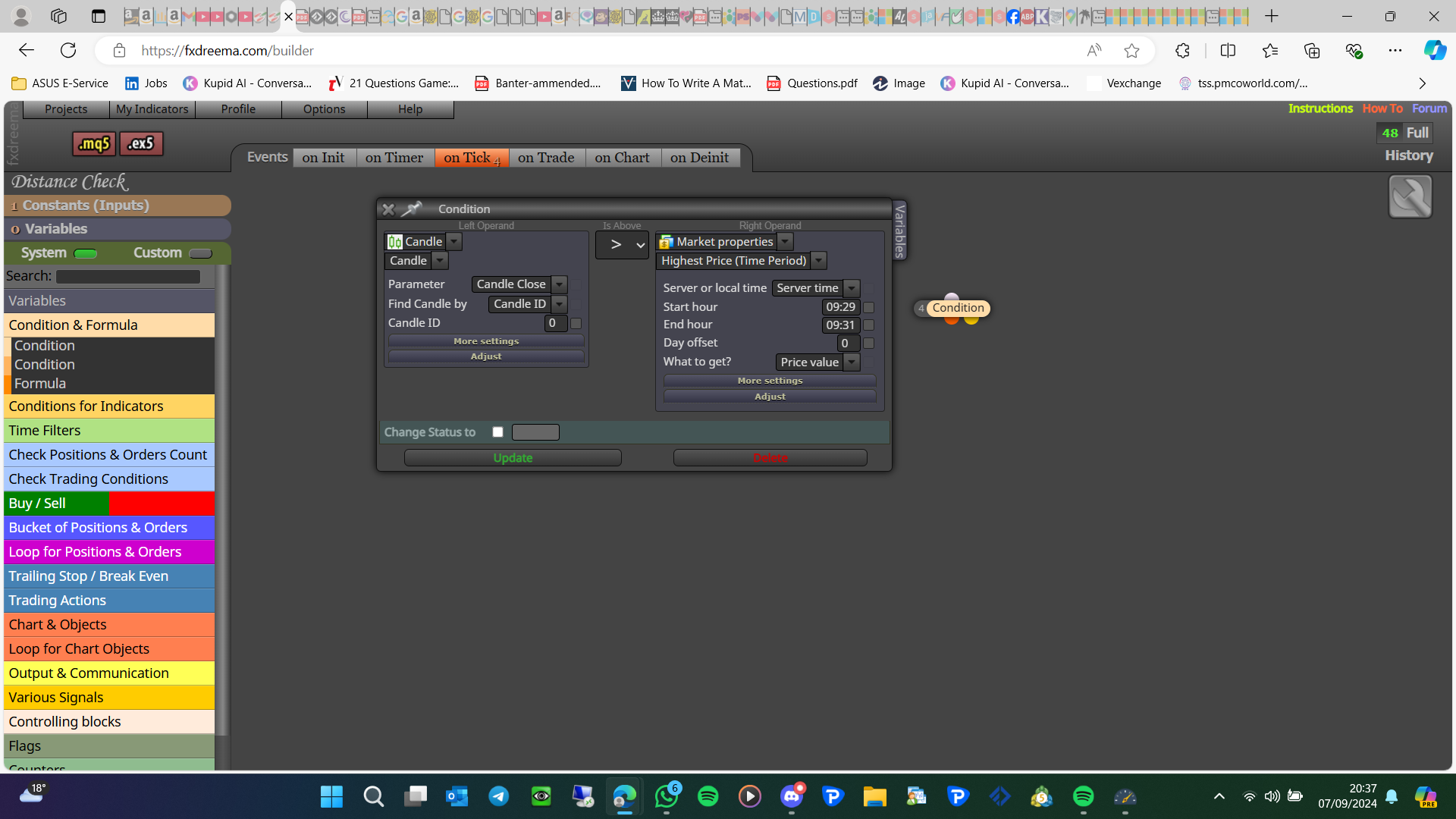
This will depend on your broker's time but, try this (alternatively you could save the price as it happens) :
Start a project so you learn what to do with blocks.