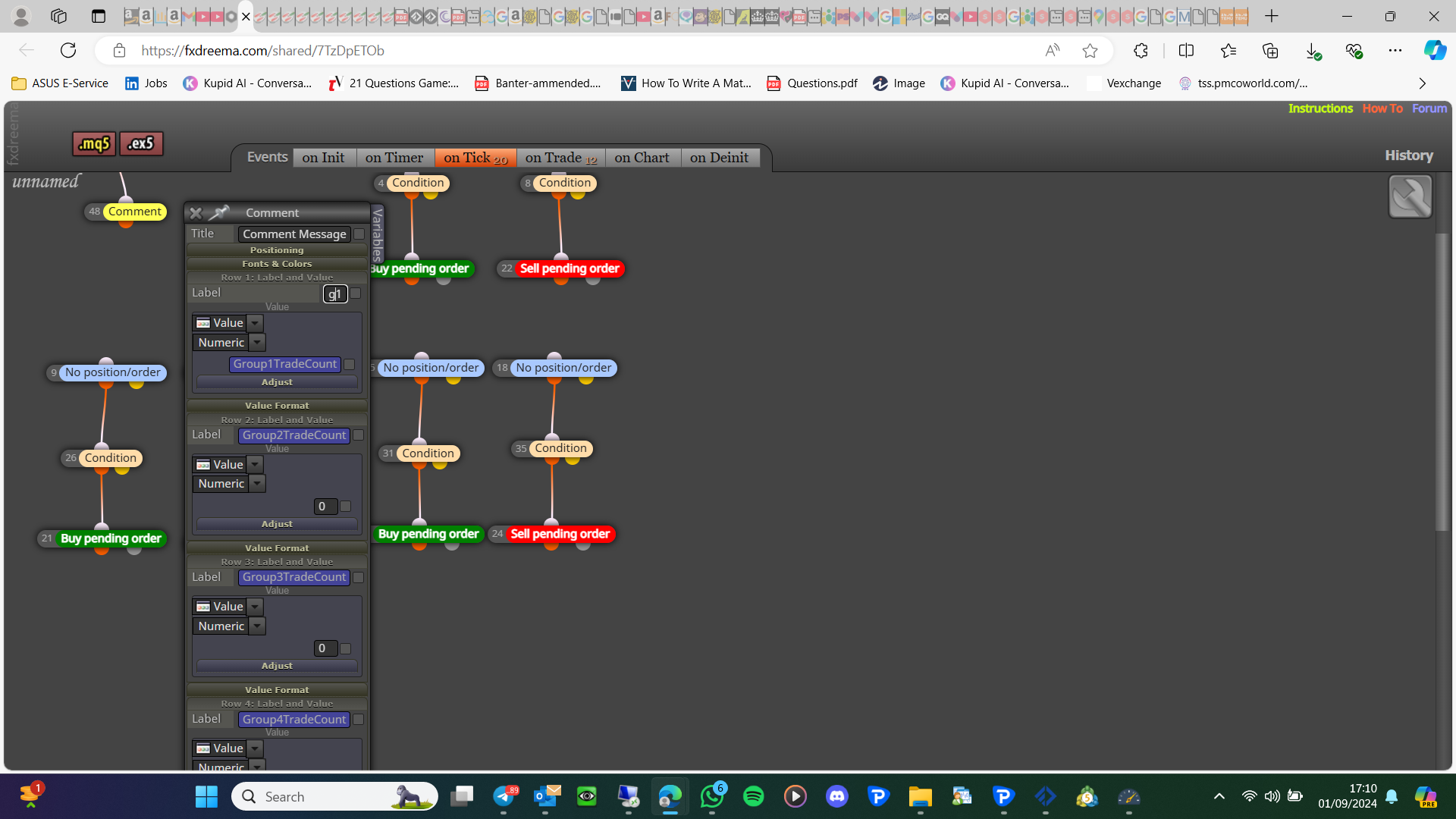
Put in a variable using a formula block upper wick size in pips / 2, and take this variable off candle high by adjusting by -variable pips

Put in a variable using a formula block upper wick size in pips / 2, and take this variable off candle high by adjusting by -variable pips
This looks like it should work, are you expecting this to open trades activated on another chart? Create a test project doing this without using different groups and fewer blocks, test on backtest and say whether it works or not.
@mohsenimi Generate a fresh question for this, it has more to it than a simple answer.
In the upper left, you have constants (orange), and variables (blue), constants are fixed and changed from your inputs, variables are changed from EA internally, and there is a modify variables block to allow an action to change them.
Another thing enum's need to be above where you use them, you have this correct but in case I put them at the top of the list. It is so that when added to the terminal the enum lists are loaded before they are used.
This should work, but I don't use a space after a comma, try deleting it.
Well sort of, a bool can be used for the value, but the name is a string. a number, a bool, string is a value that can be used as a name, or a value. I think you are making your life hard by using terminal variables...
I do not know what you think is right about using the same constant as a name as for the value, this will work but every time you change the value another variable will be created, you do not need terminal variables, so get it working with normal before adding terminals, then you will know how to add to keep it working as needed.
Yes but don't use terminals until you have it all working, terminal variables have a value (f4) but they are saved as a name.
Does it prink 10 initially then revert to 2? if so it is just taking a second to work. I don't know about FX but he was the one that said about DoubleToString
It shouldn't as it always worked for me, I see that it has worked for equity. I know of nothing else you could try...
Not sure exactly what you need, but this would do it:
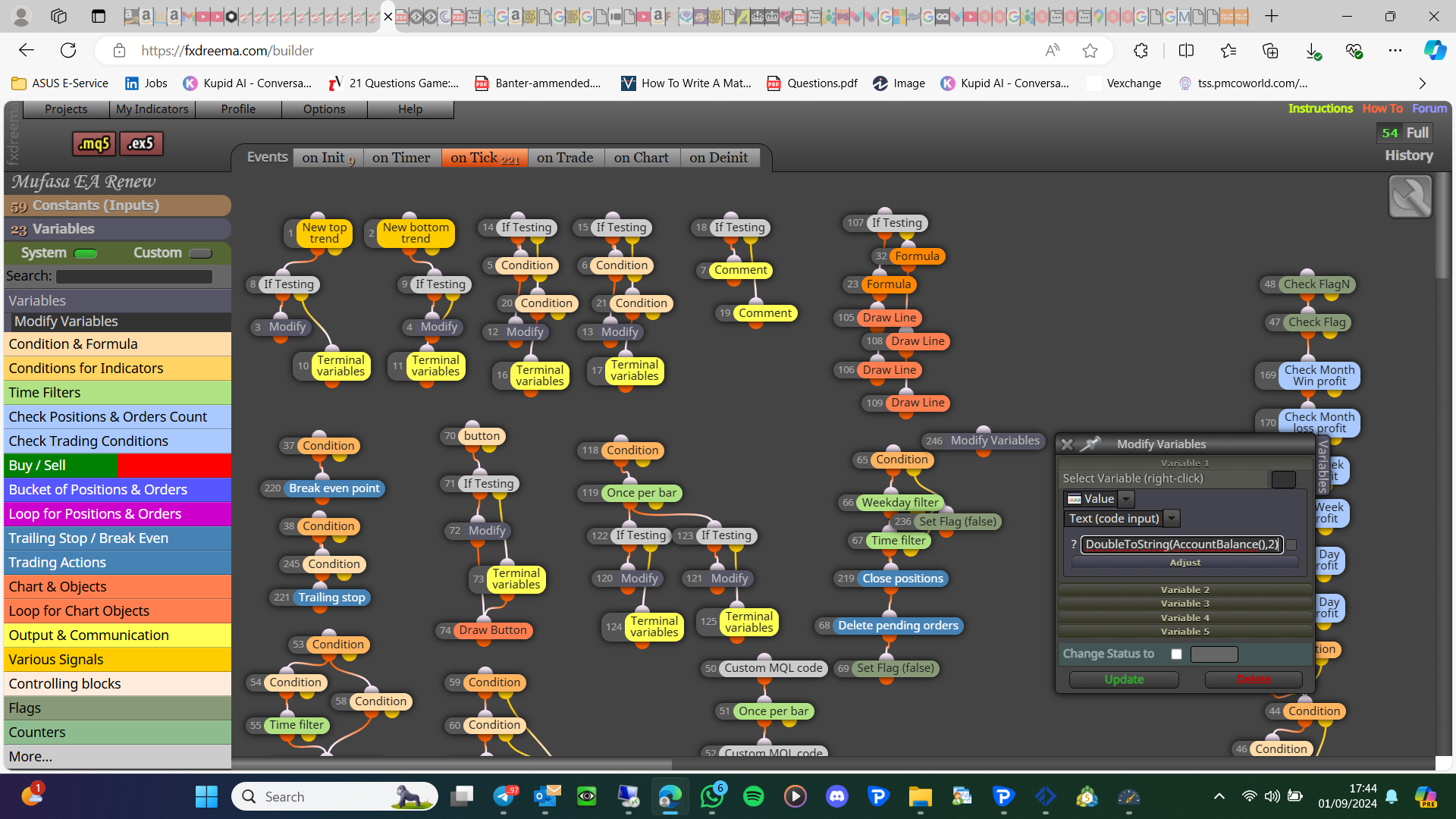
Ok, so you want balance +1 which will make almost no difference?
I would do this:
DoubleToString(AccountBalance(),2)+1 in left operand (you can add as text code input encase)
+
0 in right operand
This should save into your variable
Yes add a link, or a picture showing what you mean if not working for you.
Ok then: on trade purple trade action - delete pending
on the on trade tab it doesn't really matter it is just if "this" happens "do" this...
DoubleToString(570.632563,2);
This is rough and depends on where you add, you can use a variable name for your number...
on tick tab - nontrade/order
on trade tab - position created (purple block) - place pending
No I do not know why you are looping anything, just display the value of the variable!