Here is the Tutorial EA that I recently created and which covers some of the issues that were asked for in the forum. I tried to keep it as simple and structured as possible.
Disclaimer: This EA is created only for eductaional purposes. It's functions are rarely tested and may contain errors. Using this EA on a real account is strongly not recommanded as the strategy settings are not optimized at all!
Key Features:
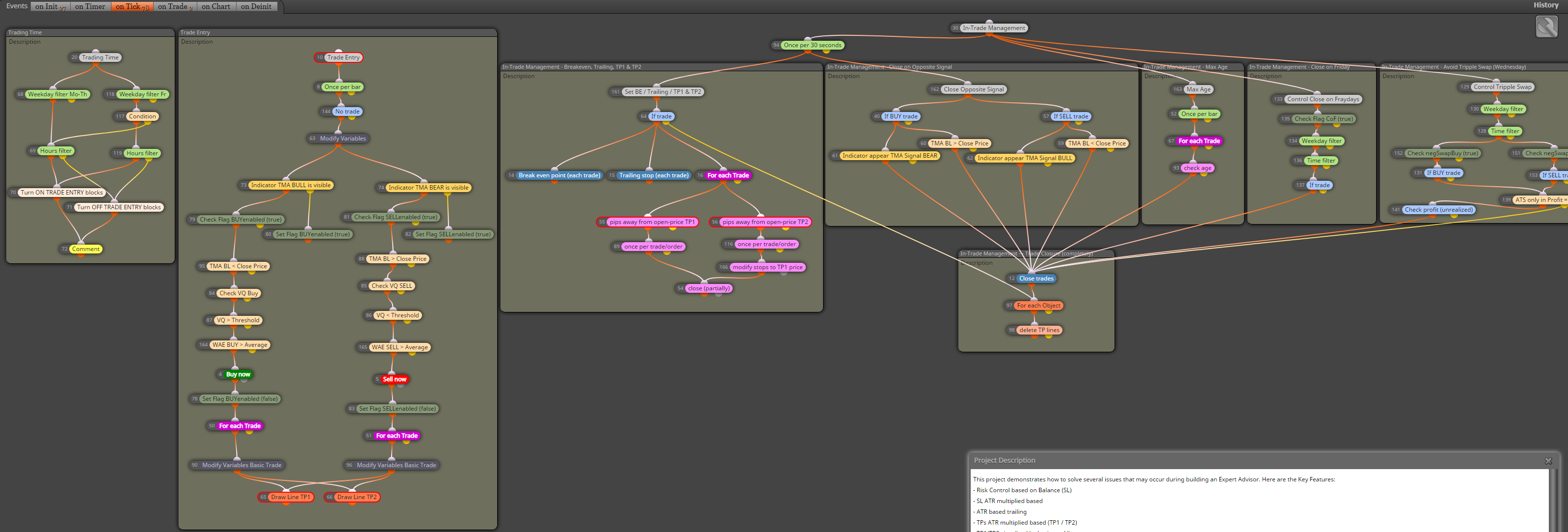
- Risk Control based on Balance (SL)
- SL ATR multiplied based
- ATR based trailing
- TPs ATR multiplied based (TP1 / TP2)
- TP1/TP2 visualized by horizontal lines - values will be picked up on terminal restart
- Close on Opposite signal
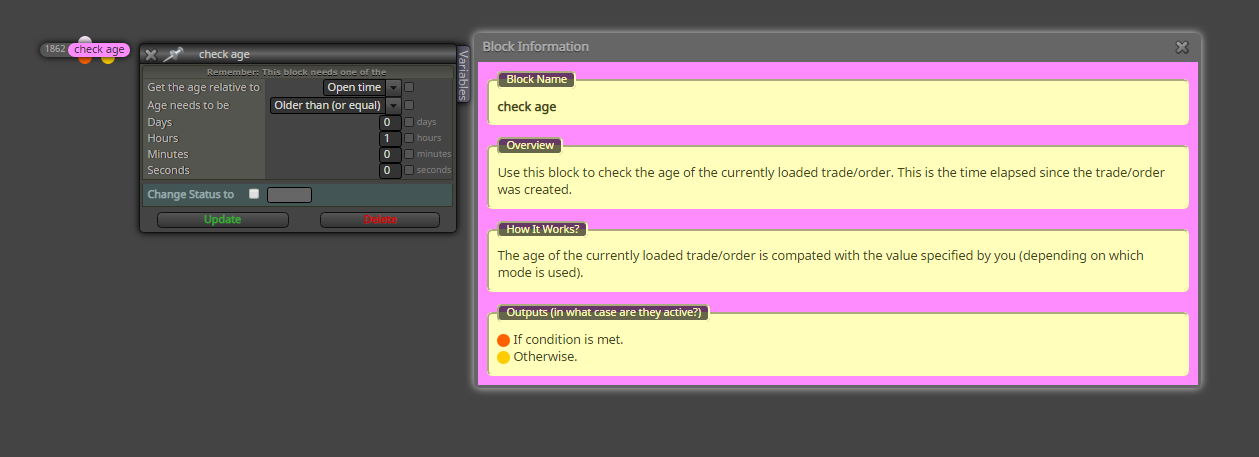
- Close on max. age
- Limiting trading time
- Protect from tripple swap
ToDos:
- News filter
Custom Indicators used:
- tma-line-extreme-indicator
- vq-stridsman_on_jurik2_mtfalerts_nmc
- waddahattarexplosion_averages_nmc_alerts_2_1
Any Credits go to the authors!
Installation: Unfortunately I cannot upload a zip file, so you must do a little work manually.
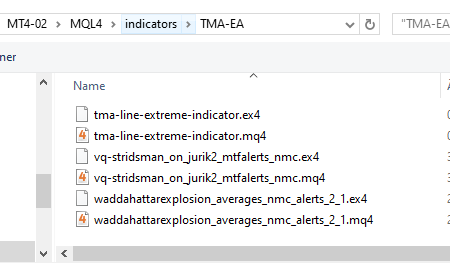
Create a Folder "TMA-EA" in your indicators folder (IMPORTANT!!!) and copy the following indicators into it.
5_1580504153979_waddahattarexplosion_averages_nmc_alerts_2_1.mq4
4_1580504153978_waddahattarexplosion_averages_nmc_alerts_2_1.ex4
3_1580504153978_vq-stridsman_on_jurik2_mtfalerts_nmc.mq4
2_1580504153977_vq-stridsman_on_jurik2_mtfalerts_nmc.ex4
1_1580504153975_tma-line-extreme-indicator.mq4
0_1580504153969_tma-line-extreme-indicator.ex4
Please rename the files according to the names mentioned above as the forum adds strings as prefix to the uploads. But do not remove the file extensions!
It should look like this
Copy (and rename) the files in the expert folder to the experts folder of your MT4 terminal.
1_1580504633596_Tutorial-EA_V1.0.mq4
0_1580504633595_Tutorial-EA_V1.0.ex4
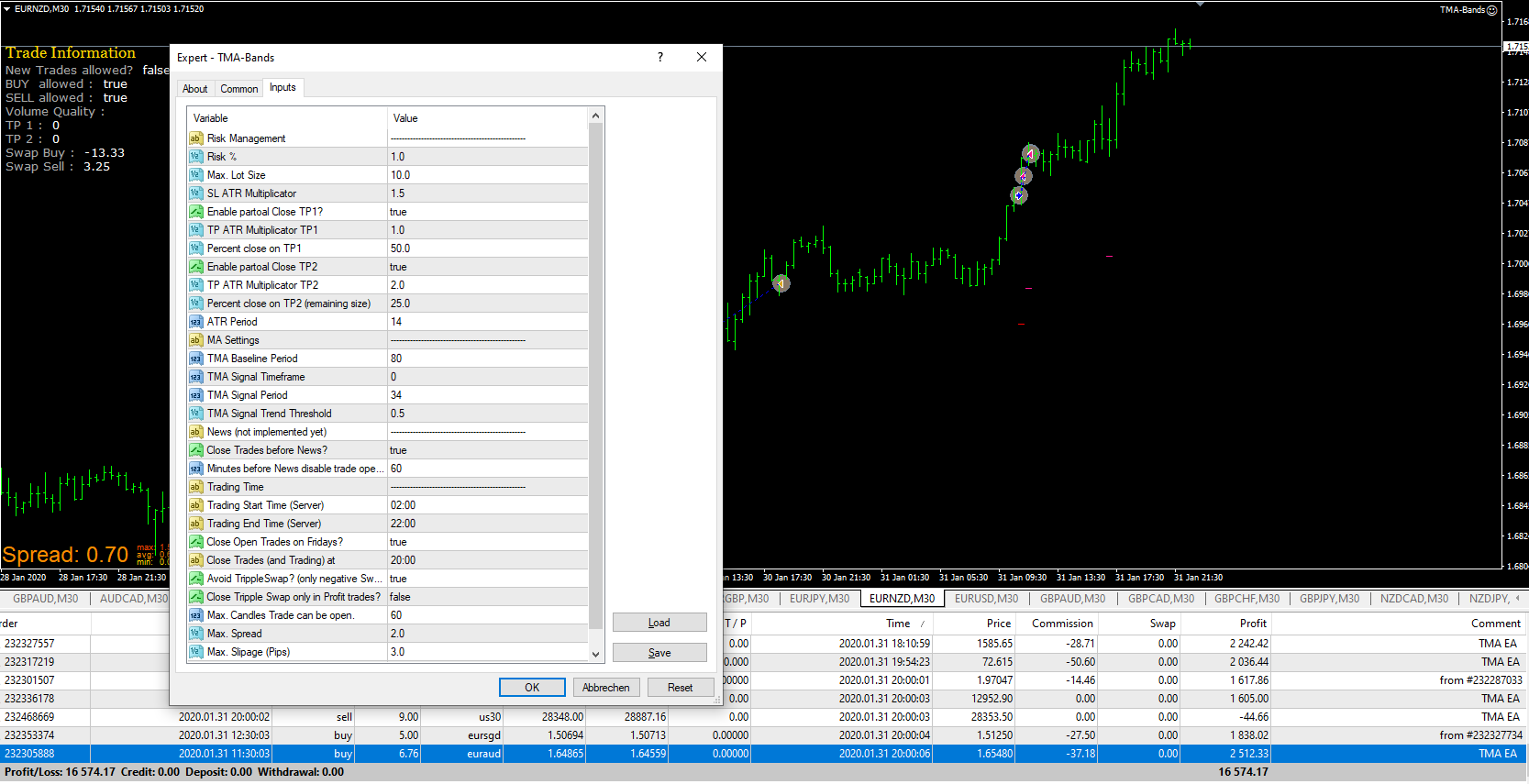
Currently I do forward tests on M30 timeframe in order to things happen more often. The screen when EA is attached to the chart should looklike this:
You can import the file Tutorial-EA_V1.0.mq4 into a fxdreema project, The result would look like this.