On the on trade tab you can use purple blocks to start an action.

On the on trade tab you can use purple blocks to start an action.
You can use pink blocks, det variable to 0 at the top-pink for each trade (if you want to count running trades)-formula block with a loop set to trade count saving into the variable. Compare this in a condition block, and if needed show it in a comment block
Alternatively, there are blue blocks that will check this.
Ask Chat GBP what's causing it, and tell it what you have in each section. It will give you an idea of what's wrong (it might take a couple of attempts). settings should end with something like ~next
Like this, using count would be separate but likely work the same: https://fxdreema.com/shared/2uu5eFkLc
You will need to set up a custom lot size set up, so a trade is placed, then looped and the next placed etc. I assume everything is done with pending orders or is a new trade placed every time "x" pips are travelled?
A group number is set to the trade, then read from the trade, which means no resetting should affect this, even if the trade is swapped the new trade should have the same group. A group number is the bot's magic number + the group number
I think it has nothing to do with the number of lines, I can only say of my experience on MT4, but I would expect this to happen quickly. EAs never react as promptly as manually pressing a button
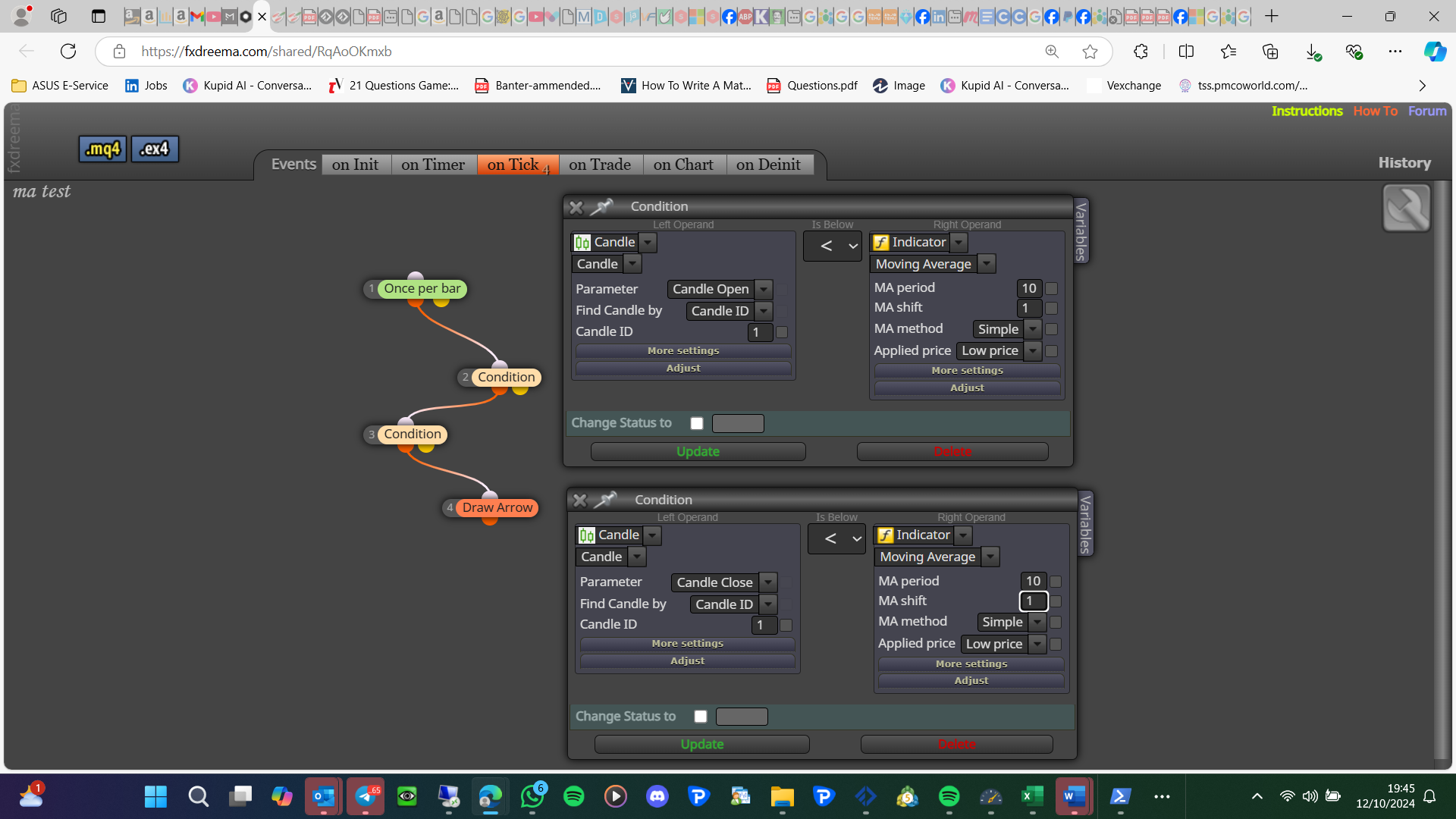
Is it because your applied price is low not close?
Thank you for thanking someone else not me...That is the MA shift!
@seb-0 you are right FX is not clean or optimised, to me this is the trade-off to manually coding on MT, I think it has a lot to do with being able to add different lines of code quickly.
change the group in every relevant block to all (manual and EA)
You will need to set up a test project, something like every bar a random trade is placed (buy or sell), then get the 2 lists, you are probably best to use an array for this (I am not good with arrays) if only a small number standard variables would do, then you could check vales using the ticket number, and commit any actions you want.
Add a shared link to show what you have done. I am not a fan of terminating, so I will use a bool variable to stop until the time to restart.
This format 1714559400.0 is seconds after 1970, convert it to string using this line of code: TimeToString(value,TIME_MINUTES)
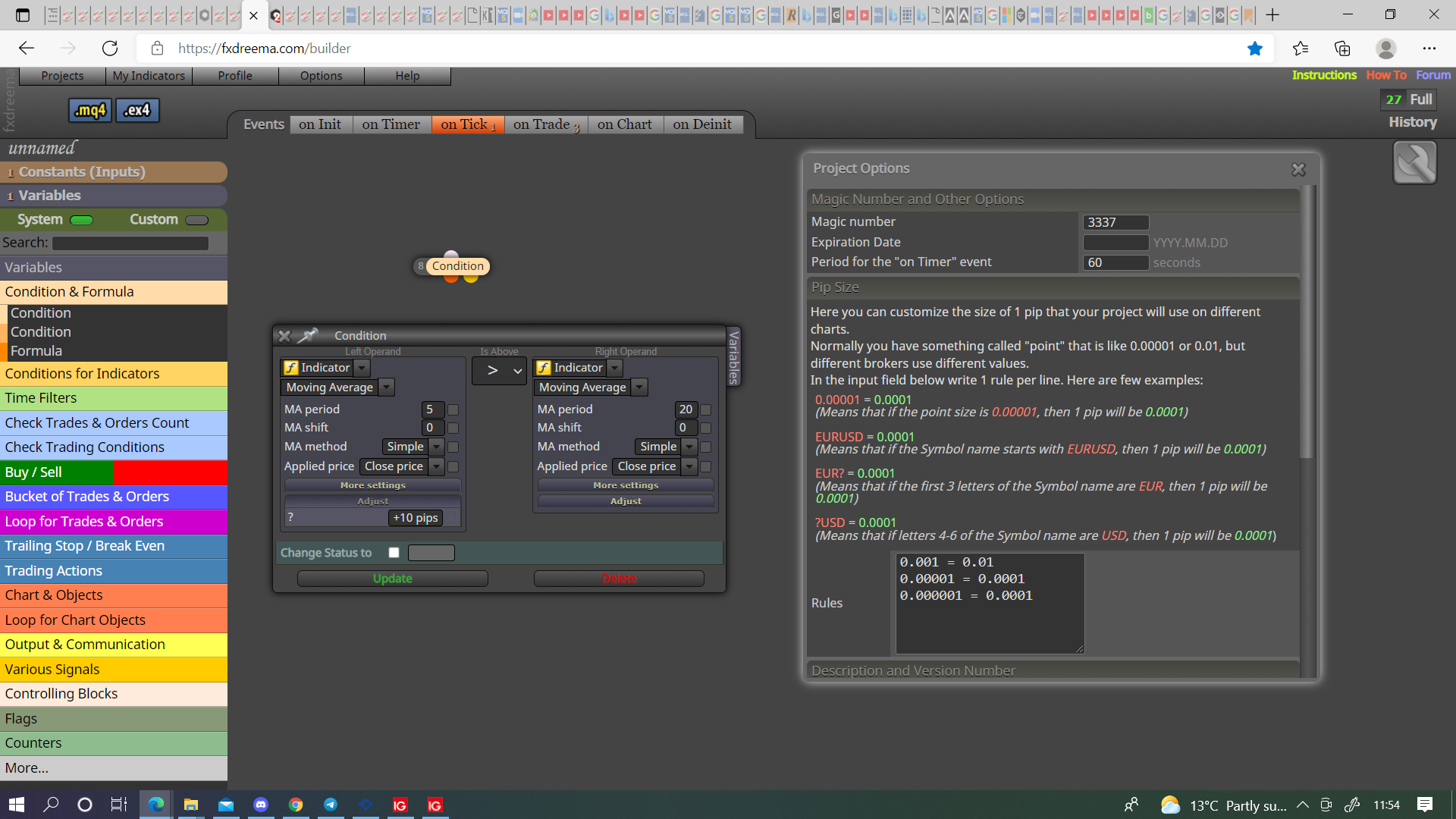
@mario-c Like this, if you haven't set the pip rules it will likely only work for forex pairs.
Because the buttons are set to redraw it wont create infante buttons just constantly redraw the same one. on tick works for buttons, but you need a block above to tell the EA when to redraw, generally on init to draw at start, then redraw somewhere else if needed like on tick.
Is more a less the same add this to a custom code block with a block above to activate:
ChartOpen(NULL,15);
Change NULL to the chart you want to open like "GBPUSD", NULL = current chart
change 15 to the minutes of the chart you want to open, 1, 5, 15, 30, 60, 240, 1440, 10080, 43200
There is a logical progression to pink blocks:
1 = for each - accesses the relevent trade information
2 = check type - ensures the trade is of correct type
3 = once per order - ensures the next action can only happen once
4 = close partially - commits the required action of the pink blocks