You are right, the odd thing is written incorrectly: Specified means if not declaring use the chart symbol

You are right, the odd thing is written incorrectly: Specified means if not declaring use the chart symbol
Ok, then that says it is the MT5 that's doing it, what I put above will allow you to delete some so you can download different.
Is unlikely to be FX, is more likely to be what MetaTrader has to download so you can backtest... in simple terms every new chart or day you backtest, the more data your terminal needs to download to do the test.
Try downloading this: https://www.diskanalyzer.com/download
should show you where the space is used, allow you to delete, and let you see the reason for used space.
of cause, checks all symbols for trades, if none it places on the symbol you have set in the buy/sell blocks.
Change symbol to specified, as is means if no trade on any symbol (asset class) place a trade, so will keep placing... 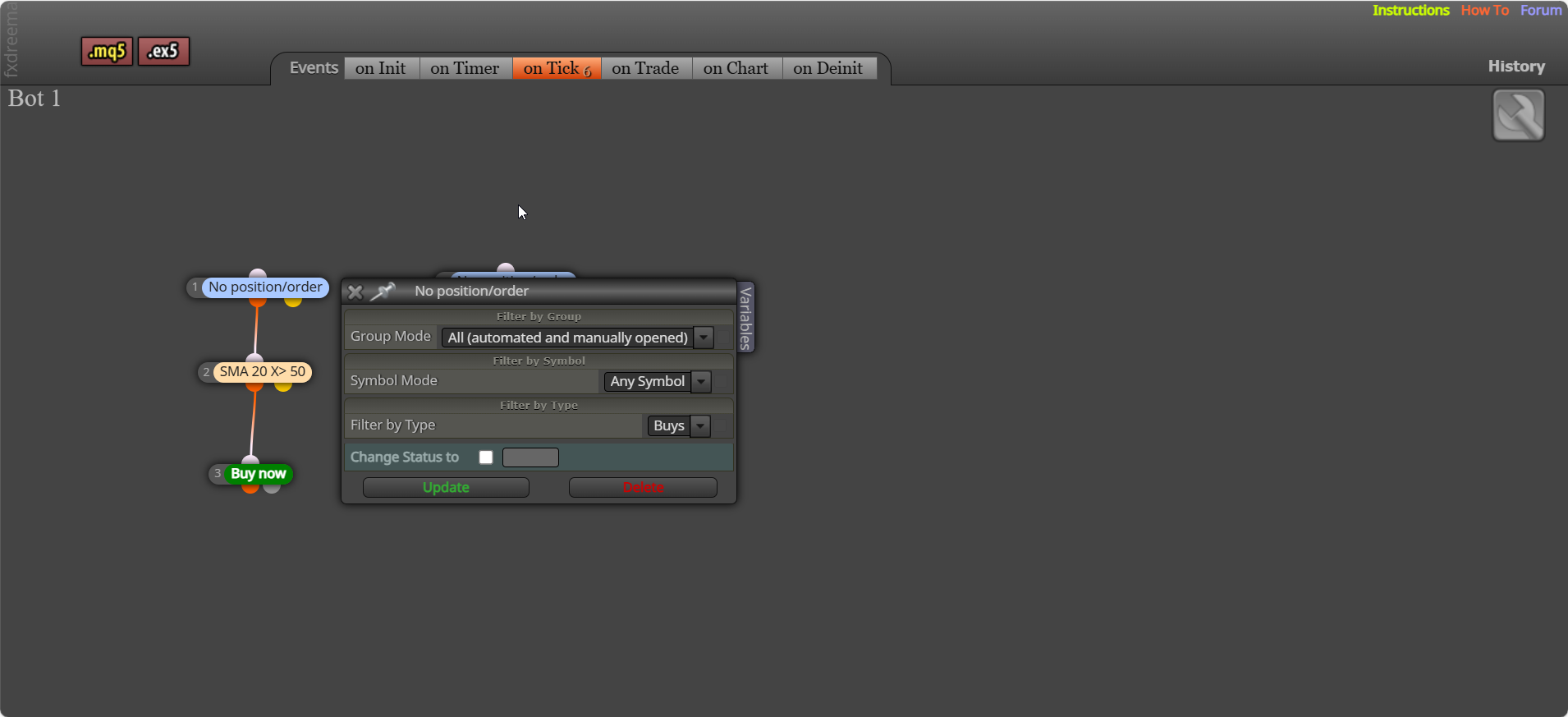
That is why I said I agree, I don't think admin will add to the current block setup, so creating a block is the only possible way for now.
No they don't, in line is what is used in custom code. Creating a custom block can use custom functions, global variables, includes etc. You can see some in this picture:
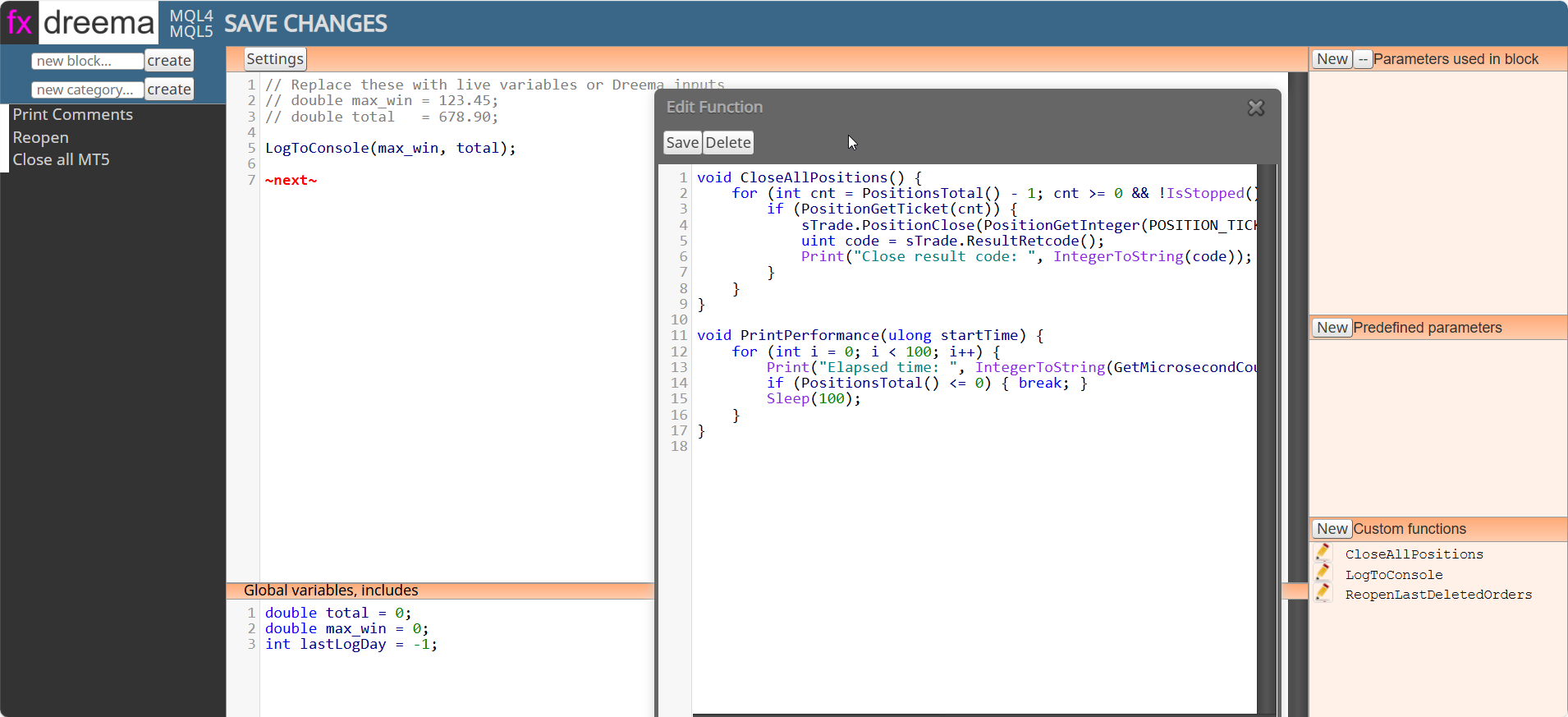
This is true, a lot of this you can use/add in a custom block creation.
Make this simple for yourself, test with a few objects, draw anywhere and delete what you want when you want on tick, you know the old saying KISS? Adding lots often just makes getting to the result you want more difficult, delete as many as you want at any time you want on tick takes a tick, so doesn't take ages
on init is just when it's drawn, to delete what you want delete the specific object.
once a day? if so once per day block - delete
That is the only way I know how to, you could set comments so it says what the seconds are, and watch it set to 0, will show you where things are possibly failing.
No there is 1, it just sets it to on init
Then it will place a trade at the start, ignoring the ma cross. This is not the finished way to do things, just a way you can watch, before adding and changing so the bot does what you think is best.
I'll help, what condition happens to say delete everything on tick? On init only happens at bot start
I do not think you can check previous candles for crosses, but you could have this constantly update, ready for when you need it.
More like this, on init I set the count to 3 so it will waait for the cross before entering the trade: https://fxdreema.com/shared/fUAo3xDdc
You can get the ATR value from candle ID, you just need to know what the ID was when the cross happened
