check profit (period of time) is easiest, <place a trade, >close all trades . this will stop for the day if profit is reached, then continue the next

check profit (period of time) is easiest, <place a trade, >close all trades . this will stop for the day if profit is reached, then continue the next
They are numeric, because although text is a string, it counts the tecx as a position (buy=0 sell=1, both=2) All I know is this compiled for me, it is tried and tested. Basically check if the enum text is what is selected in the inputs, if so activate blocks below, if not go through yellow and check the next. this https://fxdreema.com/shared/m27SSDMZd you can run on MT5 back test, and see that every time you change a input the drawn text will change.

Set it up as an enum: https://fxdreema.com/shared/R8XxH6iSc
Something like this will do it, just replace words with the relevant ones:
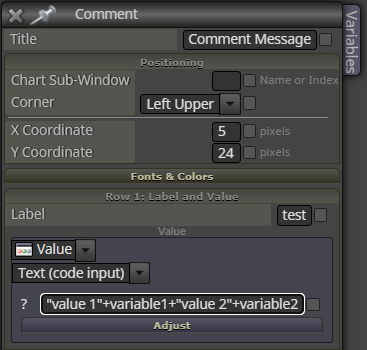
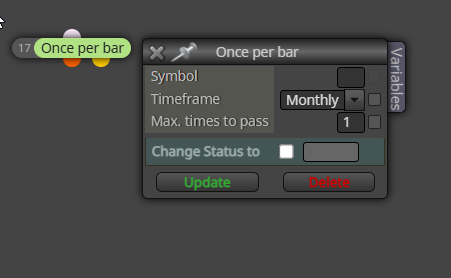
Try once per bar set to month, the first tick of the month should activate all blocks beneath, then not again for a month.
depends on traded asset and pip rules set in settings.
I did see your other post but when indicators are use to determine SL it might not be why, if I was you I would run on live demo for a day, then the next I would backtest over the same time and see if results are different, then workout what it was that caused different results, this may show you what it is that is different.
Check your Stop Loss normally it is because the live market reacts differently to backtest,. For me whenever SL is set correctly BT results are very similar to live results.
I can help you help yourself, start by testing and getting a few simple blocks working. no buy/sell trade/position - condition (doing anything) - buy/sell, make this in 2 trees (1 4 buys, 1 4 sells), back test and watch it how it works, then decide what you want to add/change.
You are lacking a lot of if this happens, make a start on your project and say what you cant do
This compiles but does use Print(), not tested so give it a try. I will put everything you need below:
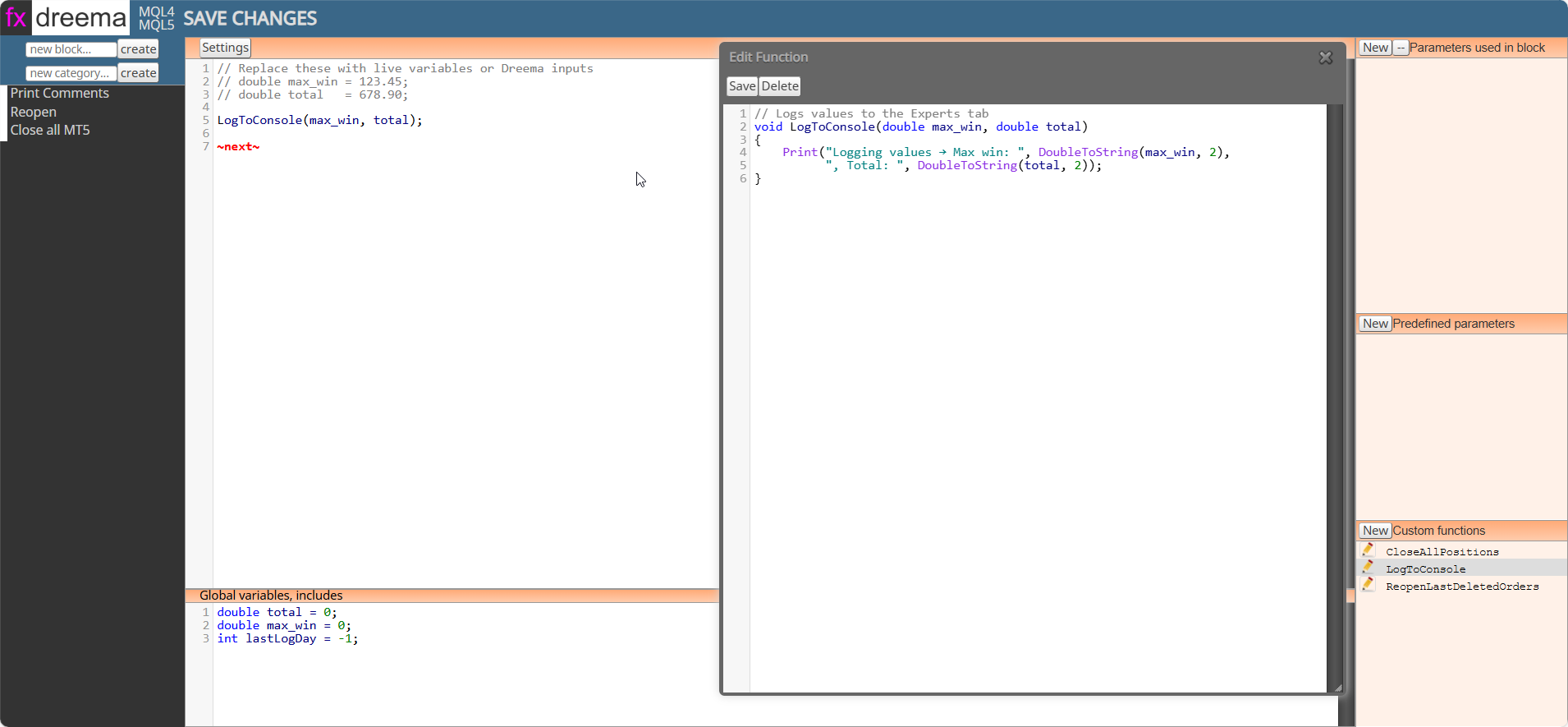
Settings:
LogToConsole(max_win, total);
~next~
Global variables, includes:
double total = 0;
double max_win = 0;
int lastLogDay = -1;
Custom function:
// Logs values to the Experts tab
void LogToConsole(double max_win, double total)
{
Print("Logging values → Max win: ", DoubleToString(max_win, 2),
", Total: ", DoubleToString(total, 2));
}
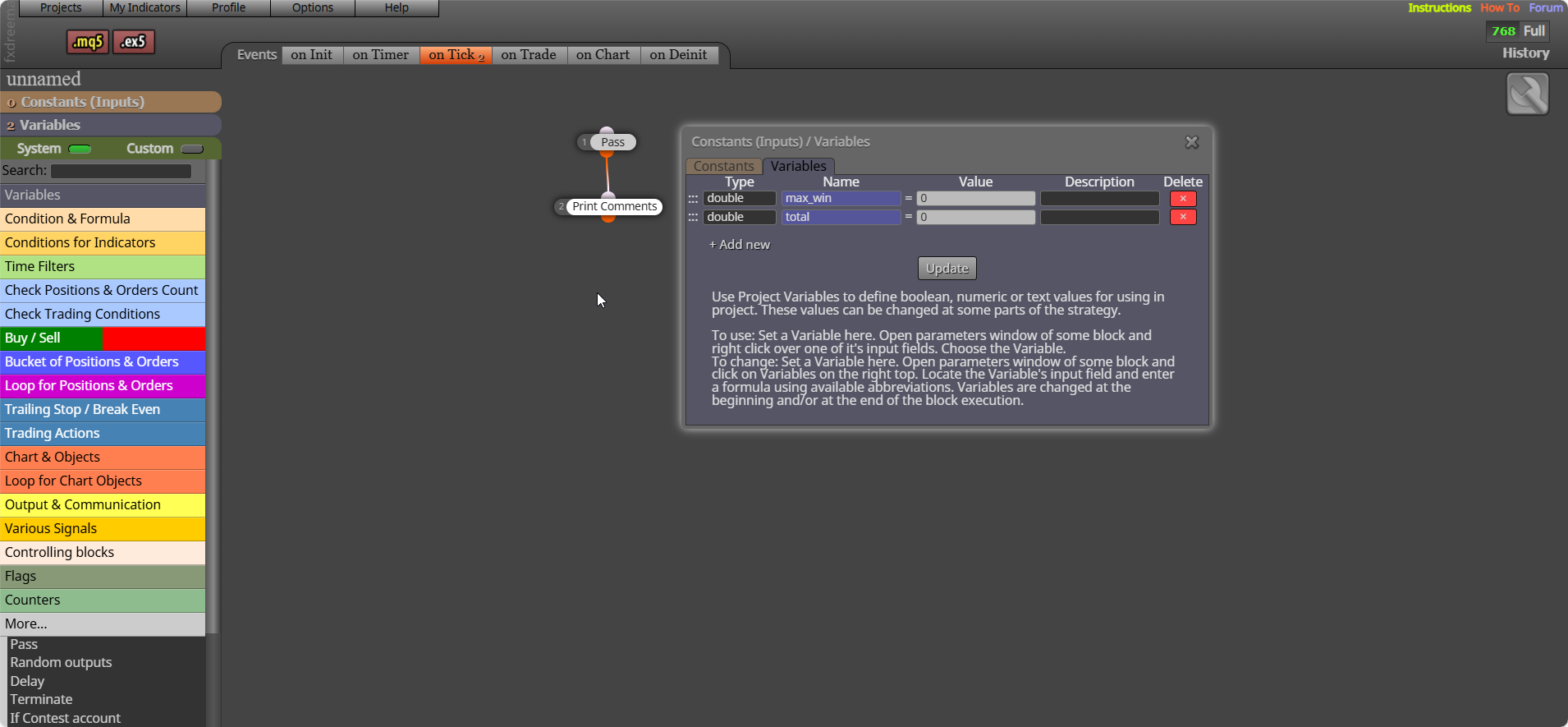
This is down to our logic, if the bot is working as needed. Set up blocks that will obey your logic, and connect the orange dot to your buy/sell block. I you want to limit these add a diffract group number to blocks including a new buy/sell
Yes, have you tested? This allow only 1 trade at a time, if you want 1 trade of a type change in the block...
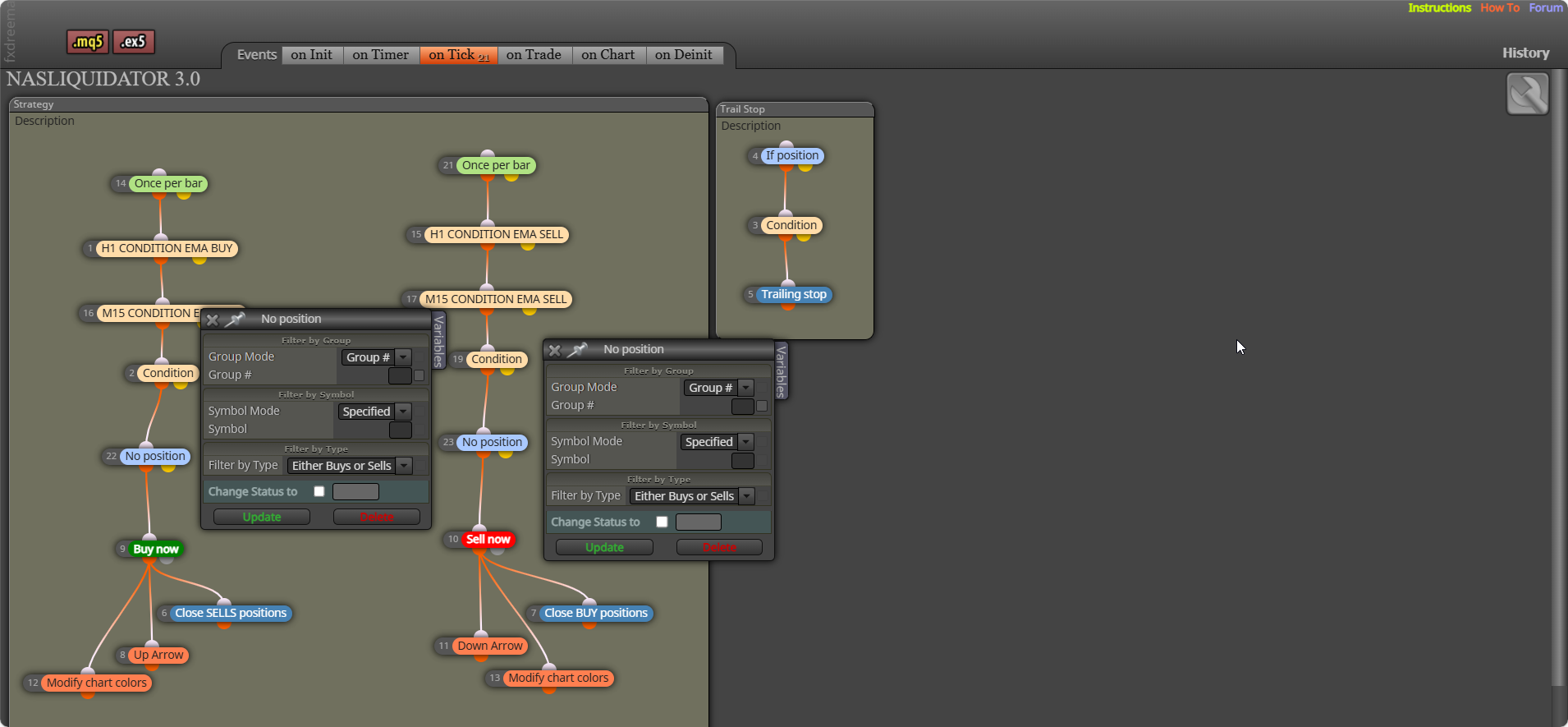
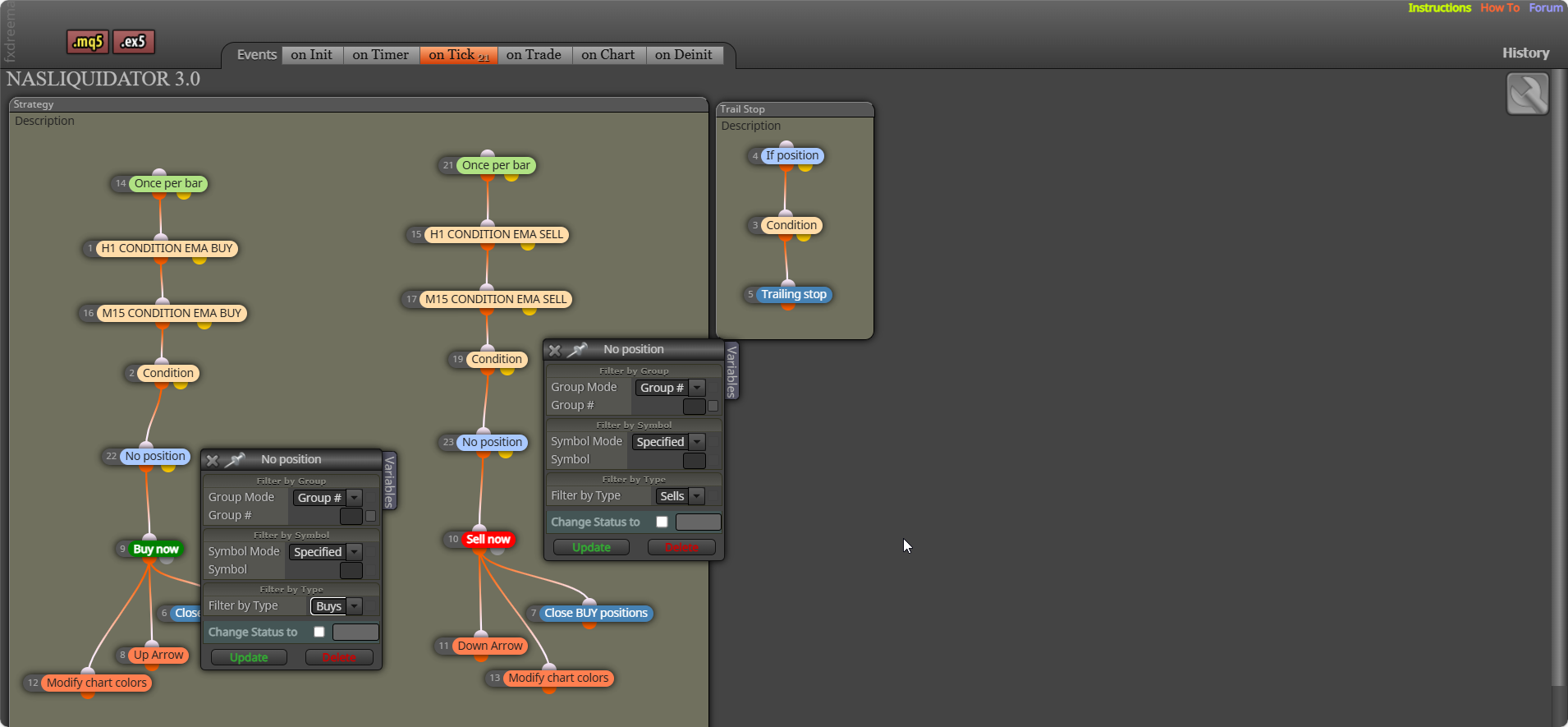
Yes it converts the component time in int number format, to a string time stamp format
I have said this before, you need a no trade block above your buy/sell blocks
Then you need to start your tree with a no trade block
Does this help? From Copilot (chatGPT)...
It sounds like your friend’s custom MT5 code used to reliably write to the log file via Print(), but after a recent update, the log location may have changed or the behavior of logging might have shifted slightly.
Here’s how to track down the new log file location and ensure the output is still being captured:
 Where MT5 Stores Log Files Now
There are two main types of logs in MT5:
 ️ If Nothing Is Showing Up
If your friend wants to make the output more persistent or structured, I can help them write to a custom file using FileOpen() and FileWrite() instead of relying solely on Print(). Want to go that route?