As it is it can open a new position every candle the conditions are correct, is this what you want?

As it is it can open a new position every candle the conditions are correct, is this what you want?
To optimize you need to use component time, so to use in some blocks you need to convert to string: https://fxdreema.com/shared/Oy8BG85ye
Yes, test and say if something's not working, no trade would prevent multiple trades
You need to set the TF for MA as well, if you want them to both be true at the same time you need to connect 1 above the other.
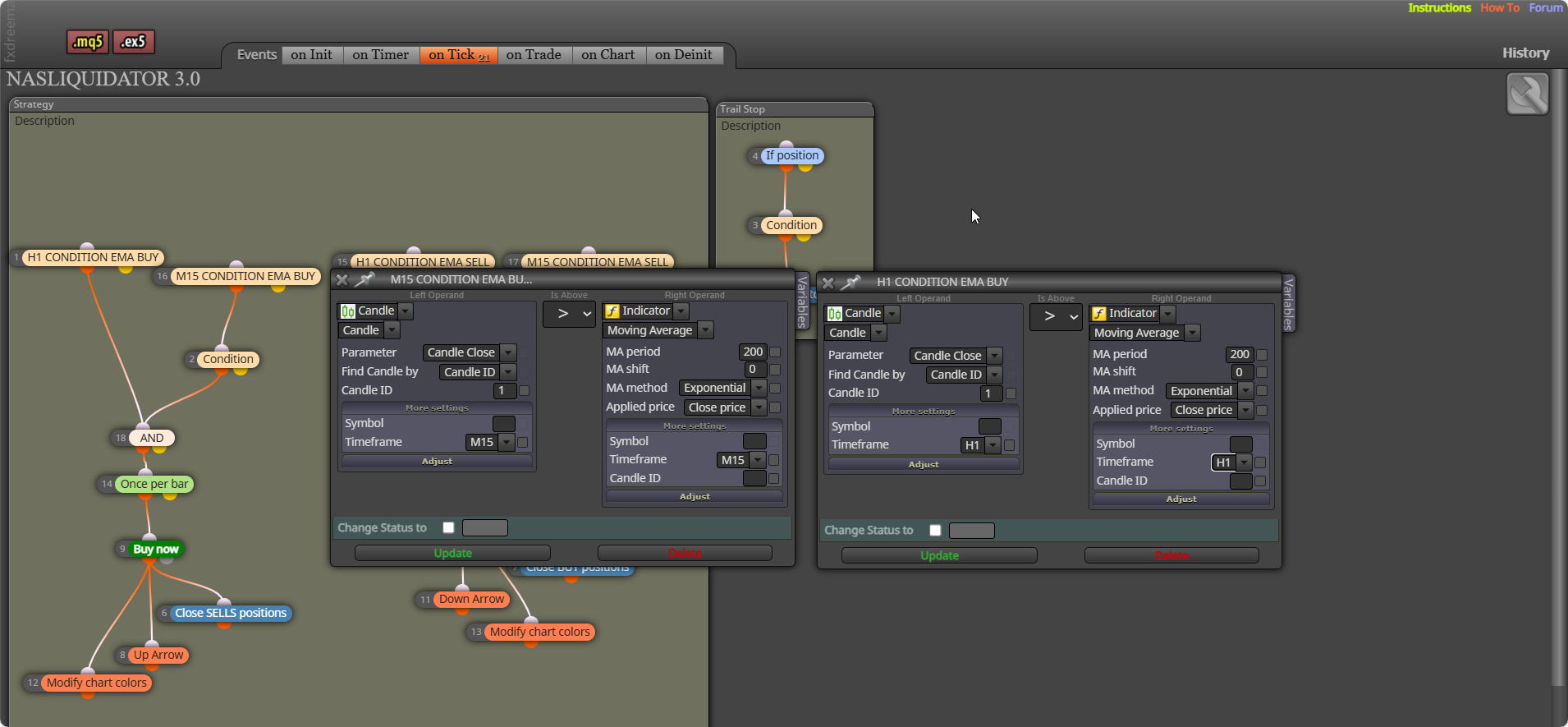
Any block under a no trade will stop working when a trade is placed. a condition candle 0 is the currently forming one, 1 is the last closed, candle 1 closed < > MA on candle 1
you have it set to redraw, so at the same time it will move yesterday to today, if you want them deleted at a certain time, use a oncer per day block (set to the time you want)- connected to a delete block
Anything under a no trade block won't work once a trade is created. check profit period of time will do what you want, how are the trades on other symbols created? probably need to use all trades in group, but this will mean EA reacts to manually placed
Trailing stop is the easiest way to achieve this, in the block using a separate tree to the one placing the trade, you can set start in pips from open price so stop doesn't move until price goes in the right direction. Stop is how for behind current price the stop should be, if price retraces the stop will stay in place until it's hit. Step is how often stop should move.
Doesn't sound like it. Once you start a new project, you should have a screen like the picture, you drag blocks from the left, link them and your project should down load and work by pushing the .ex4 button. once you get it use strategy tester on your meta trader platform to test
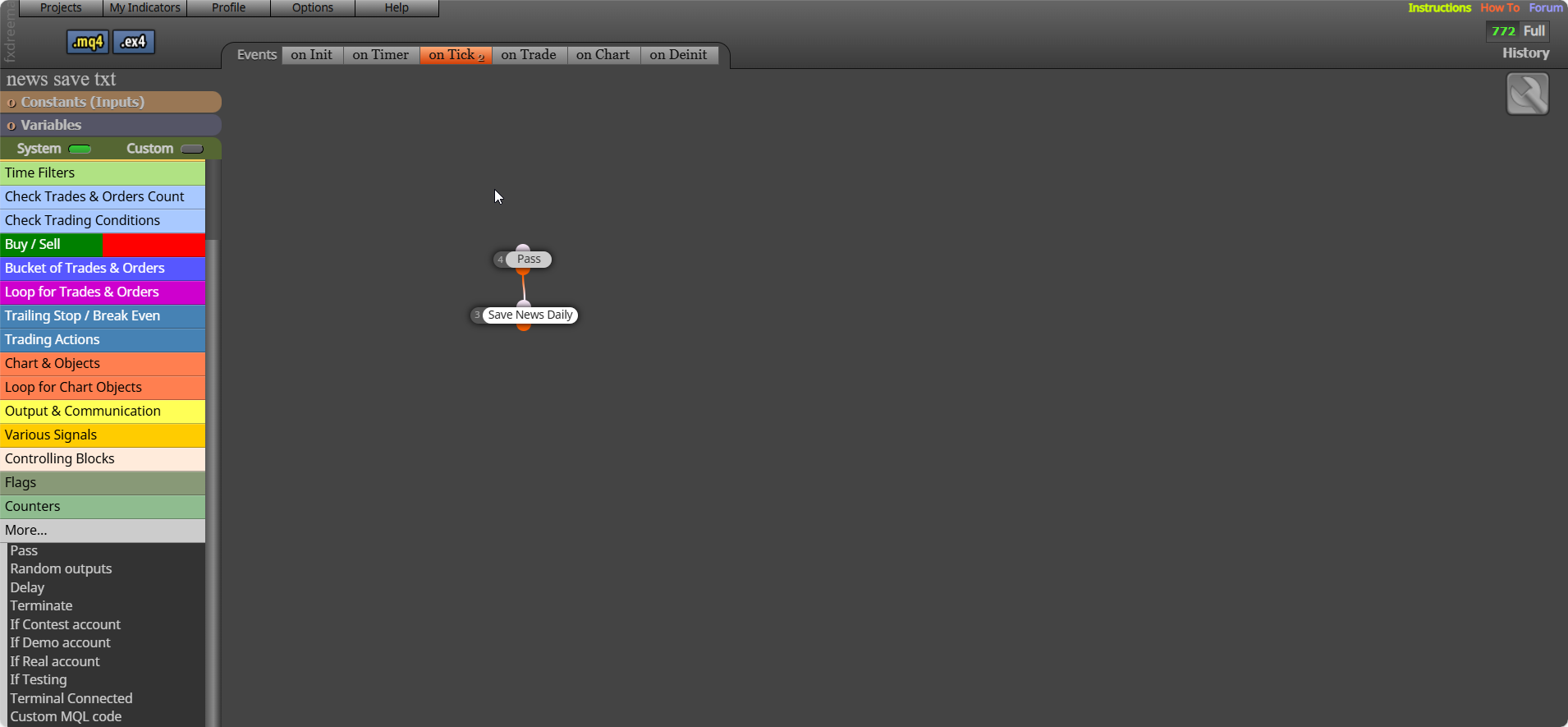
Yes this should work, if you add a shared link I can see exactly what you have blocks doing
Above modify you need a pink for each block, pink blocks only work properly in two's, "select trade then modify trade"
Click go back to main page above, message support and they will sort. Crypto can take a few days, but can sort quickly if you message.
As far as I know on FX it is fixed, to change you would have to amend the code.
Do you mean magic number is bottom of your input list?
You have to add your adjusted shared link, because the 2 links from me don't?
Under pass once, left tree will turn blocks off, right tree will turn them back on.
You can do it by mixing in code, if you run this on backtest you will see how it works. You can set days off in the inputs.
MT4: https://fxdreema.com/shared/iQkNoSd6
MT5: https://fxdreema.com/shared/uSz5K8Z8c
Magic number is always set, in settings you can change it. if for example you set magic number to 0, then every trade and block is set to say 2345, then the used magic number would be magic (0) + group (2345), so your used magic number would be 2345.
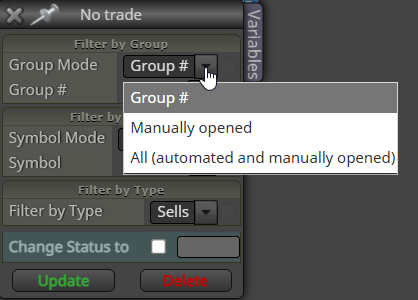
In blocks you can setect the trades it works with:
@jstap Good mate, glad you sorted it. I said that first...
"Magic no is always there, the rest are created by boxes you have ticked in a block or two".