Add indicator like this:
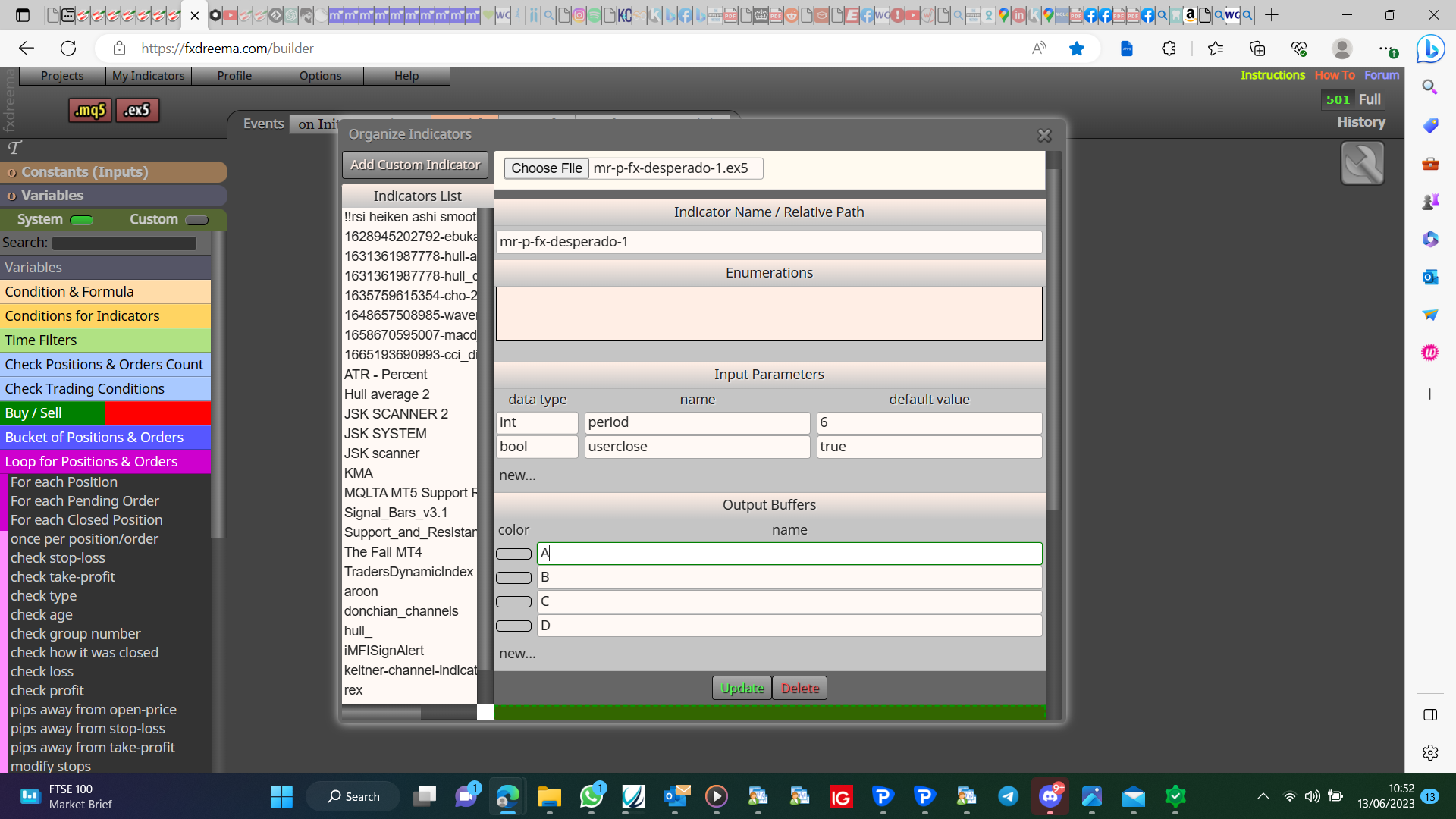
You can get the indicator values like this: https://fxdreema.com/shared/L84PLZ9Yc what you do with these is your choice, doesn't have the candle colours though.

Add indicator like this:
You can get the indicator values like this: https://fxdreema.com/shared/L84PLZ9Yc what you do with these is your choice, doesn't have the candle colours though.
I think you are saying when price is going up then hits the line and then go's down. Try this on back test, generally you are better to work with candle ID1 when it's closed. https://fxdreema.com/shared/mgrOosCke
Market properties highest or lowest time period using the times you want.
Bounces off it, or closes opposite?
Is it because you don't have any symbol selected?
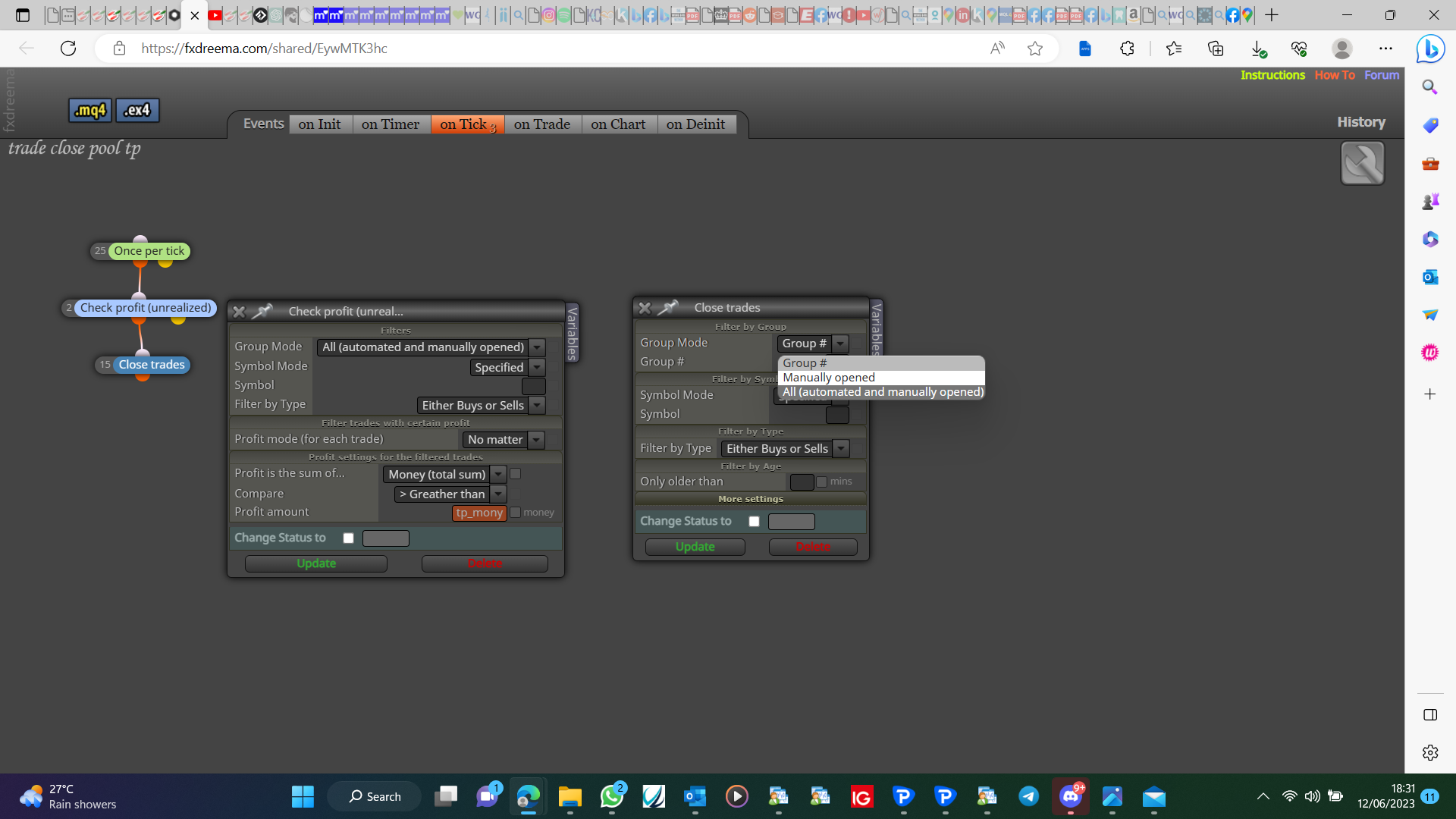
That is in there if you know how to look, the shared link is the same as sending the MQ but before compiling it.
You'll need to add a shared link instead of the MQ file, I'm not a coder but /=divide *=multiply so to have these next to each other in the code seems counter intuitive.
Here's a buy example, you'll have to set your conditions. https://fxdreema.com/shared/eRl01X9Nb
Pending is best, decide when to place, add number of pips apart pendings.
You can do this but you need to know how the 1st trade is taken, then how far in between your trades.
Looks like you named a bool constant fales instead of false. constant expected named LOT_PLUS_S
Add a shared link not the MQ file
Do you mean you select the lot size in your inputs?
Think so but what exactly do you want to happen?
Yes mate, no pending order block->buy/sell pending orders in a grid block
You just set candle ID1 in the buy/sell block stop loss, adjust to -3 pips