add your trade conditions to this, but you need a tree to place trades in the first place, as this only works if a buy and a sell is already open. https://fxdreema.com/shared/Ec3Xeq1cc

add your trade conditions to this, but you need a tree to place trades in the first place, as this only works if a buy and a sell is already open. https://fxdreema.com/shared/Ec3Xeq1cc
not really, 1 is a page of code you open in meta editor, 2 means you need to know the code to add, example would be: variable = (Bid - Ask); but there is lines to compile the needed code. ask AI for some and you'll see.
Sounds like you just need to put a condition above buy/sell that stops a trade if rsi is =< or => 50, maybe an if trade on the top of the tree...
you have 2 options, 1 is download and edit the mq4 file (a lot of code to find and change) and would need changing with every export, 2 is to add and use a custom code block will stay in your project.
loop through open trades, check lo, do what you want:
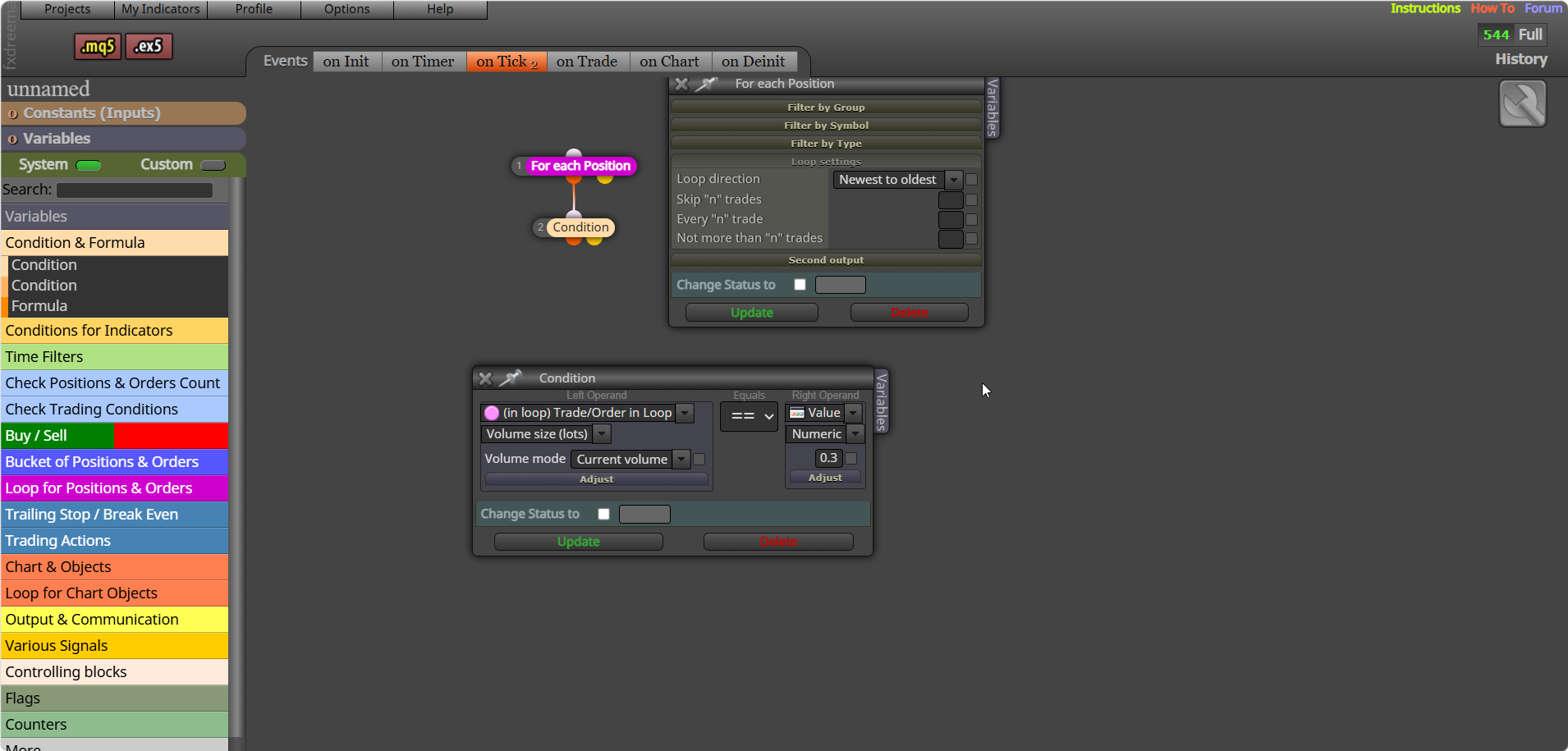
Set variable to 0 - for each closed trade/position - add each looped trade to the variable. This will get the sum of all closed trades in the variable.
ctrl (+) (-) will change screen size, but not on meta trader
It is, doesn't happen to me very often, but can at certain times happen to everyone.
The process is the same for both, place a trade - pips away (-) for martingale - place order --- pips away (+) for continuation trade - place otder
You can add this into the block time stamp box: TimeToString(xxxxxxxxx,TIME_DATE | TIME_MINUTES);
Did not mention too bigger lot, That is your choice, just mentioned how to limit it when you trade.
@Chen-7 I guess you mean if you click the place trade button in the top left... if so you will need to create buttons that place a trade when clicked buy using FX blocks.
Backtest, although close on MT5 compared to MT4 it is still a simulated environment, is likely your custom indicator, you have to remove to test what happens...
FFS, @gooseman Umm, you show your lack of understanding... the news can have a big impact, it is fractal, and on the daily chart often a minimal impact, but look at the same chart on the 5min and it can have a big impact, why do you think funded accounts have rules to news trading...
@RICHAGRIPPA Start a new question for this and say what you want yore EA to do...
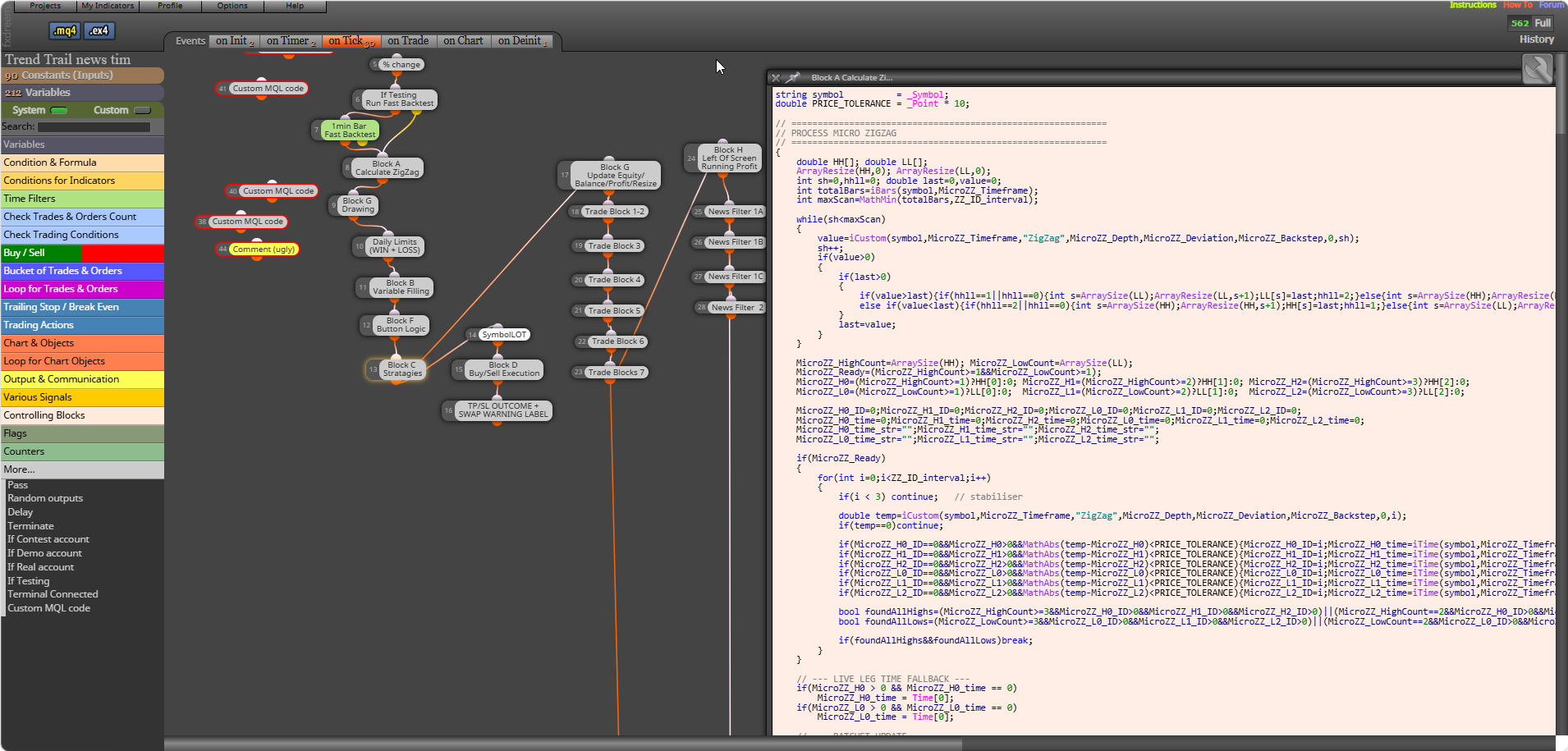
@sktsec @bacharchoura1 I disagree with that FX has a lot of very useful blocks, AI can be smart but sometimes too smart. Mixing custom code blocks, indicators, FX blocks can all work together well. This picture shows the amount of AI generated, checked and perfected blocks I am currently using.