fxDreema

    • Register
    • Login
    • Search
    • Back to the main page
    • Categories
    • Recent
    • Tags
    • Popular
    • Search
    1. Home
    2. jstap
    3. Posts
    • Profile
    • Following 2
    • Followers 222
    • Topics 37
    • Posts 9375
    • Best 1086
    • Controversial 23
    • Groups 0

    Posts made by jstap

    • RE: Only one trade at a time on high volatility currency pair (No Trade not working)

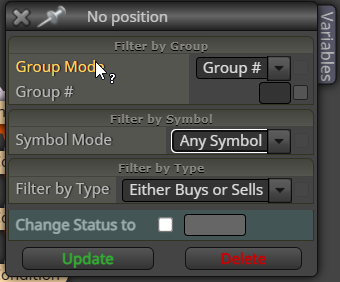
      Not read this but am sure it will, add a shared link rather than pictures, this way block internals can be seen: projects - get a shared link - generate - copy address bar - past here. if you change symbol to any symbol in all relevant blocks in EA then only 1 trade will be placed on account:

      msedge_BGMg5bdUhy.png

      posted in Questions & Answers
      jstap
      jstap
    • RE: Engulfing Candle system

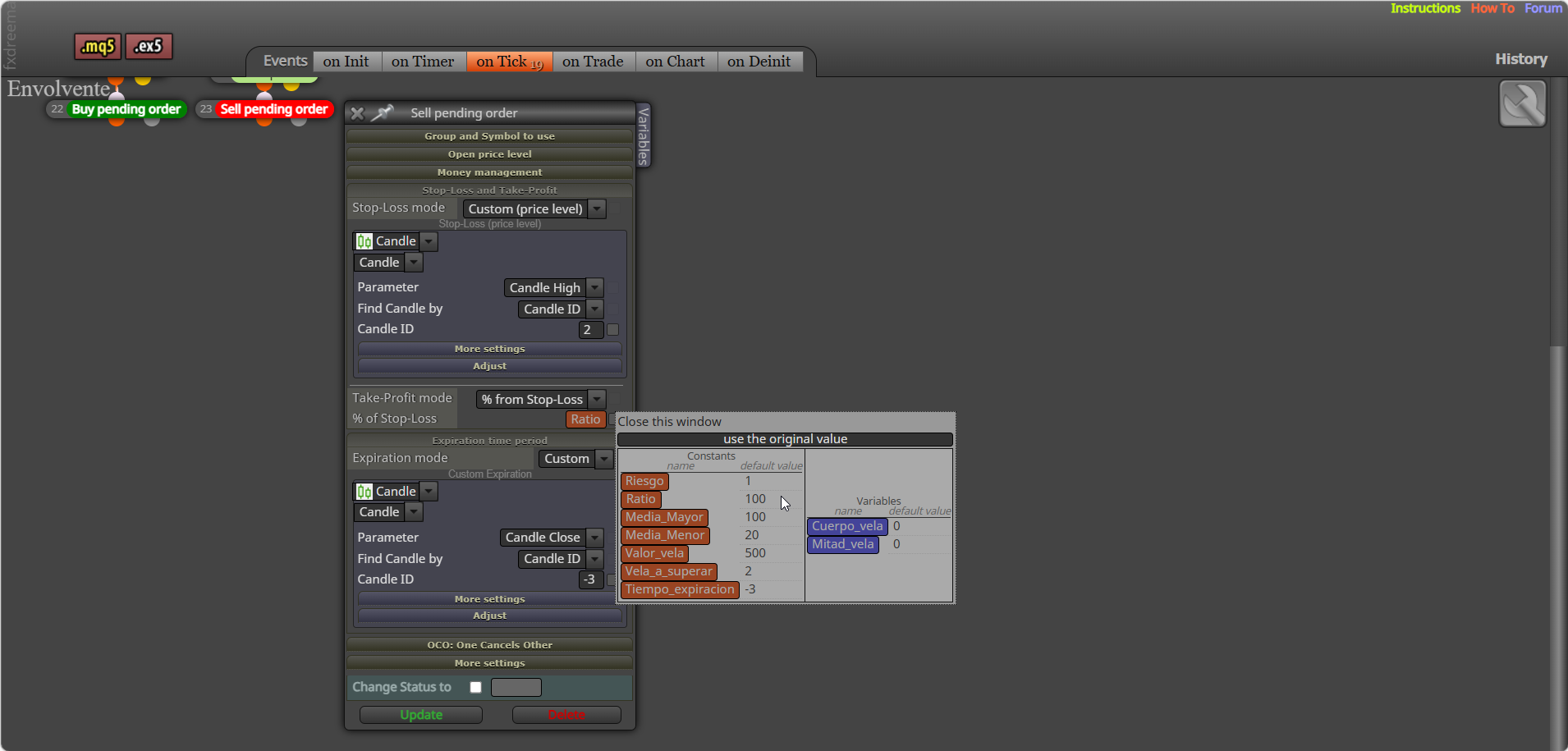
      You have ratio at 100, so bot is likely defaulting to a lower size... try something like1.

      msedge_ShWeA5V3s6.png

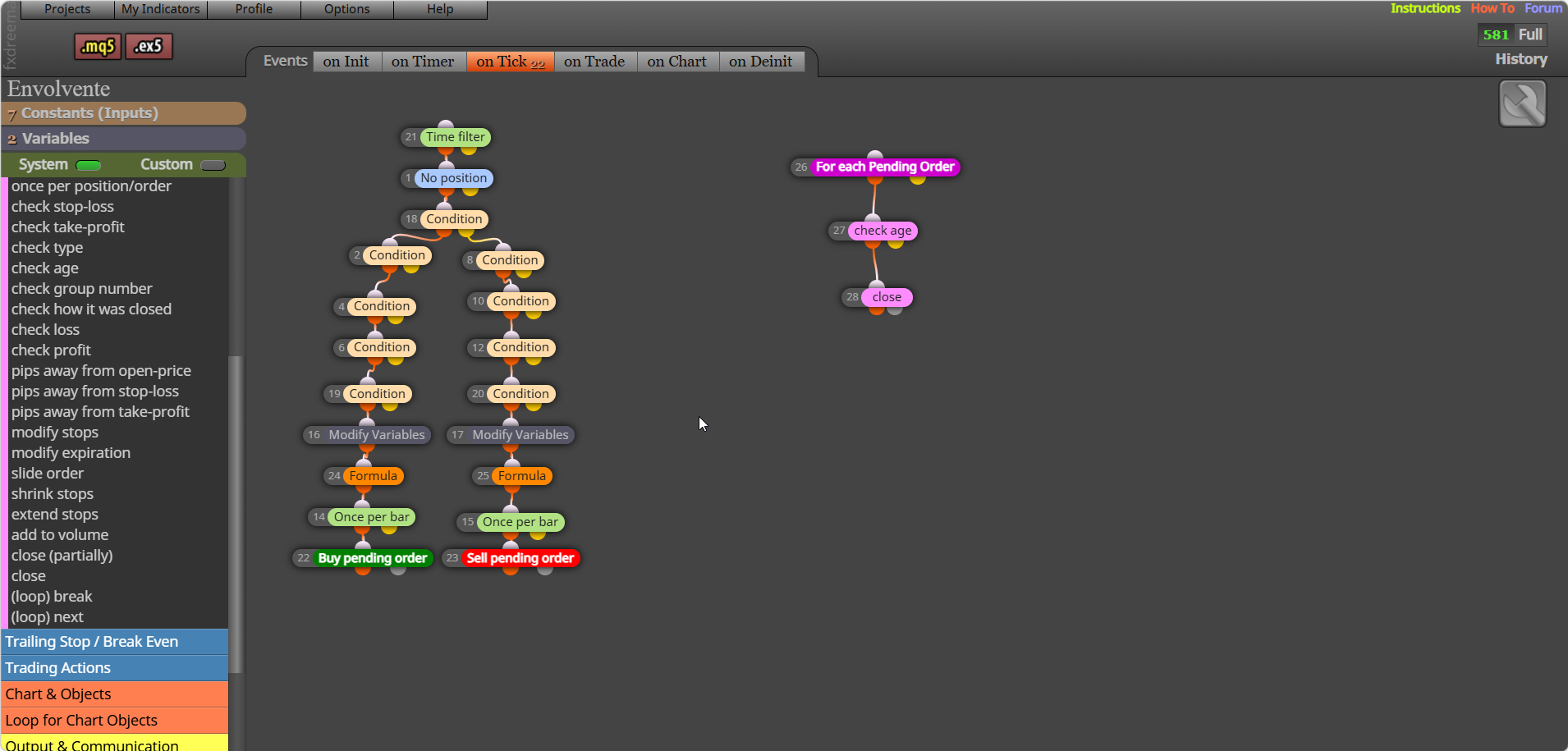
      To close/delete use pink blocks

      msedge_4yksXh2QqO.png

      posted in Questions & Answers
      jstap
      jstap
    • RE: set the result of a variable in all symbol

      No sure what you mean?

      posted in Questions & Answers
      jstap
      jstap
    • RE: Compre el plan mensual pero sigo en free

      Crypto can take a wile, you can go to https://fxdreema.com/support and ask... may sort it quicker.

      posted in Questions & Answers
      jstap
      jstap
    • RE: Magic Number EA

      In the "group" settings you can select specific symbol to only work with the current chart symbol. I same symbol on other chart set a group number for the specific trade.

      posted in Questions & Answers
      jstap
      jstap
    • RE: Any instructions about the On Trade & On Chart tabs?

      Read the answer a couple of posts up

      posted in General Discussions
      jstap
      jstap
    • RE: Profit per session then stop

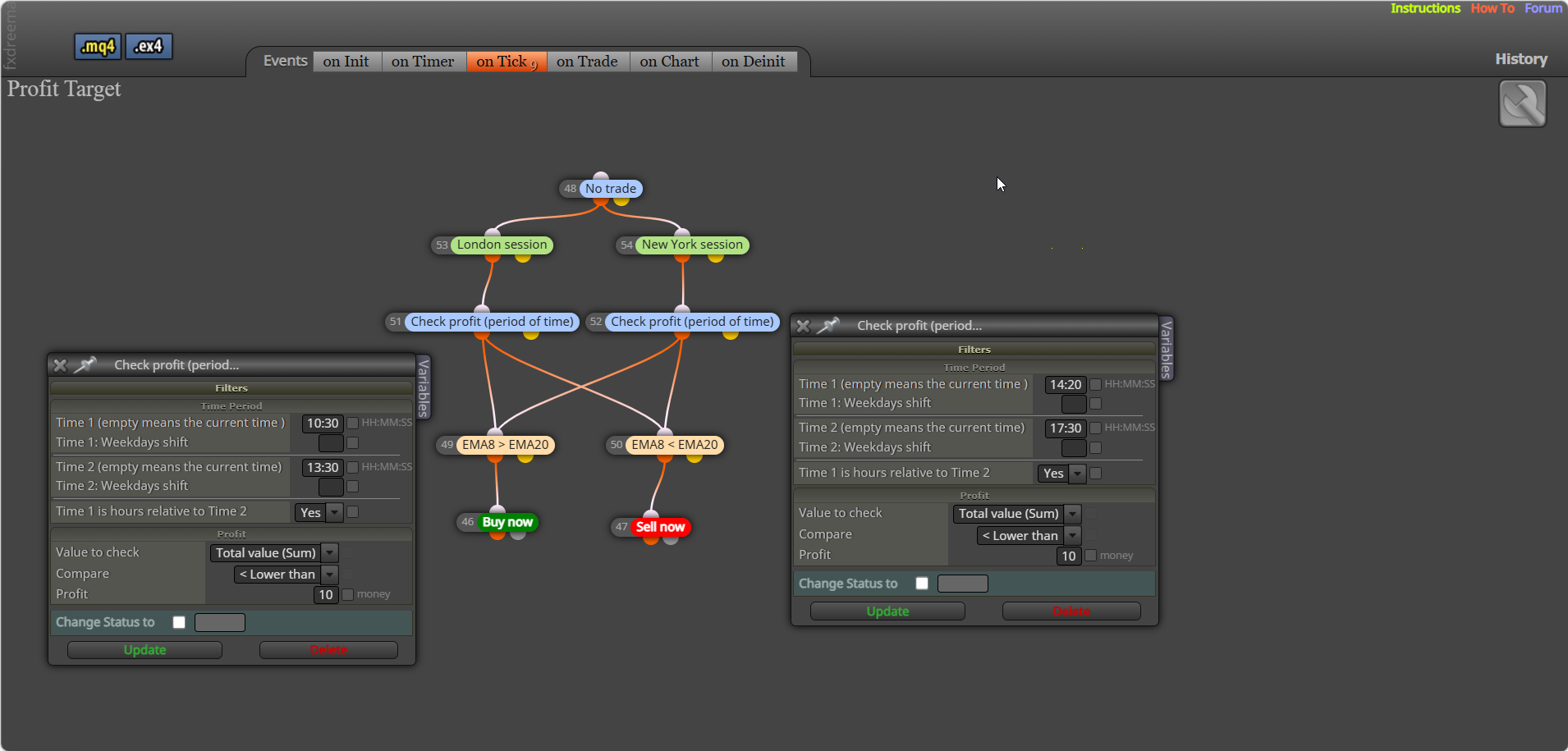
      Try this, be careful GMT is actually reading GMT time, I have set (period of time) +2 as this block doesn't use GMT, set to your server offset, the only way to stop trading is to put a block in that prevents it.

      msedge_UnxzJN1F0v.png

      posted in Questions & Answers
      jstap
      jstap
    • RE: Crashes

      Set up some logic saying what just fired, you can print on screen/journal... many places, just something that will show you what just happened.

      posted in Bug Reports
      jstap
      jstap
    • RE: How to send these true or false outcomes to a pannel

      Not 100% sure what you mean? You have nothing to draw anything, not even comments.

      posted in Questions & Answers
      jstap
      jstap
    • RE: bool traffic light system pannel not working

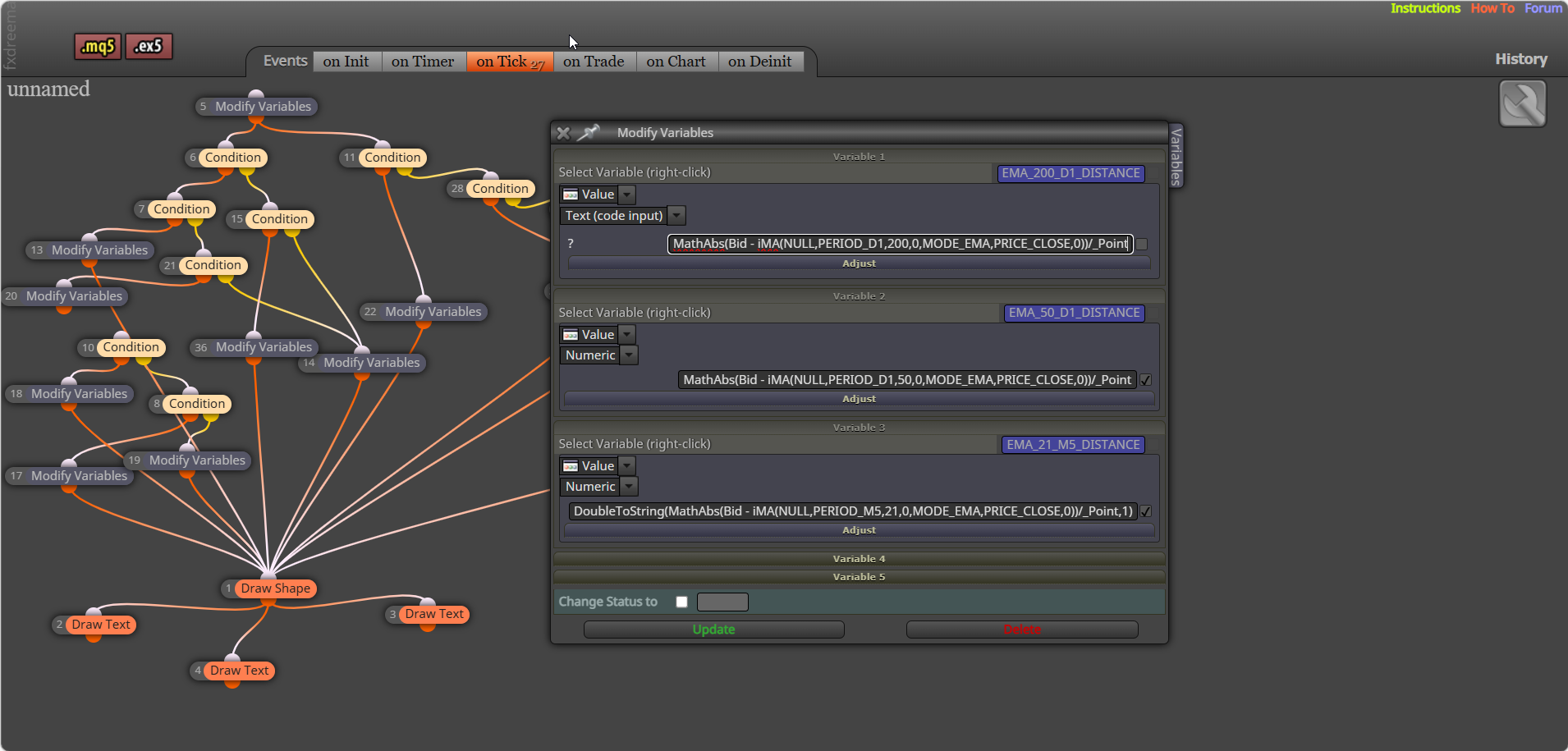
      There is a lot in that to dissect, put your variables into a comment to check if you are getting the values you expect. You should use text (code input) for code., come back if you need more help when you you've tried rhis:

      msedge_iJOvS7f1XQ.png

      posted in Questions & Answers
      jstap
      jstap
    • RE: trade statistics on mt5

      You are welcome

      posted in Questions & Answers
      jstap
      jstap
    • RE: trade statistics on mt5

      Create with pink blocks: https://fxdreema.com/shared/9GjYvLjS

      posted in Questions & Answers
      jstap
      jstap
    • RE: Martingala without close in Stop

      No "place relevant trade" was just my way of saying the trade you want to be placed in that situation...

      posted in Questions & Answers
      jstap
      jstap
    • RE: Martingala without close in Stop

      This is martingale, sounds good but is unlikely to be. In a separate tree for each trade - pips away from open price (-will work when trades in a negative) - place relevant trade (either set bigger lot, or loop lot adjusted to what you want, like *2).

      posted in Questions & Answers
      jstap
      jstap
    • RE: WHY OPTIMIZATION IS SO SLOW WHEN I USE "ON TRADE" BLOCKS ?

      Try this.


      Global Includes section **********************************************

      #include <Trade/Trade.mqh>
      #include <Trade/PositionInfo.mqh>

      ulong startTime;
      CTrade sTrade;
      CPositionInfo mPosition;

      Custom Function Section ******************************************

      void CloseAllPositions(ulong MagicStart)
      {
      for (int cnt = PositionsTotal() - 1; cnt >= 0 && !IsStopped(); cnt--)
      {
      if (PositionSelectByIndex(cnt))
      {
      ulong ticket = PositionGetInteger(POSITION_TICKET);
      long magic = PositionGetInteger(POSITION_MAGIC);

           if (magic == (long)MagicStart)
           {
              sTrade.PositionClose(ticket, 100);
              uint code = sTrade.ResultRetcode();
              Print("Close result code: ", code, " | Ticket: ", ticket);
           }
        }
      

      }
      }

      Settings section *******************************************

      startTime = GetMicrosecondCount();
      sTrade.SetAsyncMode(true);

      CloseAllPositions(MagicStart); // Pass your EA’s magic number
      PrintPerformance(startTime);

      ~next~


      Hope this works 😊

      posted in Questions & Answers
      jstap
      jstap
    • RE: WHY OPTIMIZATION IS SO SLOW WHEN I USE "ON TRADE" BLOCKS ?

      try adding this to the function, not tested though:

      void CloseAllPositions(ulong MagicStart)
      {
      for (int cnt = PositionsTotal() - 1; cnt >= 0 && !IsStopped(); cnt--)
      {
      if (PositionSelectByIndex(cnt))
      {
      ulong ticket = PositionGetInteger(POSITION_TICKET);
      long magic = PositionGetInteger(POSITION_MAGIC);

           // Only close positions matching the EA's magic number
           if (magic == (long)MagicStart)
           {
              sTrade.PositionClose(ticket, 100);
              uint code = sTrade.ResultRetcode();
              Print("Close result code: ", IntegerToString(code), " | Ticket: ", ticket);
           }
        }
      

      }
      }

      posted in Questions & Answers
      jstap
      jstap
    • RE: Does anyone know how to check distance between current price and the ema line?

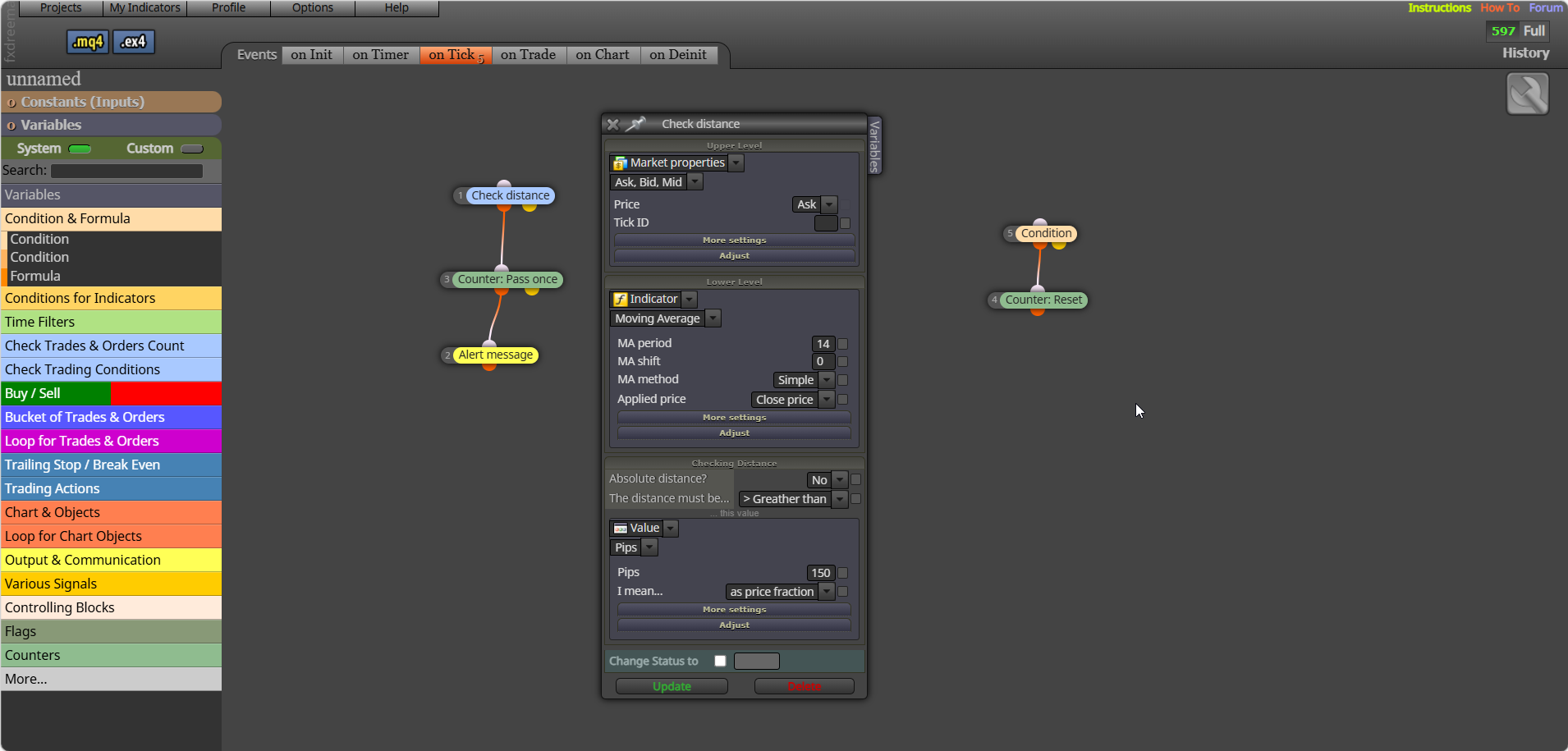
      Yes and more, the best way to work things out even when you have what to do, is put the values in a comment, or draw objects to show what is visibly happening in backtest, you can then use this to check what you want/think is happening... You can try this, connect off yellow what to do when distance is true: 8d080644-f220-4535-bba8-14a2e655f6de-msedge_Xhuk3AaWxu.png

      posted in Questions & Answers
      jstap
      jstap
    • RE: Re-open trade at Double the lot size after stop loss is hit

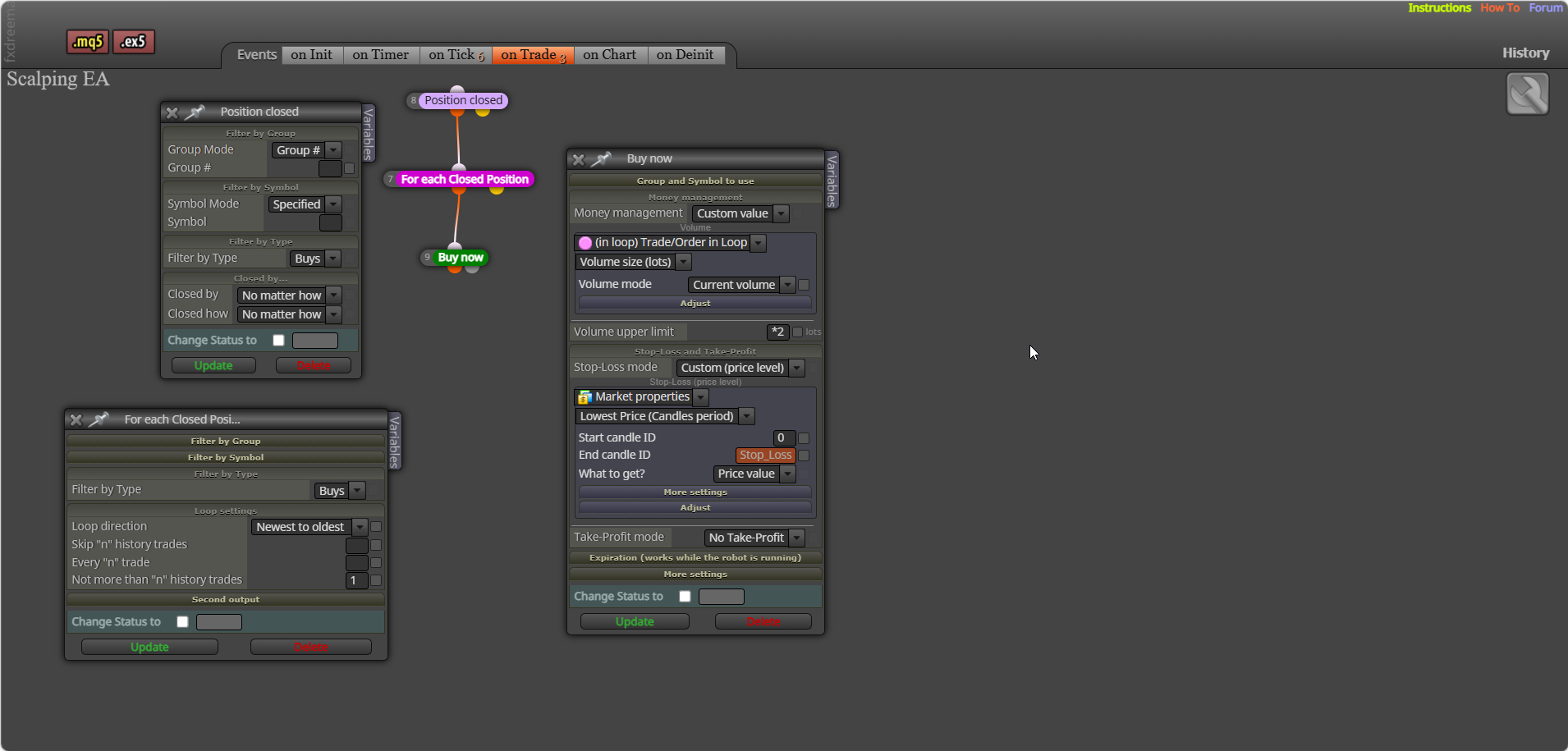
      This is only buys and is done on the on trade tab to separate the first trade from multiply lot trade.

      msedge_OsWgOI3eJk.png

      posted in Questions & Answers
      jstap
      jstap
    • RE: Does anyone know how to check distance between current price and the ema line?

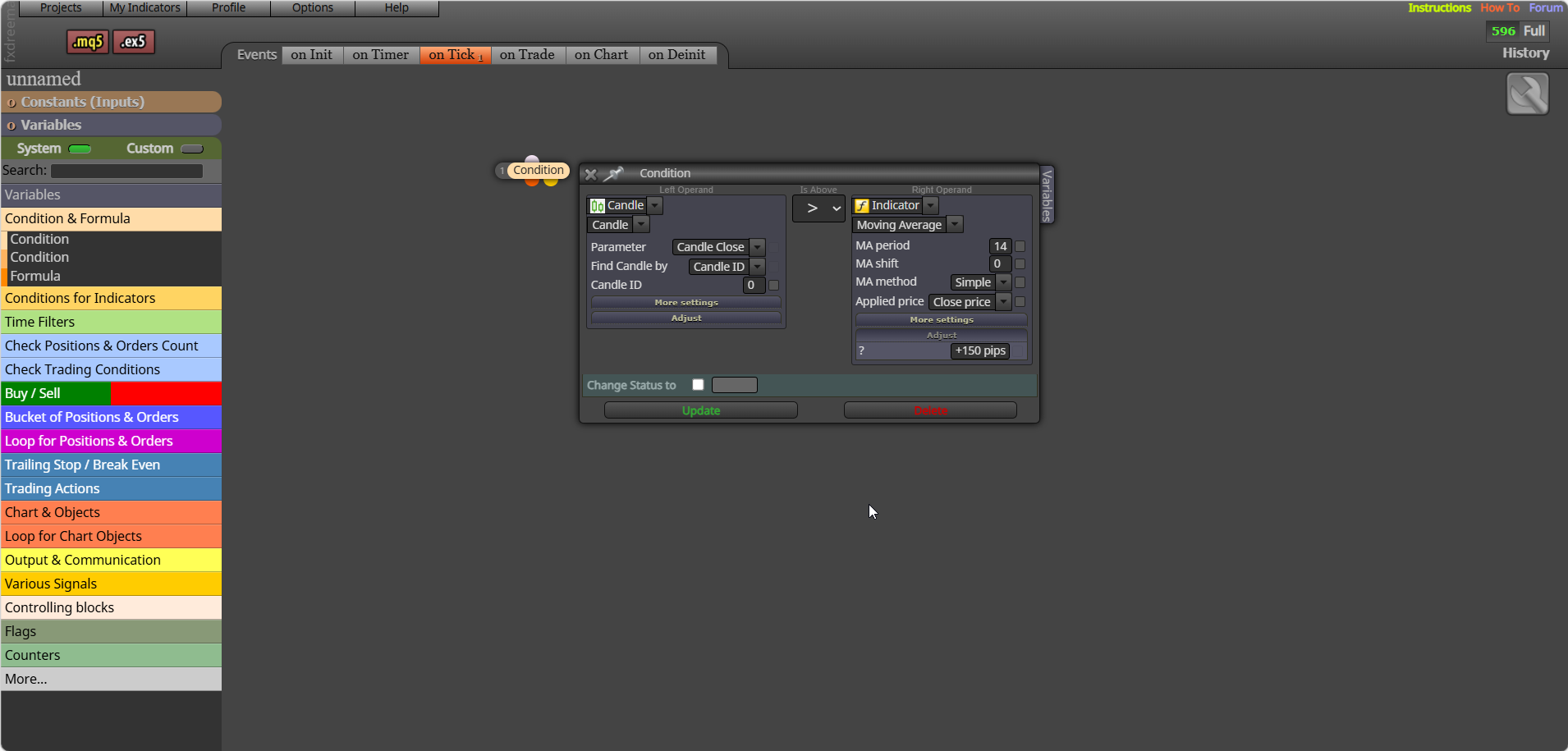
      Like the picture, in the condition choose a to reset (to stop multiple notifications):
      msedge_veCAcBI85o.png

      posted in Questions & Answers
      jstap
      jstap
    • 1
    • 2
    • 3
    • 4
    • 5
    • 6
    • 7
    • 468
    • 469
    • 5 / 469