@arkom-wa your welcome

@slydexx In buy/sell block use custom price level, candle high/low if you want a distance add either +(x) pips or -(X) pips to the adjust box.
@rodrigo-ortuzar Never done it but believe it is in the buy/sell blocks:
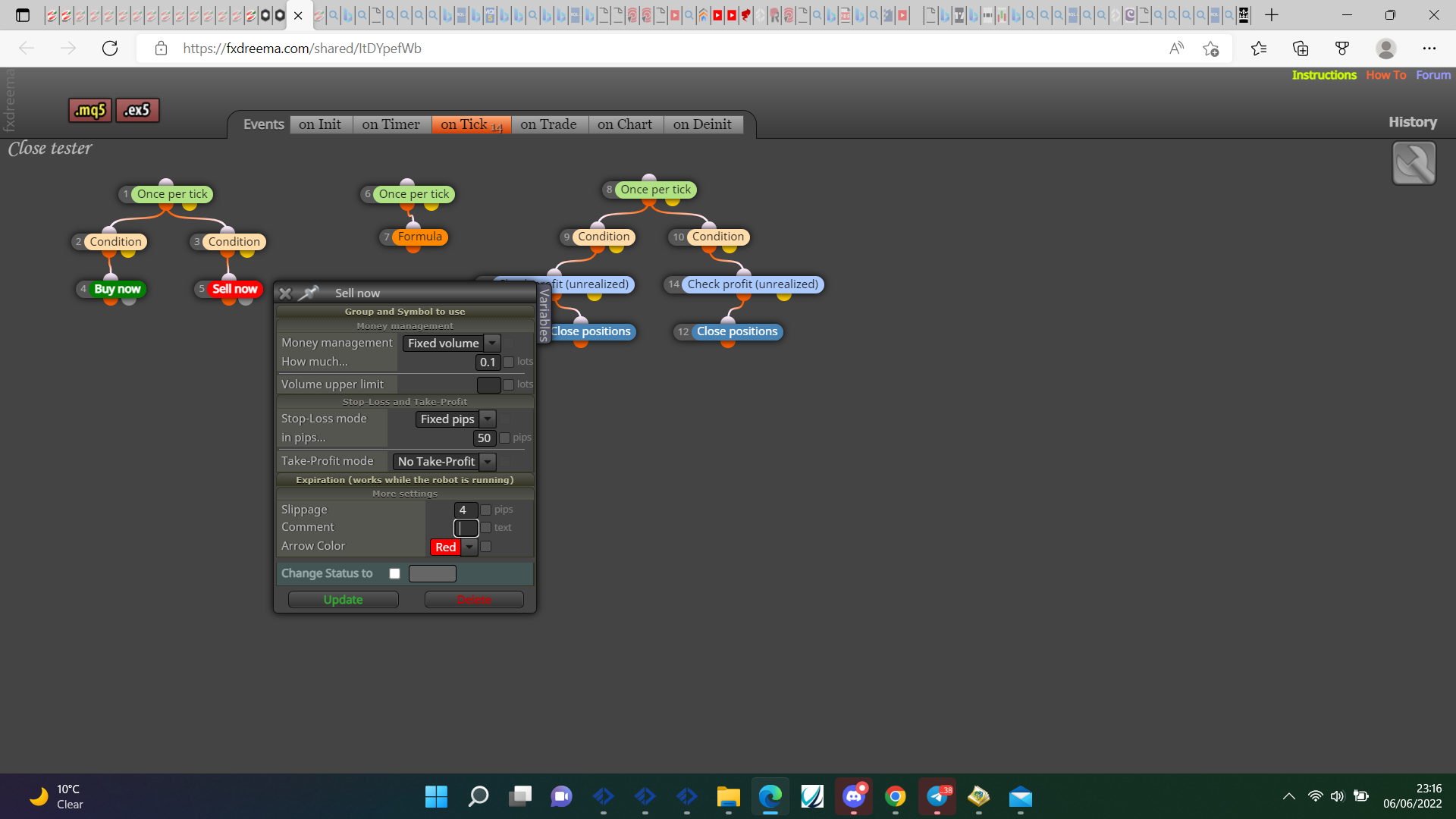
@droctagon Most blocks work on every tick on the on tick tab, not used check profit average, does it work without them? I would move blocks to the side till I find which ones are stopping EA from working.
@droctagon Add the shared project not the MQ file.
@lopezdiaz2510 You can use a variable but I doubt a level, have never tried but this block keeps the stop at a chosen distance from price.
@william-1 0.01 should work I use it all the time but I don't think lower can be used with FXDreema, once per trade needs to be in the buy/sell tree not below, I do not see how the condition block works as you're comparing distance to a level.
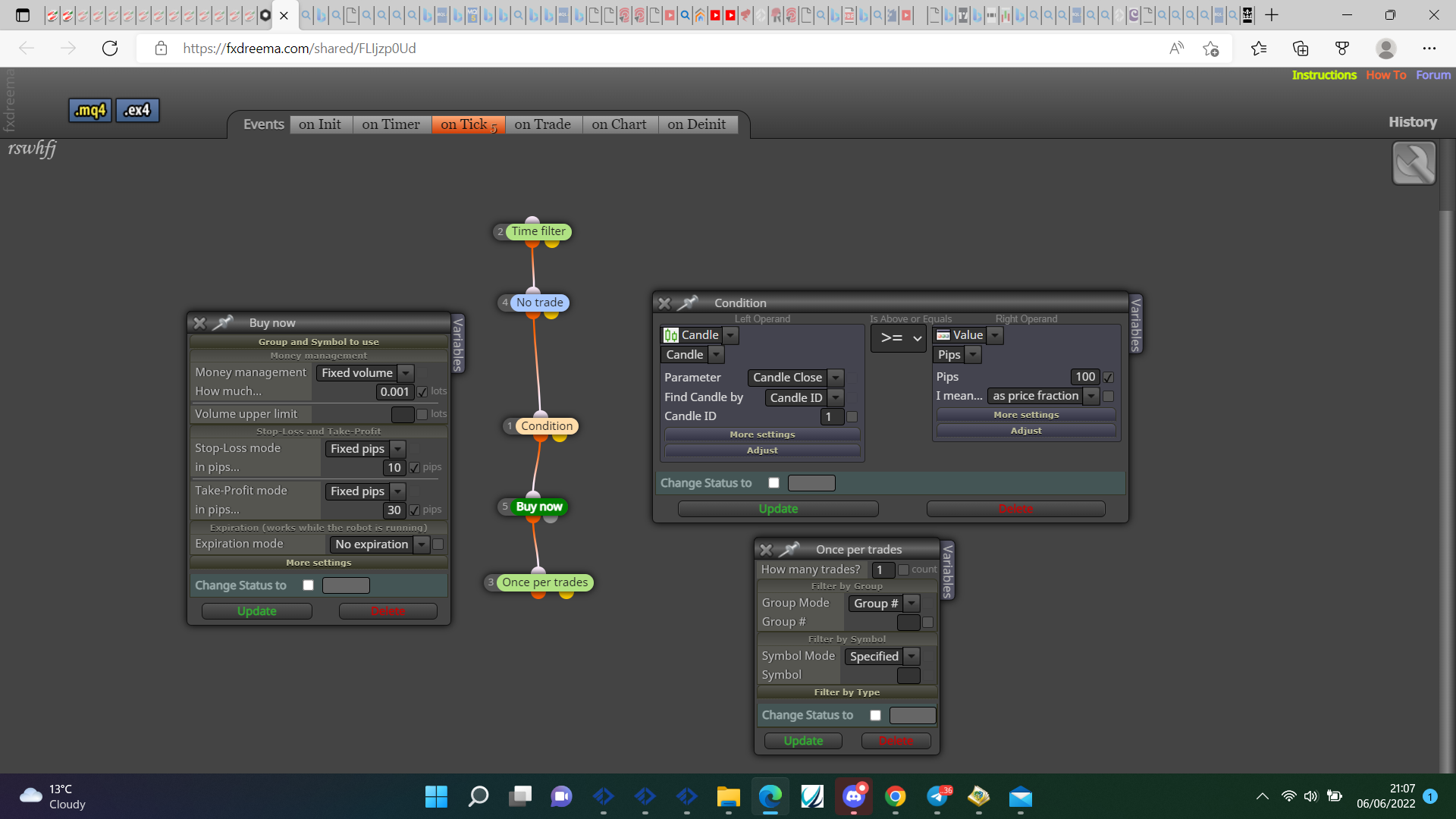
@marked-up Looks like should work, try changing for time filter block, may work.
@lopezdiaz2510 Is the EA set to act on manually added trades? By setting a fixed level the trail has no way of referencing the distance.
@arkom-wa NULL in meta means current symbol, try using indicator appear or indicator visible from buffer 1, as there is just up or down you only need one value to change. If you add the buffers to a comment you will see which 1 contains the relevent value.
@dani-8 I don't think you can because the number is related to the chart price value, you can compare to something that is on chart at same time.
@myworld2u Check the data window if arrows are there you can get, also check objects on chart if there you can get, put the indicator here so it can be checked.
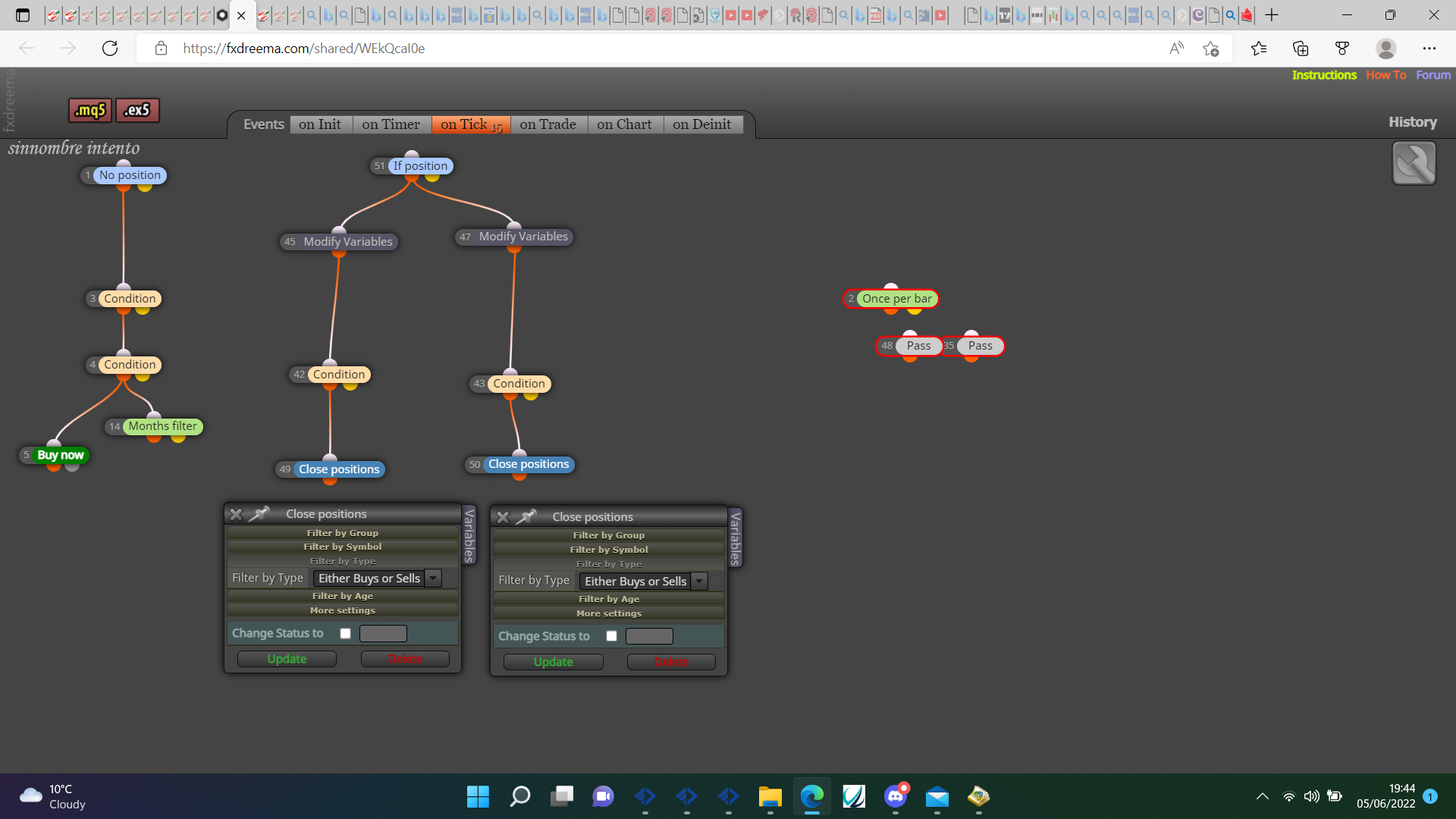
@rebearv You don't need the pass or once per bar, the once per bar would have worked under the conditions but above means if conditions are false it will wait until the next bar to try again. Do you want both buys and sells and sells to close on either condition? This is likely causing trades to close prematurely.
@rene23 I take it VOLUME EN VELA is a symbol name on your broker, if you leave this blank it will use the chart it's added to, then you have BARRA TORO, remove both of these and get working, you can then add these back in. I don't know anything about using volume on MT5 so, can't help much with that.
@mvdlangenbergh There are a few, some are to reset so need to match so all resets, others are for the amount of wins so can be any and dictate the wins, the other is set after x amount of trades then checked before buy/sell, this can be any but check and set need to match.
@mvdlangenbergh Try this https://fxdreema.com/shared/3DBIoJx1c check all event tabs.
@rodrigo-ortuzar @biztet This is how I count seconds of MA's touching: https://fxdreema.com/shared/lkzh96Iud
@biztet Nasdaq, but probably works on most.