@meowcat What I would do to wait is use a once per minute block to add 1 to a variable every minute, reset this to 0 when condition 1 occurs, check this in a condition block so condition 2 can only happen when the count is > 120.

@meowcat What I would do to wait is use a once per minute block to add 1 to a variable every minute, reset this to 0 when condition 1 occurs, check this in a condition block so condition 2 can only happen when the count is > 120.
@petra-0 Use the on trade tab, purple trade created block connected to a pending block with 10 pips in the offset.
@khansari There may different ways to achieve this, if stoc is < then you wait until RSI X< you have separated the 2 conditions any combination may do as you would like, the other option is to set a flag when one condition is filled, then act when the other condition is filled, to do this you need to reset the flag when needed.
@meowcat This question cannot be answered, put a shared project here and things can be looked at.
@khansari What is this not doing? maybe you need to check the stoc is above before buying so it has a reason to stay open before closing?
@ontradingx The only way I can think of doing this is like this https://fxdreema.com/shared/R9JaaCAV use the pink for each blocks to get all trades in different trades into different variables, then check each variable before placing trade, reset variable when trade closed.
@tabban21 You don't want blocks under buy/sell, you can can have opposite close above buy sell, I would just have in separate trees.
As for how to exit you can have something like a trail start/stop when wanted, or any thing else I like to just have trades close because locking profit is sometimes better than loosing some or all, this depends on your trading strategy.
You will have to decide what exit strategy you want to use/try test and ask about any problems you're having in getting it working.
@tonygbrobot This is not the option I was talking about, the other option works out the lot to use against the stop loss, I never use this option and I see no way it can know the loss if not measured against the stop loss.
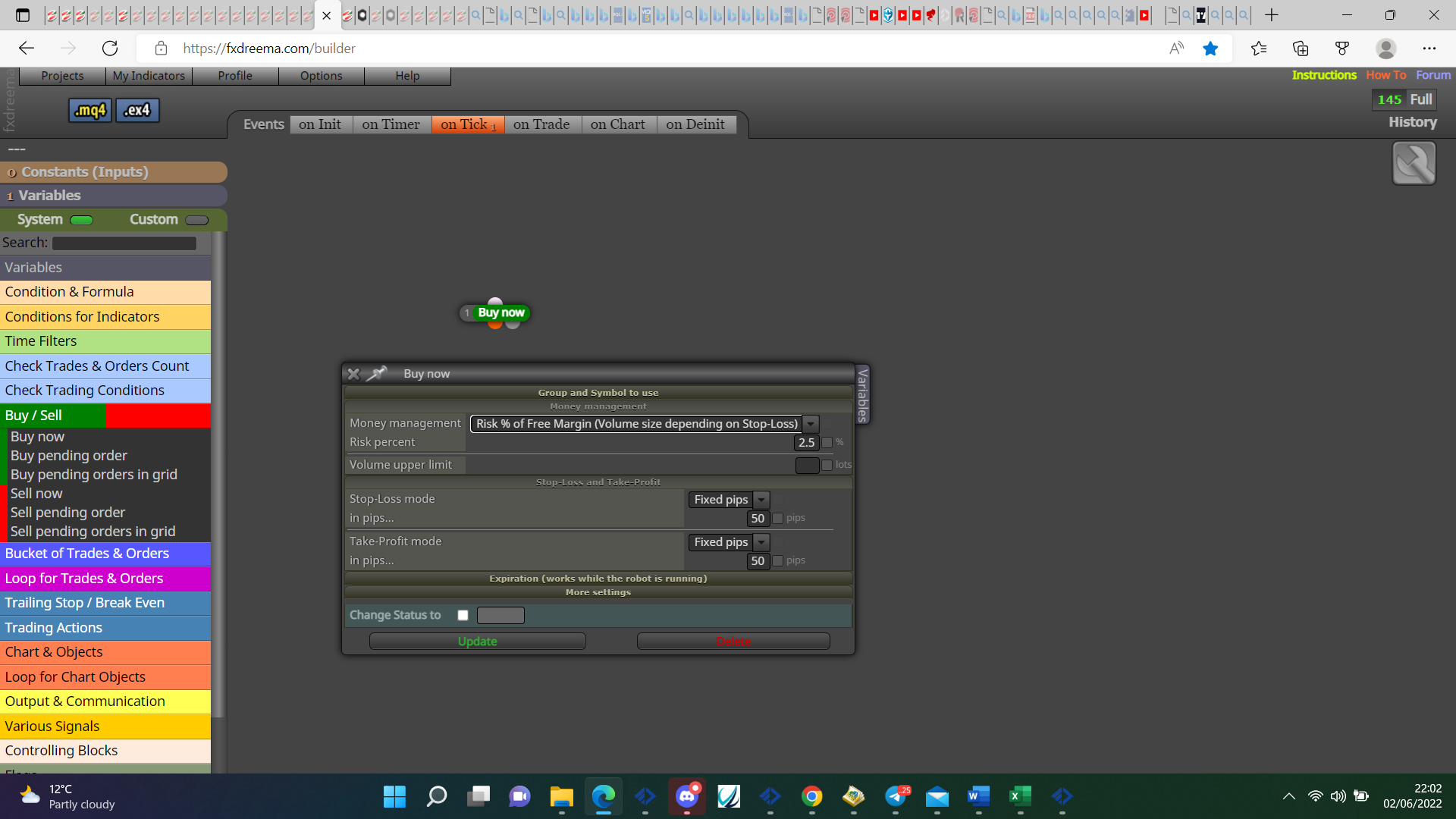
@rodrigo-ortuzar You can get the account number from account options, Statas is the on screen info next to the spread.
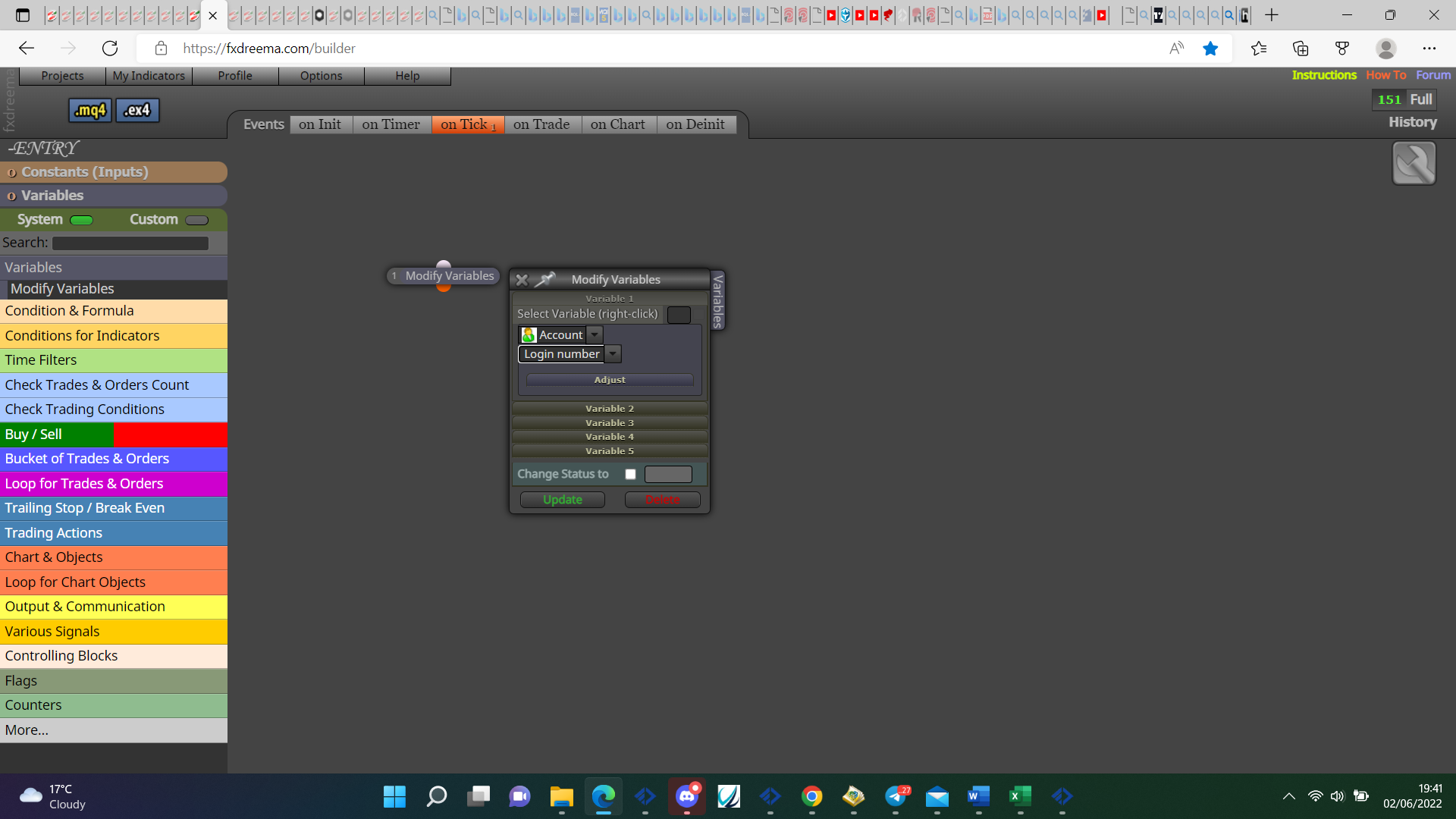
@ashu-0 Each trade block above where you want to use info, if you want info in a variable use a modify variables block, if another like buy/sell add as normal with the required blocks above, use a pink loop in the relevent block to use information.
@serlego1602 Go through the instructions pages and start a project, you can then put a shared project link here for any problems you're having.
@prot82 On MT4 you only need to use int as type then minutes in value, 1, 5, 15, 30, 60, 240 etc, doesn't work on mt5 though.
@prot82 That is correct but where you have H1/M1 in the constant list you need something like PERIOD_CURRENT instead.
In here you will see all the types:https://docs.mql4.com/constants/chartconstants/enum_timeframes
@prot82 This is done inside the blocks, you can set up more than 1 with different names, right click and add to the box you need, when in strategy tester set eah up how you like.
@prot82 That is a constant changeable in the inputs, the timeframes you want to use must be next to each other to use only those 2 in strategy tester.
@prot82 ENUM_TIMEFRAMES as type, PERIOD_CURRENT as value.