Some information people may find useful EX files are used by meta trader to use the EA, MQ files are used but meta trader (editor) to create/make changes that is compiled into the EX file, quite often they are saved into the same folder just so both can be easily found.

Posts made by jstap
-
RE: mq5 compile to ex5posted in Questions & Answers
-
RE: EA BUTTONSposted in Tutorials by Users
Buttons save the need to open the inputs though:
https://fxdreema.com/forum/topic/14594/create-buttons-that-work-in-mt4-mt5-live-demo-back-test
-
RE: How to use Toggle Blocks?posted in Questions & Answers
@fxbam In that button project are two buttons that change a bool variable, in your project use a button like that so when you click it it uses the bool to switch between buys and sells.
-
RE: Comment Block - pseudo deleteposted in Bug Reports
@tipsywisdom Your probably right, they are not found it the object list.
-
RE: average profit test block does not work in live account, but works fine in backtestposted in Questions & Answers
@gggvvvv I changed the group 1 & 2 trades to either buy or sell, on control point back test it worked as expected, the logic is if no trade, place trade and pending's, if one hits TP close and delete all, if total profit is enough close and delete all, start all again. Is this not as you want?
-
RE: average profit test block does not work in live account, but works fine in backtestposted in Questions & Answers
@gggvvvv This is why I said put the complete shared project here, it is likely that you do not have the correct group numbers in your blocks, this is just a guess though because I cannot see the complete project.
-
RE: average profit test block does not work in live account, but works fine in backtestposted in Questions & Answers
@gggvvvv When you have things like group2 doing something nobody can assess what the EA is suppose to be doing, put a shared project doing all you would like, then what is not working can be sorted.
-
RE: How to use Toggle Blocks?posted in Questions & Answers
@fxbam This block will switch other blocks on or off when something triggers it to activate, I would use a button to do what you want. You can see how here:
https://fxdreema.com/forum/topic/14594/create-buttons-that-work-in-mt4-mt5-live-demo-back-test
-
RE: average profit test block does not work in live account, but works fine in backtestposted in Questions & Answers
@gggvvvv I answered your last post, if you can't even be bothered to put the whole project where trades are being placed, don't expect help.
-
RE: average profit test block does not work in live account, but works fine in backtestposted in Questions & Answers
@jstap The purple blocks work well for this but the group trade needs to be placed with the correct number.
-
RE: average profit test block does not work in live account, but works fine in backtestposted in Questions & Answers
@gggvvvv These blocks work better with other pink blocks, and unnecessary for this blue blocks will often do everything you need.
-
RE: Only enter a new order when the old one has taken profit, please helpposted in Questions & Answers
@gggvvvv I showed you how to do this, please stop duplicating threads.
-
RE: How to use ZigZag [advanced]posted in Tutorials by Users
@svoki Down load the version you want MT4/MT5, test in demo and draw a line (trend between points, horizontal an a point), this will show how things will work, put the ZZ on your back test chart to visually check whats happening.
-
RE: Pullback Trading + Manual Linesposted in Questions & Answers
@gtoat777 On the Deinit tab put a pass block with a delete objects by type, put buttons inside.
-
RE: average profit test block does not work in live account, but works fine in backtestposted in Questions & Answers
@gggvvvv Yes so check the on trade tab, this is just to show you how to acheve.
-
RE: 4 stages lotsize increase / 4 stages martingaleposted in Questions & Answers
@xanderrooi9 If back testing you can set the spread to 0.
-
RE: Profitable Position Closing Strategyposted in Questions & Answers
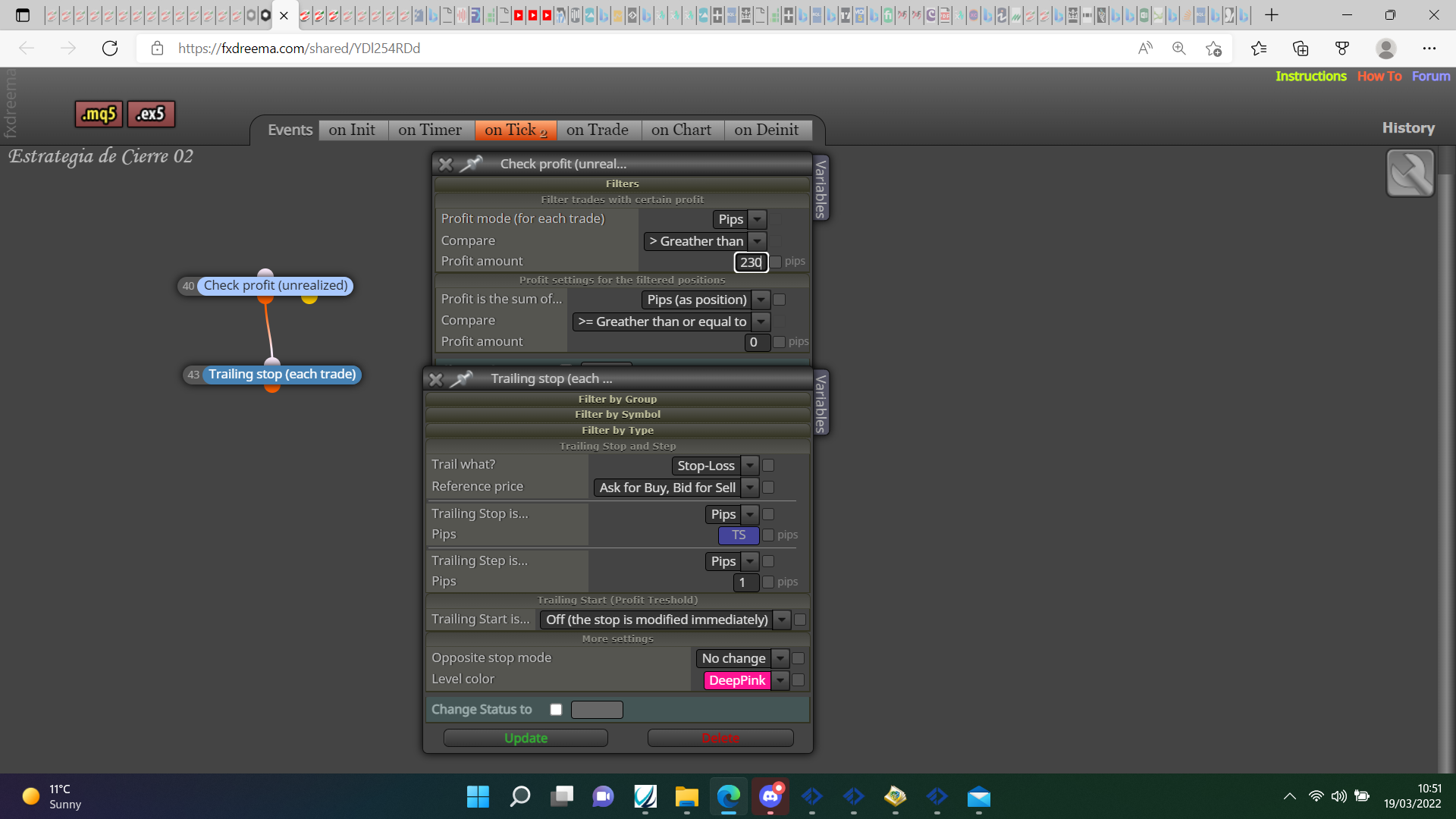
@rodrigo-ortuzar I don't think you need so many blocks, try this: