@gggvvvv Use on trade tab, purple trade closed by TP put you other blocks beneeth.

@gggvvvv Use on trade tab, purple trade closed by TP put you other blocks beneeth.
Linked below is button projects that don't use custom code, unfortunately edit fields don't work on MT5 back test, the buttons do and all works on demo/live.
There are other buttons that do nothing in this project but, they are there so a true/false bool condition can be put in a standard buy/sell tree, to start/stop trading from pressing a button.
MT4: MT4 PROJECT
MT5 (edit fields don't work on back test): MT5 PROJECT
@denk777 Ea is no good, can only help is is created on FX.
@denk777 Put a shared link on here so things can be checked.
@ontradingx I am unsure, would think this is how to do it.
@okhoney This should work but don't use terminate, use a flag and reset at a set time (like once per daily bar).
@rodrigo-ortuzar It does as you said, just make sure it is beneath a pink for each block.
@fxbam I think the pink blocks are your best options.
@ontradingx https://fxdreema.com/shared/SvZZXOqqd
The first line in the switched off code, not sure what each parameter references but can find on google.
@ontradingx Yes it is possible but will still need to be in the indicator folder, search google for icustom and add in custom code.
@trdjb3 If the EA is staying on chart, you can put value in a variable then read when necessary, put your variables in a comment so you can check what is happening.
@trdjb3 This will work while the EA is left on as soon as removed it will loose data, you could use terminal (global) variables to save a number, not well practiced at this but you can do with standard blocks, save with terminal variables in output and communication-read with a condition block.
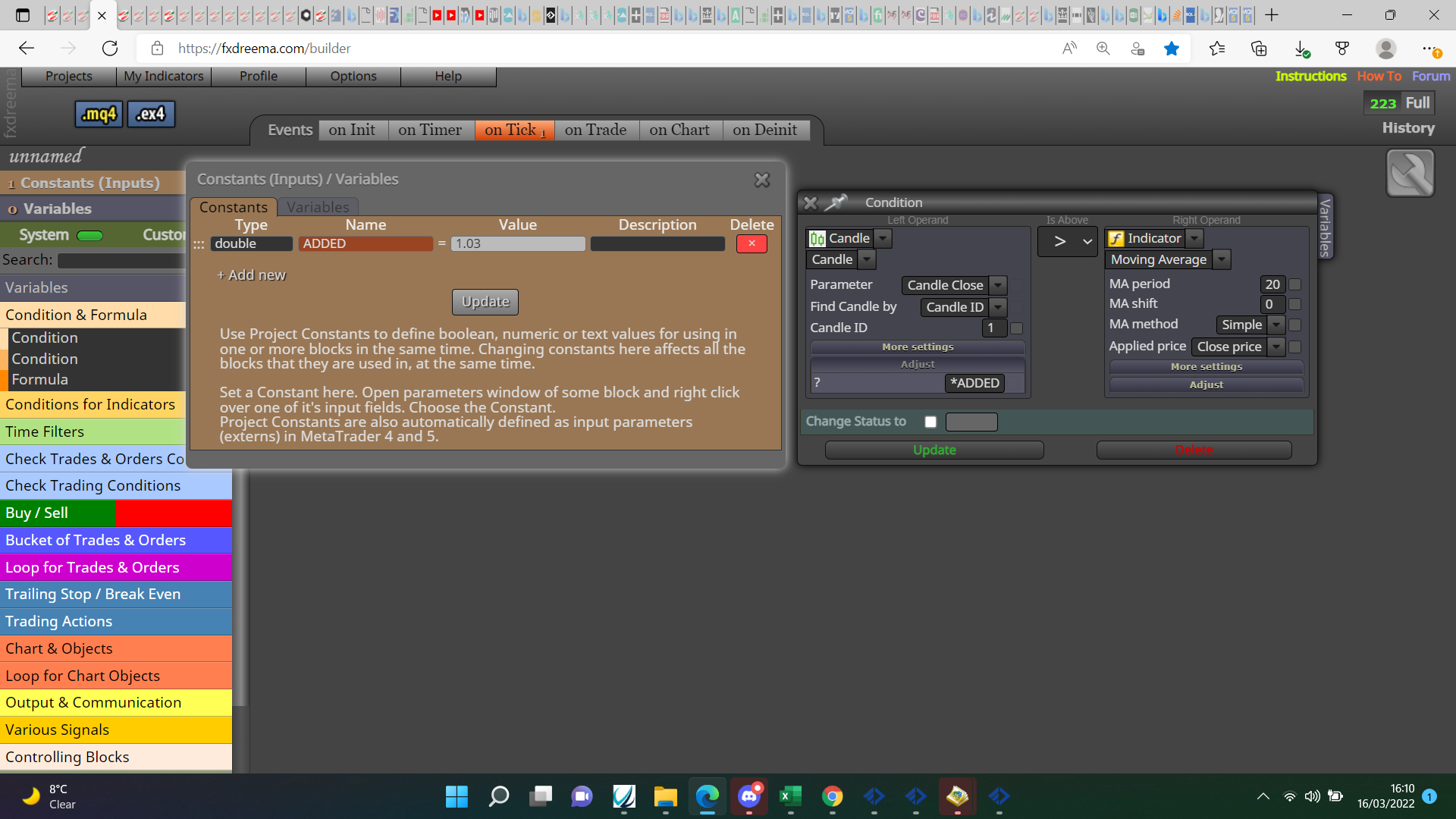
@yazar-ilyas As in your picture but as a constant (unless your EA is changing this value), this will give you a changeable option in your inputs, in the adjust box put:
*(your constant name).
@trdjb3 https://fxdreema.com/shared/Qc1ep8eDb in here you will see how to save details into a txt file and then read, you will need to reset when finished with data.
@fxbam Put check trades count above your buy/sell put the required settings inside and it will limit your trades, I use it all the time.
@jay_619 I'll help you put a shared link here and I'll have a look.
@bdewdney open platform>open data folder>open mql4 folder>open the experts folder