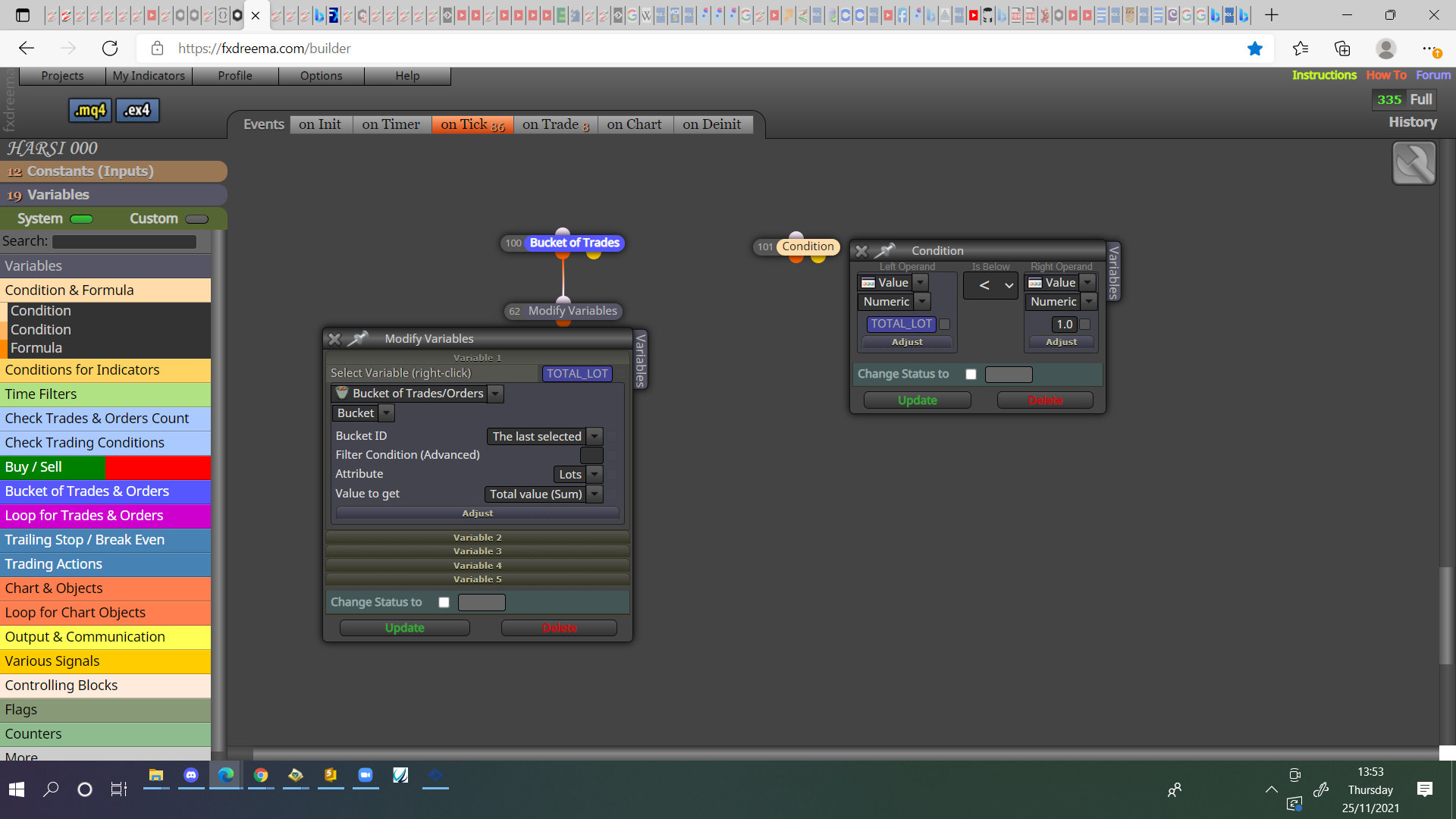
@laudemir Good question but I assume you would have to redraw the whole block every time the colour needs to change. You could also draw the text individually with a draw block.

@laudemir Good question but I assume you would have to redraw the whole block every time the colour needs to change. You could also draw the text individually with a draw block.
@1221278 The light pink blocks need the darker pink blocks above, like for each trade.
@andrewfrank This is because the label box is empty, nothing shows until you put at least a .
@andrewfrank I would think all would work, I would put all into a comment block to check all numbers are correct and not stoping trade.
@jrpscanavini As a separate tree is the way, terminate will stop EA until it's manually reloaded, personally I would use something like a flag, then switch back on once per day.
@ipul Add this to on init:
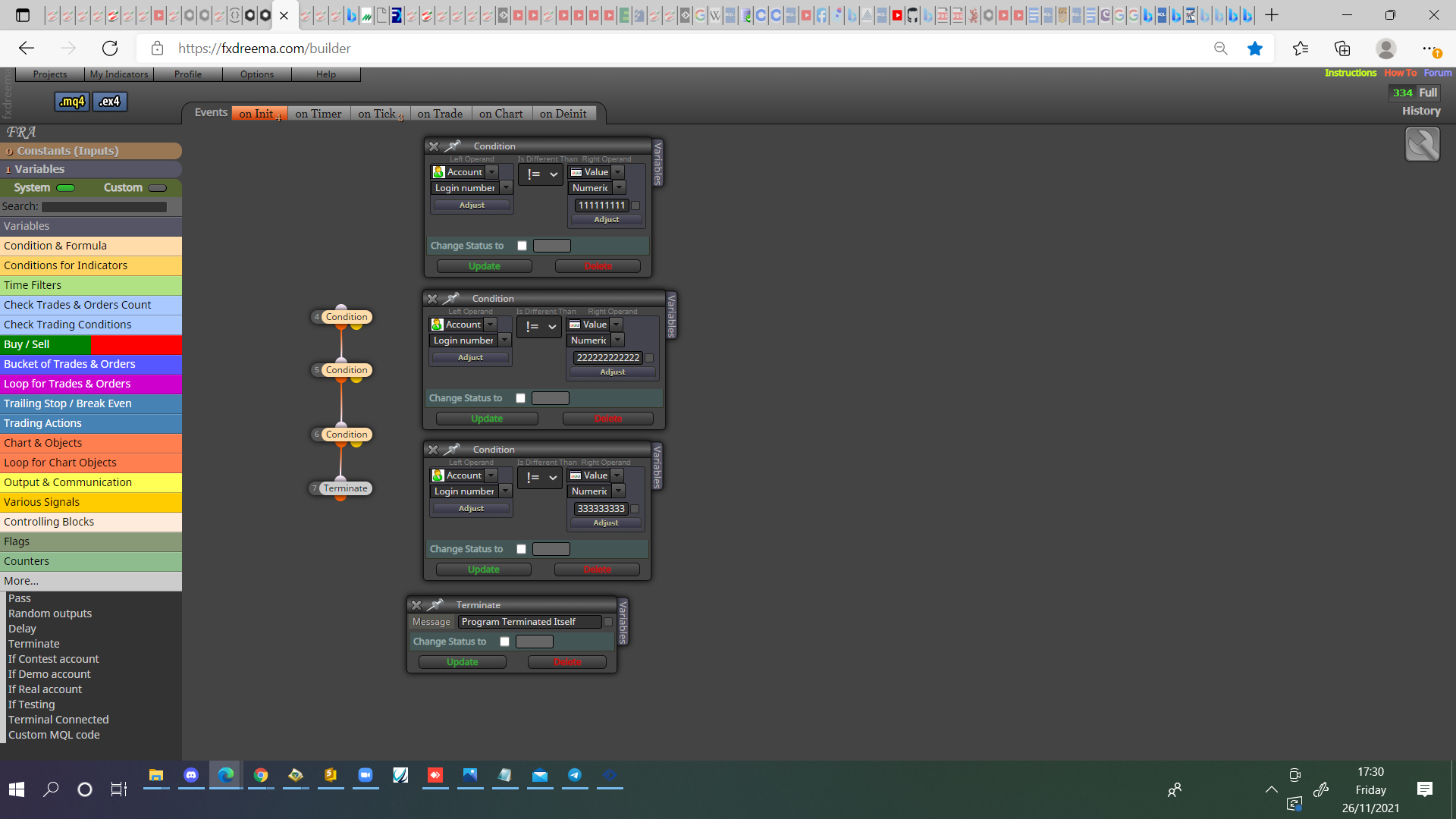
@arkannor On trade tab, pink for each closed trade block, purple trade closed by sl block, formula block with last trade lot in loop * 2, under put buy/sell block and use the variable from the formula block in the trade block.
@daverazon If you look at Miros post you will see how to get the definition for each trade.
https://fxdreema.com/forum/topic/4321/tutorial-08-candle-formations/2
@piptheripper Not from me, have never used shape with FX.
@andrewfrank This depends on what you need it to do, as you don't need the result saved use the condition, if things aren't working as expected try another way. I like it in a variable because this way the result can be seen on screen via a comment block.
@talalkhan It's a string type, not sure how you name maybe same as in block.
@andrewfrank Am not really sure but, I think all trades that block collects gets classified as the selected colour..
@mattd Once per day block 00:00, close block under. Once per day block 09:30, no trade block under, sell block under. The no trade will limit to a single trade.
@houssixp No mate all you have to do is in that comment, search for fractal and you'll find lots of info on how to use.
@talalkhan Count 1m candles after buy/sell, once time passed stat trading.
@houssixp As candle 0 closes it becomes 1, fractals don't show until at least candle 2.
@daverazon You will need to set up conditions for each pair (possibly use the multiple pair block), magic number 0 will work with manually placed trades, I would get working on 1 pair, once working I would add in the rest.
@econsulttt I don't mind helping, just start your project, put a shared link on here with what you need to sort.
@mattd This could work, it just depends on the logic you want to use for the trade.