@QuantEngineer First I would like to thank you for sharing this wonderful code.
Secondly, I wanted to ask you, is there any way to implement this code so that it is possible to backtest the news data from the past?

@QuantEngineer First I would like to thank you for sharing this wonderful code.
Secondly, I wanted to ask you, is there any way to implement this code so that it is possible to backtest the news data from the past?
Have this post to explain the issue--> https://fxdreema.com/forum/topic/17236/possible-bug-block-position-closed
This is a projetct example: https://fxdreema.com/shared/4rz0Safee
It is very simple to explain the problem:
I just wanted to create an EA that closes all open trades when I close only 1.
I have other Robots and I also operate by hand, but as there are many open orders, I decided to make my life easier by creating a simple robot that detects when any order is closed and, detecting this closure, the EA closes all other orders already open or pending.
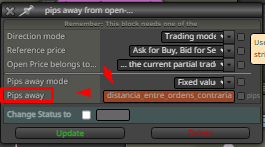

If you want to open orders below for purchases and for sales to open orders above, that is (if the market goes against opening the position, open new orders) follow this.
@l-andorrà This is a closeout robot, when I close any position it doesn't matter if it is manual or by another robot in my metatrader, so this should close all orders that were opened manually or automated, but it is doing it wrong.
When I open the order, it already closes it.
This looks like a BUG to me.
Hello all,
I just put 3 blocks in the "ontrade" tab directing to close open and pending trades whenever some other trade is closed.
But what happens is totally incorrect.
When opening an order in any direction, the order is closed immediately.
You can put the robot on the graph and you understand what I mean.
Can you please adjust this block?
@RGoo @Pheaktra-Capo @sktsec @l-andorrà Working for anyone?
Have one project example?
i try print price result break even in variable named BE_line, but not print.
i try also one line, and cannot print.
@fxDreema
Glad you liked the way I did to explain my problem.
It worked perfectly, you got straight to the point I need.
Thanks for your help.
I would like another help taking advantage of this post:
What if I now want to determine that the EA closes the last 2 buys that it found in profit along with only 1 sale (the last one) that is at a loss?
Can you see if my logic is correct?
@sktsec open the project and understand. i use only 2 blocks to get the sum. 1. In the pink block I am checking only the last 2 orders. 2. In the gray block, I am getting the gain of these 2 orders that the selected block and saving in the variable.
@sktsec my logic is simple as shown in the project. loop to get the last 2 open buys and give me the sum of them. What is the logic error you are seeing?
@jstap I understand what you mean, thank you very much for the tip, but the focus is on knowing if this is a BUG, do you understand this as a BUG or not?
Observer in the image and in the project that I am trying to add (the gain of the last 2 orders) for both sides separately, buy and sell.
The EA is not able to perform this sum, it is taking only the last order.
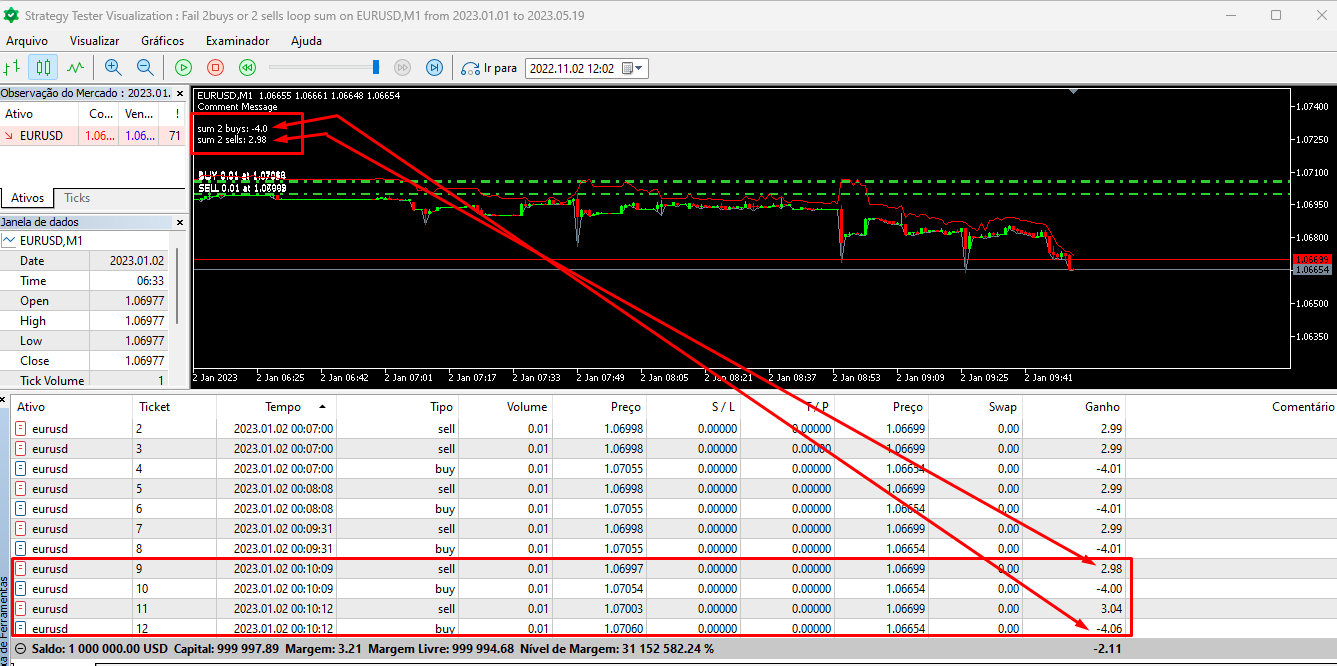
Here is the test project! https://fxdreema.com/shared/Uszc3hoHc
I tested the same on other brokers, would I be making a mistake in logic, or is it a BUG???
I'm worried if it's a BUG because I imagine that like me, many people use these blocks and conditions to perform different tasks.
@l-andorrà If I understand your answer, you are counting but not doing loops during the day.
I believe it runs away from my idea that is to get the losses and gains separately just for the current day.
I want to develop a Grid that has orders that when closed they are answers at the same price that was previously opened.
Does anyone have an idea how to do this?
https://fxdreema.com/shared/NHyzCVWKc
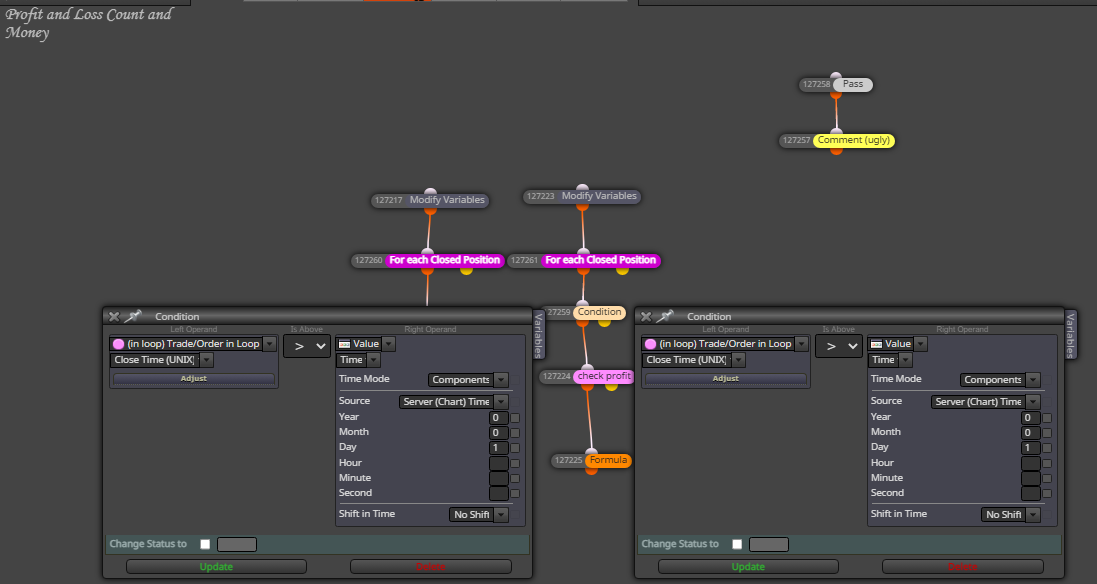
I'm just trying to get the calculation of the sum of gains and losses for the current day (only for the current day) and I'm not getting it.
Does anyone have any ideas?
My attempt is to loop in all the closed orders of the current day and separate the gains from the losses, add them all up and give the result for both the losing and winning sides, then I want to count the amount of winning operations and losing operations that happened on the day to be able to create my filters and my management of this information.
And some points to be placed.
I don't use my Fxdreema in browsers other than google chrome and I don't use it simultaneously either.
As the admin himself mentioned, it's a problem in the system and he's investigating it, I hope he can detect the problem and solve it.
@fxDreema the same problem persist
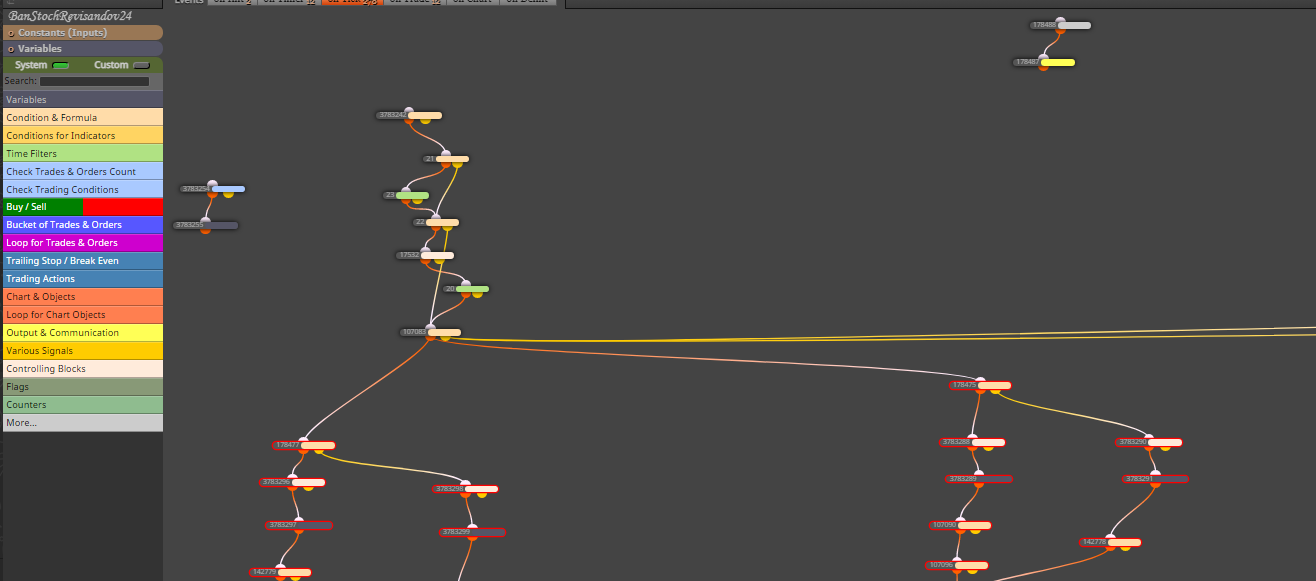
Constants and variables are gone
@fxDreema Help, please.