https://fxdreema.com/shared/JMTGEGlMd
Basically this

Why do you need to convert the distance into pips? The SL selection supports many other number types too, a price level for example.
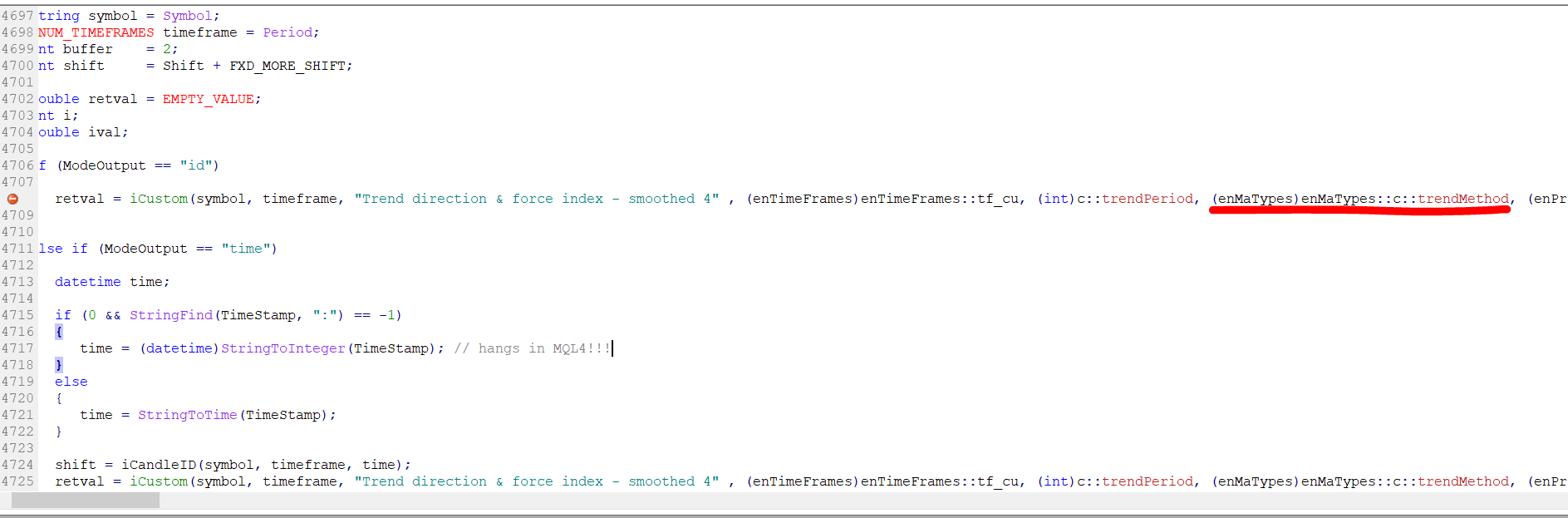
Its a bug in the custom indicators model. You can try to workaround by setting datatype int for the trend method setting.
Maybe the chart is just not updating the results.
Put ChartRedraw(); in a custom mql block.
Hi!
I processed the csv file in a custom indicator project, but trying to move the same code to fxdreema causes some weird problems. I think fxdreema cannot handle such big arrays, it needs to be constructed in some other way...
Maybe someone finds the indicator format useful. I will try to better integrate this to fxdreema at some point...
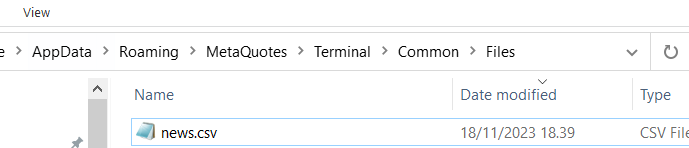
I used the file "All news events 2007-01-01 thru 2023-12-31 timestamped UTC time -- sorted by date, time.csv", renamed to "news.csv" and moved to the Common folder.
newsread.mq5
newsread.ex5
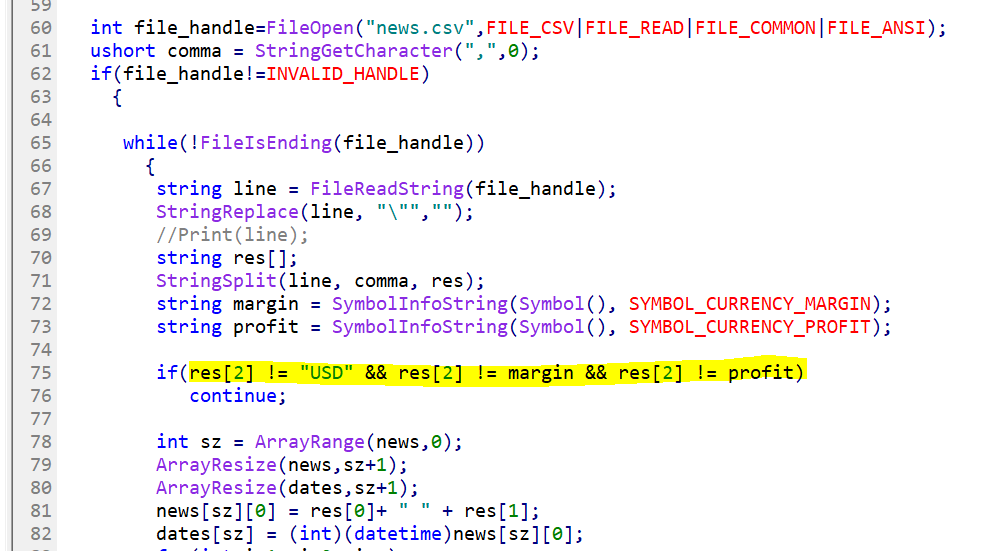
@Archer glad it works. Currently the indicator filters for USD and the margin and profit currency of current pair. These filters are on line 75, you can add more currencies similar to the "USD" part
I'm not sure that works, it would be better like this
Reminds me of this lol. I agree with Tom here - hard coded time switches are a pain
https://youtu.be/-5wpm-gesOY?si=RKike151oWm5mGAK
I modified it to work with profit, which, I think, you wanted in the first place
here: https://fxdreema.com/shared/c2mQcANde
@rmfletcher here's a shortcut. I read this as "current MACD is below last MACD even when its inflated 5%"
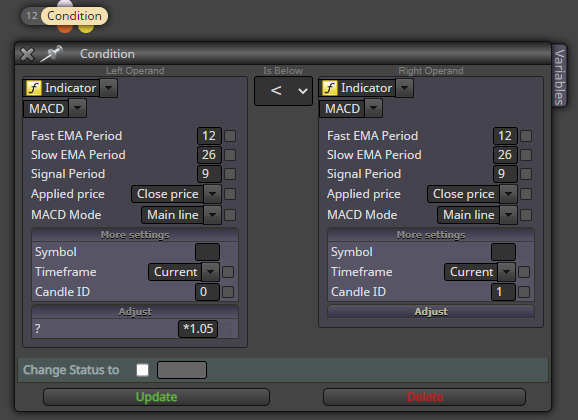
@ekanters ok. I dont use that block myself, I find using simple true/false variables are more error-proof.
Maybe that block inadvertently acts as a loop breaker, and since there is no reason to execute it on every loop iteration anyway, you should put the "Turn OFF blocks" after your loop (the yellow output).
This is a valid bug for sure, but should be easy to avoid.
@ProteinX if the comments are actual comments (done with Comment() function) you need to replace them by placing this to custom mql block:
Comment("");
For all objects, you can do this in custom mql block:
ObjectsDeleteAll(0);
@josecortesllobat
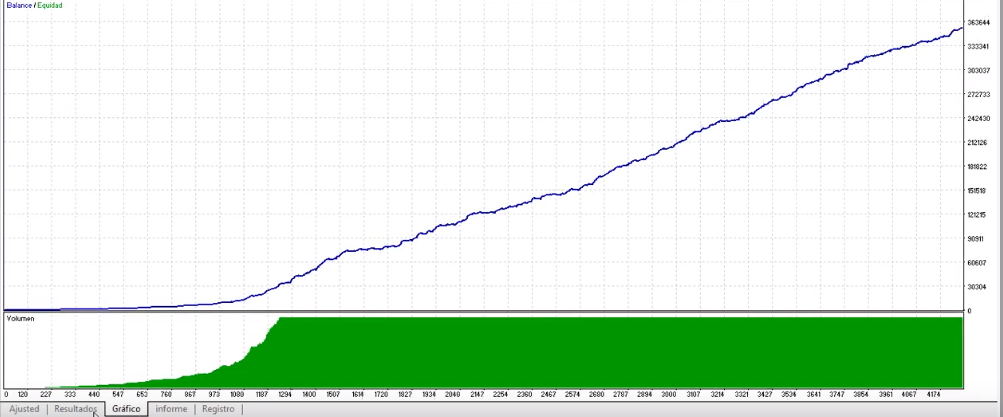
Well, those numbers can be fixed by using smaller lot size. What concerns me, though, is the profit curve. As you said, majority of trades are loses and they are covered with rare big wins. There is a very high probability that the strategy tester is too optimistic with the trading costs - those small losses can actually be 2-10x bigger, making losses too big to be covered with those wins.
Later in the video the tester reaches ridiculous numbers, which somewhat confirms my doubts.
Youtube is not a very good place to find actual knowledge.
Bear Power and Bull Powe are the distance between candle and MA.
Bear uses candle low, bull uses candle high. Bull power will be greater when candles are above MA, bear will be greater when candles are below MA.
In essence, bear/bull power is the MACD without any smoothing.
@DragonZueloTrends what are "correct" bos and choch? You ask that question from a million traders, you get a million different answers.
Its totally subjective, and thus not a good basis for trading strategy imo.
@kiwi789 I think theyre pretty straightforward:
@jed711 think of enumerations like integers with some text label on top of it. In fxdreema the dropdown selection should be numeric or code input.
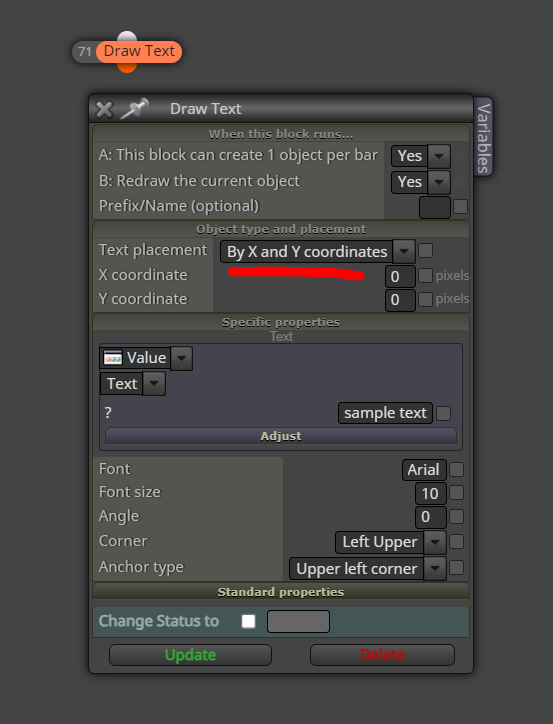
@ItzShahzad-X look at your Objects list in MT4 - you will see that technically its just a bunch of label objects with a background rectangle label.
You could do the same with fxdreema block draw text by x and y coordinates, but it takes a lot of time. Faster method is building the graphical panel using custom mql4 code in Metaeditor, and then copy-paste that code into fxdreema custom code block.
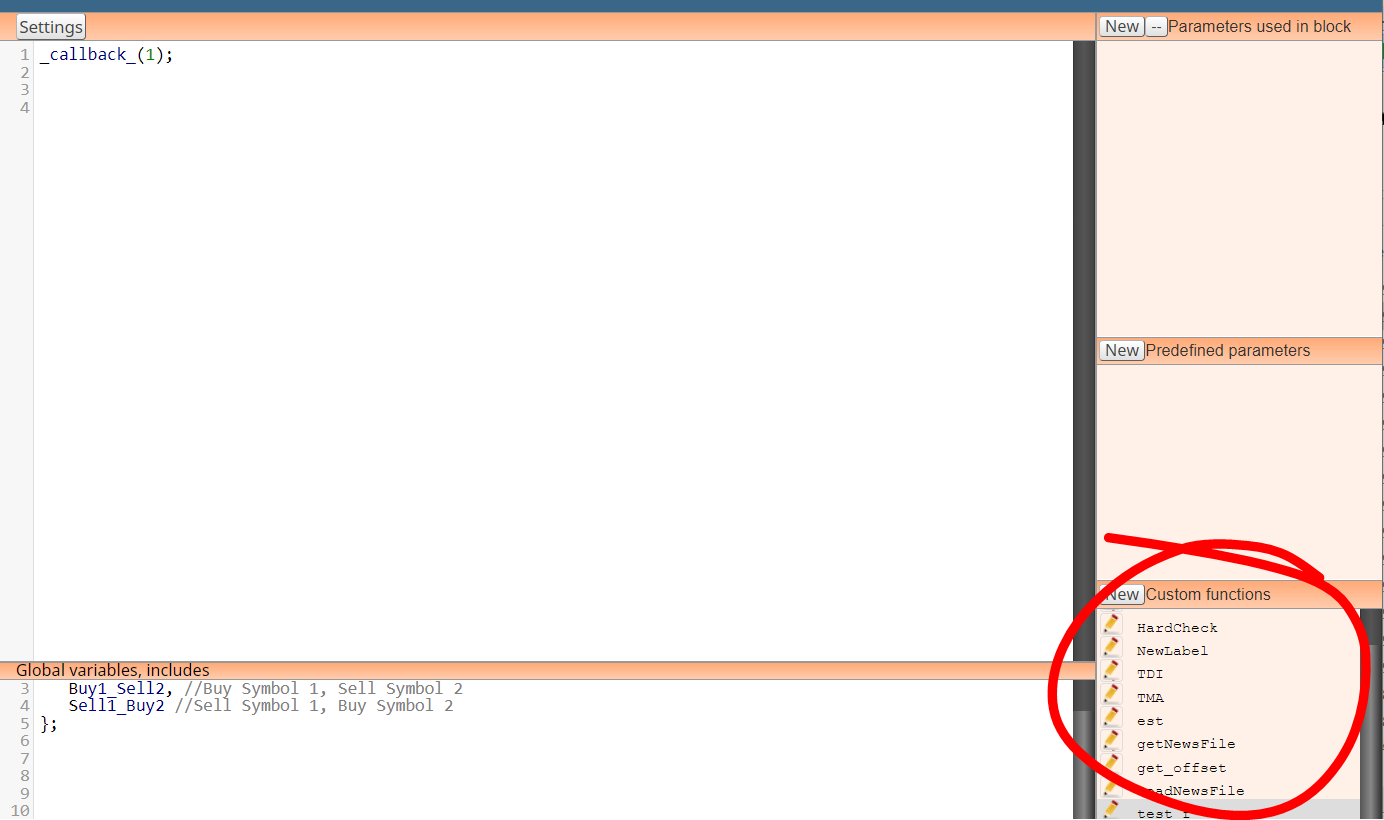
@alexitoeve50 you need to define your function in https://fxdreema.com/studio. No need to make any custom block in the studio, just add the function to the list here.