Glad to help!
I've never seen any difference between buy and sell results, and there shouldn't be any difference (well, other than swap).
Hope you will succeed

Glad to help!
I've never seen any difference between buy and sell results, and there shouldn't be any difference (well, other than swap).
Hope you will succeed
@gunji80 Yes, I understand. I can't give you the holy grail, just go ahead and learn to build the EA.
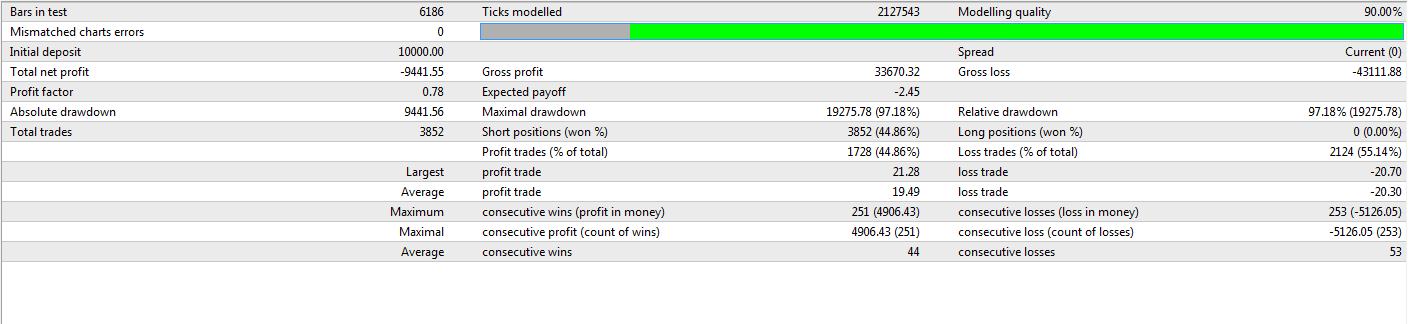
As you can see, you only took short positions, and 47% were profitable
How could I explain this....
When you open a sell position, the closing happens via a buy trade. You can close a sell only by buying.
Selling closes buy trades,
buying closes sell trades
It's not a buy trades, those are sell (short position)
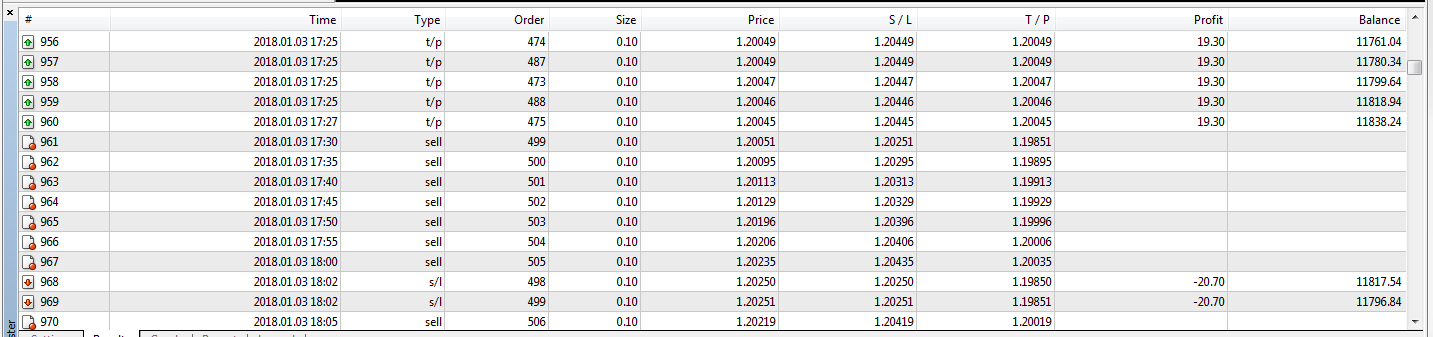
Result:
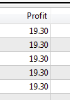
Some profit trades, some loss trades:
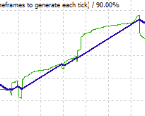
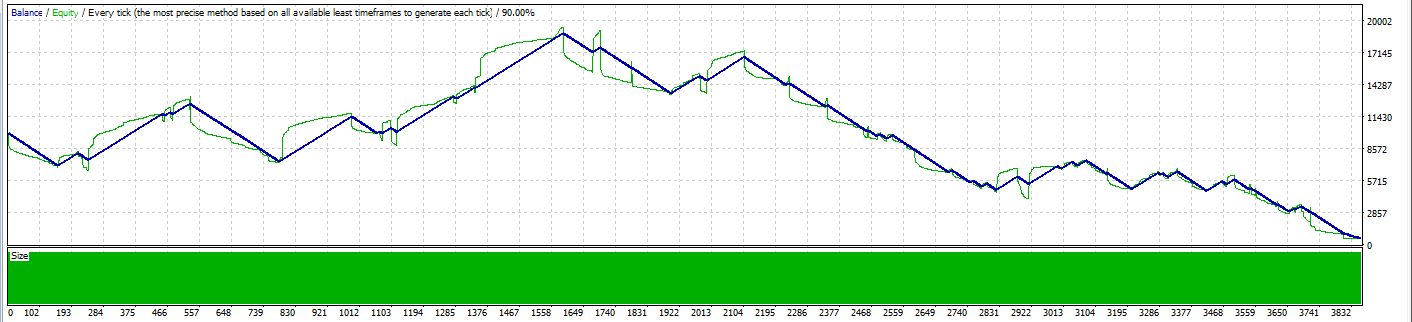
Graph:
Stats:
Ok, good, I'm gonna test 2018.01.01 - 2018.01.26, that should be enough. I'll post the report soon. Please do the same test
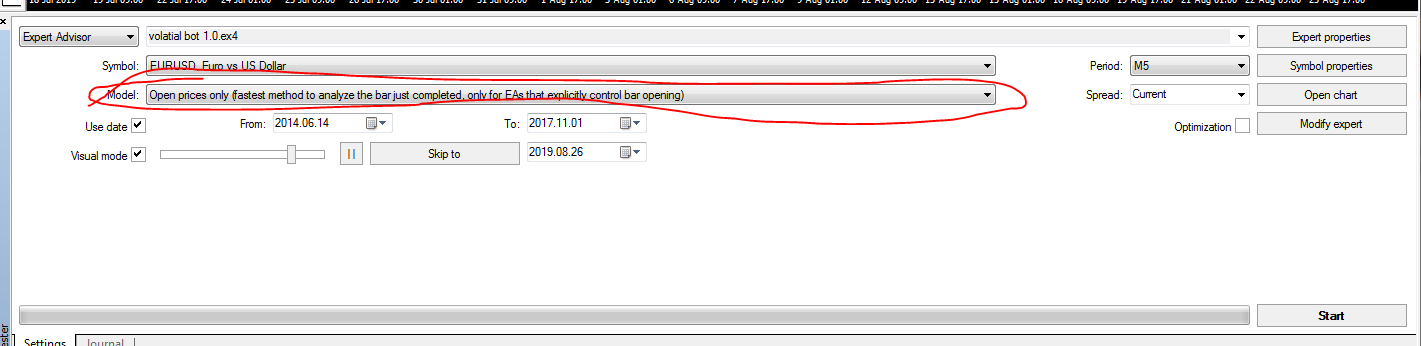
Yes, the EA itself is not important here. We should just try doing 2 identical tests and figure out what is happening here
Ok, this is getting weird. Lets do this:
Share your
@gunji80 said in sell profit:
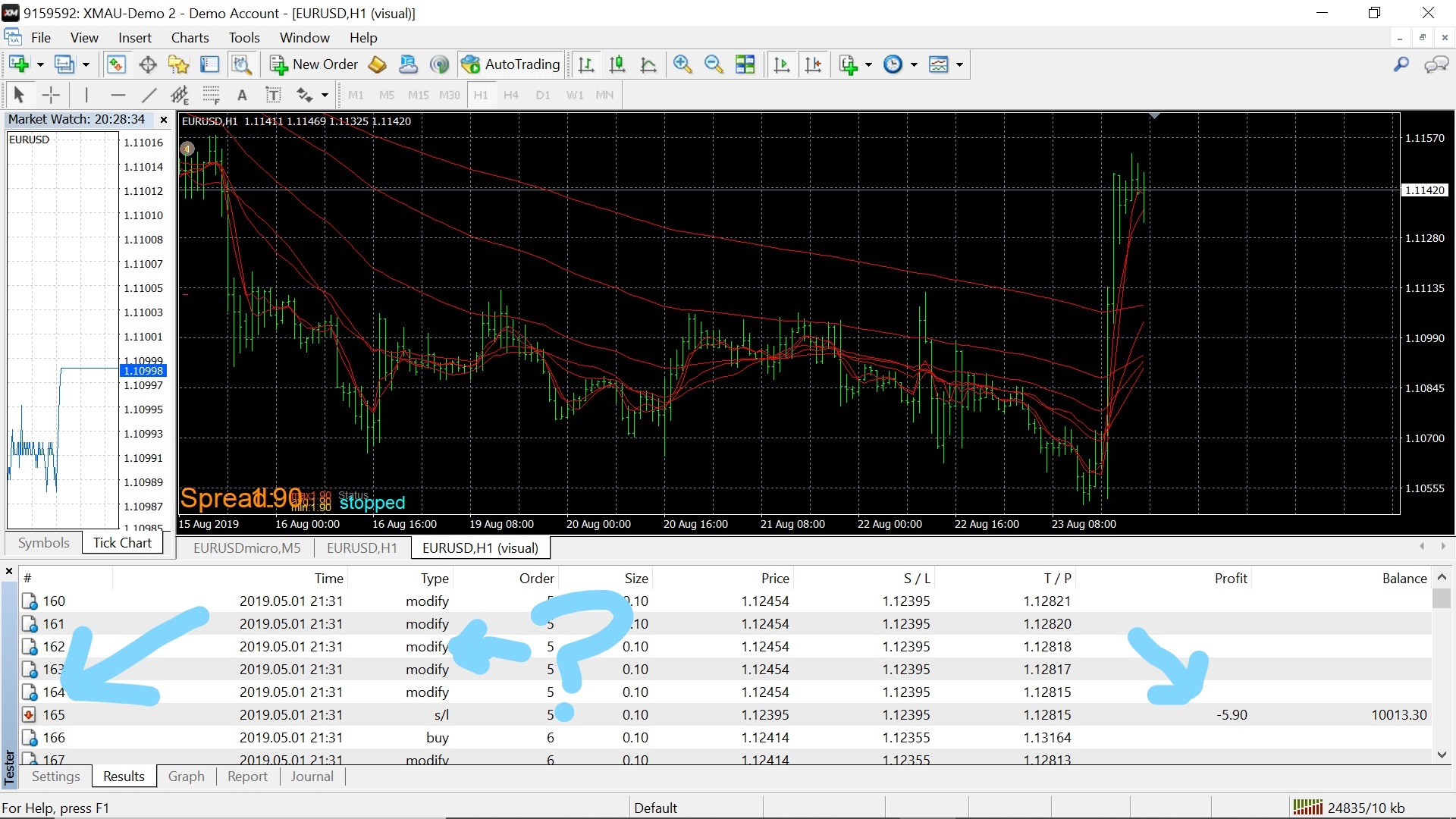
see lose what is modify?
You are pointing to a trade that was made 2019.05.01.
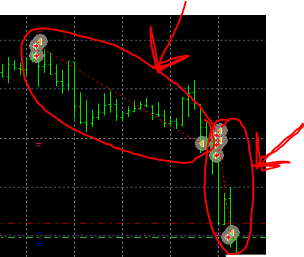
I circled trades that were made 13-14 Jun.
Those are not same trades.
The modify is because the EA modifies your stop-loss.
You are using a trailing stop-loss.
If you test an only-sell ea and you get long positions, you are testing some old version or completely different ea.
@gunji80
Well, that's not how it goes. Can link the fxdreema advice on that, it must be seriously misleading there 
https://www.mql5.com/en/forum/114217
This custom code should do the trick. You can put the code in a "Custom mql code" block in the builder (I don't know how advanced a developer you are, pretty sophisticated strategy for a dude joined 5 days ago lol)
@sli1-0 I can see you have the right attitude, baby steps!
Have you tried the visual backtesting in mt4/mt5? I think it draws the objects just like a live chart
Right-click on any block and select Create Area