Adding text to a variable
-
I would like to add a * sign to a constant and put it in a variable
i tried this "" + "*" + Recovery_Factor + ""
in a modify variable Text (code input), where Recovery_Factor is my constant but it return 0. Is there another way to do it -
@vendettafx
Maybe this gets you going
https://docs.mql4.com/strings/stringconcatenate -
if you are attempting a math operation inside a string variable, this is not possible in programming ... you have the possibility to create more condition/formula/custom code blocks which acts as many possible math operations and access them with the variable ...
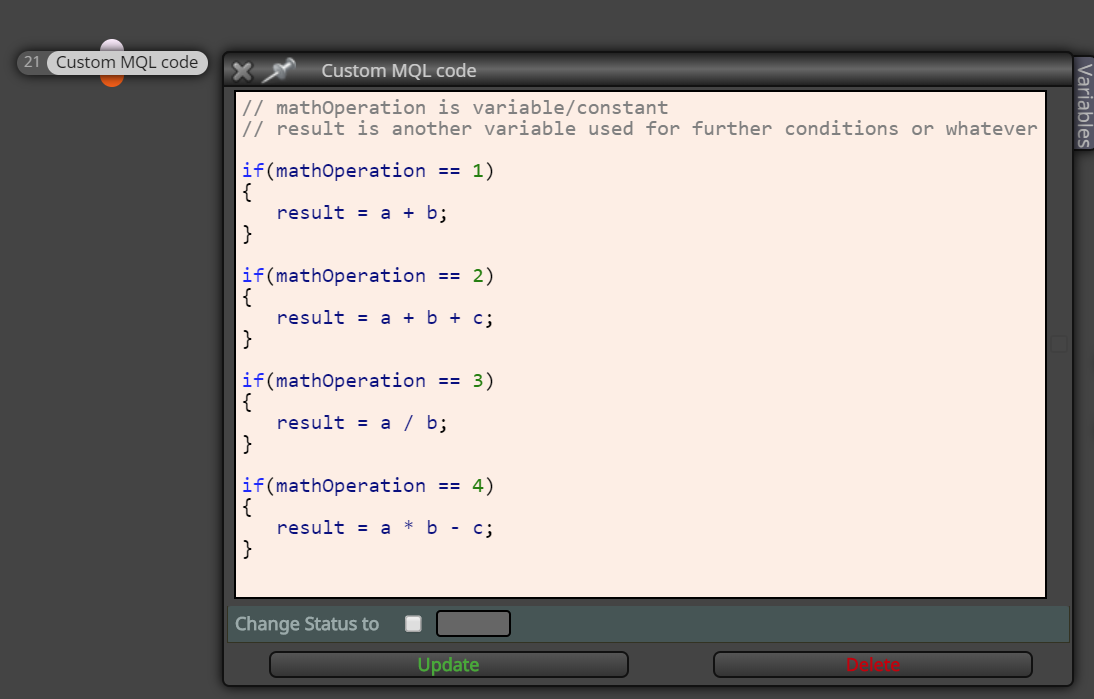
-
@miro1360 What i would like to do is make the *3 from the adjust case of the modify variable, customizable in the optimization of back testing. I would like to do this with a constant but Since i can only enter number in the inputs, and cannot put a multiplication sign. Is there a way to work around.
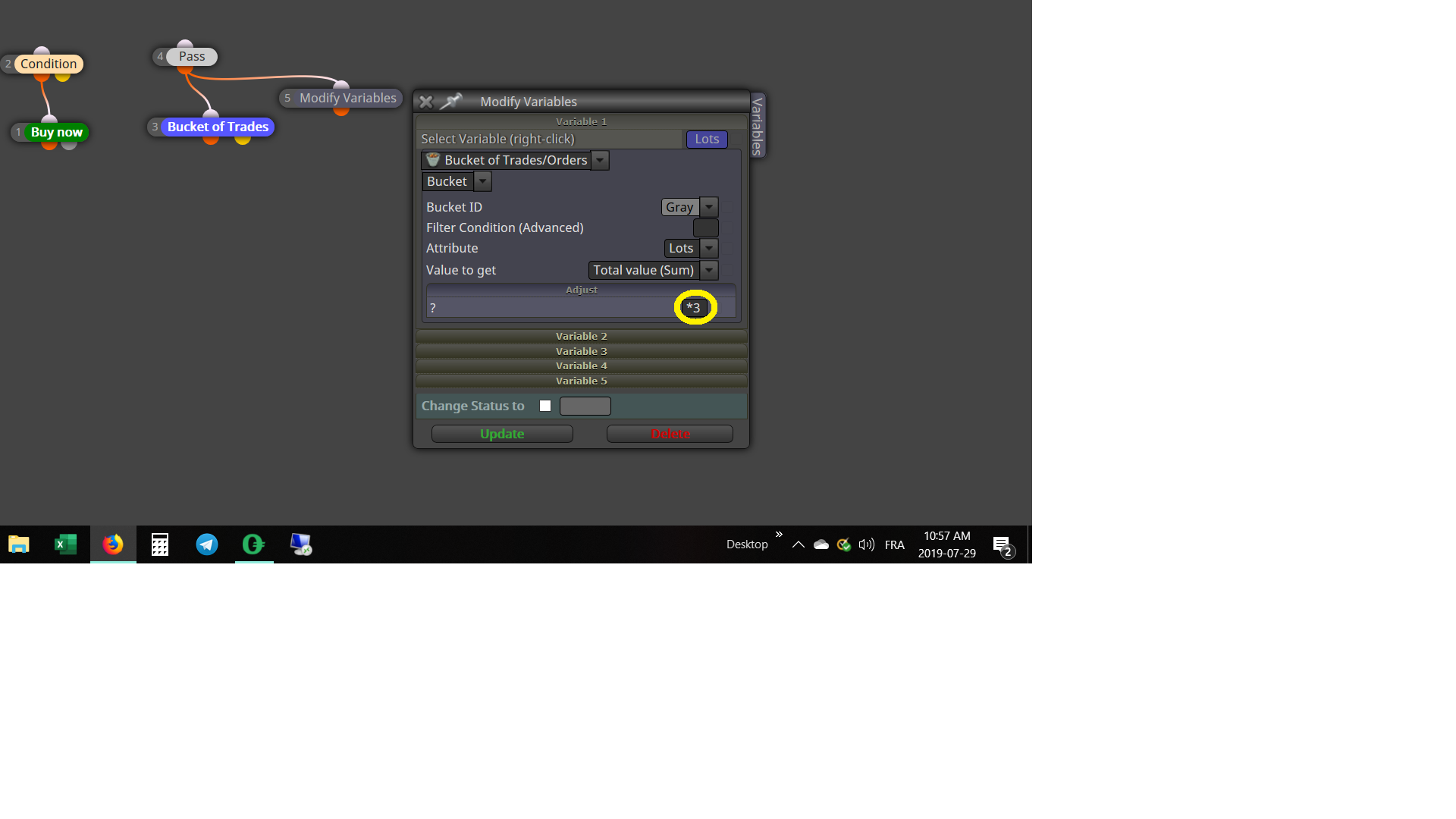
-
@vendettafx You don't necessarily have to right-click and then select your constant - you can as well just write the constant as text, together with the multiplication sign. I think.
-
Create a Constant (input), named like Multiplier.
In Adjust field enter: Multiplier*
You can now use Multiplier in your backtest, to find the right setting for your strategy.