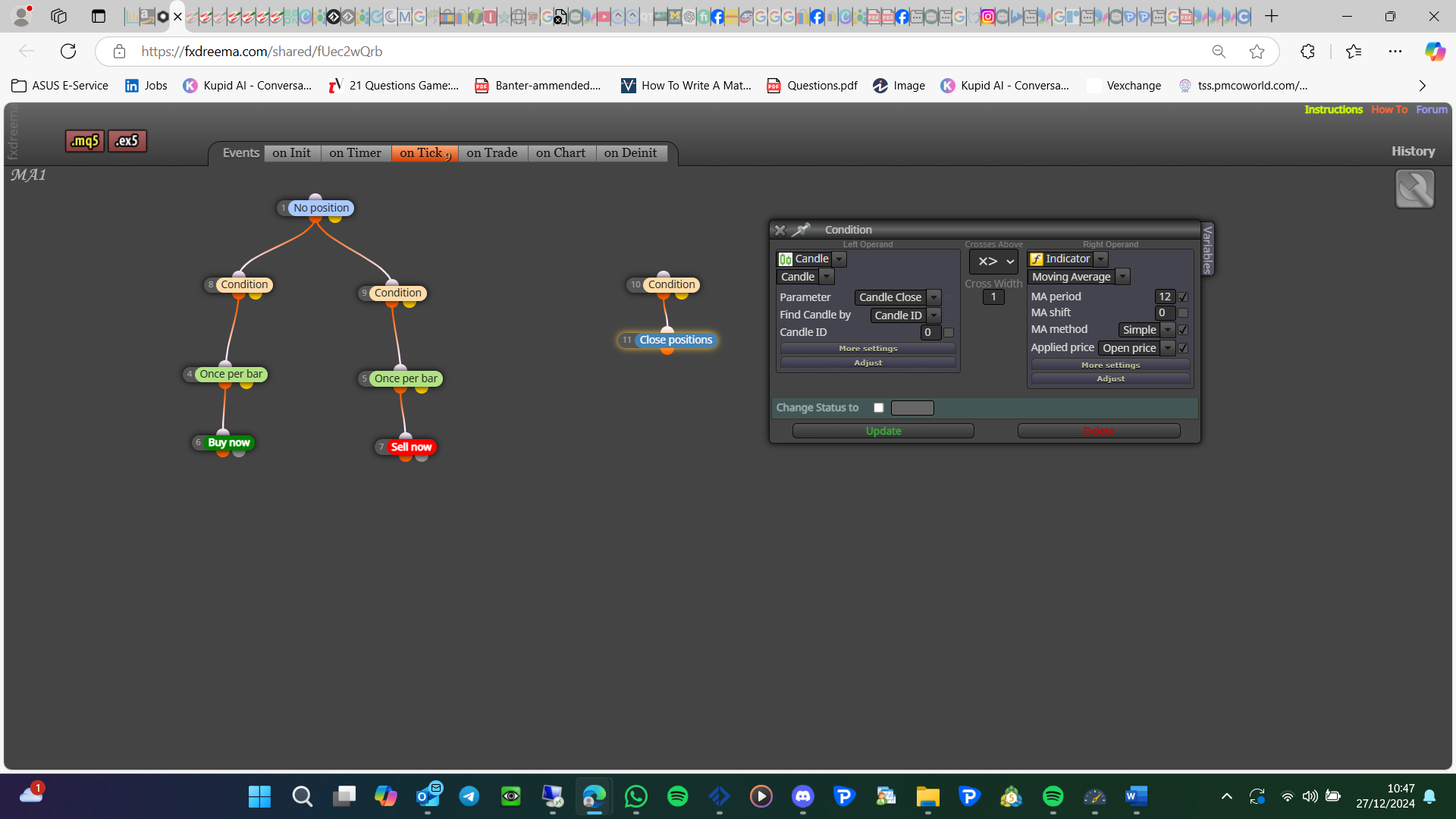
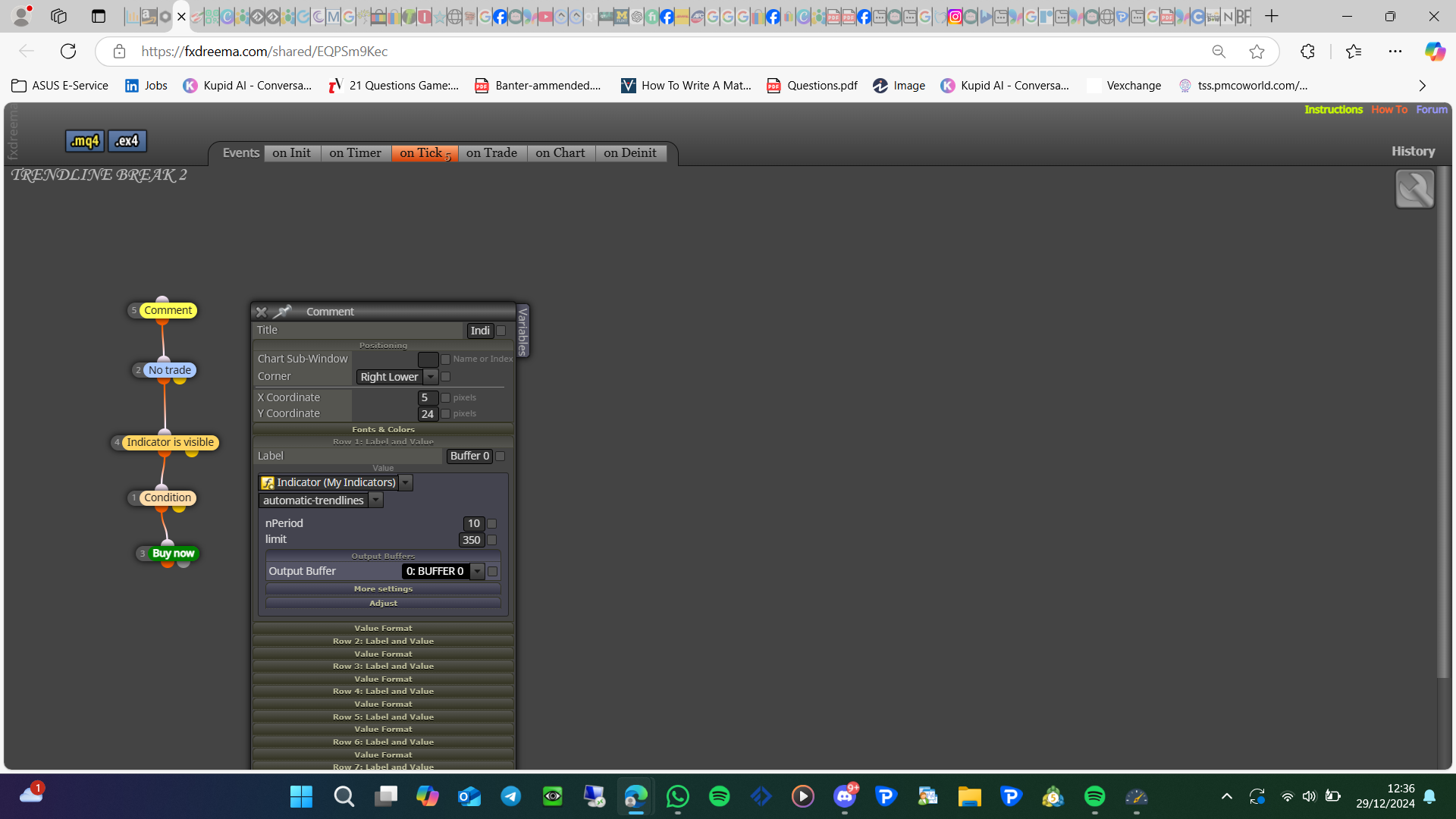
There are a few things you need to do, creating the buttons is simple, on init draw button (named), with at least 2 blocks - on tick use then redraw
on init create the picture, in the forum you will find ways people have done this

There are a few things you need to do, creating the buttons is simple, on init draw button (named), with at least 2 blocks - on tick use then redraw
on init create the picture, in the forum you will find ways people have done this
To get this working in FX you need to create a custom block:
I have done that here: https://fxdreema.com/shared/GVIxc5AZ. But I haven't tested it, so I don't know if it works. You will need to set the condition to activate it
This is how I created:
in the 1st section (on tick in this case)
{
startTime = GetMicrosecondCount(); // Record start time
sTrade.SetAsyncMode(true); // Enable asynchronous trade operations
CloseAllPositions();                // Call function to close all positions
PrintPerformance(startTime);        // Monitor performance
}
In the global variables section:
#include <Trade/Trade.mqh>
ulong startTime; // To store the start time for performance measurement
CTrade sTrade; // Trade object used for operations
In the custom function section:
void CloseAllPositions() {
for (int cnt = PositionsTotal() - 1; cnt >= 0 && !IsStopped(); cnt--) {
if (PositionGetTicket(cnt)) {
sTrade.PositionClose(PositionGetInteger(POSITION_TICKET), 100);
uint code = sTrade.ResultRetcode();
Print("Close result code: ", IntegerToString(code));
}
}
}
void PrintPerformance(ulong startTime) {
for (int i = 0; i < 100; i++) {
Print("Elapsed time: ", IntegerToString(GetMicrosecondCount() - startTime), " microseconds. Open positions: ", IntegerToString(PositionsTotal()));
if (PositionsTotal() <= 0) { break; }
Sleep(100);
}
}
You can't, it is all created through Amazon
It would be better to use pips instead of money as this is the same regardless of LOT.
1st trees
no trade block - condition to place trade block - buy block
no trade block - condition to place trade block - sell block
2nd trees
for each buy trade - pips away (with a -) - buy block
for each sell trade - pips away (with a -) - sell block
3rd trees
for each buy trade - pips away - buy block
for each sell trade - pips away - sell block
1st trees will place the original trade, 2nd trees will place a trade if in drawdown, 3rd trees will place trades if winning
@sktsec I do not know, but it sells constantly. Maybe it is dependant on the part of the world. Amazon are active in these countries: United States, Canada, Mexico, United Kingdom, Germany, France, Italy, Spain, Japan, Australia, and Singapore (probably more)
I will have a look at how it could be bought otherwise, if people tell me there country they are trying to buy from I will see what I can do
To limit to 2 decimal places do this: DoubleToString(O_C_Diff,2)
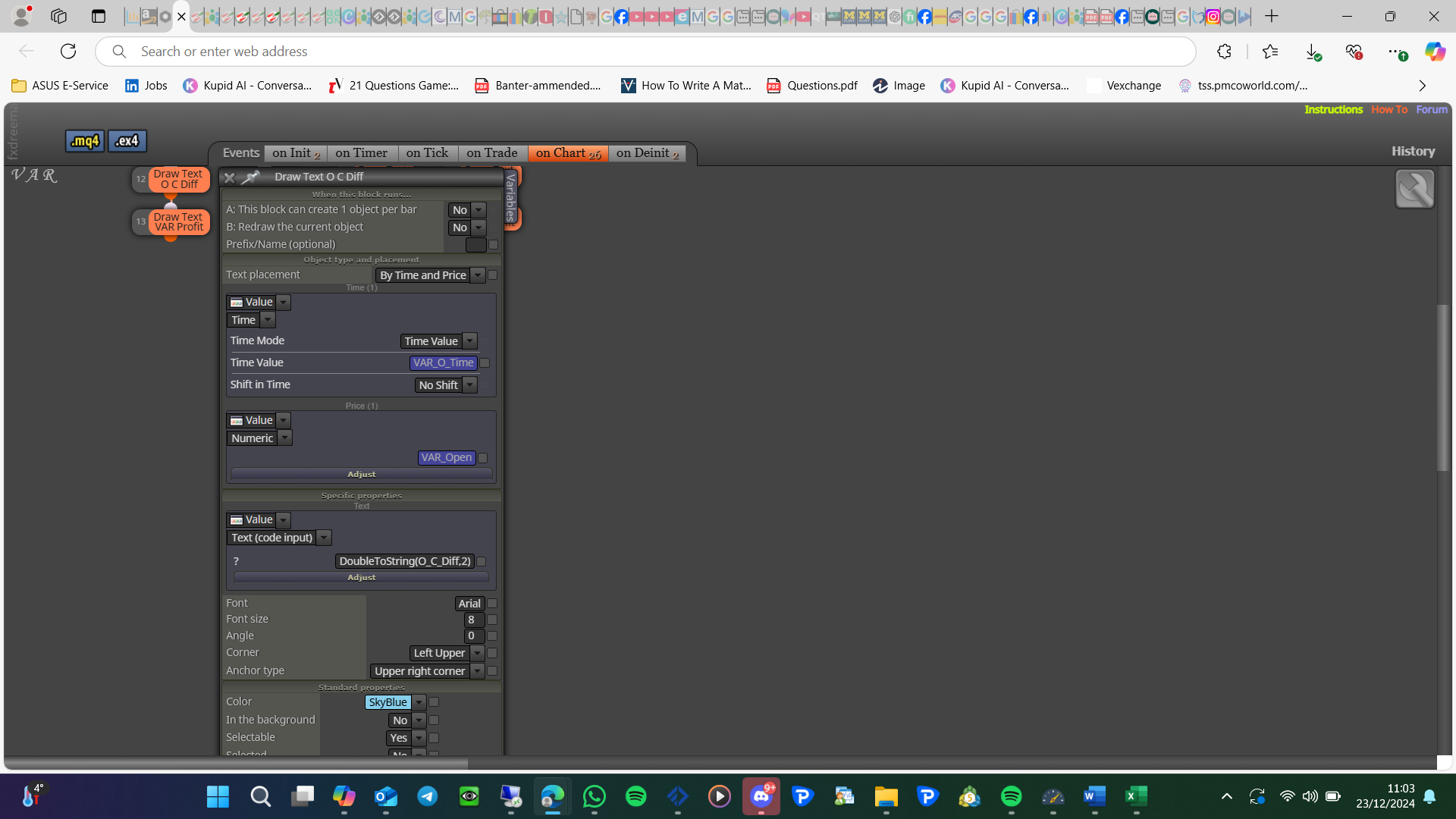
void OnStart() will not work in FX so just delete, when you compile what errors are you getting?
Good point, I think you need to add ~next~ into the 1st section like this:
startTime = GetMicrosecondCount(); // Record start time
sTrade.SetAsyncMode(true); // Enable asynchronous trade operations
CloseAllPositions(); // Call function to close all positions
PrintPerformance(startTime); // Monitor performance
~next~
This forum is about MetaTrader, if you can do things for people using Python feel free.
@Python12 Not really interested, but if I have needs for your work I will contact you
@Python12 I keep telegram etc to limited people, otherwise there is too much happening on them
My book shows how to do this, a lot of this is personal preference. If you have any questions feel free to ask
Market properties, high price in a set time period
I have never used it but I think you need round numbers detector in various signals
Create a enum and use condition blocks so if something is selected it activates the blocks set for this option
pink blocks will get this price, for each closed position or for each position, set to all if not placed by the same bot