Create it as a constant, then it will be in the inputs.
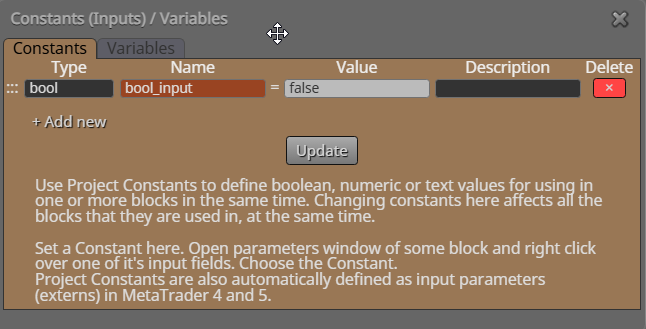

Create it as a constant, then it will be in the inputs.
add a shared link to see where this is but, NormalizeDouble(variable name,2); will do it
Add a shared link to see where this is doing this, but NormalizeDouble(variable name,2); will fix
This should put the lowest running profit into the variable
same VPS so basically the same computer... you can use a terminal variable (global) and it will be saved onto a shared folder, that you can read from another.
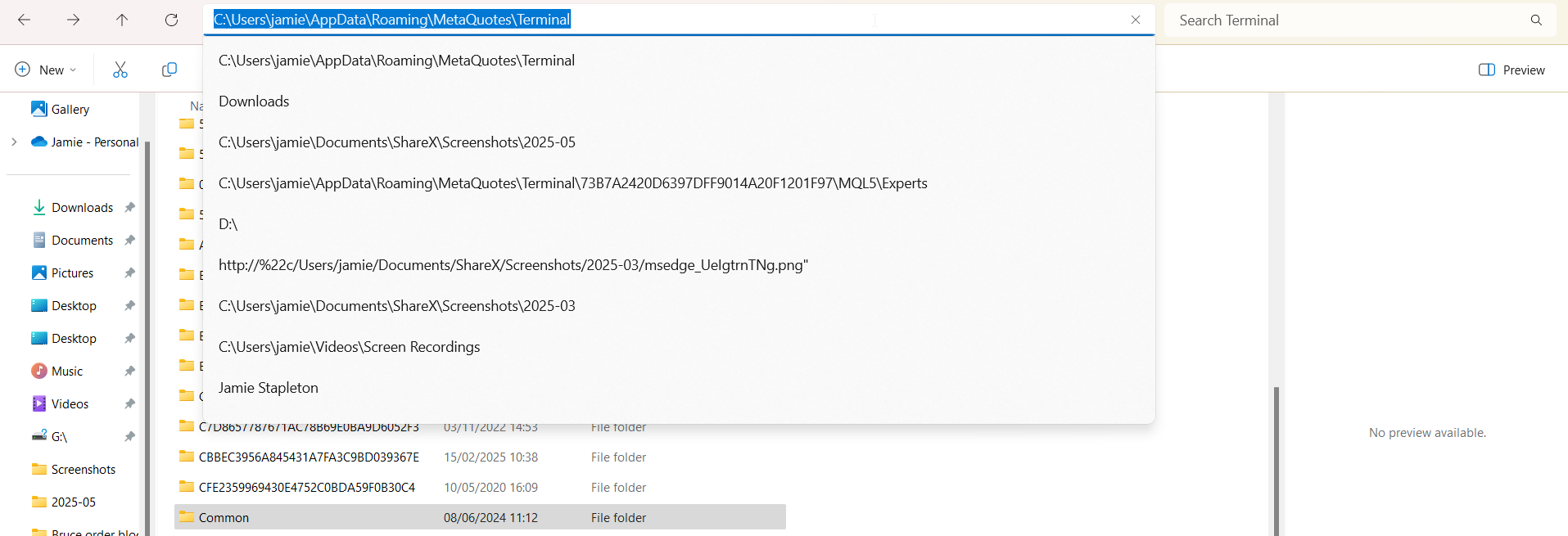
been a long time since I looked, but I'm pretty sure they are saved in the common folder
~
I was trying to help you but I am not signing up anywhere to do so. Create a different name enum so when selected in input it activates different blocks.
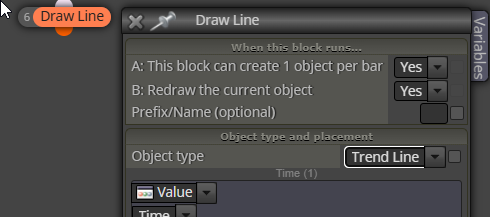
Create as pictures and draw a trend line rather than a channel
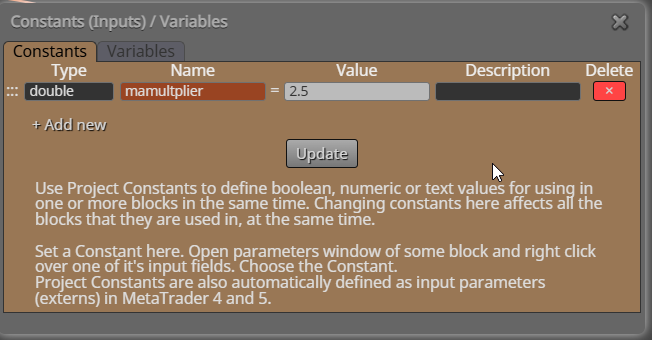
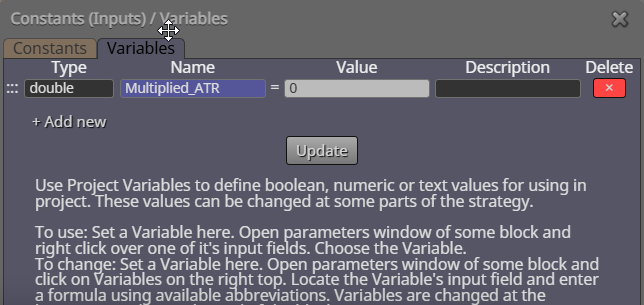
If you have a win there will be no consecutive losses.
on trade tab - trade closed by TP - place new trade
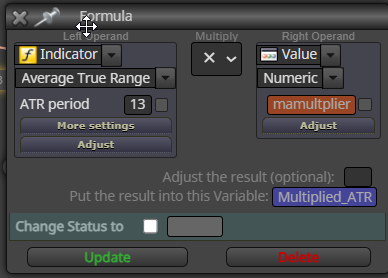
In adjust put +ATR_MAX pips
Ok, those blocks will take a new trade every time a trade is closed. To prevent, you need to add a reason above placing a new trade, a simple way would be a condition block - if this is true - place the trade - if this is false don't place a trade (like ma 20 > candle 1 open (just un example))
This will save the last trade info, if you place another trade it will change: https://fxdreema.com/shared/j8gdppZJd
Surly the option is in blocks? I don't use but:
Can take a few days, you can try going back to main page and contacting support, it might speed things up
Maybe not if the line changes colour, when it's on your screen (even backtest), open the data window and see what values are returned.
project screen - projects - import projects
That will create a dropdown list in your inputs
Don't think you can, if you own the channel you have the code, otherwise you would have to ask for it then set everything up.