@jordanmarvelley You probably need to use a purple trade closed block on the on trade tab.
I would use this and not pink, this way every time SL is moved to BE a trade will be created.
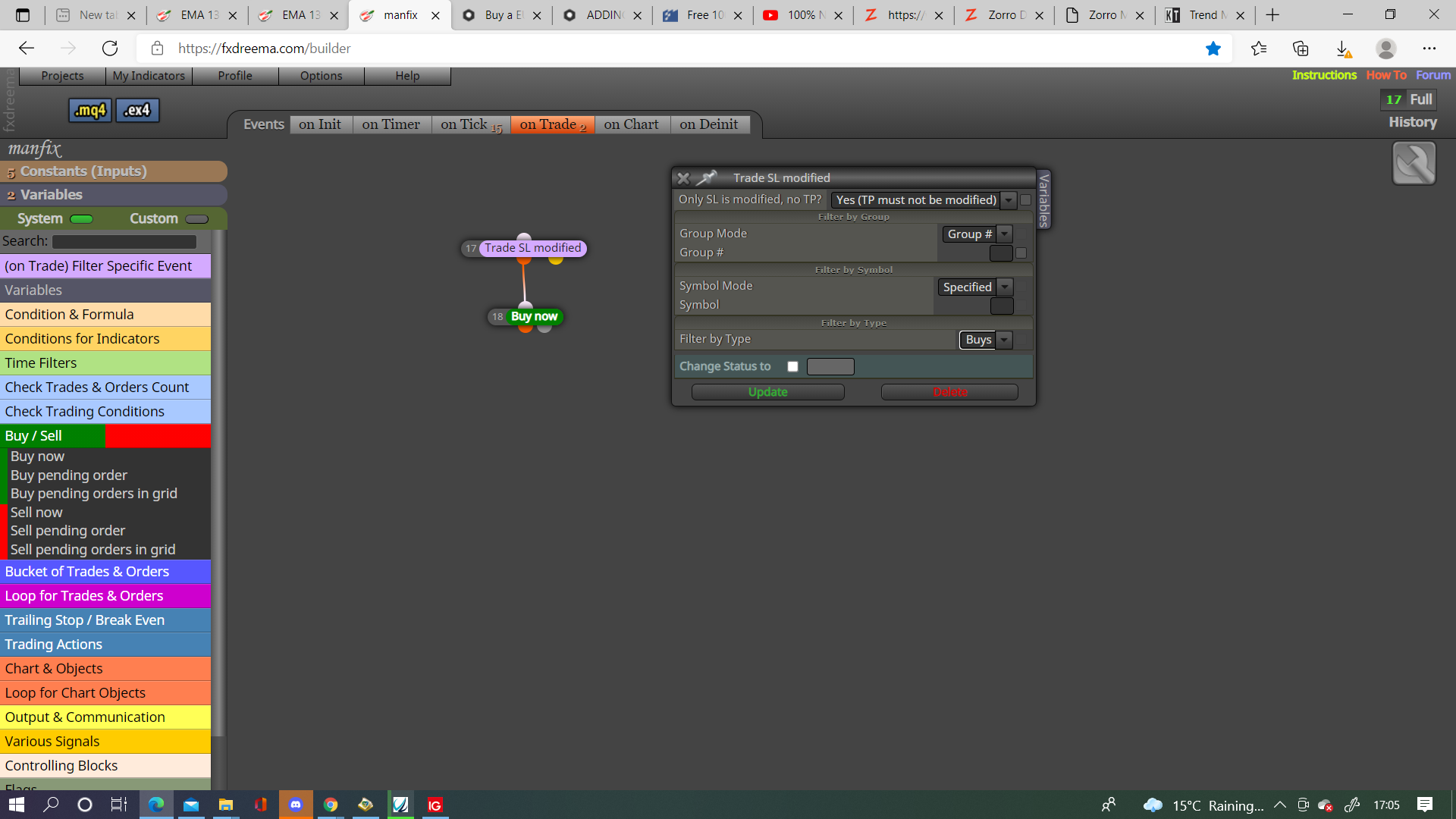

@jordanmarvelley You probably need to use a purple trade closed block on the on trade tab.
I would use this and not pink, this way every time SL is moved to BE a trade will be created.
This does look like it is a fault, have never got the profit this way, try going to the main page and asking @fxDreema if he knows. In the meantime try using a pink for each closed trade above the formula, and below the trade closed blocks, get the price in a loop, and see if that gets the relevant value.
@rick01 Like below:
bool == true/false
double == number with a decimal, like 8.2 or 0.0, etc
int = whole number, like 1, 2, 3, etc
you also get type's like ENUM_TIMEFRAMES but you shouldn't need these.
@r1ley You only have a candle close on 0 for a split second, change to candle 1 and see if it helps, I would use < rather than x as your looking for the close price level to be below the BB price level, change the trailing block to a for each trade trail, you have no group trades being created so no need for group trail block.
I agree on timer and on chart only work on live trading, on chart should be on init, with a pass block above.
I will add this, make sure enum is on top, before adding the named type, so the code as added to meta platform before it tries to use.
@l-andorrà Yes I try to stay away from custom but some times it is the only way.
I added TF to the draw and once per bar block, on backtest, this draws arrows regardless of the selected time frame. Am I missing something?
Actually it's 10 connections, if all you want is a simple crossover, then this is enough connections.
@sirluk getting the distance is simple high-low will give you that, place in a variable then modify to give you pips, this can be used for SL and position size, then you can modify stops to move it completely out of the way, I don't know how to not have it placed, then have a condition to close trades once condition's met, I do think selecting LOT without SL can be done I have just never done it.
ennum values need to be declared above the condition that's using them, move your 2 ennums to the top of your constants list.
on trade tab, trade closed by SL, set flag to off, on tick tab condition to set flag back to on, check this in buy/sell tree.
@livephenom In this link you will see how you can achieve this.
@tempol This is true as amazing as FXDreema is it has some floors, there is code to reference the data window, been a long time since I tried and didn't work for what I needed but could be worth looking at.
I think Chrome has been a problem, I use Edge, normalising IDs may help as well
This is a question, not a tutorial. If created here there is a converter
@andrew-b Is hard to asses without a shared link but the pink check TP block is just checks the level used on trade creation so no good for what you want, check unrealised should work but only n the 1 asset, if you want it to work on all assets change specified.