@sirluk Set a flag to true on 1st condition, set to false after 40 bars, use once per bar with a formula adding +1 every bar, reset to 0 when 1st condition met, check flag before buy/sell.

@sirluk Set a flag to true on 1st condition, set to false after 40 bars, use once per bar with a formula adding +1 every bar, reset to 0 when 1st condition met, check flag before buy/sell.
@bjay31fx Which one isn't sending a notification? May be just the fact that you have no information in the block to be sent.
@duepips It's the weekend, it won't work until tomorrow.
@duepips it's in the inputs, this won't work on back test:
@bjay31fx That is about right, maybe use something like once per bar to limit the notifications, what is this not doing?
@bjay31fx That's a little shy on information, what information does each indicator need to give before a notification is sent? Make a start, put a shared link here and ask about things your struggling with.
@duepips Is not simplified but this is one: https://fxdreema.com/shared/EgiIBVeCd
@rodrigo-ortuzar On timer will reduce EA work compared to on tick, what works best for your use determines what to use, on chart works as well but only for live/demo.
@smallous I agree with @ambrogio, if this was MT4 I would try changing the type to int, not sure if this works on MT5 though,
@ontradingx There is a block called delete by type, this will delete all of the chosen type.
@duepips If you get this all working on tick (not purple blocks) you can test in back test, this way you'll know what's not working you'll see how to start in here:
@biztet Doing it this way you are relying that the candle ID's match the conditions, if you use something like a bool or a flag the candle ID's do not matter.
@smartcity-0 condition with: candle 1 close>MA 50 will cause EA do work as required, you can check a flag before order, set to false after placing order, rest back to true when ready to take another trade.
@paiz The condision needs to look at the variable that contains the number:
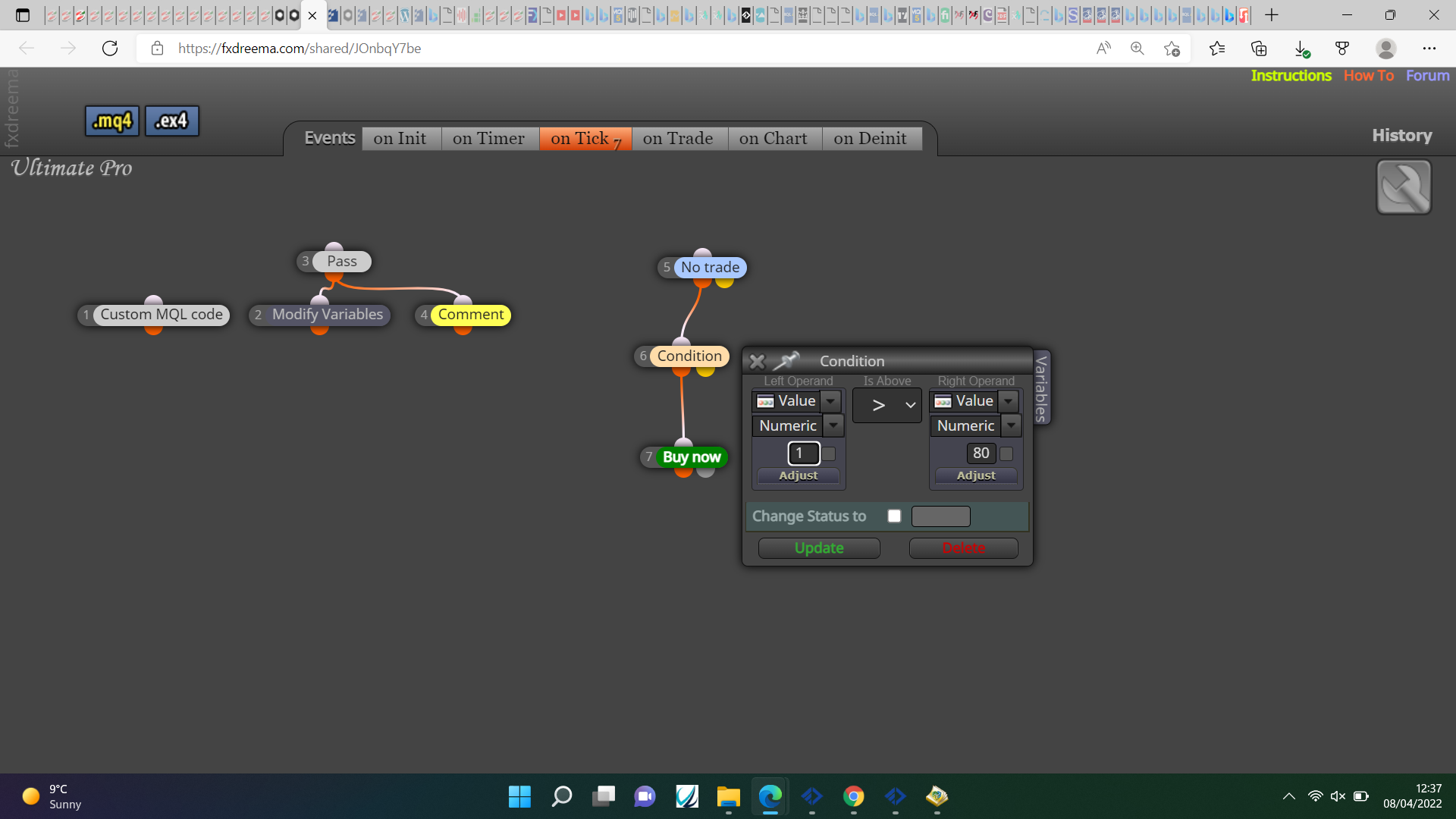
@jackeaa Am unsure what your struggling with but this is how I would do it:
MA1x>MA4 ==B1true, if MA1 X<MA4==B1false
MA2x>MA4 ==B2true, if MA2 X<MA4==B2false
MA3x>MA4 ==B3true, if MA3 X<MA4B3==false
if all conditions are true or false activate what you want, the numbers are random to try and show what I mean, you could also use >< instead of X><.
@paiz Convert the string to double:
StrToDouble(variable);
This will remove all text values.