@kaastad You probably just need to scroll up:
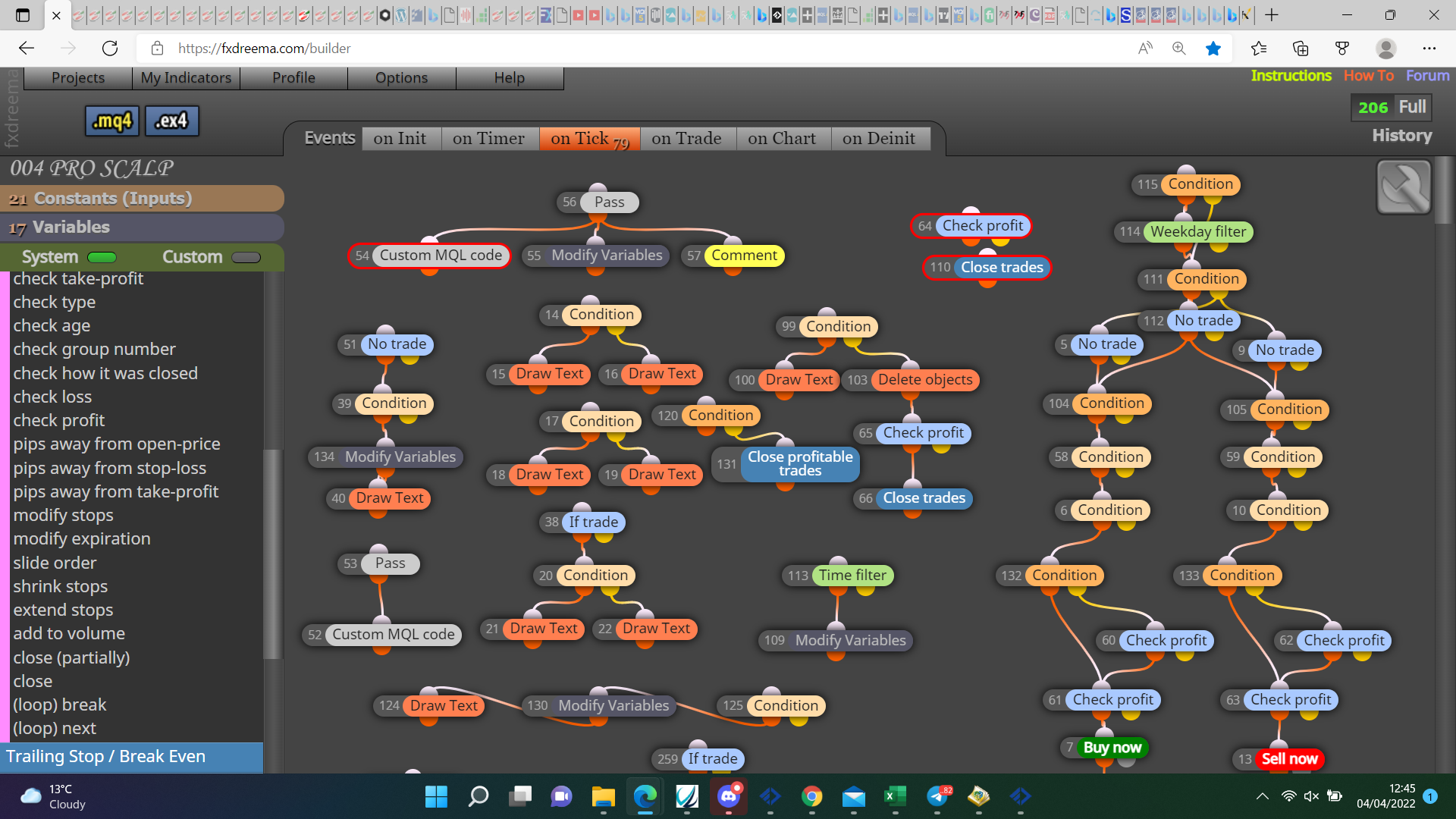

@kaastad You probably just need to scroll up:
@kaastad I do not know but it is above the tabs in your second picture.
@plentygrazes Maybe I understand wrong but, a condision block with: market properties (ask-bid-mid)=>candle id 2, for buys,
market properties (ask-bid-mid)=<candle id 2, for sells.,
should do as you want.
@alphaomega Have you tried instead of modifying so you place a child trade, place a new trade with a separate group number?
@andrewfrank Probably possible but put a shared link here so your logic can be assessed.
@jcnovoa21 If works on back test should work on live, does this place arrows as chart moves or does it loop over candles and place all arrows?
@andrewfrank Like the first picture but maybe value as is, you'll have to put this into a comment block to see what value type is returned, as I said the green spread block is far easier.
@andrewfrank You can do it that way but I believe this value is pips, so you would need to change the left operand to pips, easier to just use the ready to use block.
@od In the pink blocks you have pips away, you also have the option to only allow once per trade, or you can set for parent trade or current partial trade. One of these options should work but I have not used them much, I would setup a small project so I could back test each option, and find the one that works best for my needs.
@breeeeen If on the same terminal then a block that checks for running trades will check for any running the same magic number, at least if you have the settings set that way.
@od This is one thing I can't help you much with, haven't tried for a long time but I never got on well with the no order nearby blocks.
@jjtrader Just noticed this post started months ago, in this link you'll see how this is achieved, basically the object on chart is put into a variable (normally text), the code then converts this to a numeric value which removes all text value:
@od Here is a couple of examples.
:
@andrewfrank Use the green filter block called spread.
@sirluk You'll find all you need in here:
https://fxdreema.com/shared/WSCVrJKxc
The same blocks work in MT4 aswell.
@gtoat777 That's personal choice, but something like top wick at least 30%, bottom wick 20%.
@jjtrader This was giving me an error but this is how to add, if worked I would have tested to see if it had any usable buffers.
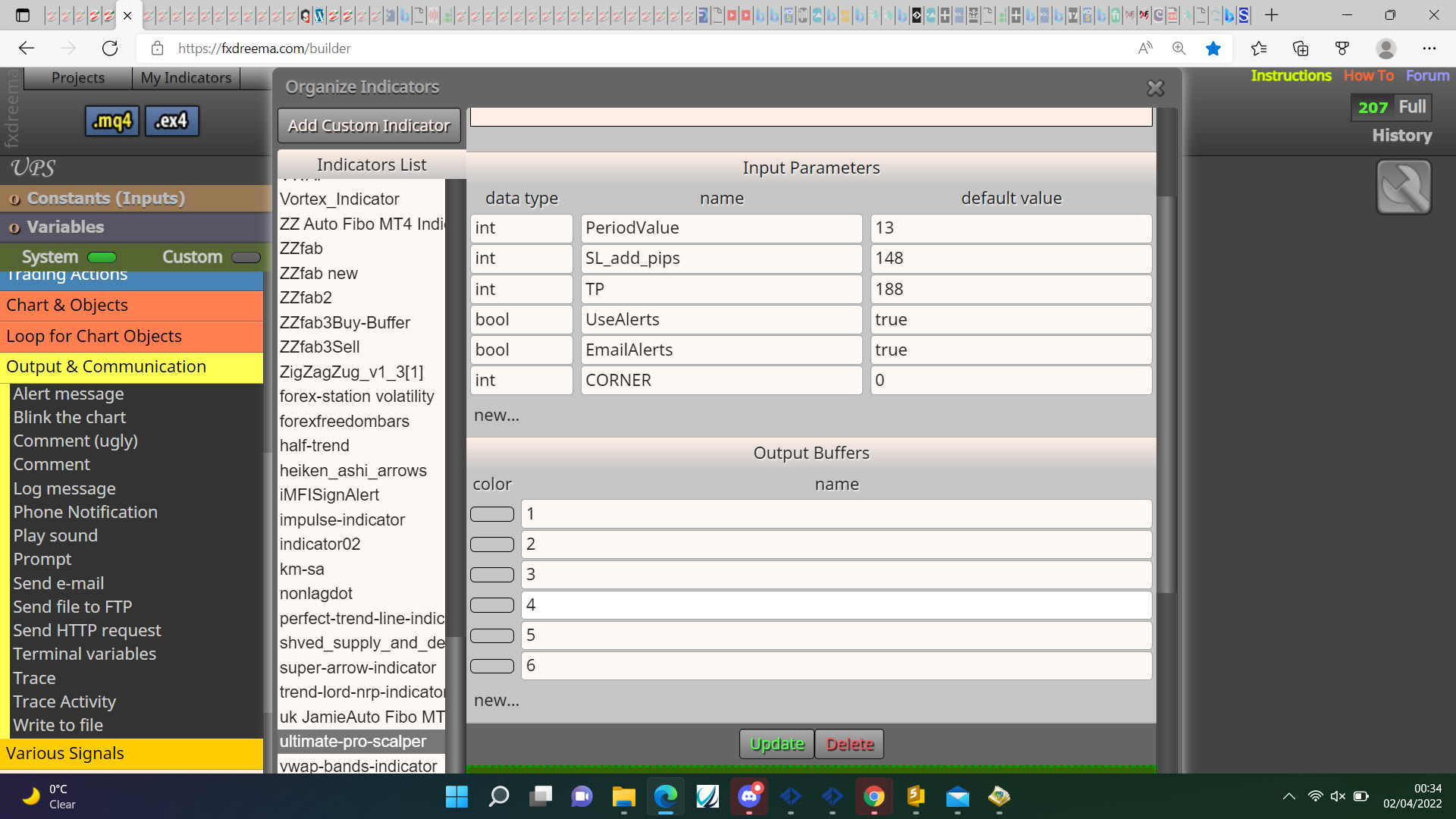
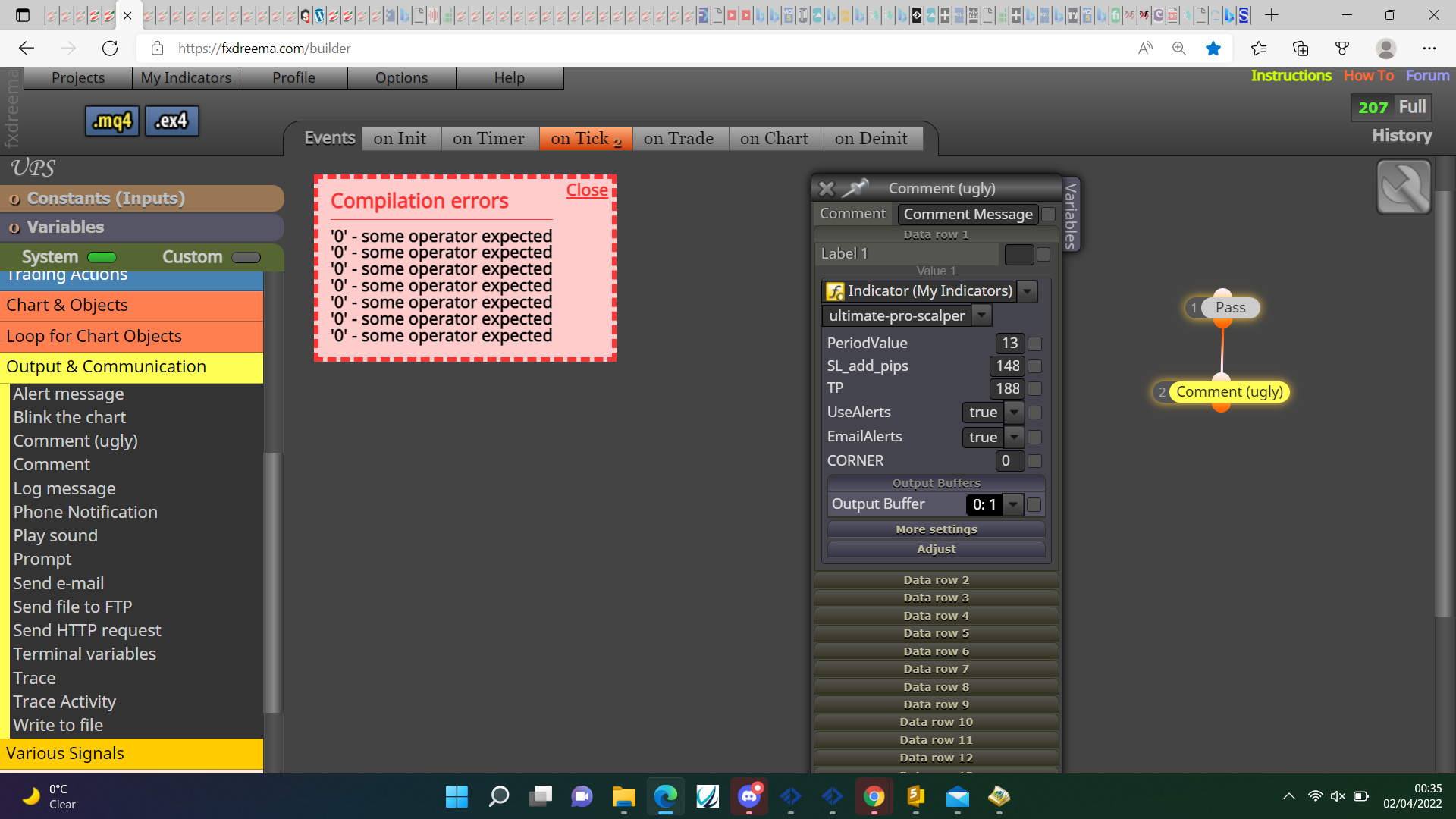
The way to do it is use object on chart like this:
https://fxdreema.com/shared/sb8Vt0bUd
The same principle can be used to get any information that's on chart, right click open object list to get type and name. If you back test this make sure you drag the indicator onto the chart.
@khalids222 I don't see why it wouldn't work, pink blocks will get the lot for each trade that you could add together, put every option into a comment so you can visually check what isn't doing what is needed.
@od If every time, tee off the buy so it places a sell at the same time, alternatively market properties x<> open price.